remote fingerprint unlock on 9Apps

Free download latest remote fingerprint unlock for Android here and enjoy it with your phone. Below you can download a list of top and latest apps related to remote fingerprint unlock . 9APPS is a fast, safe app store. With 9APPS, you can save a lot of time on searching and downloading apps.

#1 Remote Fingerprint Unlock

Remote Fingerprint Unlock
Rating: star 3.8 | Version: 1.6.1 | Size: 4.0MB
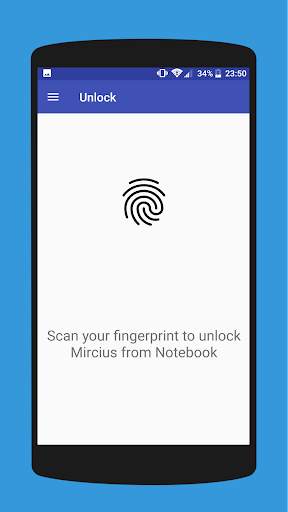
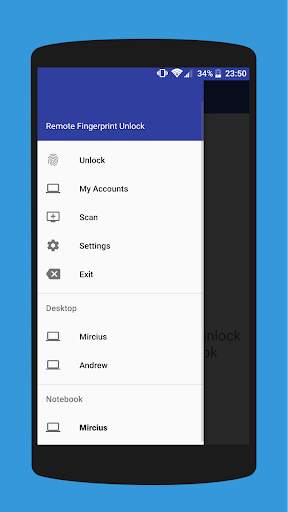
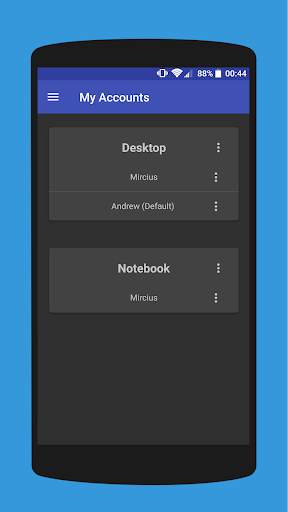
Remote Fingerprint Unlock screenshot 1 Remote Fingerprint Unlock screenshot 2 Remote Fingerprint Unlock screenshot 3

Remotely and securely unlock your Windows PC using your Android’s fingerprint sensor.
For the application to work, you need to install the Fingerprint Credential Provider module on your Windows PC (Windows Vista/7/8/10), found
here
.
If you've lost your PRO upgrade after reinstall, need help with setting up accounts or Wake on Lan, or for any other issue that you may encounter, please be sure to check out the
F.A.Q.
The module only runs when the logon screen is active, so, in order to connect your computer, add an account, etc., simply lock your computer (Windows Key L, or from the Start Menu).
How to use the app:
Firstly, be sure that you have installed the Windows module found at the link above.
Go to the Scan menu (making sure that your computer is on the logon screen) and pull to refresh (uses Wi-Fi) or press the add button and use the preferred method of unlocking.
Select your computer and press Save.
Now, go to the Accounts menu, tap the 3-dot menu button of the computer and then Add Account. Enter the Windows account that you want to unlock. Use the displayed name exactly as on the lockscreen (case sensitive, including the domain name if using domain account), together with the corresponding password. Scan your fingerprint and press Add.
For PRO users:
to select one of the added accounts as default, tap on the 3-dot menu button then select Set As Default.
To configure a computer, tap on the 3-dot menu button of that computer.
For PRO users:
to enable Wake on Lan, go to the computer's configuration menu and enable Send WoL Packet. Make sure the MAC address is correct!
You’re now all set! Go to the Unlock menu and scan your fingerprint. You should now see your computer unlocked.
Features:
• Log-into/Unlock an account
• Simple, user-friendly UI
• Secure
• Local/Microsoft/Domain* accounts support
• Light/Dark/Black (AMOLED-friendly) UI themes
• Local network/Bluetooth/Wi-Fi Tethering/USB Tethering support
* 1.2.0 version of the Windows module required. Usage: when adding an account using the Android app, simply add the full name of the account, including the domain, separated by a slash ( ‘’ ). For example:
testaccount.name
PRO features:
• Ads removal
• Unlimited computers and accounts per computer
• Wake-On-Lan
• Unlock widgets
• Launcher shortcuts
• More planned features
Being built with security in mind, the app:
• Can be safely be used on a public network –all sent data is encrypted.
• Encrypts the stored information in the user’s computer using a unique key that identifies the app installation.
• Does not store any password in the Android app.
• Prevents attackers from also gaining access to your computer – if an attacker knows your PIN and adds his own fingerprint, the app is immediately notified and automatically invalidates its own key, which makes the stored private app information lost forever.
Future updates:
• Locking a computer (up next!)
• Linux support (planned after lock feature)
Be sure to allow incoming and outgoing traffic (both TCP and UDP) in your firewall for the LogonUI.exe process found in C:WindowsSystem32. You will be asked at the installation if you want this done automatically for you if you are using Windows Firewall.
Please check the F.A.Q. for more troubleshooting tips and questions or send me an email if you have any questions regarding the app.

...

👉 For More Detail of Remote Fingerprint Unlock

#2 ICE Unlock Fingerprint Scanner

ICE Unlock Fingerprint Scanner
Rating: star 3.7 | Version: 1.7.0.3 | Size: 16.0MB
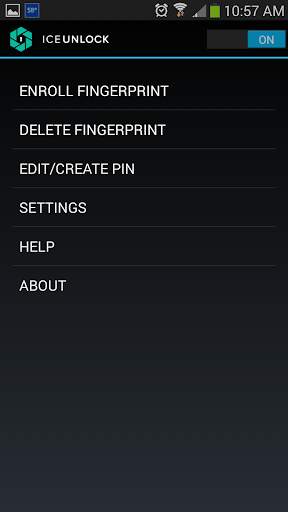
ICE Unlock Fingerprint Scanner screenshot 1 ICE Unlock Fingerprint Scanner screenshot 2 ICE Unlock Fingerprint Scanner screenshot 3

ICE Unlock, neredeyse tüm mobil cihazlarda gerçek parmak izi biyometriklerini kullanır.
Birçok sahte uygulama mevcuttur, ancak bu gerçek parmak izinizi kullanır.
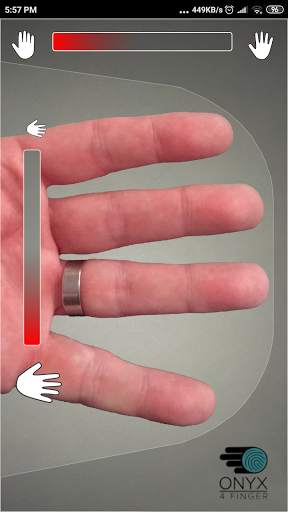
ICE Unlock, kullanıcıların mevcut kamerayı kullanarak parmak izlerinin resmini çekmelerine olanak tanıyan ONYX tarafından desteklenmektedir. Ek donanım veya tarayıcı gerekmez.
* NOT: ICE Unlock, flaşlı arkaya bakan bir kamera gerektirir ve kamera parmağınıza odaklanabilmelidir. Yakın nesnelere odaklanmayan bazı cihazlar ICEUnlock ile çalışmaz ve uyumsuz olarak işaretlenir.
ICE Unlock, kimlik kontrolünün gücünü ait olduğu yere - tüketicinin eline - yerleştirir. Parmağınızın resimleri tescilli işlemimiz kullanılarak bir şablona dönüştürülür ve ardından resim hemen imha edilir. Ayrıca, parmak izi şablonları DFT'ye veya başka herhangi bir kuruma (devlet veya başka türlü) iletilmez. Şablon yalnızca cihazınızın güvenli depolama alanında saklanır, yani sadece ICE Unlock ile erişilebilir. Cihazınızda depolanan veriler, parmak izinize ters mühendislik uygulamak için kullanılamaz.
Tom's Guide'dan alıntı: "Telefonunuza yüklenen uygulamaların gizlilik risklerini derecelendiren Bitdefender'ın Clueful uygulaması, ICE Unlock" düşük risk "uygulaması, yani telefonunuzun işlevlerine Facebook veya Twitter gibi uygulamalardan çok daha az erişime sahip olduğu anlamına gelir."
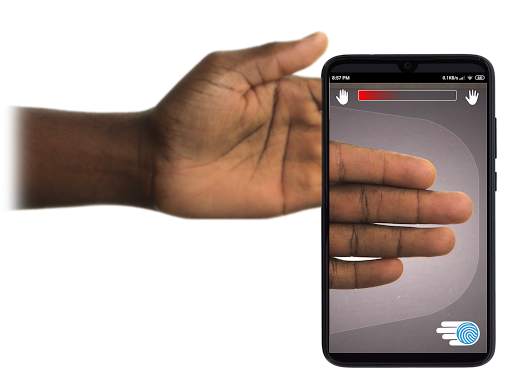
UYGULAMAYI KULLANMA - Kullanıcı elini cihazın arkaya bakan kamera alanına yerleştirir. görünüm. Görüntü odakta olduğunda, ICE (Identity Control Essentials) Unlock otomatik olarak parmakların bir görüntüsünü yakalar ve bunu bir parmak izine dönüştürür. Ardından, cihaza erişime izin veren resmi işler ve eşleştirir.
DOKUNMASIZ PARMAK İZİ DOĞRULAMASI DAHA İYİ ÇALIŞIR!
Bazı telefonlarda olduğu gibi dokunmaya dayalı sensörler o kadar doğru değildir aşınma ve yıpranmaya maruz kalırlar ve uygulanan basınç nedeniyle parmak izinizi bozma eğilimi gösterirler. ICE Unlock'ta kullanılan temassız ONYX teknolojisi, ABD Federal Araştırma Bürosu'nun gerektirdiğinden daha yüksek doğruluk seviyeleri sağlayabilir.
ICE Unlock - ONYX HD KİMLİK DOĞRULAMA MOTORU ÜZERİNDE YAPILAN İLK MOBİL UYGULAMA.
ONYX Motoru, ICE Unlock için işleyen, kodlayan ve eşleştiren tüm perde arkasındaki şeydir. ONYX, biyometriyi işletmelere getirmek için Android, iPhone / iPad ve Windows mobil cihazlarında mobil temassız parmak izi kimlik doğrulamasını çalıştırmak üzere tasarlanmıştır. ONYX, ICE Unlock gibi uygulamaları da güçlendirerek esnekliğini gösterir.
- Destek istiyorsanız lütfen mobil cihazınızın modelini ekleyin.
* ICE Unlock şu anda Android cihazların kilitlenme şekli nedeniyle bilinen bazı geçici çözümler. ICE Unlock, tek bir güvenlik kaynağı olarak kullanılmak üzere tasarlanmamıştır. Son derece yüksek düzeyde bir güvenliğe ihtiyacınız varsa, ek olarak, android işletim sistemine özgü pin, desen, ses veya yüz tanıma kilit ekranları gibi diğer güvenlik önlemlerini de uygulamanızı öneririz.
ICE Unlock hakkında daha fazla bilgi edinmek için , lütfen http://www.diamondfortress.com/the-app adresini ziyaret edin.
ONYX hakkında daha fazla bilgi için bkz. http://diamondfortress.com.
Lütfen bizi Facebook'ta beğenin.

...

👉 For More Detail of ICE Unlock Fingerprint Scanner

#3 Fingerprint Unlock

Fingerprint Unlock
Rating: star 3.0 | Version: 2.0 | Size: 147.7KB
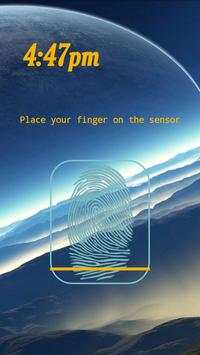
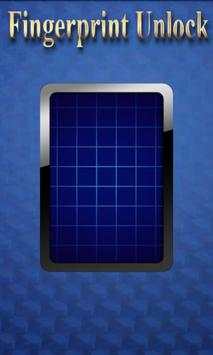
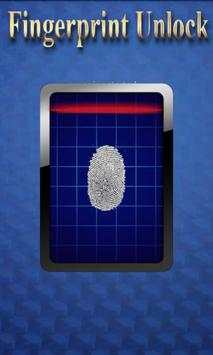
Fingerprint Unlock screenshot 1 Fingerprint Unlock screenshot 2 Fingerprint Unlock screenshot 3

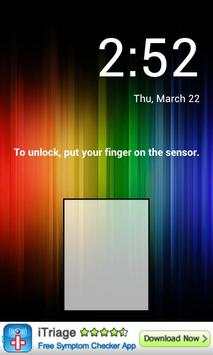
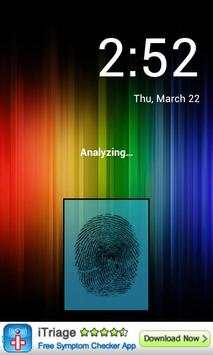
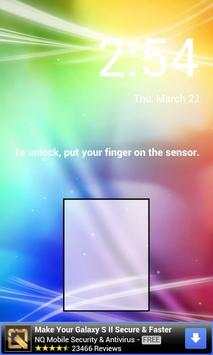
Trick your friends that your phone has a fingerprint security feature.
Features:
- Uses your current wallpaper.
- Displays Clock and Date.

...

👉 For More Detail of Fingerprint Unlock

#4 Fingerprint Unlock

Fingerprint Unlock
Rating: star 3.0 | Version: 3.0.0 | Size: 13.4MB
Fingerprint Unlock screenshot 1 Fingerprint Unlock screenshot 2 Fingerprint Unlock screenshot 3

Show off to your friends your new unlock screen. Scan your finger to unlock your phone.
How to use: Click the button right corner, then scan your finger and it will unlock. Enjoy!
Meant for entertainment purposes only.

...

👉 For More Detail of Fingerprint Unlock

#5 Fingerprint Unlock Screen

Fingerprint Unlock Screen
Rating: star 3.0 | Version: 1.0 | Size: 527.6KB
Fingerprint Unlock Screen screenshot 1 Fingerprint Unlock Screen screenshot 2

****THIS IS A GAG APP. IT DOES NOT REALLY READ FINGERPRINTS. USE IT TO FOOL YOUR FRIENDS****
To Use:
1. Open up the app and hand the phone to your friend and watch as your friend cannot unlock your phone with their finger print.
2. When it's your turn, simply tap the LOGO at the TOP of the screen and then start the test.
The phone will unlock immediately afterwards.
**ONCE AGAIN - THE TRICK IS TO TAP THE LOGO AT THE TOP OF THE SCREEN BEFORE YOU START THE SCAN IN ORDER TO UNLOCK THE PHONE! **

...

👉 For More Detail of Fingerprint Unlock Screen

Search Results

1/1

You may like

DOWNLOAD IS NOT SUPPORTED IN WEB STORE!
Use the latest version of 9Apps to download APK&OBB file of games in one click!
DOWNLOAD 9APPS