remote fingerprint unlock on 9Apps

Free download latest remote fingerprint unlock for Android here and enjoy it with your phone. Below you can download a list of top and latest apps related to remote fingerprint unlock . 9APPS is a fast, safe app store. With 9APPS, you can save a lot of time on searching and downloading apps.

#1 Remote Fingerprint Unlock

Remote Fingerprint Unlock
Rating: star 3.8 | Version: 1.6.1 | Size: 4.0MB
Remote Fingerprint Unlock screenshot 1 Remote Fingerprint Unlock screenshot 2 Remote Fingerprint Unlock screenshot 3

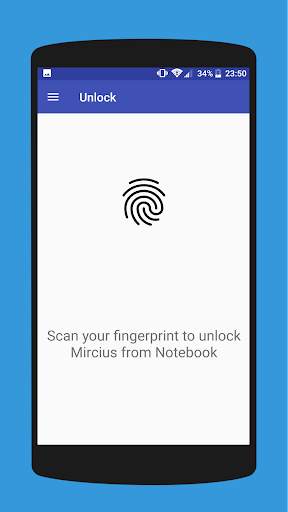
Remotely and securely unlock your Windows PC using your Android’s fingerprint sensor.
For the application to work, you need to install the Fingerprint Credential Provider module on your Windows PC (Windows Vista/7/8/10), found
here
.
If you've lost your PRO upgrade after reinstall, need help with setting up accounts or Wake on Lan, or for any other issue that you may encounter, please be sure to check out the
F.A.Q.
The module only runs when the logon screen is active, so, in order to connect your computer, add an account, etc., simply lock your computer (Windows Key L, or from the Start Menu).
How to use the app:
Firstly, be sure that you have installed the Windows module found at the link above.
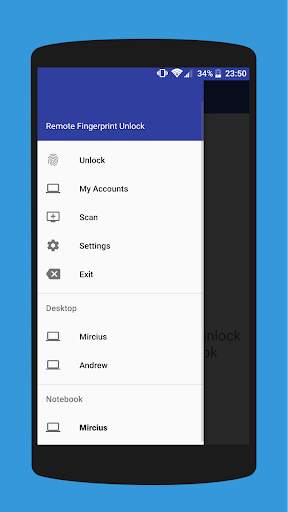
Go to the Scan menu (making sure that your computer is on the logon screen) and pull to refresh (uses Wi-Fi) or press the add button and use the preferred method of unlocking.
Select your computer and press Save.
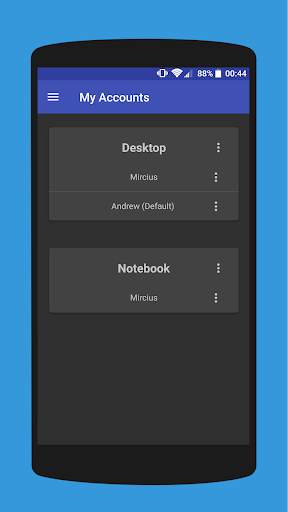
Now, go to the Accounts menu, tap the 3-dot menu button of the computer and then Add Account. Enter the Windows account that you want to unlock. Use the displayed name exactly as on the lockscreen (case sensitive, including the domain name if using domain account), together with the corresponding password. Scan your fingerprint and press Add.
For PRO users:
to select one of the added accounts as default, tap on the 3-dot menu button then select Set As Default.
To configure a computer, tap on the 3-dot menu button of that computer.
For PRO users:
to enable Wake on Lan, go to the computer's configuration menu and enable Send WoL Packet. Make sure the MAC address is correct!
You’re now all set! Go to the Unlock menu and scan your fingerprint. You should now see your computer unlocked.
Features:
• Log-into/Unlock an account
• Simple, user-friendly UI
• Secure
• Local/Microsoft/Domain* accounts support
• Light/Dark/Black (AMOLED-friendly) UI themes
• Local network/Bluetooth/Wi-Fi Tethering/USB Tethering support
* 1.2.0 version of the Windows module required. Usage: when adding an account using the Android app, simply add the full name of the account, including the domain, separated by a slash ( ‘’ ). For example:
testaccount.name
PRO features:
• Ads removal
• Unlimited computers and accounts per computer
• Wake-On-Lan
• Unlock widgets
• Launcher shortcuts
• More planned features
Being built with security in mind, the app:
• Can be safely be used on a public network –all sent data is encrypted.
• Encrypts the stored information in the user’s computer using a unique key that identifies the app installation.
• Does not store any password in the Android app.
• Prevents attackers from also gaining access to your computer – if an attacker knows your PIN and adds his own fingerprint, the app is immediately notified and automatically invalidates its own key, which makes the stored private app information lost forever.
Future updates:
• Locking a computer (up next!)
• Linux support (planned after lock feature)
Be sure to allow incoming and outgoing traffic (both TCP and UDP) in your firewall for the LogonUI.exe process found in C:WindowsSystem32. You will be asked at the installation if you want this done automatically for you if you are using Windows Firewall.
Please check the F.A.Q. for more troubleshooting tips and questions or send me an email if you have any questions regarding the app.

...

👉 For More Detail of Remote Fingerprint Unlock

#2 ICE Unlock Fingerprint Scanner

ICE Unlock Fingerprint Scanner
Rating: star 3.7 | Version: 1.7.0.3 | Size: 16.0MB
ICE Unlock Fingerprint Scanner screenshot 1 ICE Unlock Fingerprint Scanner screenshot 2 ICE Unlock Fingerprint Scanner screenshot 3

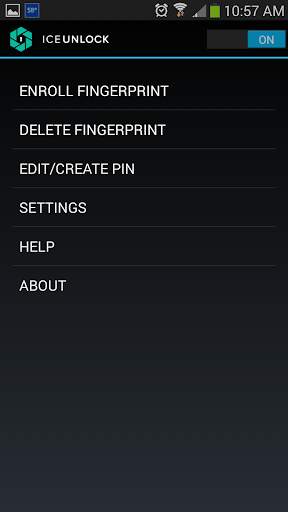
ICE Unlock uses real fingerprint biometrics on almost any mobile device.
There are many fake applications available, but this uses your actual fingerprint.
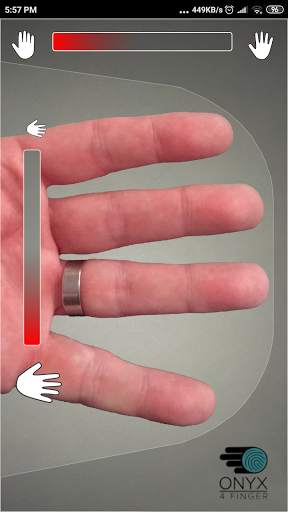
ICE Unlock is powered by ONYX which allows users to take a picture of their fingerprints using the existing camera.
No additional hardware or scanner needed.
* NOTE:
ICE Unlock requires a rear-facing camera with flash, and the camera has to be able to focus on your finger.
Some devices that do not focus on close objects do not work with ICEUnlock and are marked incompatible.
ICE Unlock places the power of identity control back where it belongs -- in the hands of the consumer.
Pictures of your finger are turned into a template using our proprietary process and then the picture is immediately destroyed.
Moreover, fingerprint templates are not transmitted to DFT or any other entity (government or otherwise).
The template is stored only within the secure storage area of your device, meaning it can only be accessed by ICE Unlock. The data stored on your device cannot be used to reverse-engineer your fingerprint.
Quote from Tom's Guide: "Bitdefender's Clueful app, which rates the privacy risks of apps installed to your phone, gives ICE Unlock a "low risk" application, which means it has far less access to your phone's functions than apps such as Facebook or Twitter."
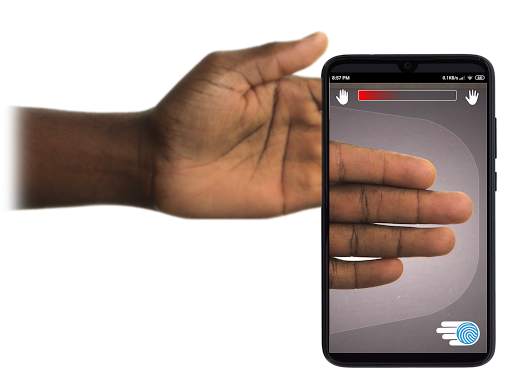
USING THE APP - The user places their hand into the rear-facing camera field of view.
When the image is in focus, ICE (Identity Control Essentials) Unlock automatically captures an image of the fingers and converts it into a fingerprint. Then, it processes and matches the image allowing access to the device.
TOUCHLESS FINGERPRINT AUTHENTICATION JUST WORKS BETTER!
Touch-based sensors, like the one on some phones, aren’t as accurate, are subject to wear and tear, and have a tendency to distort your fingerprint due to the pressure applied. The touchless ONYX technology used in ICE Unlock can provide higher levels of accuracy than required by the U. S. Federal Bureau of Investigation.
ICE Unlock – THE FIRST MOBILE APP BUILT ON THE ONYX HD AUTHENTICATION ENGINE.
The ONYX Engine is what does all of the behind the scenes processing, encoding, and matching for ICE Unlock. ONYX is designed to run mobile touchless fingerprint authentication on Android, iPhone/iPad, and Windows mobile devices to bring biometrics to enterprises.
ONYX shows its flexibility by also powering applications like ICE Unlock.
- If you are requesting support please include the model of your mobile device.
* ICE Unlock currently has some known workarounds due to the way Android devices locking.
ICE Unlock is not intended to be used as a sole source of security.
If you require an extremely high level of security we recommend you additionally implement other security measures such as the pin, pattern, voice, or facial recognition lock screens native to the android operating system.
To learn more about ICE Unlock, please go to http://www.diamondfortress.com/the-app.
For more information about ONYX, see http://diamondfortress.com.
Please like us on Facebook.

...

👉 For More Detail of ICE Unlock Fingerprint Scanner

#3 Fingerprint Unlock

Fingerprint Unlock
Rating: star 3.0 | Version: 2.0 | Size: 147.7KB
Fingerprint Unlock screenshot 1 Fingerprint Unlock screenshot 2 Fingerprint Unlock screenshot 3

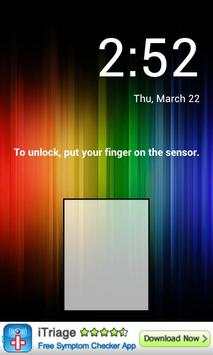
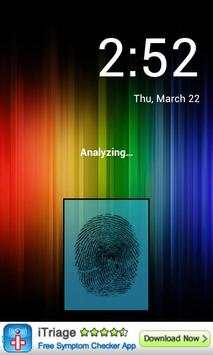
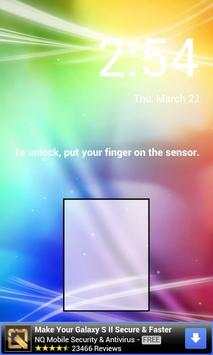
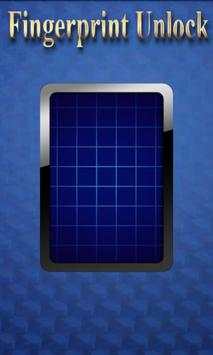
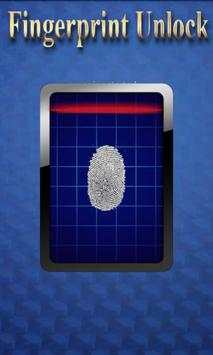
Trick your friends that your phone has a fingerprint security feature.
Features:
- Uses your current wallpaper.
- Displays Clock and Date.

...

👉 For More Detail of Fingerprint Unlock

#4 Fingerprint Unlock

Fingerprint Unlock
Rating: star 3.0 | Version: 3.0.0 | Size: 13.4MB
Fingerprint Unlock screenshot 1 Fingerprint Unlock screenshot 2 Fingerprint Unlock screenshot 3

Show off to your friends your new unlock screen. Scan your finger to unlock your phone.
How to use: Click the button right corner, then scan your finger and it will unlock. Enjoy!
Meant for entertainment purposes only.

...

👉 For More Detail of Fingerprint Unlock

#5 Fingerprint Unlock Screen

Fingerprint Unlock Screen
Rating: star 3.0 | Version: 1.0 | Size: 527.6KB
Fingerprint Unlock Screen screenshot 1 Fingerprint Unlock Screen screenshot 2

****THIS IS A GAG APP. IT DOES NOT REALLY READ FINGERPRINTS. USE IT TO FOOL YOUR FRIENDS****
To Use:
1. Open up the app and hand the phone to your friend and watch as your friend cannot unlock your phone with their finger print.
2. When it's your turn, simply tap the LOGO at the TOP of the screen and then start the test.
The phone will unlock immediately afterwards.
**ONCE AGAIN - THE TRICK IS TO TAP THE LOGO AT THE TOP OF THE SCREEN BEFORE YOU START THE SCAN IN ORDER TO UNLOCK THE PHONE! **

...

👉 For More Detail of Fingerprint Unlock Screen

Search Results

1/1

You may like

DOWNLOAD IS NOT SUPPORTED IN WEB STORE!
Use the latest version of 9Apps to download APK&OBB file of games in one click!
DOWNLOAD 9APPS