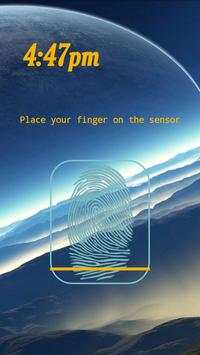
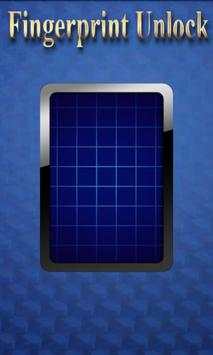
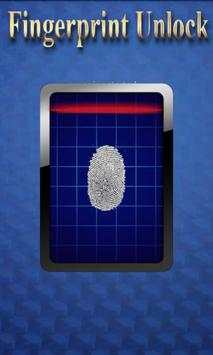
remote fingerprint unlock on 9Apps

Free download latest remote fingerprint unlock for Android here and enjoy it with your phone. Below you can download a list of top and latest apps related to remote fingerprint unlock . 9APPS is a fast, safe app store. With 9APPS, you can save a lot of time on searching and downloading apps.

#1 Remote Fingerprint Unlock

Remote Fingerprint Unlock
Rating: star 3.8 | Version: 1.6.1 | Size: 4.0MB
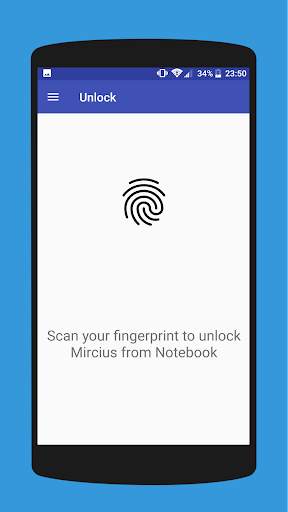
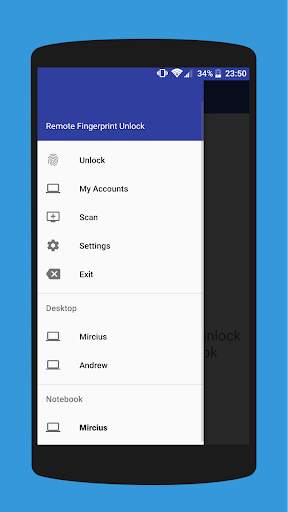
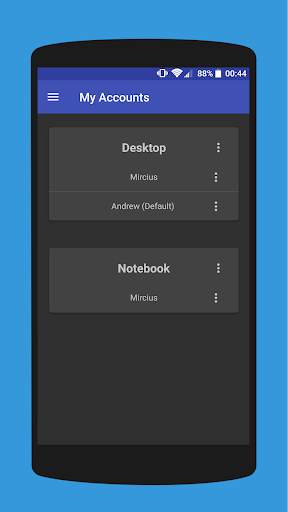
Remote Fingerprint Unlock screenshot 1 Remote Fingerprint Unlock screenshot 2 Remote Fingerprint Unlock screenshot 3

Remotely and securely unlock your Windows PC using your Android’s fingerprint sensor.
For the application to work, you need to install the Fingerprint Credential Provider module on your Windows PC (Windows Vista/7/8/10), found
here
.
If you've lost your PRO upgrade after reinstall, need help with setting up accounts or Wake on Lan, or for any other issue that you may encounter, please be sure to check out the
F.A.Q.
The module only runs when the logon screen is active, so, in order to connect your computer, add an account, etc., simply lock your computer (Windows Key L, or from the Start Menu).
How to use the app:
Firstly, be sure that you have installed the Windows module found at the link above.
Go to the Scan menu (making sure that your computer is on the logon screen) and pull to refresh (uses Wi-Fi) or press the add button and use the preferred method of unlocking.
Select your computer and press Save.
Now, go to the Accounts menu, tap the 3-dot menu button of the computer and then Add Account. Enter the Windows account that you want to unlock. Use the displayed name exactly as on the lockscreen (case sensitive, including the domain name if using domain account), together with the corresponding password. Scan your fingerprint and press Add.
For PRO users:
to select one of the added accounts as default, tap on the 3-dot menu button then select Set As Default.
To configure a computer, tap on the 3-dot menu button of that computer.
For PRO users:
to enable Wake on Lan, go to the computer's configuration menu and enable Send WoL Packet. Make sure the MAC address is correct!
You’re now all set! Go to the Unlock menu and scan your fingerprint. You should now see your computer unlocked.
Features:
• Log-into/Unlock an account
• Simple, user-friendly UI
• Secure
• Local/Microsoft/Domain* accounts support
• Light/Dark/Black (AMOLED-friendly) UI themes
• Local network/Bluetooth/Wi-Fi Tethering/USB Tethering support
* 1.2.0 version of the Windows module required. Usage: when adding an account using the Android app, simply add the full name of the account, including the domain, separated by a slash ( ‘’ ). For example:
testaccount.name
PRO features:
• Ads removal
• Unlimited computers and accounts per computer
• Wake-On-Lan
• Unlock widgets
• Launcher shortcuts
• More planned features
Being built with security in mind, the app:
• Can be safely be used on a public network –all sent data is encrypted.
• Encrypts the stored information in the user’s computer using a unique key that identifies the app installation.
• Does not store any password in the Android app.
• Prevents attackers from also gaining access to your computer – if an attacker knows your PIN and adds his own fingerprint, the app is immediately notified and automatically invalidates its own key, which makes the stored private app information lost forever.
Future updates:
• Locking a computer (up next!)
• Linux support (planned after lock feature)
Be sure to allow incoming and outgoing traffic (both TCP and UDP) in your firewall for the LogonUI.exe process found in C:WindowsSystem32. You will be asked at the installation if you want this done automatically for you if you are using Windows Firewall.
Please check the F.A.Q. for more troubleshooting tips and questions or send me an email if you have any questions regarding the app.

...

👉 For More Detail of Remote Fingerprint Unlock

#2 ICE Unlock Fingerprint Scanner

ICE Unlock Fingerprint Scanner
Rating: star 3.7 | Version: 1.7.0.3 | Size: 16.0MB
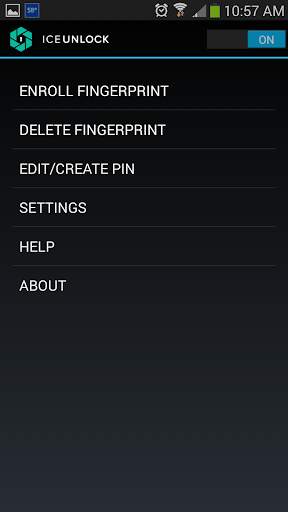
ICE Unlock Fingerprint Scanner screenshot 1 ICE Unlock Fingerprint Scanner screenshot 2 ICE Unlock Fingerprint Scanner screenshot 3

ICE Unlock utilizza la biometria delle impronte digitali reali su quasi tutti i dispositivi mobili.
Sono disponibili molte applicazioni false, ma questa utilizza la tua impronta digitale effettiva.
ICE Unlock è alimentato da ONYX che consente agli utenti di scattare una foto delle proprie impronte digitali utilizzando la fotocamera esistente. Non sono necessari hardware o scanner aggiuntivi.
* NOTA: ICE Unlock richiede una fotocamera posteriore con flash e la fotocamera deve essere in grado di mettere a fuoco il dito. Alcuni dispositivi che non si concentrano su oggetti vicini non funzionano con ICEUnlock e sono contrassegnati come incompatibili.
ICE Unlock riporta il potere del controllo dell'identità al suo posto: nelle mani del consumatore. Le immagini del tuo dito vengono trasformate in un modello utilizzando il nostro processo proprietario e quindi l'immagine viene immediatamente distrutta. Inoltre, i modelli di impronte digitali non vengono trasmessi a DFT o ad altre entità (governative o altro). Il modello è memorizzato solo nell'area di archiviazione sicura del dispositivo, il che significa che è possibile accedervi solo tramite ICE Unlock. I dati memorizzati sul tuo dispositivo non possono essere utilizzati per decodificare la tua impronta digitale.
Citazione dalla Guida di Tom: "L'app Clueful di Bitdefender, che valuta i rischi per la privacy delle app installate sul tuo telefono, dà a ICE Unlock un" basso rischio ", il che significa che ha molto meno accesso alle funzioni del telefono rispetto ad app come Facebook o Twitter."
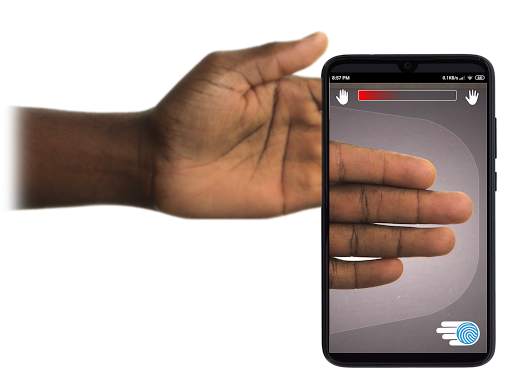
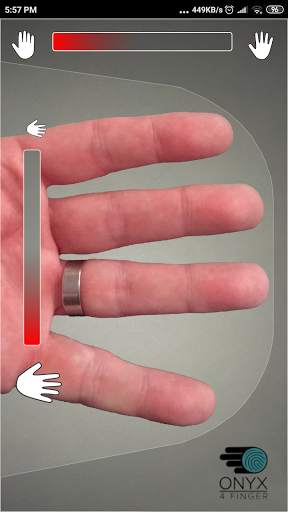
UTILIZZO DELL'APP - L'utente mette la mano nel campo della fotocamera posteriore di Visualizza. Quando l'immagine è a fuoco, ICE (Identity Control Essentials) Unlock acquisisce automaticamente un'immagine delle dita e la converte in un'impronta digitale. Quindi, elabora e abbina l'immagine consentendo l'accesso al dispositivo.
L'AUTENTICAZIONE DELL'IMPRONTA DIGITALE SENZA TOCCO FUNZIONA SEMPRE MEGLIO!
I sensori tattili, come quello di alcuni telefoni, non sono così precisi , sono soggetti ad usura e hanno la tendenza a distorcere l'impronta digitale a causa della pressione applicata. La tecnologia touchless ONYX utilizzata in ICE Unlock è in grado di fornire livelli di precisione più elevati rispetto a quanto richiesto dal Federal Bureau of Investigation degli Stati Uniti.
ICE Unlock: LA PRIMA APP MOBILE REALIZZATA SUL MOTORE DI AUTENTICAZIONE ONYX HD.
Il motore ONYX è ciò che fa tutto il dietro le quinte di elaborazione, codifica e corrispondenza per ICE Unlock. ONYX è progettato per eseguire l'autenticazione dell'impronta digitale touchless mobile su dispositivi mobili Android, iPhone / iPad e Windows per portare la biometria alle imprese. ONYX mostra la sua flessibilità alimentando anche applicazioni come ICE Unlock.
- Se richiedi supporto, includi il modello del tuo dispositivo mobile.
* ICE Unlock ha attualmente alcune soluzioni alternative note dovute al modo in cui i dispositivi Android si bloccano. ICE Unlock non è destinato a essere utilizzato come unica fonte di sicurezza. Se hai bisogno di un livello di sicurezza estremamente elevato, ti consigliamo di implementare anche altre misure di sicurezza come le schermate di blocco del riconoscimento facciale, del segno o della sequenza vocale, native del sistema operativo Android.
Per ulteriori informazioni su ICE Unlock , vai su http://www.diamondfortress.com/the-app.
Per ulteriori informazioni su ONYX, visita http://diamondfortress.com.
Metti Mi piace su Facebook.

...

👉 For More Detail of ICE Unlock Fingerprint Scanner

#3 Fingerprint Unlock

Fingerprint Unlock
Rating: star 3.0 | Version: 2.0 | Size: 147.7KB
Fingerprint Unlock screenshot 1 Fingerprint Unlock screenshot 2 Fingerprint Unlock screenshot 3

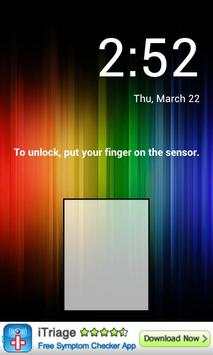
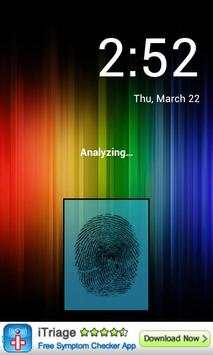
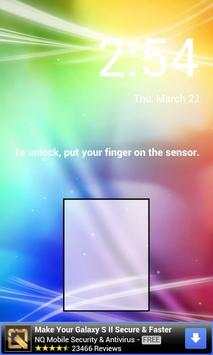
Trick your friends that your phone has a fingerprint security feature.
Features:
- Uses your current wallpaper.
- Displays Clock and Date.

...

👉 For More Detail of Fingerprint Unlock

#4 Fingerprint Unlock

Fingerprint Unlock
Rating: star 3.0 | Version: 3.0.0 | Size: 13.4MB
Fingerprint Unlock screenshot 1 Fingerprint Unlock screenshot 2 Fingerprint Unlock screenshot 3

Show off to your friends your new unlock screen. Scan your finger to unlock your phone.
How to use: Click the button right corner, then scan your finger and it will unlock. Enjoy!
Meant for entertainment purposes only.

...

👉 For More Detail of Fingerprint Unlock

#5 Fingerprint Unlock Screen

Fingerprint Unlock Screen
Rating: star 3.0 | Version: 1.0 | Size: 527.6KB
Fingerprint Unlock Screen screenshot 1 Fingerprint Unlock Screen screenshot 2

****THIS IS A GAG APP. IT DOES NOT REALLY READ FINGERPRINTS. USE IT TO FOOL YOUR FRIENDS****
To Use:
1. Open up the app and hand the phone to your friend and watch as your friend cannot unlock your phone with their finger print.
2. When it's your turn, simply tap the LOGO at the TOP of the screen and then start the test.
The phone will unlock immediately afterwards.
**ONCE AGAIN - THE TRICK IS TO TAP THE LOGO AT THE TOP OF THE SCREEN BEFORE YOU START THE SCAN IN ORDER TO UNLOCK THE PHONE! **

...

👉 For More Detail of Fingerprint Unlock Screen

Search Results

1/1

You may like

DOWNLOAD IS NOT SUPPORTED IN WEB STORE!
Use the latest version of 9Apps to download APK&OBB file of games in one click!
DOWNLOAD 9APPS