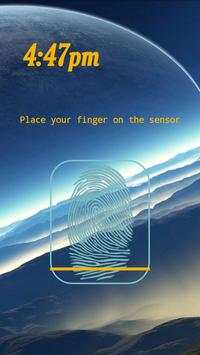
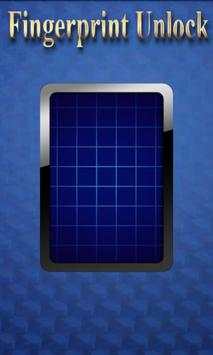
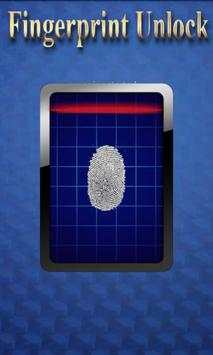
remote fingerprint unlock on 9Apps

Free download latest remote fingerprint unlock for Android here and enjoy it with your phone. Below you can download a list of top and latest apps related to remote fingerprint unlock . 9APPS is a fast, safe app store. With 9APPS, you can save a lot of time on searching and downloading apps.

#1 Remote Fingerprint Unlock

Remote Fingerprint Unlock
Rating: star 3.8 | Version: 1.6.1 | Size: 4.0MB
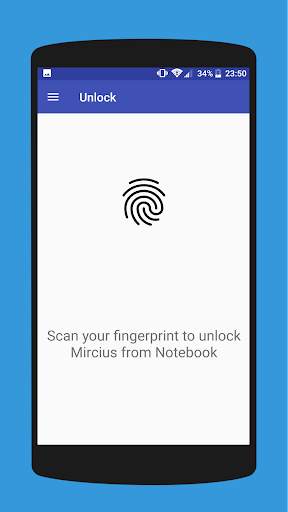
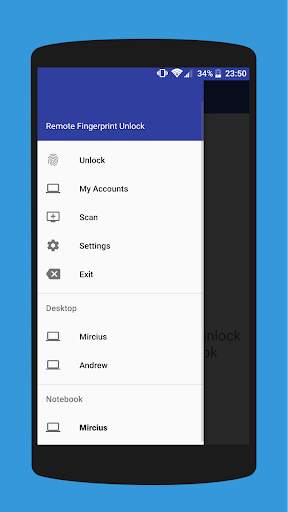
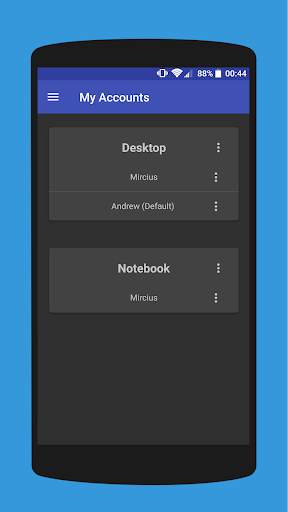
Remote Fingerprint Unlock screenshot 1 Remote Fingerprint Unlock screenshot 2 Remote Fingerprint Unlock screenshot 3

Remotely and securely unlock your Windows PC using your Android’s fingerprint sensor.
For the application to work, you need to install the Fingerprint Credential Provider module on your Windows PC (Windows Vista/7/8/10), found
here
.
If you've lost your PRO upgrade after reinstall, need help with setting up accounts or Wake on Lan, or for any other issue that you may encounter, please be sure to check out the
F.A.Q.
The module only runs when the logon screen is active, so, in order to connect your computer, add an account, etc., simply lock your computer (Windows Key L, or from the Start Menu).
How to use the app:
Firstly, be sure that you have installed the Windows module found at the link above.
Go to the Scan menu (making sure that your computer is on the logon screen) and pull to refresh (uses Wi-Fi) or press the add button and use the preferred method of unlocking.
Select your computer and press Save.
Now, go to the Accounts menu, tap the 3-dot menu button of the computer and then Add Account. Enter the Windows account that you want to unlock. Use the displayed name exactly as on the lockscreen (case sensitive, including the domain name if using domain account), together with the corresponding password. Scan your fingerprint and press Add.
For PRO users:
to select one of the added accounts as default, tap on the 3-dot menu button then select Set As Default.
To configure a computer, tap on the 3-dot menu button of that computer.
For PRO users:
to enable Wake on Lan, go to the computer's configuration menu and enable Send WoL Packet. Make sure the MAC address is correct!
You’re now all set! Go to the Unlock menu and scan your fingerprint. You should now see your computer unlocked.
Features:
• Log-into/Unlock an account
• Simple, user-friendly UI
• Secure
• Local/Microsoft/Domain* accounts support
• Light/Dark/Black (AMOLED-friendly) UI themes
• Local network/Bluetooth/Wi-Fi Tethering/USB Tethering support
* 1.2.0 version of the Windows module required. Usage: when adding an account using the Android app, simply add the full name of the account, including the domain, separated by a slash ( ‘’ ). For example:
testaccount.name
PRO features:
• Ads removal
• Unlimited computers and accounts per computer
• Wake-On-Lan
• Unlock widgets
• Launcher shortcuts
• More planned features
Being built with security in mind, the app:
• Can be safely be used on a public network –all sent data is encrypted.
• Encrypts the stored information in the user’s computer using a unique key that identifies the app installation.
• Does not store any password in the Android app.
• Prevents attackers from also gaining access to your computer – if an attacker knows your PIN and adds his own fingerprint, the app is immediately notified and automatically invalidates its own key, which makes the stored private app information lost forever.
Future updates:
• Locking a computer (up next!)
• Linux support (planned after lock feature)
Be sure to allow incoming and outgoing traffic (both TCP and UDP) in your firewall for the LogonUI.exe process found in C:WindowsSystem32. You will be asked at the installation if you want this done automatically for you if you are using Windows Firewall.
Please check the F.A.Q. for more troubleshooting tips and questions or send me an email if you have any questions regarding the app.

...

👉 For More Detail of Remote Fingerprint Unlock

#2 ICE Unlock Fingerprint Scanner

ICE Unlock Fingerprint Scanner
Rating: star 3.7 | Version: 1.7.0.3 | Size: 16.0MB
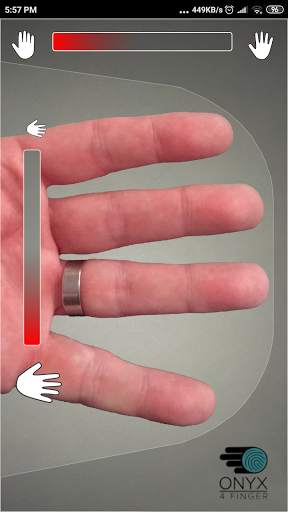
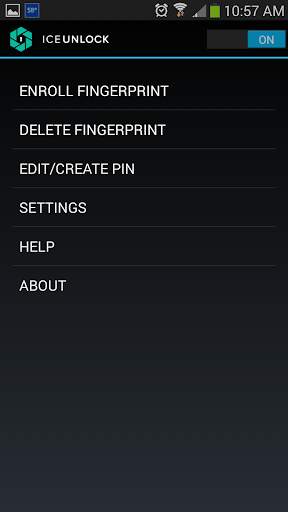
ICE Unlock Fingerprint Scanner screenshot 1 ICE Unlock Fingerprint Scanner screenshot 2 ICE Unlock Fingerprint Scanner screenshot 3

ICE Unlock menggunakan biometrik sidik jari yang sebenarnya di hampir semua perangkat seluler.
Ada banyak aplikasi palsu yang tersedia, tetapi ini menggunakan sidik jari Anda yang sebenarnya.
ICE Unlock didukung oleh ONYX yang memungkinkan pengguna mengambil gambar sidik jarinya menggunakan kamera yang ada. Tidak diperlukan perangkat keras atau pemindai tambahan.
* CATATAN: ICE Unlock membutuhkan kamera belakang dengan lampu kilat, dan kamera harus dapat fokus pada jari Anda. Beberapa perangkat yang tidak fokus pada objek dekat tidak berfungsi dengan ICEUnlock dan ditandai tidak kompatibel.
ICE Unlock menempatkan kekuatan kontrol identitas kembali ke tempatnya - di tangan konsumen. Gambar jari Anda diubah menjadi templat menggunakan proses milik kami dan kemudian gambar tersebut segera dihancurkan. Selain itu, templat sidik jari tidak dikirimkan ke DFT atau entitas lain (pemerintah atau lainnya). Template disimpan hanya di dalam area penyimpanan aman perangkat Anda, yang berarti itu hanya dapat diakses oleh ICE Unlock. Data yang disimpan di perangkat Anda tidak dapat digunakan untuk merekayasa balik sidik jari Anda.
Kutipan dari Panduan Tom: "Aplikasi Clueful dari Bitdefender, yang menilai risiko privasi aplikasi yang dipasang ke ponsel Anda, membuat ICE Unlock" rendah risiko "aplikasi, yang berarti ia memiliki akses yang jauh lebih sedikit ke fungsi ponsel Anda daripada aplikasi seperti Facebook atau Twitter."
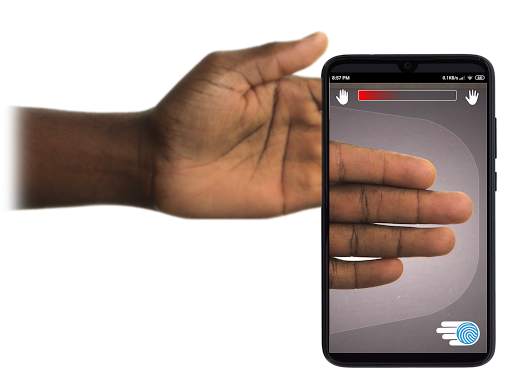
MENGGUNAKAN APLIKASI - Pengguna menempatkan tangannya ke bidang kamera belakang melihat. Saat gambar berada dalam fokus, ICE (Identity Control Essentials) Unlock secara otomatis menangkap gambar jari dan mengubahnya menjadi sidik jari. Kemudian, ia memproses dan mencocokkan gambar yang memungkinkan akses ke perangkat.
OTENTIKASI SIDIK JARI SENTUH BERFUNGSI LEBIH BAIK!
Sensor berbasis sentuh, seperti yang ada di beberapa ponsel, tidak seakurat , dapat rusak dan robek, dan cenderung merusak sidik jari Anda karena tekanan yang diberikan. Teknologi ONYX tanpa sentuhan yang digunakan dalam ICE Unlock dapat memberikan tingkat akurasi yang lebih tinggi daripada yang dipersyaratkan oleh Biro Investigasi Federal AS.
ICE Unlock - APLIKASI SELULER PERTAMA YANG DIBANGUN PADA MESIN OTENTIKASI ONYX HD.
Mesin ONYX adalah yang melakukan semua pemrosesan di belakang layar, pengkodean, dan pencocokan untuk ICE Unlock. ONYX dirancang untuk menjalankan otentikasi sidik jari tanpa sentuh seluler di perangkat seluler Android, iPhone / iPad, dan Windows untuk menghadirkan biometrik ke perusahaan. ONYX menunjukkan fleksibilitasnya dengan juga mengaktifkan aplikasi seperti ICE Unlock.
- Jika Anda meminta dukungan, harap sertakan model perangkat seluler Anda.
* ICE Unlock saat ini memiliki beberapa solusi yang diketahui karena cara penguncian perangkat Android. ICE Unlock tidak dimaksudkan untuk digunakan sebagai satu-satunya sumber keamanan. Jika Anda memerlukan tingkat keamanan yang sangat tinggi, sebaiknya Anda juga menerapkan langkah-langkah keamanan lain seperti pin, pola, suara, atau layar kunci pengenalan wajah yang asli dari sistem operasi android.
Untuk mempelajari lebih lanjut tentang ICE Unlock , silakan kunjungi http://www.diamondfortress.com/the-app.
Untuk informasi lebih lanjut tentang ONYX, lihat http://diamondfortress.com.
Sukai kami di Facebook.

...

👉 For More Detail of ICE Unlock Fingerprint Scanner

#3 Fingerprint Unlock

Fingerprint Unlock
Rating: star 3.0 | Version: 2.0 | Size: 147.7KB
Fingerprint Unlock screenshot 1 Fingerprint Unlock screenshot 2 Fingerprint Unlock screenshot 3

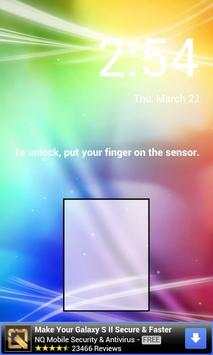
Trick your friends that your phone has a fingerprint security feature.
Features:
- Uses your current wallpaper.
- Displays Clock and Date.

...

👉 For More Detail of Fingerprint Unlock

#4 Fingerprint Unlock

Fingerprint Unlock
Rating: star 3.0 | Version: 3.0.0 | Size: 13.4MB
Fingerprint Unlock screenshot 1 Fingerprint Unlock screenshot 2 Fingerprint Unlock screenshot 3

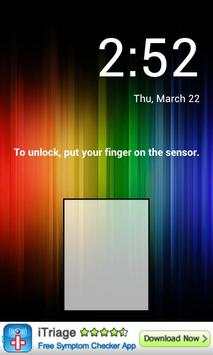
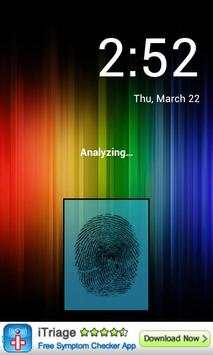
Show off to your friends your new unlock screen. Scan your finger to unlock your phone.
How to use: Click the button right corner, then scan your finger and it will unlock. Enjoy!
Meant for entertainment purposes only.

...

👉 For More Detail of Fingerprint Unlock

#5 Fingerprint Unlock Screen

Fingerprint Unlock Screen
Rating: star 3.0 | Version: 1.0 | Size: 527.6KB
Fingerprint Unlock Screen screenshot 1 Fingerprint Unlock Screen screenshot 2

****THIS IS A GAG APP. IT DOES NOT REALLY READ FINGERPRINTS. USE IT TO FOOL YOUR FRIENDS****
To Use:
1. Open up the app and hand the phone to your friend and watch as your friend cannot unlock your phone with their finger print.
2. When it's your turn, simply tap the LOGO at the TOP of the screen and then start the test.
The phone will unlock immediately afterwards.
**ONCE AGAIN - THE TRICK IS TO TAP THE LOGO AT THE TOP OF THE SCREEN BEFORE YOU START THE SCAN IN ORDER TO UNLOCK THE PHONE! **

...

👉 For More Detail of Fingerprint Unlock Screen

Search Results

1/1

Kamu mungkin suka

DOWNLOAD IS NOT SUPPORTED IN WEB STORE!
Use the latest version of 9Apps to download APK&OBB file of games in one click!
DOWNLOAD 9APPS