remote fingerprint unlock on 9Apps

Free download latest remote fingerprint unlock for Android here and enjoy it with your phone. Below you can download a list of top and latest apps related to remote fingerprint unlock . 9APPS is a fast, safe app store. With 9APPS, you can save a lot of time on searching and downloading apps.

#1 Remote Fingerprint Unlock

Remote Fingerprint Unlock
Rating: star 3.8 | Version: 1.6.1 | Size: 4.0MB
Remote Fingerprint Unlock screenshot 1 Remote Fingerprint Unlock screenshot 2 Remote Fingerprint Unlock screenshot 3

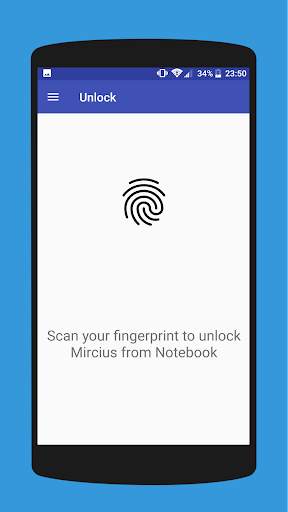
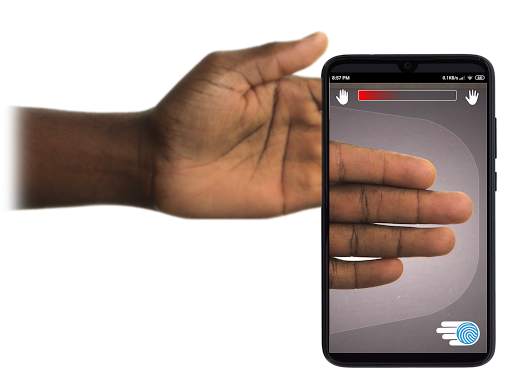
Remotely and securely unlock your Windows PC using your Android’s fingerprint sensor.
For the application to work, you need to install the Fingerprint Credential Provider module on your Windows PC (Windows Vista/7/8/10), found
here
.
If you've lost your PRO upgrade after reinstall, need help with setting up accounts or Wake on Lan, or for any other issue that you may encounter, please be sure to check out the
F.A.Q.
The module only runs when the logon screen is active, so, in order to connect your computer, add an account, etc., simply lock your computer (Windows Key L, or from the Start Menu).
How to use the app:
Firstly, be sure that you have installed the Windows module found at the link above.
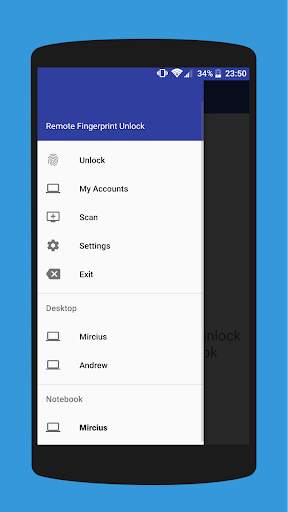
Go to the Scan menu (making sure that your computer is on the logon screen) and pull to refresh (uses Wi-Fi) or press the add button and use the preferred method of unlocking.
Select your computer and press Save.
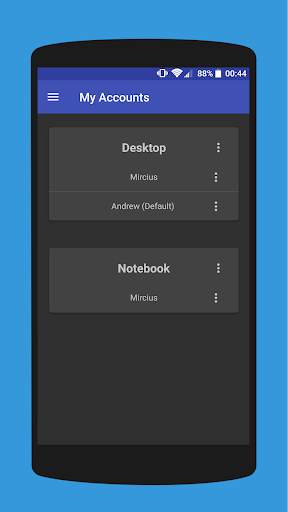
Now, go to the Accounts menu, tap the 3-dot menu button of the computer and then Add Account. Enter the Windows account that you want to unlock. Use the displayed name exactly as on the lockscreen (case sensitive, including the domain name if using domain account), together with the corresponding password. Scan your fingerprint and press Add.
For PRO users:
to select one of the added accounts as default, tap on the 3-dot menu button then select Set As Default.
To configure a computer, tap on the 3-dot menu button of that computer.
For PRO users:
to enable Wake on Lan, go to the computer's configuration menu and enable Send WoL Packet. Make sure the MAC address is correct!
You’re now all set! Go to the Unlock menu and scan your fingerprint. You should now see your computer unlocked.
Features:
• Log-into/Unlock an account
• Simple, user-friendly UI
• Secure
• Local/Microsoft/Domain* accounts support
• Light/Dark/Black (AMOLED-friendly) UI themes
• Local network/Bluetooth/Wi-Fi Tethering/USB Tethering support
* 1.2.0 version of the Windows module required. Usage: when adding an account using the Android app, simply add the full name of the account, including the domain, separated by a slash ( ‘’ ). For example:
testaccount.name
PRO features:
• Ads removal
• Unlimited computers and accounts per computer
• Wake-On-Lan
• Unlock widgets
• Launcher shortcuts
• More planned features
Being built with security in mind, the app:
• Can be safely be used on a public network –all sent data is encrypted.
• Encrypts the stored information in the user’s computer using a unique key that identifies the app installation.
• Does not store any password in the Android app.
• Prevents attackers from also gaining access to your computer – if an attacker knows your PIN and adds his own fingerprint, the app is immediately notified and automatically invalidates its own key, which makes the stored private app information lost forever.
Future updates:
• Locking a computer (up next!)
• Linux support (planned after lock feature)
Be sure to allow incoming and outgoing traffic (both TCP and UDP) in your firewall for the LogonUI.exe process found in C:WindowsSystem32. You will be asked at the installation if you want this done automatically for you if you are using Windows Firewall.
Please check the F.A.Q. for more troubleshooting tips and questions or send me an email if you have any questions regarding the app.

...

👉 For More Detail of Remote Fingerprint Unlock

#2 ICE Unlock Fingerprint Scanner

ICE Unlock Fingerprint Scanner
Rating: star 3.7 | Version: 1.7.0.3 | Size: 16.0MB
ICE Unlock Fingerprint Scanner screenshot 1 ICE Unlock Fingerprint Scanner screenshot 2 ICE Unlock Fingerprint Scanner screenshot 3

ICE Unlock은 거의 모든 모바일 장치에서 실제 지문 생체 인식을 사용합니다.
사용 가능한 가짜 응용 프로그램이 많이 있지만 실제 지문을 사용합니다.
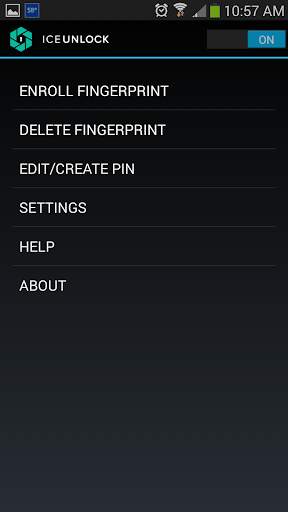
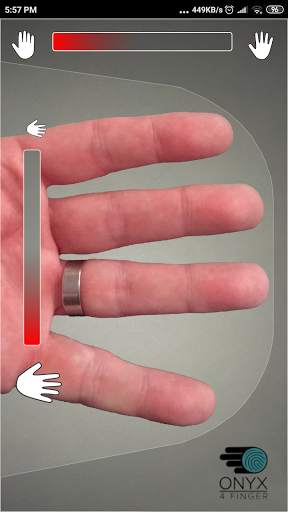
ICE Unlock은 사용자가 기존 카메라를 사용하여 지문 사진을 찍을 수있는 ONYX로 구동됩니다. 추가 하드웨어 나 스캐너가 필요하지 않습니다.
* 참고 : ICE Unlock에는 플래시가 장착 된 후면 카메라가 필요하며 카메라가 손가락에 초점을 맞출 수 있어야합니다. 가까운 물체에 초점을 맞추지 않는 일부 장치는 ICEUnlock과 함께 작동하지 않으며 호환되지 않는 것으로 표시됩니다.
ICE Unlock은 ID 제어의 힘을 소비자의 손에있는 위치로 되돌립니다. 귀하의 손가락 사진은 당사의 독점 프로세스를 사용하여 템플릿으로 변환 된 후 즉시 사진이 파괴됩니다. 또한 지문 템플릿은 DFT 또는 기타 기관 (정부 또는 기타)으로 전송되지 않습니다. 템플릿은 장치의 보안 저장 영역에만 저장되므로 ICE Unlock을 통해서만 액세스 할 수 있습니다. 기기에 저장된 데이터는 지문을 리버스 엔지니어링하는 데 사용할 수 없습니다.
Tom 's Guide의 인용문 : "휴대 전화에 설치된 앱의 개인 정보 위험을 평가하는 Bitdefender의 Clueful 앱은 ICE Unlock이"낮음 즉, Facebook이나 Twitter와 같은 앱보다 휴대 전화의 기능에 대한 액세스 권한이 훨씬 적습니다. "
앱 사용-사용자가 후면 카메라 필드에 손을 댑니다. 전망. 이미지에 초점이 맞으면 ICE (Identity Control Essentials) Unlock이 자동으로 손가락 이미지를 캡처하여 지문으로 변환합니다. 그런 다음 장치에 액세스 할 수있는 이미지를 처리하고 일치시킵니다.
터치 지문 인증은 더 잘 작동합니다!
일부 휴대폰과 같은 터치 기반 센서는 정확하지 않습니다. , 마모되거나 찢어 질 수 있으며 가해진 압력으로 인해 지문이 왜곡되는 경향이 있습니다. ICE Unlock에 사용되는 터치리스 ONYX 기술은 미국 연방 수사 국에서 요구하는 것보다 높은 수준의 정확도를 제공 할 수 있습니다.
ICE Unlock – ONYX HD 인증 엔진에 구축 된 최초의 모바일 앱.
ONYX 엔진은 ICE Unlock의 모든 비하인드 씬 처리, 인코딩 및 매칭을 수행합니다. ONYX는 Android, iPhone / iPad 및 Windows 모바일 장치에서 모바일 터치리스 지문 인증을 실행하여 기업에 생체 인식을 제공하도록 설계되었습니다. ONYX는 ICE Unlock과 같은 응용 프로그램을 지원하여 유연성을 보여줍니다.
-지원을 요청하는 경우 모바일 장치 모델을 포함하십시오.
* 현재 ICE Unlock에는 Android 기기가 잠기는 방식으로 인해 알려진 해결 방법이 있습니다. ICE Unlock은 유일한 보안 소스로 사용되지 않습니다. 매우 높은 수준의 보안이 필요한 경우 Android 운영 체제 고유의 핀, 패턴, 음성 또는 얼굴 인식 잠금 화면과 같은 다른 보안 조치를 추가로 구현하는 것이 좋습니다.
ICE Unlock에 대해 자세히 알아 보려면 , http://www.diamondfortress.com/the-app으로 이동하세요.
ONYX에 대한 자세한 내용은 http://diamondfortress.com을 참조하세요.
Facebook에서 좋아요를 누르세요.

...

👉 For More Detail of ICE Unlock Fingerprint Scanner

#3 Fingerprint Unlock

Fingerprint Unlock
Rating: star 3.0 | Version: 2.0 | Size: 147.7KB
Fingerprint Unlock screenshot 1 Fingerprint Unlock screenshot 2 Fingerprint Unlock screenshot 3

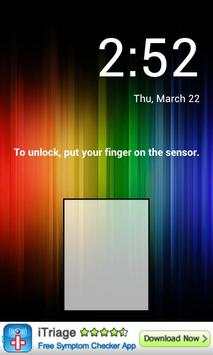
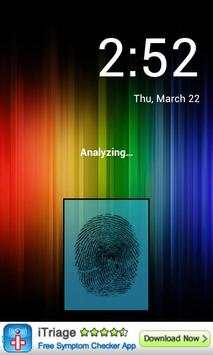
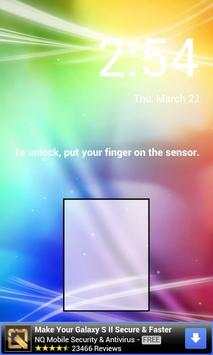
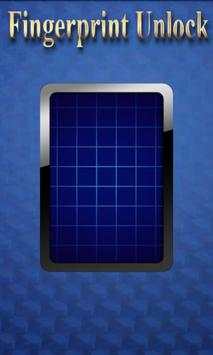
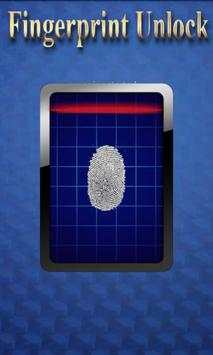
Trick your friends that your phone has a fingerprint security feature.
Features:
- Uses your current wallpaper.
- Displays Clock and Date.

...

👉 For More Detail of Fingerprint Unlock

#4 Fingerprint Unlock

Fingerprint Unlock
Rating: star 3.0 | Version: 3.0.0 | Size: 13.4MB
Fingerprint Unlock screenshot 1 Fingerprint Unlock screenshot 2 Fingerprint Unlock screenshot 3

Show off to your friends your new unlock screen. Scan your finger to unlock your phone.
How to use: Click the button right corner, then scan your finger and it will unlock. Enjoy!
Meant for entertainment purposes only.

...

👉 For More Detail of Fingerprint Unlock

#5 Fingerprint Unlock Screen

Fingerprint Unlock Screen
Rating: star 3.0 | Version: 1.0 | Size: 527.6KB
Fingerprint Unlock Screen screenshot 1 Fingerprint Unlock Screen screenshot 2

****THIS IS A GAG APP. IT DOES NOT REALLY READ FINGERPRINTS. USE IT TO FOOL YOUR FRIENDS****
To Use:
1. Open up the app and hand the phone to your friend and watch as your friend cannot unlock your phone with their finger print.
2. When it's your turn, simply tap the LOGO at the TOP of the screen and then start the test.
The phone will unlock immediately afterwards.
**ONCE AGAIN - THE TRICK IS TO TAP THE LOGO AT THE TOP OF THE SCREEN BEFORE YOU START THE SCAN IN ORDER TO UNLOCK THE PHONE! **

...

👉 For More Detail of Fingerprint Unlock Screen

Search Results

1/1

You may like

DOWNLOAD IS NOT SUPPORTED IN WEB STORE!
Use the latest version of 9Apps to download APK&OBB file of games in one click!
DOWNLOAD 9APPS