remote fingerprint unlock on 9Apps

Free download latest remote fingerprint unlock for Android here and enjoy it with your phone. Below you can download a list of top and latest apps related to remote fingerprint unlock . 9APPS is a fast, safe app store. With 9APPS, you can save a lot of time on searching and downloading apps.

#1 Remote Fingerprint Unlock

Remote Fingerprint Unlock
Rating: star 3.8 | Version: 1.6.1 | Size: 4.0MB
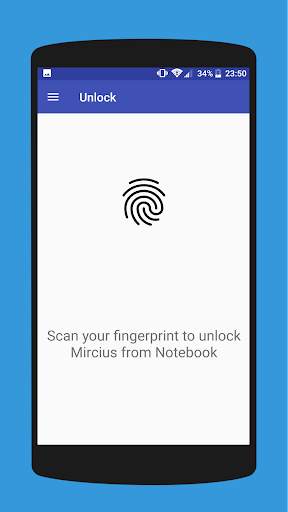
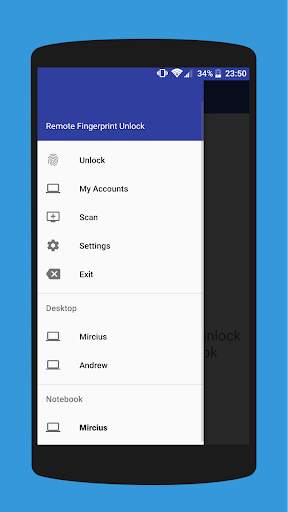
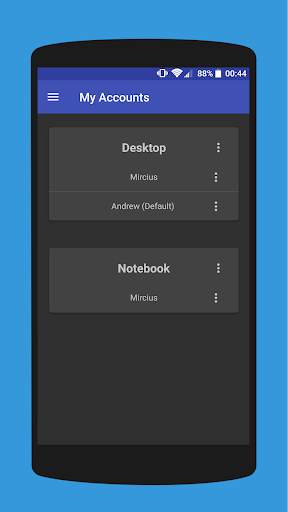
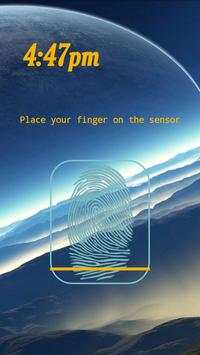
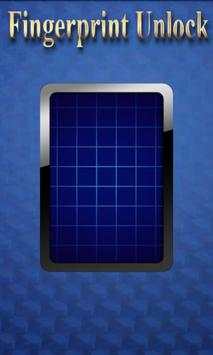
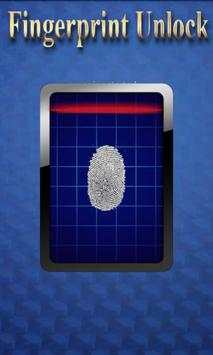
Remote Fingerprint Unlock screenshot 1 Remote Fingerprint Unlock screenshot 2 Remote Fingerprint Unlock screenshot 3

Remotely and securely unlock your Windows PC using your Android’s fingerprint sensor.
For the application to work, you need to install the Fingerprint Credential Provider module on your Windows PC (Windows Vista/7/8/10), found
here
.
If you've lost your PRO upgrade after reinstall, need help with setting up accounts or Wake on Lan, or for any other issue that you may encounter, please be sure to check out the
F.A.Q.
The module only runs when the logon screen is active, so, in order to connect your computer, add an account, etc., simply lock your computer (Windows Key L, or from the Start Menu).
How to use the app:
Firstly, be sure that you have installed the Windows module found at the link above.
Go to the Scan menu (making sure that your computer is on the logon screen) and pull to refresh (uses Wi-Fi) or press the add button and use the preferred method of unlocking.
Select your computer and press Save.
Now, go to the Accounts menu, tap the 3-dot menu button of the computer and then Add Account. Enter the Windows account that you want to unlock. Use the displayed name exactly as on the lockscreen (case sensitive, including the domain name if using domain account), together with the corresponding password. Scan your fingerprint and press Add.
For PRO users:
to select one of the added accounts as default, tap on the 3-dot menu button then select Set As Default.
To configure a computer, tap on the 3-dot menu button of that computer.
For PRO users:
to enable Wake on Lan, go to the computer's configuration menu and enable Send WoL Packet. Make sure the MAC address is correct!
You’re now all set! Go to the Unlock menu and scan your fingerprint. You should now see your computer unlocked.
Features:
• Log-into/Unlock an account
• Simple, user-friendly UI
• Secure
• Local/Microsoft/Domain* accounts support
• Light/Dark/Black (AMOLED-friendly) UI themes
• Local network/Bluetooth/Wi-Fi Tethering/USB Tethering support
* 1.2.0 version of the Windows module required. Usage: when adding an account using the Android app, simply add the full name of the account, including the domain, separated by a slash ( ‘’ ). For example:
testaccount.name
PRO features:
• Ads removal
• Unlimited computers and accounts per computer
• Wake-On-Lan
• Unlock widgets
• Launcher shortcuts
• More planned features
Being built with security in mind, the app:
• Can be safely be used on a public network –all sent data is encrypted.
• Encrypts the stored information in the user’s computer using a unique key that identifies the app installation.
• Does not store any password in the Android app.
• Prevents attackers from also gaining access to your computer – if an attacker knows your PIN and adds his own fingerprint, the app is immediately notified and automatically invalidates its own key, which makes the stored private app information lost forever.
Future updates:
• Locking a computer (up next!)
• Linux support (planned after lock feature)
Be sure to allow incoming and outgoing traffic (both TCP and UDP) in your firewall for the LogonUI.exe process found in C:WindowsSystem32. You will be asked at the installation if you want this done automatically for you if you are using Windows Firewall.
Please check the F.A.Q. for more troubleshooting tips and questions or send me an email if you have any questions regarding the app.

...

👉 For More Detail of Remote Fingerprint Unlock

#2 ICE Unlock Fingerprint Scanner

ICE Unlock Fingerprint Scanner
Rating: star 3.7 | Version: 1.7.0.3 | Size: 16.0MB
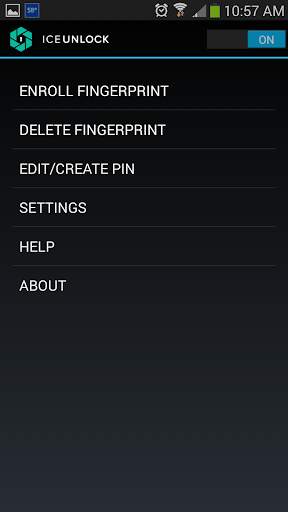
ICE Unlock Fingerprint Scanner screenshot 1 ICE Unlock Fingerprint Scanner screenshot 2 ICE Unlock Fingerprint Scanner screenshot 3

ICE Unlock utilise la biométrie d'empreinte digitale réelle sur presque tous les appareils mobiles.
Il existe de nombreuses fausses applications disponibles, mais cela utilise votre véritable empreinte digitale.
ICE Unlock est alimenté par ONYX qui permet aux utilisateurs de prendre une photo de leurs empreintes digitales en utilisant l'appareil photo existant. Aucun matériel ni scanner supplémentaire n'est nécessaire.
* REMARQUE: ICE Unlock nécessite une caméra orientée vers l'arrière avec flash, et la caméra doit pouvoir se concentrer sur votre doigt. Certains appareils qui ne se concentrent pas sur les objets proches ne fonctionnent pas avec ICEUnlock et sont marqués comme incompatibles.
ICE Unlock remet le pouvoir du contrôle d'identité là où il doit être - entre les mains du consommateur. Les images de votre doigt sont transformées en modèle à l'aide de notre processus exclusif, puis l'image est immédiatement détruite. De plus, les modèles d'empreintes digitales ne sont pas transmis à DFT ou à toute autre entité (gouvernementale ou autre). Le modèle est stocké uniquement dans la zone de stockage sécurisée de votre appareil, ce qui signifie qu'il n'est accessible que par ICE Unlock. Les données stockées sur votre appareil ne peuvent pas être utilisées pour rétroconcevoir votre empreinte digitale.
Citation du Tom's Guide: "L'application Clueful de Bitdefender, qui évalue les risques de confidentialité des applications installées sur votre téléphone, donne à ICE Unlock un" faible risk ", ce qui signifie qu'il a beaucoup moins accès aux fonctions de votre téléphone que des applications telles que Facebook ou Twitter."
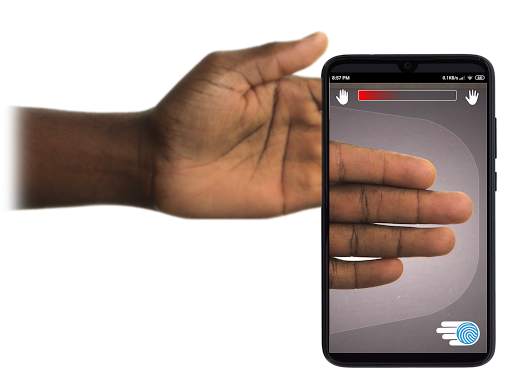
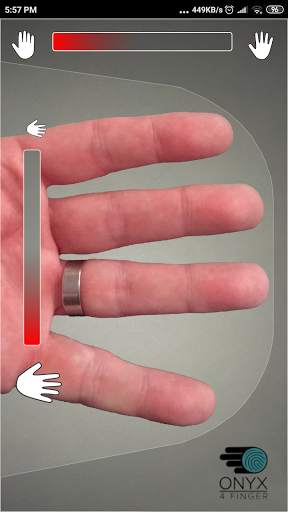
UTILISATION DE L'APPLICATION - L'utilisateur place sa main dans le champ de la caméra arrière de vue. Lorsque l'image est nette, ICE (Identity Control Essentials) Unlock capture automatiquement une image des doigts et la convertit en une empreinte digitale. Ensuite, il traite et correspond à l'image permettant d'accéder à l'appareil.
L'AUTHENTIFICATION TOUCHLESS FINGERPRINT FONCTIONNE MIEUX!
Les capteurs tactiles, comme celui de certains téléphones, ne sont pas aussi précis , sont sujets à l'usure et ont tendance à déformer votre empreinte digitale en raison de la pression appliquée. La technologie ONYX sans contact utilisée dans ICE Unlock peut fournir des niveaux de précision plus élevés que ceux requis par le Federal Bureau of Investigation des États-Unis.
ICE Unlock - LA PREMIÈRE APPLICATION MOBILE CONSTRUITE SUR LE MOTEUR D'AUTHENTIFICATION ONYX HD.
Le moteur ONYX est ce qui fait tout le traitement, l'encodage et la correspondance en coulisses pour ICE Unlock. ONYX est conçu pour exécuter l'authentification d'empreinte digitale sans contact mobile sur les appareils mobiles Android, iPhone / iPad et Windows afin d'apporter la biométrie aux entreprises. ONYX montre sa flexibilité en alimentant également des applications telles que ICE Unlock.
- Si vous demandez une assistance, veuillez inclure le modèle de votre appareil mobile.
* ICE Unlock a actuellement certaines solutions de contournement connues en raison de la façon dont les appareils Android se verrouillent. ICE Unlock n'est pas destiné à être utilisé comme une seule source de sécurité. Si vous avez besoin d'un niveau de sécurité extrêmement élevé, nous vous recommandons de mettre en œuvre en outre d'autres mesures de sécurité telles que les écrans de verrouillage des broches, des motifs, de la voix ou de la reconnaissance faciale natifs du système d'exploitation Android.
Pour en savoir plus sur ICE Unlock , rendez-vous sur http://www.diamondfortress.com/the-app.
Pour plus d'informations sur ONYX, rendez-vous sur http://diamondfortress.com.
Aimez-nous sur Facebook.

...

👉 For More Detail of ICE Unlock Fingerprint Scanner

#3 Fingerprint Unlock

Fingerprint Unlock
Rating: star 3.0 | Version: 2.0 | Size: 147.7KB
Fingerprint Unlock screenshot 1 Fingerprint Unlock screenshot 2 Fingerprint Unlock screenshot 3

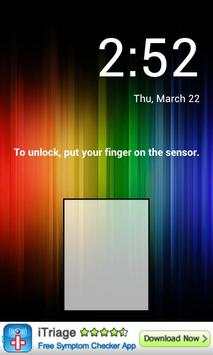
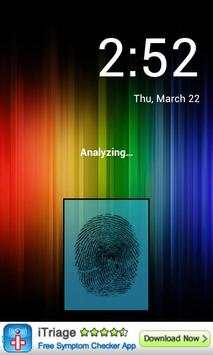
Trick your friends that your phone has a fingerprint security feature.
Features:
- Uses your current wallpaper.
- Displays Clock and Date.

...

👉 For More Detail of Fingerprint Unlock

#4 Fingerprint Unlock

Fingerprint Unlock
Rating: star 3.0 | Version: 3.0.0 | Size: 13.4MB
Fingerprint Unlock screenshot 1 Fingerprint Unlock screenshot 2 Fingerprint Unlock screenshot 3

Show off to your friends your new unlock screen. Scan your finger to unlock your phone.
How to use: Click the button right corner, then scan your finger and it will unlock. Enjoy!
Meant for entertainment purposes only.

...

👉 For More Detail of Fingerprint Unlock

#5 Fingerprint Unlock Screen

Fingerprint Unlock Screen
Rating: star 3.0 | Version: 1.0 | Size: 527.6KB
Fingerprint Unlock Screen screenshot 1 Fingerprint Unlock Screen screenshot 2

****THIS IS A GAG APP. IT DOES NOT REALLY READ FINGERPRINTS. USE IT TO FOOL YOUR FRIENDS****
To Use:
1. Open up the app and hand the phone to your friend and watch as your friend cannot unlock your phone with their finger print.
2. When it's your turn, simply tap the LOGO at the TOP of the screen and then start the test.
The phone will unlock immediately afterwards.
**ONCE AGAIN - THE TRICK IS TO TAP THE LOGO AT THE TOP OF THE SCREEN BEFORE YOU START THE SCAN IN ORDER TO UNLOCK THE PHONE! **

...

👉 For More Detail of Fingerprint Unlock Screen

Search Results

1/1

You may like

DOWNLOAD IS NOT SUPPORTED IN WEB STORE!
Use the latest version of 9Apps to download APK&OBB file of games in one click!
DOWNLOAD 9APPS