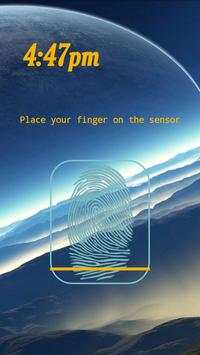
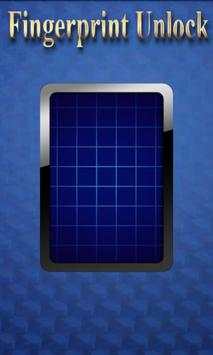
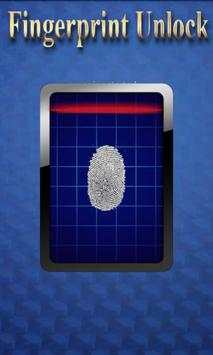
remote fingerprint unlock on 9Apps

Free download latest remote fingerprint unlock for Android here and enjoy it with your phone. Below you can download a list of top and latest apps related to remote fingerprint unlock . 9APPS is a fast, safe app store. With 9APPS, you can save a lot of time on searching and downloading apps.

#1 Remote Fingerprint Unlock

Remote Fingerprint Unlock
Rating: star 3.8 | Version: 1.6.1 | Size: 4.0MB
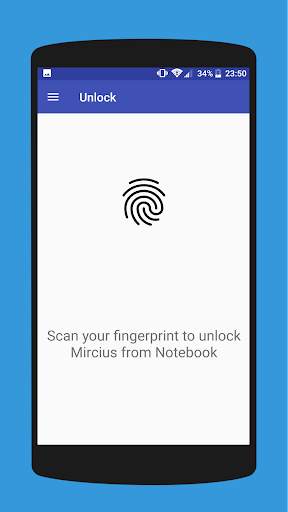
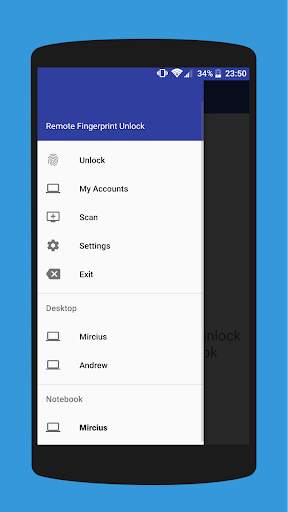
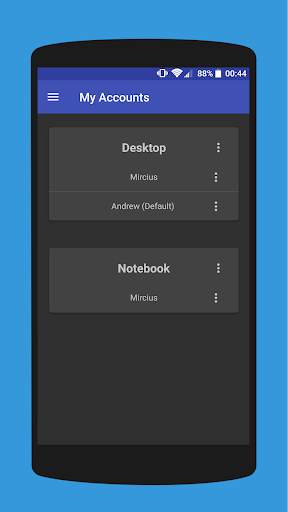
Remote Fingerprint Unlock screenshot 1 Remote Fingerprint Unlock screenshot 2 Remote Fingerprint Unlock screenshot 3

Remotely and securely unlock your Windows PC using your Android’s fingerprint sensor.
For the application to work, you need to install the Fingerprint Credential Provider module on your Windows PC (Windows Vista/7/8/10), found
here
.
If you've lost your PRO upgrade after reinstall, need help with setting up accounts or Wake on Lan, or for any other issue that you may encounter, please be sure to check out the
F.A.Q.
The module only runs when the logon screen is active, so, in order to connect your computer, add an account, etc., simply lock your computer (Windows Key L, or from the Start Menu).
How to use the app:
Firstly, be sure that you have installed the Windows module found at the link above.
Go to the Scan menu (making sure that your computer is on the logon screen) and pull to refresh (uses Wi-Fi) or press the add button and use the preferred method of unlocking.
Select your computer and press Save.
Now, go to the Accounts menu, tap the 3-dot menu button of the computer and then Add Account. Enter the Windows account that you want to unlock. Use the displayed name exactly as on the lockscreen (case sensitive, including the domain name if using domain account), together with the corresponding password. Scan your fingerprint and press Add.
For PRO users:
to select one of the added accounts as default, tap on the 3-dot menu button then select Set As Default.
To configure a computer, tap on the 3-dot menu button of that computer.
For PRO users:
to enable Wake on Lan, go to the computer's configuration menu and enable Send WoL Packet. Make sure the MAC address is correct!
You’re now all set! Go to the Unlock menu and scan your fingerprint. You should now see your computer unlocked.
Features:
• Log-into/Unlock an account
• Simple, user-friendly UI
• Secure
• Local/Microsoft/Domain* accounts support
• Light/Dark/Black (AMOLED-friendly) UI themes
• Local network/Bluetooth/Wi-Fi Tethering/USB Tethering support
* 1.2.0 version of the Windows module required. Usage: when adding an account using the Android app, simply add the full name of the account, including the domain, separated by a slash ( ‘’ ). For example:
testaccount.name
PRO features:
• Ads removal
• Unlimited computers and accounts per computer
• Wake-On-Lan
• Unlock widgets
• Launcher shortcuts
• More planned features
Being built with security in mind, the app:
• Can be safely be used on a public network –all sent data is encrypted.
• Encrypts the stored information in the user’s computer using a unique key that identifies the app installation.
• Does not store any password in the Android app.
• Prevents attackers from also gaining access to your computer – if an attacker knows your PIN and adds his own fingerprint, the app is immediately notified and automatically invalidates its own key, which makes the stored private app information lost forever.
Future updates:
• Locking a computer (up next!)
• Linux support (planned after lock feature)
Be sure to allow incoming and outgoing traffic (both TCP and UDP) in your firewall for the LogonUI.exe process found in C:WindowsSystem32. You will be asked at the installation if you want this done automatically for you if you are using Windows Firewall.
Please check the F.A.Q. for more troubleshooting tips and questions or send me an email if you have any questions regarding the app.

...

👉 For More Detail of Remote Fingerprint Unlock

#2 ICE Unlock Fingerprint Scanner

ICE Unlock Fingerprint Scanner
Rating: star 3.7 | Version: 1.7.0.3 | Size: 16.0MB
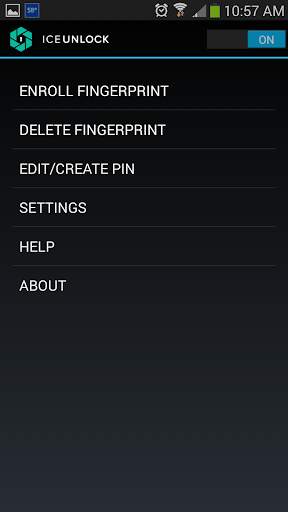
ICE Unlock Fingerprint Scanner screenshot 1 ICE Unlock Fingerprint Scanner screenshot 2 ICE Unlock Fingerprint Scanner screenshot 3

ICE Unlock utiliza datos biométricos reales de huellas dactilares en casi cualquier dispositivo móvil.
Hay muchas aplicaciones falsas disponibles, pero esta usa su huella dactilar real.
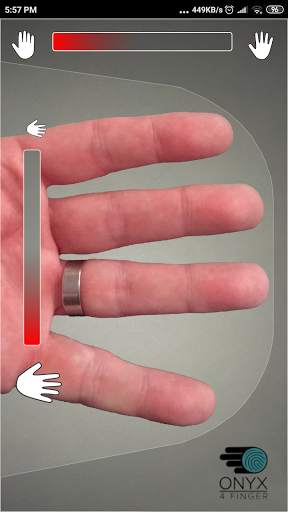
ICE Unlock funciona con ONYX, que permite a los usuarios tomar una foto de sus huellas digitales utilizando la cámara existente. No se necesita hardware ni escáner adicional.
* NOTA: ICE Unlock requiere una cámara trasera con flash y la cámara debe poder enfocar su dedo. Algunos dispositivos que no se enfocan en objetos cercanos no funcionan con ICEUnlock y están marcados como incompatibles.
ICE Unlock devuelve el poder del control de identidad a donde pertenece: en manos del consumidor. Las imágenes de su dedo se convierten en una plantilla utilizando nuestro proceso patentado y luego la imagen se destruye inmediatamente. Además, las plantillas de huellas dactilares no se transmiten a DFT ni a ninguna otra entidad (gubernamental o de otro tipo). La plantilla se almacena solo dentro del área de almacenamiento seguro de su dispositivo, lo que significa que solo se puede acceder a ella mediante ICE Unlock. Los datos almacenados en su dispositivo no se pueden usar para realizar ingeniería inversa en su huella digital.
Cita de Tom's Guide: "La aplicación Clueful de Bitdefender, que califica los riesgos de privacidad de las aplicaciones instaladas en su teléfono, le da a ICE Unlock un" bajo riesgo ", lo que significa que tiene mucho menos acceso a las funciones de su teléfono que aplicaciones como Facebook o Twitter".
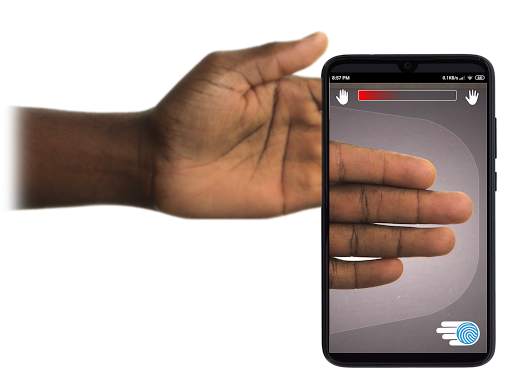
USO DE LA APLICACIÓN: el usuario coloca la mano en el campo de la cámara orientada hacia atrás de vista. Cuando la imagen está enfocada, ICE (Identity Control Essentials) Unlock captura automáticamente una imagen de los dedos y la convierte en una huella digital. Luego, procesa y hace coincidir la imagen que permite el acceso al dispositivo.
¡LA AUTENTICACIÓN DE HUELLAS DACTILARES SIN TACTO FUNCIONA MEJOR!
Los sensores táctiles, como el de algunos teléfonos, no son tan precisos , están sujetos a desgaste y tienden a distorsionar su huella digital debido a la presión aplicada. La tecnología sin contacto ONYX utilizada en ICE Unlock puede proporcionar niveles de precisión más altos que los requeridos por la Oficina Federal de Investigaciones de EE. UU.
ICE Unlock: LA PRIMERA APLICACIÓN MÓVIL CONSTRUIDA EN EL MOTOR DE AUTENTICACIÓN ONYX HD.
El motor ONYX es lo que hace todo el procesamiento, codificación y comparación entre bastidores para ICE Unlock. ONYX está diseñado para ejecutar la autenticación de huellas dactilares sin contacto móvil en dispositivos móviles Android, iPhone / iPad y Windows para llevar la biometría a las empresas. ONYX muestra su flexibilidad al impulsar también aplicaciones como ICE Unlock.
- Si está solicitando asistencia, incluya el modelo de su dispositivo móvil.
* ICE Unlock actualmente tiene algunas soluciones alternativas conocidas debido a la forma en que se bloquean los dispositivos Android. ICE Unlock no está destinado a ser utilizado como única fuente de seguridad. Si necesita un nivel de seguridad extremadamente alto, le recomendamos que implemente adicionalmente otras medidas de seguridad como las pantallas de bloqueo de reconocimiento de PIN, patrón, voz o facial nativas del sistema operativo Android.
Para obtener más información sobre ICE Unlock , vaya a http://www.diamondfortress.com/the-app.
Para obtener más información sobre ONYX, consulte http://diamondfortress.com.
Por favor, me gusta en Facebook.

...

👉 For More Detail of ICE Unlock Fingerprint Scanner

#3 Fingerprint Unlock

Fingerprint Unlock
Rating: star 3.0 | Version: 2.0 | Size: 147.7KB
Fingerprint Unlock screenshot 1 Fingerprint Unlock screenshot 2 Fingerprint Unlock screenshot 3

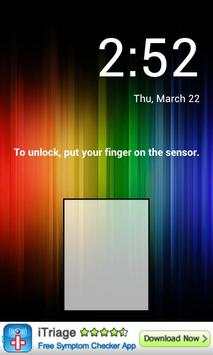
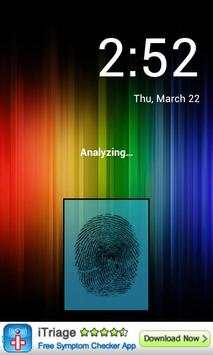
Trick your friends that your phone has a fingerprint security feature.
Features:
- Uses your current wallpaper.
- Displays Clock and Date.

...

👉 For More Detail of Fingerprint Unlock

#4 Fingerprint Unlock

Fingerprint Unlock
Rating: star 3.0 | Version: 3.0.0 | Size: 13.4MB
Fingerprint Unlock screenshot 1 Fingerprint Unlock screenshot 2 Fingerprint Unlock screenshot 3

Show off to your friends your new unlock screen. Scan your finger to unlock your phone.
How to use: Click the button right corner, then scan your finger and it will unlock. Enjoy!
Meant for entertainment purposes only.

...

👉 For More Detail of Fingerprint Unlock

#5 Fingerprint Unlock Screen

Fingerprint Unlock Screen
Rating: star 3.0 | Version: 1.0 | Size: 527.6KB
Fingerprint Unlock Screen screenshot 1 Fingerprint Unlock Screen screenshot 2

****THIS IS A GAG APP. IT DOES NOT REALLY READ FINGERPRINTS. USE IT TO FOOL YOUR FRIENDS****
To Use:
1. Open up the app and hand the phone to your friend and watch as your friend cannot unlock your phone with their finger print.
2. When it's your turn, simply tap the LOGO at the TOP of the screen and then start the test.
The phone will unlock immediately afterwards.
**ONCE AGAIN - THE TRICK IS TO TAP THE LOGO AT THE TOP OF THE SCREEN BEFORE YOU START THE SCAN IN ORDER TO UNLOCK THE PHONE! **

...

👉 For More Detail of Fingerprint Unlock Screen

Search Results

1/1

You may like

DOWNLOAD IS NOT SUPPORTED IN WEB STORE!
Use the latest version of 9Apps to download APK&OBB file of games in one click!
DOWNLOAD 9APPS