whatscan on 9Apps

Free download latest whatscan for Android here and enjoy it with your phone. Below you can download a list of top and latest apps related to whatscan . 9APPS is a fast, safe app store. With 9APPS, you can save a lot of time on searching and downloading apps.
#1 Whatscan

Whatscan
Rating: star 4.3 | Version: 3.9.2 | Size: 8.8MB
Whatscan screenshot 1 Whatscan screenshot 2 Whatscan screenshot 3

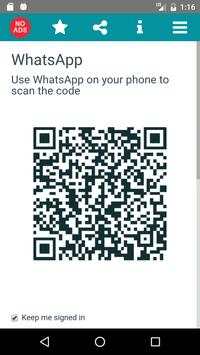
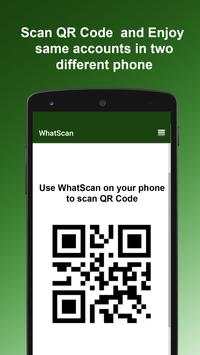
Whatscan for Whatsapp web – simply, scan the QR code and that's it!
Same WhatsApp account on mobiles and tablets
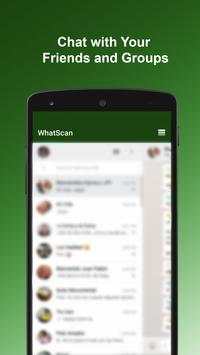
Send and receive messages, pictures, videos even documents
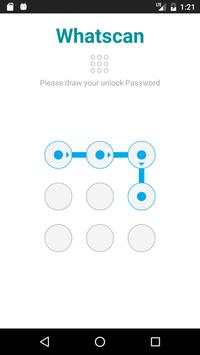
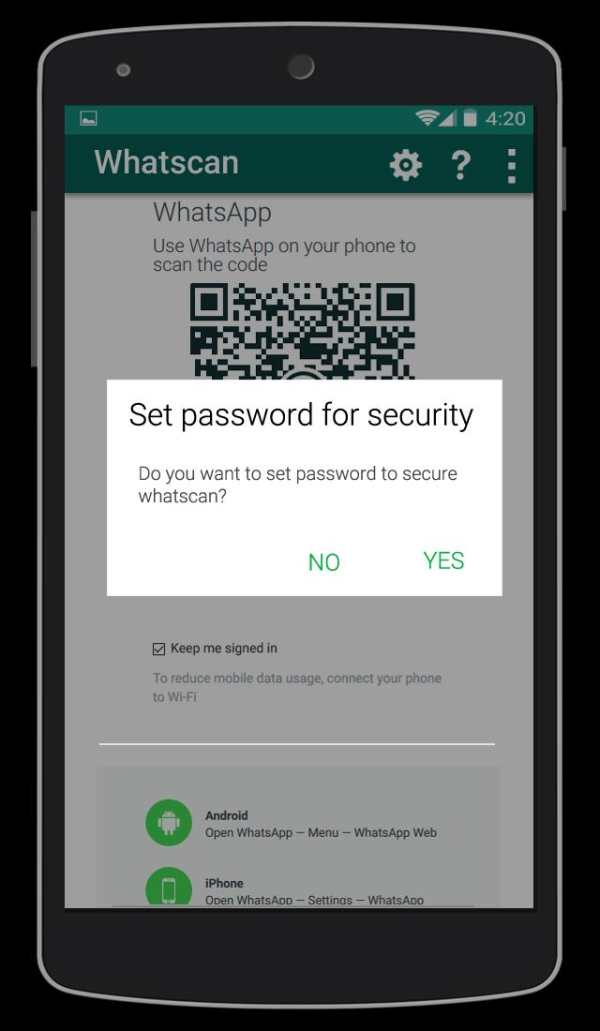
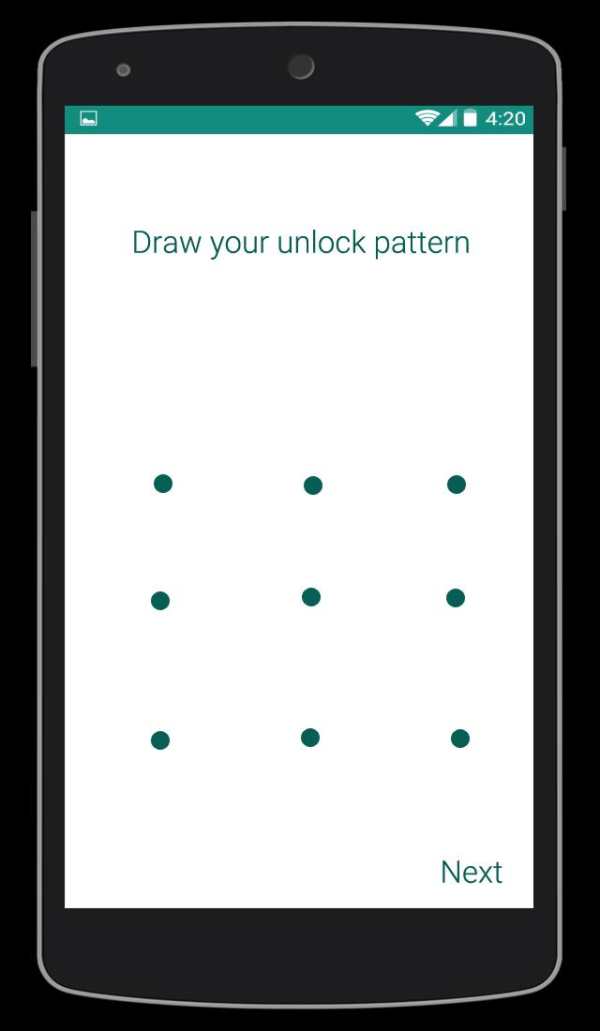
Secured with your Password.
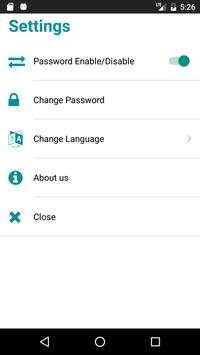
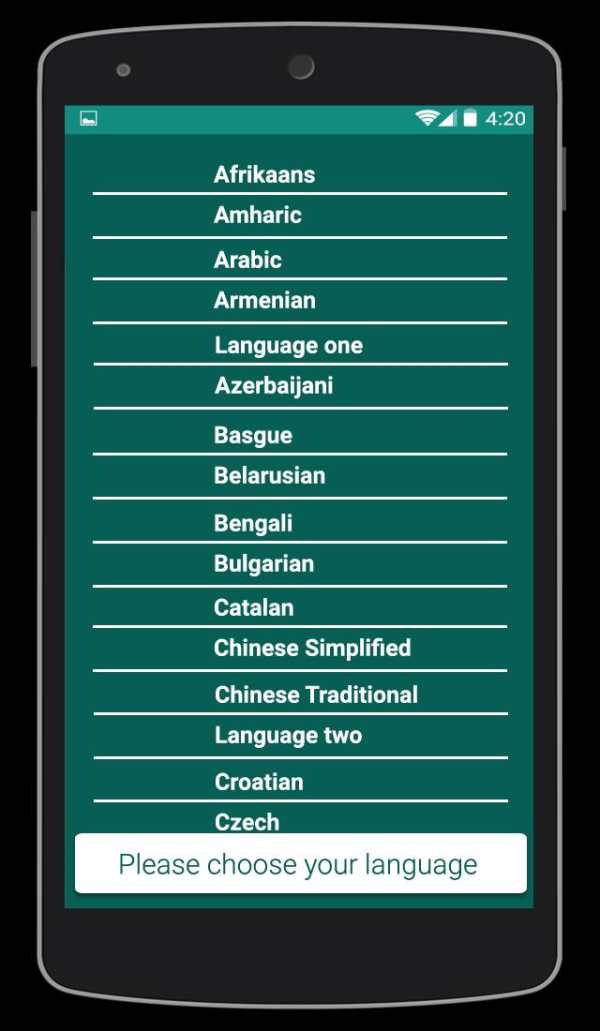
Multi Languages
Send Voices
NOTE: Whatscan Support All Android Versions and Devices.
Hint: Whatscan for whatsapp web is created by us, and it not an official WhatsApp application and not associated with WhatsApp Inc.

...

👉 For More Detail of Whatscan

#2 Whatscan

Whatscan
Rating: star 3.0 | Version: 1.4 | Size: 3.4MB
Whatscan screenshot 1 Whatscan screenshot 2 Whatscan screenshot 3

Are you an avid Whatsapp user? If you love the messaging platform and you have multiple accounts or simply want to have Whatsweb Whatsapp options, try this app. It gives tons of multiple options, no matter what are your needs related to the Facebook owned platform. This is a companion app created for Whatsapp! It enables you to have dual whatsapp or double whatsapp i.e 2 whatsapp in 1 phone.
MANAGE YOUR ACCOUNTS SMARTLY
You have one whatsapp account, where all of your contacts are stored. However, you must use two phones, one for work and one for personal use. With our app you can install the same account on the two phones. Vice versa, you have two Whatsapp accounts, one for work, other for personal use. With our app you can also put 2 whatsapp in one phone. The second whatsapp can only be added throughout our app.
SIMPLE TO USE
There are few simple steps you need to do to have two whatsapp in one phone or the same whatsapp on 2 phones. With few simple taps you can use whatsapp normally but from 2 phones or from 2 accounts. All normal functions are kept and you can easily send messages, pictures, videos etc.
DON’T WORRY ABOUT SECURITY
We will protect you as well. With our password options, the app will keep your messaging a secret. This also offers great control over children. Parents should seriously think of using this helpful Whatsapp companion app.
Whatsweb WHATSAPP
- possibility to add multiple accounts on one smartphone
- possibility to add the same account to two smartphones
- ability to add password to protect your messages and the whole account
- simple and intuitive
- light in size
- free
------------------------------------------------------------
The app guarantees great options in your everyday Whatsapp communication.
Get the app for FREE!
IMPORTANT:
Account Manager for Whatsapp is an app created by us. It is not an official WhatsApp application and in any ways it is not associated with WhatsApp Inc.
----------
HOW TO USE
----------
1. Install and Open Whatsweb on device (Phone/Tablet) you want to sync/clone your whatsapp to
2. Open whatsapp on your main phone (the account you want to clone)
- On Android: Scroll to the Chats screen -> Menu -> whatsapp Web.
- On iPhone: Click Settings -> whatsapp Web.
- On Nokia S60 and Windows Phone: Go to Menu -> whatsapp Web.
- On Nokia S40: Swipe up from bottom of screen -> whatsapp Web.
- On BlackBerry: Go to Chats -> Menu -> whatsapp Web.
- On BlackBerry 10: Swipe down from top of the screen -> whatsapp Web.
3. After clicking "whatscan", you should see a camera QR scanning screen.
4. Now scan the QR code displayed on whatsweb
5. Done! Sync complete! Now you can access the same whatsapp account on both devices!
6. Enjoy 2 whatsapp in 1 device!
Hint: Whatscan for whatsapp web is created by us, and it not an official WhatsApp application and not associated with WhatsApp Inc.

...

👉 For More Detail of Whatscan

#3 WhatScan

WhatScan
Rating: star 3.0 | Version: 1.4 | Size: 2.2MB
WhatScan screenshot 1 WhatScan screenshot 2 WhatScan screenshot 3

Whatscan Web Scanner is the advance and a simple application to open Second account in your smart mobile phone.
How to use whatscan app :
1. Open the QR Code Scanner on their App.
2. Open the Whatscan App, and scan the QR Code appears on home screen of the app.
What you can make by Whatscan Web App:
- Messages Read/answer and Send
- Profile Picture and Status Changes
- Images/Videos Downloads and Forward
- Send Images from Gallery or through the mobile phone camera
- report Files and Contacts sending
Disclaimer:
- Whatscan for whatsapp web is created by us, and it not an official WhatsApp application and not associated with WhatsApp Inc.
- This app is not official whatsapp app but this app uses Whatsapp Public API.

...

👉 For More Detail of WhatScan

#4 Whatscan

Whatscan
Rating: star 2.0 | Version: 1.5 | Size: 3.8MB
Whatscan screenshot 1 Whatscan screenshot 2 Whatscan screenshot 3

Welcome to Whatscan for Whatsapp web – the easiest and fastest app that will let you open the same whatsapp account on 2 different smartphones or tablets for Free!
Whatsweb for whatsapp allows you to run two whatsapp accounts in a single device OR You can also run the same whatsapp account on multiple devices. It is entirely up to you!
- Double Whatsapp, double the fun!
- You can have dual whatsapp in 1 device!
- You can have your whatsapp account on dual devices!
Whatsweb for Whatsapp web - Dual whatsapp Account on 1 device
Run 2 WhatsApp accounts in 1 device!
Multi Whatsapp: Multiple whatAapp account in one phone.
Sync your WhatsApp account to your mobile or tablet
With whatsweb, you can:
1. Full access:
- Have all your contacts, chats list, chat history, messages, photos and files on multiple devices.
2. Easy-to-use, Easy-to-setup.
3. Works on ALL devices!
Whatsweb for whatsapp allows you to run two whatsapp accounts in a single device OR You can also run the same whatsapp account on multiple devices. It is entirely up to you!
- Double Whatsapp, double the fun!
- You can have dual whatsapp in 1 device!
- You can have your whatsapp account on dual devices!
----------
HOW TO USE
----------
1. Install and Open Whatsweb on device (Phone/Tablet) you want to sync/clone your whatsapp to
2. Open whatsapp on your main phone (the account you want to clone)
- On Android: Scroll to the Chats screen -> Menu -> whatsapp Web.
- On iPhone: Click Settings -> whatsapp Web.
- On Nokia S60 and Windows Phone: Go to Menu -> whatsapp Web.
- On Nokia S40: Swipe up from bottom of screen -> whatsapp Web.
- On BlackBerry: Go to Chats -> Menu -> whatsapp Web.
- On BlackBerry 10: Swipe down from top of the screen -> whatsapp Web.
3. After clicking "whatscan", you should see a camera QR scanning screen.
4. Now scan the QR code displayed on whatsweb
5. Done! Sync complete! Now you can access the same whatsapp account on both devices!
6. Enjoy 2 whatsapp in 1 device!
Hint: Whatscan for whatsapp web is created by us, and it not an official WhatsApp application and not associated with WhatsApp Inc.

...

👉 For More Detail of Whatscan

#5 Whatscan 2021

Whatscan 2021
Rating: star 4.3 | Version: 1.1 | Size: 6.6MB
Whatscan 2021 screenshot 1 Whatscan 2021 screenshot 2 Whatscan 2021 screenshot 3

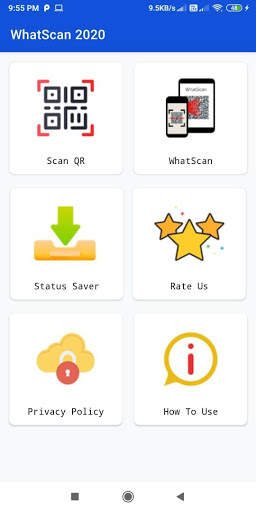
WhatsScan cho Whats Web Scan là một web cloneApp được xếp hạng hàng đầu thế giới. WhatsScan 2021 rất đơn giản và dễ sử dụng tùy chọn trò chuyện kép. Ứng dụng quét whatsweb cũng rất nhẹ trọng lượng. Chỉ cần mở ứng dụng WhatScan 2021 và quét mã QR từ một ứng dụng khác và bây giờ bạn đã sẵn sàng để sử dụng tính năng trò chuyện kép với ứng dụng Clone Web này. Ứng dụng WhatScan cho Whatsweb Ứng dụng thực sự hữu ích cho WhatClone của bạn.
WhatScan 2021 - Ứng dụng quét web Whats có một số tính năng duy nhất và bạn không thể tìm thấy những tính năng trong các ứng dụng Android khác. WhatsScan đã tối ưu hóa mã, làm việc hiệu quả, mã QR quét siêu nhanh, trình đọc và máy quét mã Super-DUPER, v.v là các tính năng chính. WhatScan 2021 - Ứng dụng quét web là một ứng dụng được xếp hạng hàng đầu cho WHOS Web Cat Chat và Story Saver.
Máy quét mã QR:
Nó quét mã QR và giải mã thông tin. Nó hỗ trợ tất cả các loại mã QR. Bạn có thể dễ dàng quét mã QR bằng cách chụp ảnh. Nó nhanh chóng nắm bắt mã và quét vào thông tin mà nó đang chứa. Với ứng dụng quét QR và mã vạch Mọi người đều có thể tìm ra giá bán lẻ của sản phẩm bán lẻ.
Máy quét mã vạch:
Quét nhanh bất kỳ mã vạch nào và giải mã mã vạch vào thông tin. Nó là một đầu đọc mã vạch rất an toàn. Với sự trợ giúp của ứng dụng này, bạn có thể sử dụng để quét thuốc, tạp hóa và giá cả và mã vạch đảm bảo chất lượng.
Story Saver & WhatsScan cloner:
WhatScan Cloner cho phép bạn quản lý các tài khoản kép chủ yếu khác nhau thiết bị trên một điện thoại. Story Saver & Dual Space cho phép bạn có các tài khoản trò chuyện kép từ các số khác nhau trong một thiết bị như điện thoại kép SIM. Bạn có thể quản lý không gian kép tài khoản và trò chuyện từ cả hai tài khoản cùng một lúc.
Các tính năng của WhatsScan 2021 - Quét web Whats:
* Nó quét mã QR / mã vạch và, giải mã và dịch chúng.
* Ứng dụng Android rất đơn giản
* Máy quét QR nhanh và đầu đọc mã vạch
* Ứng dụng quét WhatScan cho WhatsSWB
* Công cụ tốt nhất theo nhu cầu của bạn
* Nó cho phép một người Hoạt động nhiều tài khoản trên một thiết bị để thực hiện trò chuyện.
* Bạn có thể mở và đọc bất kỳ cuộc trò chuyện nào từ ứng dụng Whatssweb này.
* Bạn có thể phát lại cho bất kỳ bạn bè nào và nhận lại phản hồi.
* Xóa tin nhắn trò chuyện với sự trợ giúp của trình quét web Whats.
Tab trợ giúp:
Trong tab này, bạn sẽ nhận được một trợ giúp và tìm các bước đơn giản để sử dụng ứng dụng WhatsSWEB.
Tải xuống WhatsScan cho WhatsSWB - WhatScan 2021, để thưởng thức trò chuyện kép & nhiều tài khoản ở một nơi. Nơi bạn có thể quét mã QR hoặc mã vạch để sử dụng cá nhân hoặc doanh nghiệp của mình. Đừng quên chia sẻ với bạn bè và gia đình.
Chúng tôi luôn cố gắng phát triển các ứng dụng hữu ích và các đánh giá tốt của bạn luôn giúp cải thiện ứng dụng WhatSwsweb này. Giúp chúng tôi bằng cách chia sẻ ứng dụng này với bạn bè và thành viên gia đình của bạn, ứng dụng WhatsClone này rất hữu ích cho bạn.
Tuyên bố miễn trừ trách nhiệm:
WhatScan 2021 được chúng tôi tạo ra, không phải là một ứng dụng chính thức của WhatsApp và không liên quan Với WhatsApp Inc. Tên "Whatsapp" là bản quyền cho Whatsapp, Inc.

...

👉 For More Detail of Whatscan 2021

Search Results

1/9

You may like

DOWNLOAD IS NOT SUPPORTED IN WEB STORE!
Use the latest version of 9Apps to download APK&OBB file of games in one click!
DOWNLOAD 9APPS