whatscan on 9Apps

Free download latest whatscan for Android here and enjoy it with your phone. Below you can download a list of top and latest apps related to whatscan . 9APPS is a fast, safe app store. With 9APPS, you can save a lot of time on searching and downloading apps.
#1 Whatscan

Whatscan
Rating: star 4.3 | Version: 3.9.2 | Size: 8.8MB
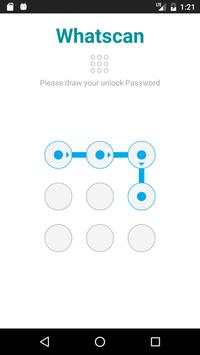
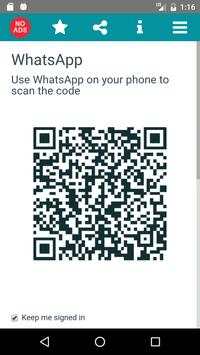
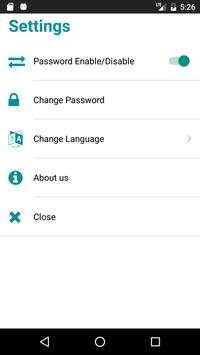
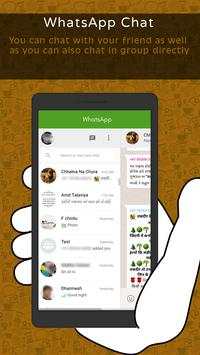
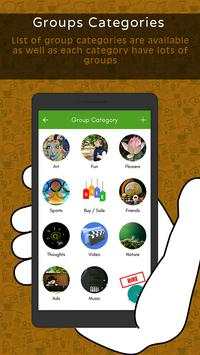
Whatscan screenshot 1 Whatscan screenshot 2 Whatscan screenshot 3

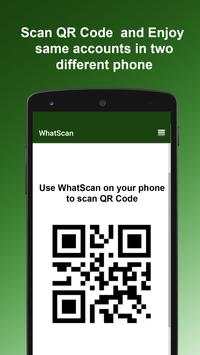
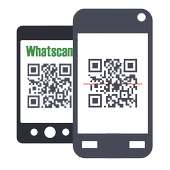
Whatscan for Whatsapp web – simply, scan the QR code and that's it!
Same WhatsApp account on mobiles and tablets
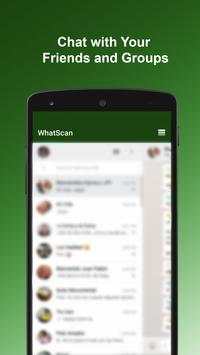
Send and receive messages, pictures, videos even documents
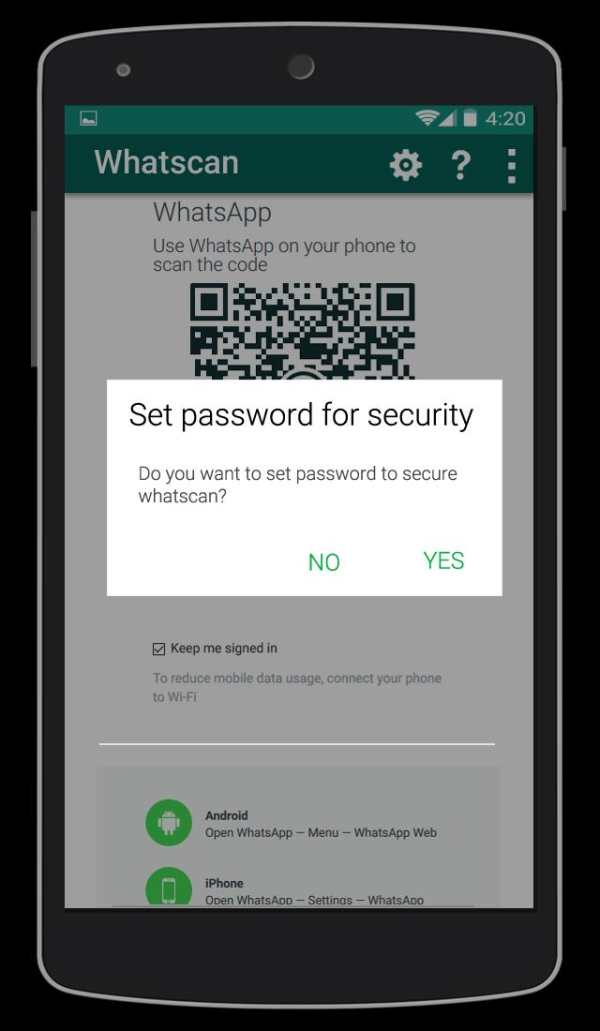
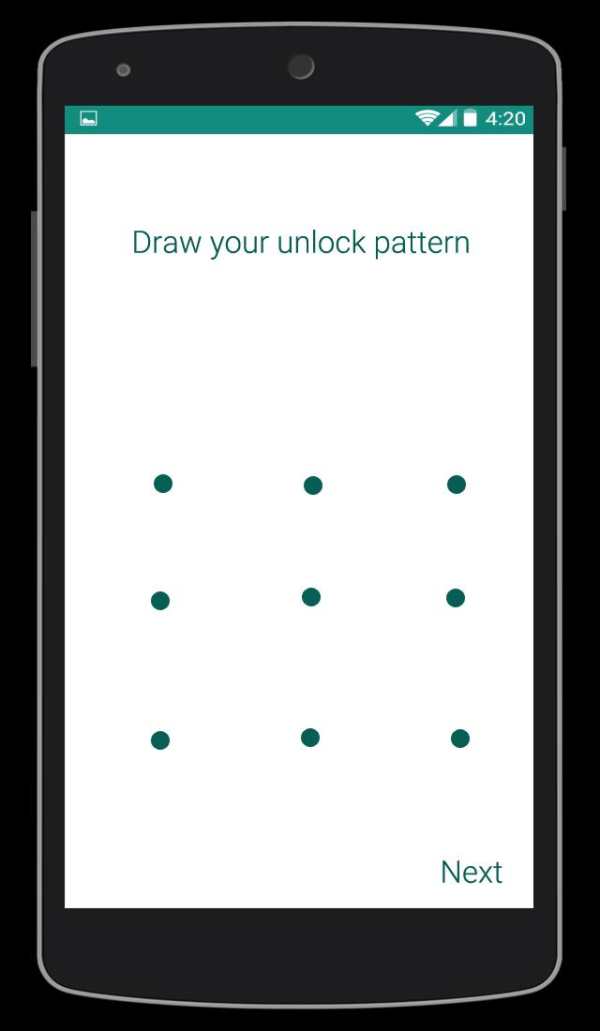
Secured with your Password.
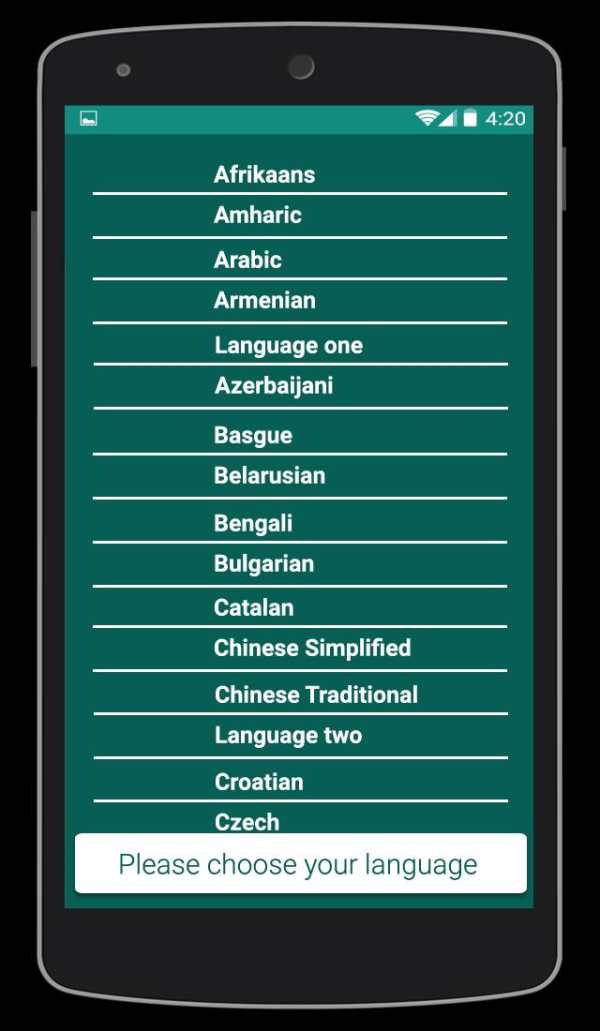
Multi Languages
Send Voices
NOTE: Whatscan Support All Android Versions and Devices.
Hint: Whatscan for whatsapp web is created by us, and it not an official WhatsApp application and not associated with WhatsApp Inc.

...

👉 For More Detail of Whatscan

#2 Whatscan

Whatscan
Rating: star 3.0 | Version: 1.4 | Size: 3.4MB
Whatscan screenshot 1 Whatscan screenshot 2 Whatscan screenshot 3

Are you an avid Whatsapp user? If you love the messaging platform and you have multiple accounts or simply want to have Whatsweb Whatsapp options, try this app. It gives tons of multiple options, no matter what are your needs related to the Facebook owned platform. This is a companion app created for Whatsapp! It enables you to have dual whatsapp or double whatsapp i.e 2 whatsapp in 1 phone.
MANAGE YOUR ACCOUNTS SMARTLY
You have one whatsapp account, where all of your contacts are stored. However, you must use two phones, one for work and one for personal use. With our app you can install the same account on the two phones. Vice versa, you have two Whatsapp accounts, one for work, other for personal use. With our app you can also put 2 whatsapp in one phone. The second whatsapp can only be added throughout our app.
SIMPLE TO USE
There are few simple steps you need to do to have two whatsapp in one phone or the same whatsapp on 2 phones. With few simple taps you can use whatsapp normally but from 2 phones or from 2 accounts. All normal functions are kept and you can easily send messages, pictures, videos etc.
DON’T WORRY ABOUT SECURITY
We will protect you as well. With our password options, the app will keep your messaging a secret. This also offers great control over children. Parents should seriously think of using this helpful Whatsapp companion app.
Whatsweb WHATSAPP
- possibility to add multiple accounts on one smartphone
- possibility to add the same account to two smartphones
- ability to add password to protect your messages and the whole account
- simple and intuitive
- light in size
- free
------------------------------------------------------------
The app guarantees great options in your everyday Whatsapp communication.
Get the app for FREE!
IMPORTANT:
Account Manager for Whatsapp is an app created by us. It is not an official WhatsApp application and in any ways it is not associated with WhatsApp Inc.
----------
HOW TO USE
----------
1. Install and Open Whatsweb on device (Phone/Tablet) you want to sync/clone your whatsapp to
2. Open whatsapp on your main phone (the account you want to clone)
- On Android: Scroll to the Chats screen -> Menu -> whatsapp Web.
- On iPhone: Click Settings -> whatsapp Web.
- On Nokia S60 and Windows Phone: Go to Menu -> whatsapp Web.
- On Nokia S40: Swipe up from bottom of screen -> whatsapp Web.
- On BlackBerry: Go to Chats -> Menu -> whatsapp Web.
- On BlackBerry 10: Swipe down from top of the screen -> whatsapp Web.
3. After clicking "whatscan", you should see a camera QR scanning screen.
4. Now scan the QR code displayed on whatsweb
5. Done! Sync complete! Now you can access the same whatsapp account on both devices!
6. Enjoy 2 whatsapp in 1 device!
Hint: Whatscan for whatsapp web is created by us, and it not an official WhatsApp application and not associated with WhatsApp Inc.

...

👉 For More Detail of Whatscan

#3 WhatScan

WhatScan
Rating: star 3.0 | Version: 1.4 | Size: 2.2MB
WhatScan screenshot 1 WhatScan screenshot 2 WhatScan screenshot 3

Whatscan Web Scanner is the advance and a simple application to open Second account in your smart mobile phone.
How to use whatscan app :
1. Open the QR Code Scanner on their App.
2. Open the Whatscan App, and scan the QR Code appears on home screen of the app.
What you can make by Whatscan Web App:
- Messages Read/answer and Send
- Profile Picture and Status Changes
- Images/Videos Downloads and Forward
- Send Images from Gallery or through the mobile phone camera
- report Files and Contacts sending
Disclaimer:
- Whatscan for whatsapp web is created by us, and it not an official WhatsApp application and not associated with WhatsApp Inc.
- This app is not official whatsapp app but this app uses Whatsapp Public API.

...

👉 For More Detail of WhatScan

#4 Whatscan

Whatscan
Rating: star 2.0 | Version: 1.5 | Size: 3.8MB
Whatscan screenshot 1 Whatscan screenshot 2 Whatscan screenshot 3

Welcome to Whatscan for Whatsapp web – the easiest and fastest app that will let you open the same whatsapp account on 2 different smartphones or tablets for Free!
Whatsweb for whatsapp allows you to run two whatsapp accounts in a single device OR You can also run the same whatsapp account on multiple devices. It is entirely up to you!
- Double Whatsapp, double the fun!
- You can have dual whatsapp in 1 device!
- You can have your whatsapp account on dual devices!
Whatsweb for Whatsapp web - Dual whatsapp Account on 1 device
Run 2 WhatsApp accounts in 1 device!
Multi Whatsapp: Multiple whatAapp account in one phone.
Sync your WhatsApp account to your mobile or tablet
With whatsweb, you can:
1. Full access:
- Have all your contacts, chats list, chat history, messages, photos and files on multiple devices.
2. Easy-to-use, Easy-to-setup.
3. Works on ALL devices!
Whatsweb for whatsapp allows you to run two whatsapp accounts in a single device OR You can also run the same whatsapp account on multiple devices. It is entirely up to you!
- Double Whatsapp, double the fun!
- You can have dual whatsapp in 1 device!
- You can have your whatsapp account on dual devices!
----------
HOW TO USE
----------
1. Install and Open Whatsweb on device (Phone/Tablet) you want to sync/clone your whatsapp to
2. Open whatsapp on your main phone (the account you want to clone)
- On Android: Scroll to the Chats screen -> Menu -> whatsapp Web.
- On iPhone: Click Settings -> whatsapp Web.
- On Nokia S60 and Windows Phone: Go to Menu -> whatsapp Web.
- On Nokia S40: Swipe up from bottom of screen -> whatsapp Web.
- On BlackBerry: Go to Chats -> Menu -> whatsapp Web.
- On BlackBerry 10: Swipe down from top of the screen -> whatsapp Web.
3. After clicking "whatscan", you should see a camera QR scanning screen.
4. Now scan the QR code displayed on whatsweb
5. Done! Sync complete! Now you can access the same whatsapp account on both devices!
6. Enjoy 2 whatsapp in 1 device!
Hint: Whatscan for whatsapp web is created by us, and it not an official WhatsApp application and not associated with WhatsApp Inc.

...

👉 For More Detail of Whatscan

#5 Whatscan 2021

Whatscan 2021
Rating: star 4.3 | Version: 1.1 | Size: 6.6MB
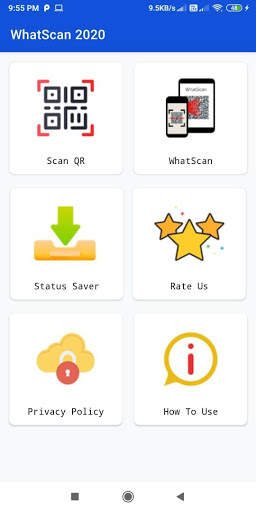
Whatscan 2021 screenshot 1 Whatscan 2021 screenshot 2 Whatscan 2021 screenshot 3

Whats Whats Web Scan은 World Top Rated Web CloneApp입니다. WhatScan 2021은 매우 간단하고 이중 채팅 옵션을 사용하기가 쉽습니다. WhatSweb 스캐너 앱도 매우 가벼운 무게입니다. 다른 앱에서 Whatscan 2021 앱을 열고 QR 코드를 스캔 하여이 웹 클론 앱으로 이중 채팅 기능을 사용할 준비가되었습니다. WhatSweb의 Whatscan App은 WhatClone에 대한 실제로 유용한 앱입니다.
Whatscan 2021 - Whats Web Scan App에는 고유 한 기능이 있으며 다른 기능을 찾을 수 없습니다. Whatscan은 코드, 효율적인 작업, 초고속 스캔 QR 코드, 초고속 QR 코드 리더 및 스캐너 등을 최적화 한 주요 주요 기능입니다. Whatscan 2021 - Whats Web Scan App은 Whens Web Dual Chat and Story Saver를위한 최고 평점 앱입니다.
QR 코드 스캐너 :
QR 코드를 검사하고 정보를 디코딩합니다. 모든 종류의 QR 코드를 지원합니다. 이미지를 캡처하여 QR 코드를 쉽게 스캔 할 수 있습니다. 그것은 신속하게 코드를 캡처하고 스캔하는 정보를 포함합니다. QR 및 바코드 스캐너 응용 프로그램 모두 모두 판매 된 제품의 소매 가격을 확인할 수 있습니다. 그것은 매우 안전한 바코드 판독기입니다. 이 응용 프로그램의 도움을 받아 약물, 식료품 점 및 가격 및 품질 보증 바코드를 스캔하는 데 사용할 수 있습니다.
Story Saver & Whatscan 클로너 :
Whatscan 클로너는 주로 다른 듀얼 계정을 관리 할 수 ​​있습니다. 한 번의 장치에있는 장치. Story Saver & Dual Space를 사용하면 듀얼 SIM 전화와 같은 한 장치 내의 다른 숫자에서 듀얼 채팅 계정을 사용할 수 있습니다. 계정의 이중 공간을 관리하고 동시에 두 계정에서 채팅을 수행 할 수 있습니다.
Whatscan 2021 - Whats Web Scan :
QR 코드 / 바코드를 스캔하고 디코딩 그리고 그들을 번역합니다.
* 매우 간단한 안드로이드 응용 프로그램
* 빠른 QR 스캐너 및 바코드 리더
* 하나의 장치에서 하나 이상의 계정을 조작하여 채팅을 수행하십시오.
* Whens Web Scanner의 도움으로 채팅 메시지를 삭제하십시오.
도움말 탭 :
> Whatsweb - Whatsscan 2021의 WhatScan 다운로드, 듀얼 채팅 및 여러 계정을 한 곳에서 즐길 수 있습니다. 개인 또는 비즈니스 사용을 위해 QR 코드 또는 바코드를 스캔 할 수있는 곳. 친구 & 가족과 공유하는 것을 잊지 마십시오.
우리는 항상 유용한 앱을 개발하려고 시도했으며 좋은 리뷰는 항상이 쓸모없는 앱을 위해이 뭐든지 개선하는 데 도움이됩니다. 이 앱을 친구 및 가족 구성원과 공유 하여이 앱을 친구 및 가족 앱으로 공유합니다. Whatsapp Inc.에서 "whatsapp"이름은 Whatsapp, Inc.의 저작권입니다.

...

👉 For More Detail of Whatscan 2021

Search Results

1/9

You may like

DOWNLOAD IS NOT SUPPORTED IN WEB STORE!
Use the latest version of 9Apps to download APK&OBB file of games in one click!
DOWNLOAD 9APPS