whatscan on 9Apps

Free download latest whatscan for Android here and enjoy it with your phone. Below you can download a list of top and latest apps related to whatscan . 9APPS is a fast, safe app store. With 9APPS, you can save a lot of time on searching and downloading apps.
#1 Whatscan

Whatscan
Rating: star 4.3 | Version: 3.9.2 | Size: 8.8MB
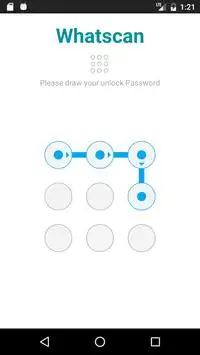
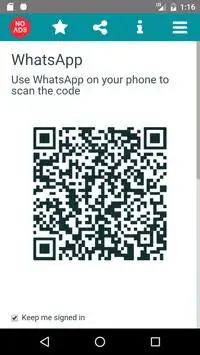
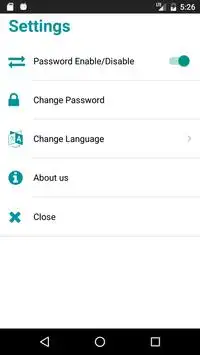
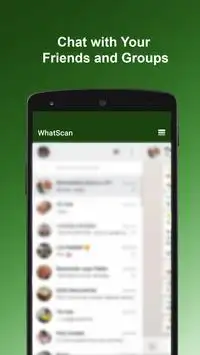
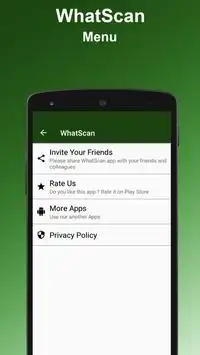
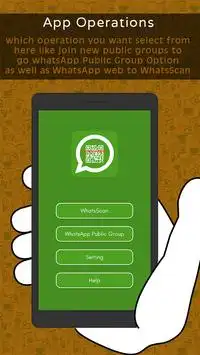
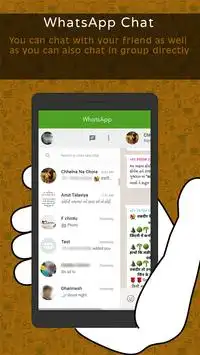
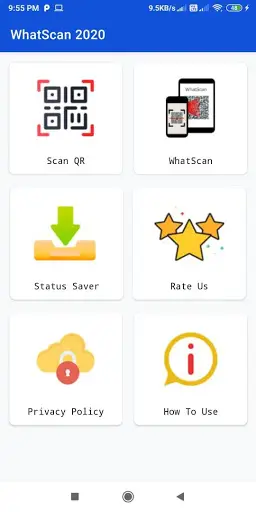
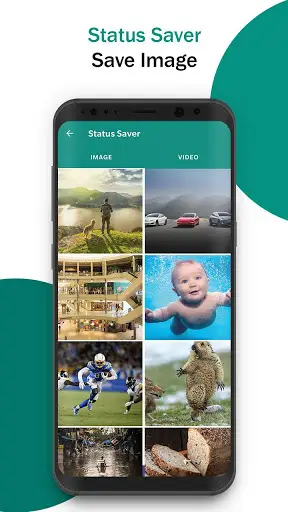
Whatscan screenshot 1 Whatscan screenshot 2 Whatscan screenshot 3

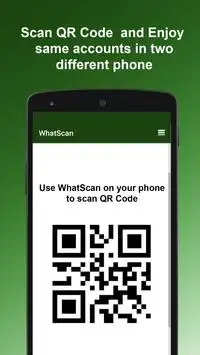
Whatscan for Whatsapp web – simply, scan the QR code and that's it!
Same WhatsApp account on mobiles and tablets
Send and receive messages, pictures, videos even documents
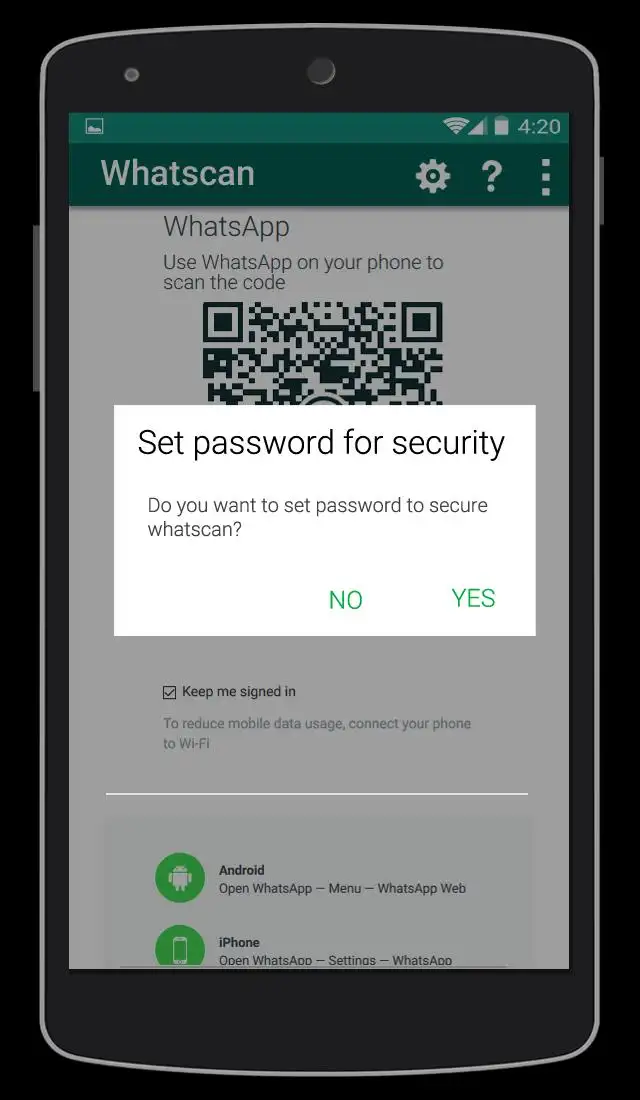
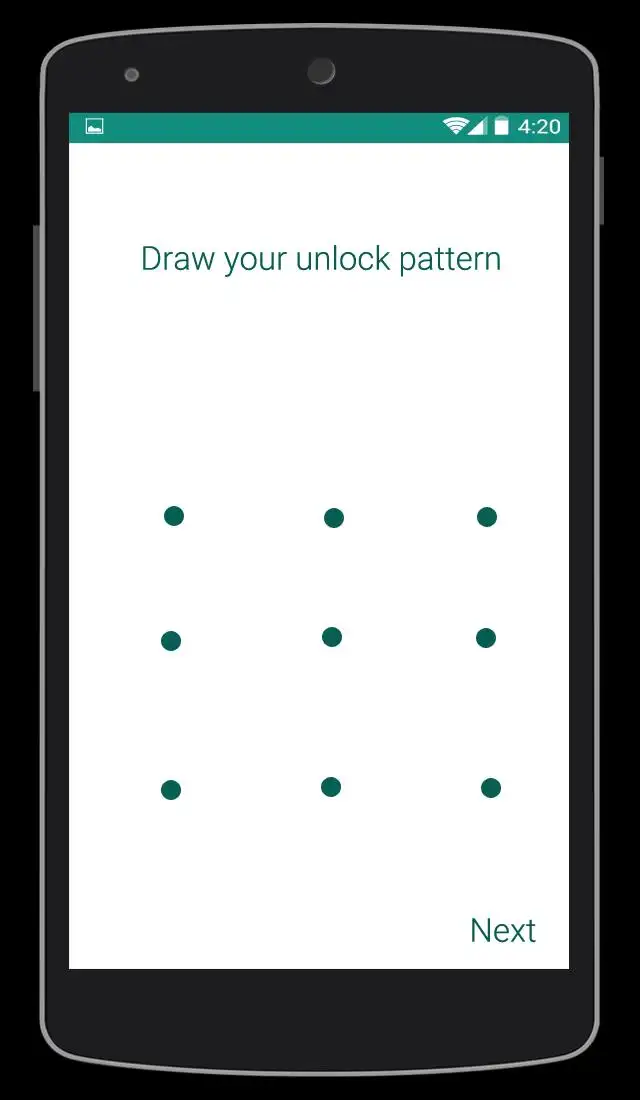
Secured with your Password.
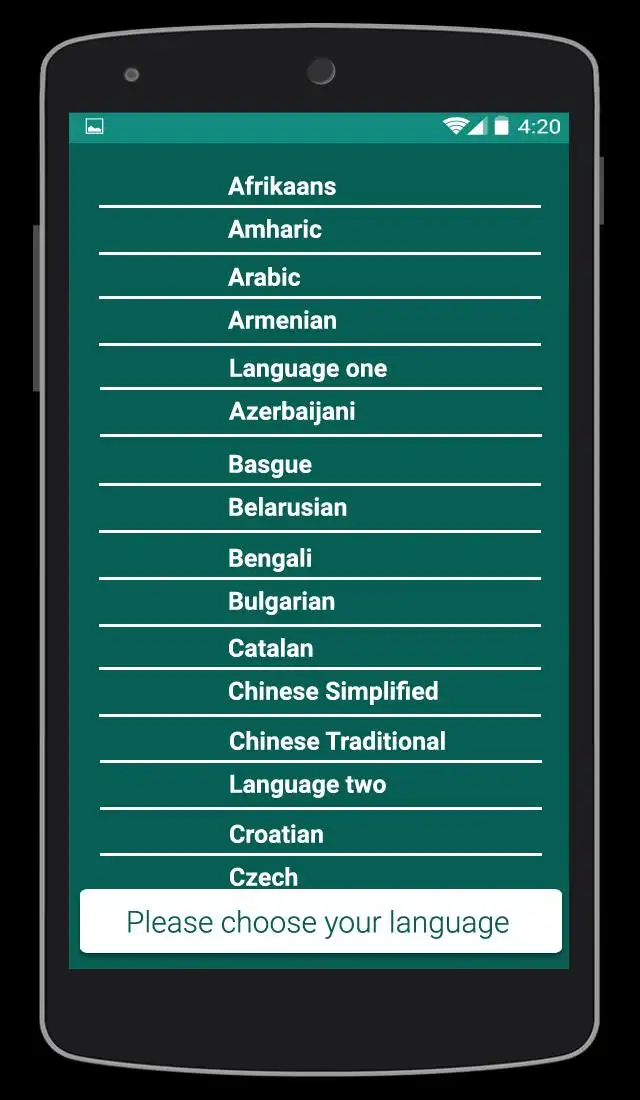
Multi Languages
Send Voices
NOTE: Whatscan Support All Android Versions and Devices.
Hint: Whatscan for whatsapp web is created by us, and it not an official WhatsApp application and not associated with WhatsApp Inc.

...

👉 For More Detail of Whatscan

#2 Whatscan

Whatscan
Rating: star 3.0 | Version: 1.4 | Size: 3.4MB
Whatscan screenshot 1 Whatscan screenshot 2 Whatscan screenshot 3

Are you an avid Whatsapp user? If you love the messaging platform and you have multiple accounts or simply want to have Whatsweb Whatsapp options, try this app. It gives tons of multiple options, no matter what are your needs related to the Facebook owned platform. This is a companion app created for Whatsapp! It enables you to have dual whatsapp or double whatsapp i.e 2 whatsapp in 1 phone.
MANAGE YOUR ACCOUNTS SMARTLY
You have one whatsapp account, where all of your contacts are stored. However, you must use two phones, one for work and one for personal use. With our app you can install the same account on the two phones. Vice versa, you have two Whatsapp accounts, one for work, other for personal use. With our app you can also put 2 whatsapp in one phone. The second whatsapp can only be added throughout our app.
SIMPLE TO USE
There are few simple steps you need to do to have two whatsapp in one phone or the same whatsapp on 2 phones. With few simple taps you can use whatsapp normally but from 2 phones or from 2 accounts. All normal functions are kept and you can easily send messages, pictures, videos etc.
DON’T WORRY ABOUT SECURITY
We will protect you as well. With our password options, the app will keep your messaging a secret. This also offers great control over children. Parents should seriously think of using this helpful Whatsapp companion app.
Whatsweb WHATSAPP
- possibility to add multiple accounts on one smartphone
- possibility to add the same account to two smartphones
- ability to add password to protect your messages and the whole account
- simple and intuitive
- light in size
- free
------------------------------------------------------------
The app guarantees great options in your everyday Whatsapp communication.
Get the app for FREE!
IMPORTANT:
Account Manager for Whatsapp is an app created by us. It is not an official WhatsApp application and in any ways it is not associated with WhatsApp Inc.
----------
HOW TO USE
----------
1. Install and Open Whatsweb on device (Phone/Tablet) you want to sync/clone your whatsapp to
2. Open whatsapp on your main phone (the account you want to clone)
- On Android: Scroll to the Chats screen -> Menu -> whatsapp Web.
- On iPhone: Click Settings -> whatsapp Web.
- On Nokia S60 and Windows Phone: Go to Menu -> whatsapp Web.
- On Nokia S40: Swipe up from bottom of screen -> whatsapp Web.
- On BlackBerry: Go to Chats -> Menu -> whatsapp Web.
- On BlackBerry 10: Swipe down from top of the screen -> whatsapp Web.
3. After clicking "whatscan", you should see a camera QR scanning screen.
4. Now scan the QR code displayed on whatsweb
5. Done! Sync complete! Now you can access the same whatsapp account on both devices!
6. Enjoy 2 whatsapp in 1 device!
Hint: Whatscan for whatsapp web is created by us, and it not an official WhatsApp application and not associated with WhatsApp Inc.

...

👉 For More Detail of Whatscan

#3 WhatScan

WhatScan
Rating: star 3.0 | Version: 1.4 | Size: 2.2MB
WhatScan screenshot 1 WhatScan screenshot 2 WhatScan screenshot 3

Whatscan Web Scanner is the advance and a simple application to open Second account in your smart mobile phone.
How to use whatscan app :
1. Open the QR Code Scanner on their App.
2. Open the Whatscan App, and scan the QR Code appears on home screen of the app.
What you can make by Whatscan Web App:
- Messages Read/answer and Send
- Profile Picture and Status Changes
- Images/Videos Downloads and Forward
- Send Images from Gallery or through the mobile phone camera
- report Files and Contacts sending
Disclaimer:
- Whatscan for whatsapp web is created by us, and it not an official WhatsApp application and not associated with WhatsApp Inc.
- This app is not official whatsapp app but this app uses Whatsapp Public API.

...

👉 For More Detail of WhatScan

#4 Whatscan

Whatscan
Rating: star 2.0 | Version: 1.5 | Size: 3.8MB
Whatscan screenshot 1 Whatscan screenshot 2 Whatscan screenshot 3

Welcome to Whatscan for Whatsapp web – the easiest and fastest app that will let you open the same whatsapp account on 2 different smartphones or tablets for Free!
Whatsweb for whatsapp allows you to run two whatsapp accounts in a single device OR You can also run the same whatsapp account on multiple devices. It is entirely up to you!
- Double Whatsapp, double the fun!
- You can have dual whatsapp in 1 device!
- You can have your whatsapp account on dual devices!
Whatsweb for Whatsapp web - Dual whatsapp Account on 1 device
Run 2 WhatsApp accounts in 1 device!
Multi Whatsapp: Multiple whatAapp account in one phone.
Sync your WhatsApp account to your mobile or tablet
With whatsweb, you can:
1. Full access:
- Have all your contacts, chats list, chat history, messages, photos and files on multiple devices.
2. Easy-to-use, Easy-to-setup.
3. Works on ALL devices!
Whatsweb for whatsapp allows you to run two whatsapp accounts in a single device OR You can also run the same whatsapp account on multiple devices. It is entirely up to you!
- Double Whatsapp, double the fun!
- You can have dual whatsapp in 1 device!
- You can have your whatsapp account on dual devices!
----------
HOW TO USE
----------
1. Install and Open Whatsweb on device (Phone/Tablet) you want to sync/clone your whatsapp to
2. Open whatsapp on your main phone (the account you want to clone)
- On Android: Scroll to the Chats screen -> Menu -> whatsapp Web.
- On iPhone: Click Settings -> whatsapp Web.
- On Nokia S60 and Windows Phone: Go to Menu -> whatsapp Web.
- On Nokia S40: Swipe up from bottom of screen -> whatsapp Web.
- On BlackBerry: Go to Chats -> Menu -> whatsapp Web.
- On BlackBerry 10: Swipe down from top of the screen -> whatsapp Web.
3. After clicking "whatscan", you should see a camera QR scanning screen.
4. Now scan the QR code displayed on whatsweb
5. Done! Sync complete! Now you can access the same whatsapp account on both devices!
6. Enjoy 2 whatsapp in 1 device!
Hint: Whatscan for whatsapp web is created by us, and it not an official WhatsApp application and not associated with WhatsApp Inc.

...

👉 For More Detail of Whatscan

#5 Whatscan 2021

Whatscan 2021
Rating: star 4.3 | Version: 1.1 | Size: 6.6MB
Whatscan 2021 screenshot 1 Whatscan 2021 screenshot 2 Whatscan 2021 screenshot 3

Whatscan for Web Scan, dünyanın en yüksek oy alan Web CloneApp'dir. Whatscan 2021, çift sohbet seçeneğini kullanması çok basit ve kolaydır. Whatsweb tarayıcı uygulaması da çok hafif. Sadece Whatscan 2021 uygulamasını açmanız ve başka bir uygulamadan QR kodunu taramanız ve şimdi bu Web Clone uygulamasıyla çift sohbet özelliğini kullanmaya hazırsınız. Whatsweb için whatscan uygulaması whatsclone için gerçekten faydalı bir uygulama.
Whatscan 2021 - Web Scan App, bazı benzersiz özelliklere sahip ve diğerleri Android uygulamalarında bunları bulamıyorsunuz. Whatscan, optimize edilmiş kod, verimli çalışma, süper hızlı tarama QR kodu, Super-Duper QR kod okuyucu ve tarayıcı vb. Ana temel özelliklerdir. Whatscan 2021 - Web Scan App, Web Çift Sohbeti ve Hikaye Tasarrufu için en yüksek oy alan bir uygulama.
QR Kod Tarayıcı:
QR kodunu tarar ve bilgileri çözer. Her türlü QR kodunu destekler. Görüntüyü yakalayarak QR kodunu kolayca tarayabilirsiniz. Kodu hızlı bir şekilde yakalar ve içerdiği bilgilere tarar. QR ve Barkod Tarayıcı uygulaması ile herkes pazarlanan ürünün perakende fiyatını bulabilir.
Barkod tarayıcı:
Hızlı bir barkod tarar ve barkodu bilgiye çözer. Çok güvenli bir barkod okuyucu. Bu uygulama yardımı ile, ilaç, bakkal ve fiyat ve kalite güvence barkodunu taramak için kullanabilirsiniz.
Hikaye Tasarrufu ve Whatscan Cloner:
Whatscan Cloner, öncelikle farklı olan çift hesapları yönetmenizi sağlar bir telefondaki cihazlar. Hikaye Tasarrufu ve İkili Uzay, çift SIM telefon gibi bir cihazdaki farklı numaralardan çift sohbet hesaplarına sahip olmanızı sağlar. İki hesap alanını yönetebilir ve her iki hesaptan da aynı anda sohbet edebilirsiniz.
Whatscan 2021'in Özellikleri - Whats Web Scan:
* IT QR Kod / Barkod ve Kodu Taramaları Ve bunları çevirir.
* Çok basit Android uygulaması
* Hızlı QR Tarayıcı ve Barkod Okuyucu
* Whatsweb için WhatScan Tarayıcı Uygulaması
* En İyi İhtiyaçlarınıza Göre Nedir? Sohbeti yapmak için bir cihazda birden fazla hesap çalıştırın.
* Whatsweb uygulaması için bu WhatsCan'dan herhangi bir sohbeti açıp okuyabilir ve okuyabilirsiniz.
* Arkadaşınızdan herhangi birine tekrar oynayabilir ve geri tepki alabilirsiniz.
* Web tarayıcısının yardımıyla sohbet mesajlarını silin.
Yardım sekmesi:
Bu sekmesinde, bir yardım alacaksınız ve Whatsweb uygulaması için WhatsCan'ı kullanmak için basit adımlar bulacaksınız.
Whatsweb - WhatsCan 2021 için WhatsCan'ı indirin, bir yerde çift sohbet ve çoklu hesapların tadını çıkarmak için. Kişisel veya iş kullanımınız için QR kodunu veya barkodu tarayabilirsiniz. Arkadaşlarla ve ailenizle paylaşmayı unutmayın.
Biz her zaman yardımcı uygulamalar geliştirmeye çalıştık ve iyi değerlendirmeleriniz her zaman Whatsweb uygulaması için bu WhatsCan'ı geliştirmek için her zaman yardımcı olur. Bu uygulamayı arkadaşlarınızla ve aile üyelerinizle paylaşarak bize yardım edin, bu WhatsClone uygulaması sizin için çok faydalıdır.
Yasal Uyarı:
Whatscan 2021 bizim tarafımızdan oluşturulur, ne de WhatsApp'ın resmi bir uygulaması ne de ilişkilidir. WhatsApp Inc. ile "WhatsApp" adı Whatsapp, Inc. için telif hakkıdır.

...

👉 For More Detail of Whatscan 2021

Search Results

1/9

You may like

DOWNLOAD IS NOT SUPPORTED IN WEB STORE!
Use the latest version of 9Apps to download APK&OBB file of games in one click!
DOWNLOAD 9APPS