whatscan on 9Apps

Free download latest whatscan for Android here and enjoy it with your phone. Below you can download a list of top and latest apps related to whatscan . 9APPS is a fast, safe app store. With 9APPS, you can save a lot of time on searching and downloading apps.
#1 Whatscan

Whatscan
Rating: star 4.3 | Version: 3.9.2 | Size: 8.8MB
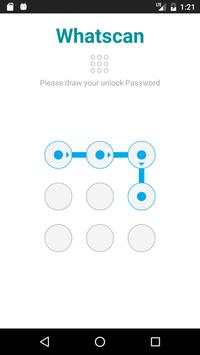
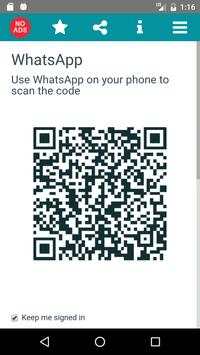
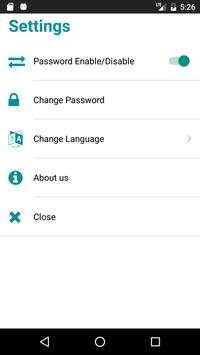
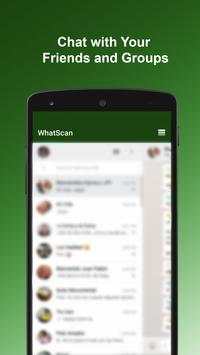
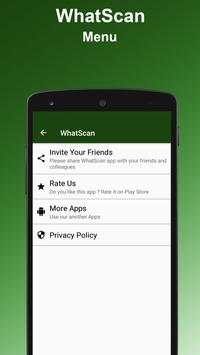
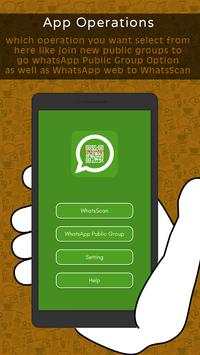
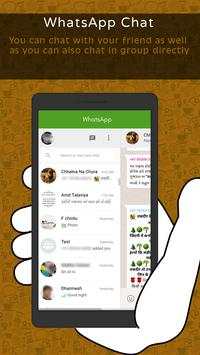
Whatscan screenshot 1 Whatscan screenshot 2 Whatscan screenshot 3

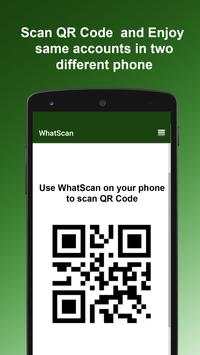
Whatscan for Whatsapp web – simply, scan the QR code and that's it!
Same WhatsApp account on mobiles and tablets
Send and receive messages, pictures, videos even documents
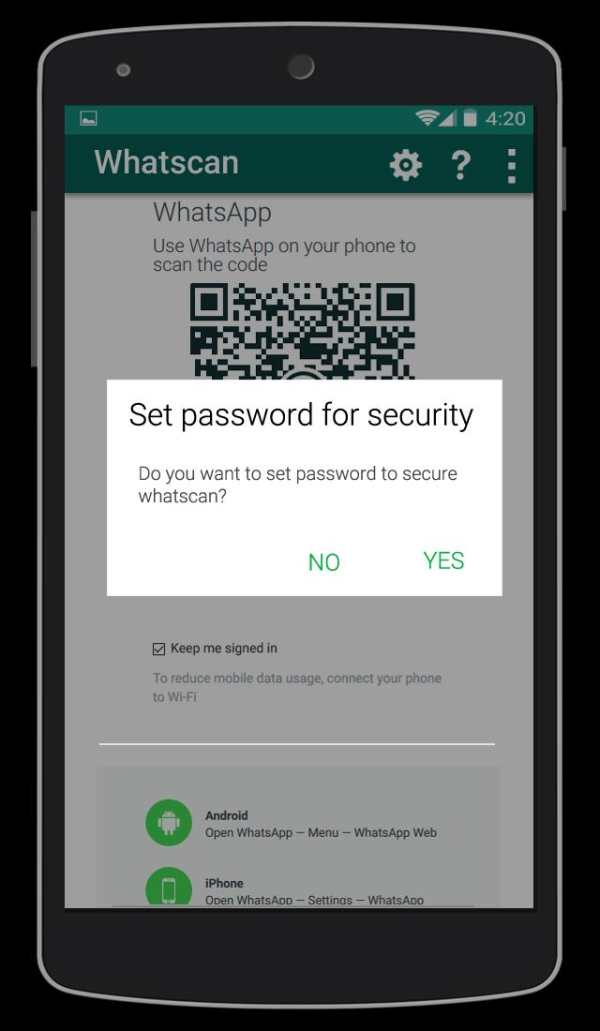
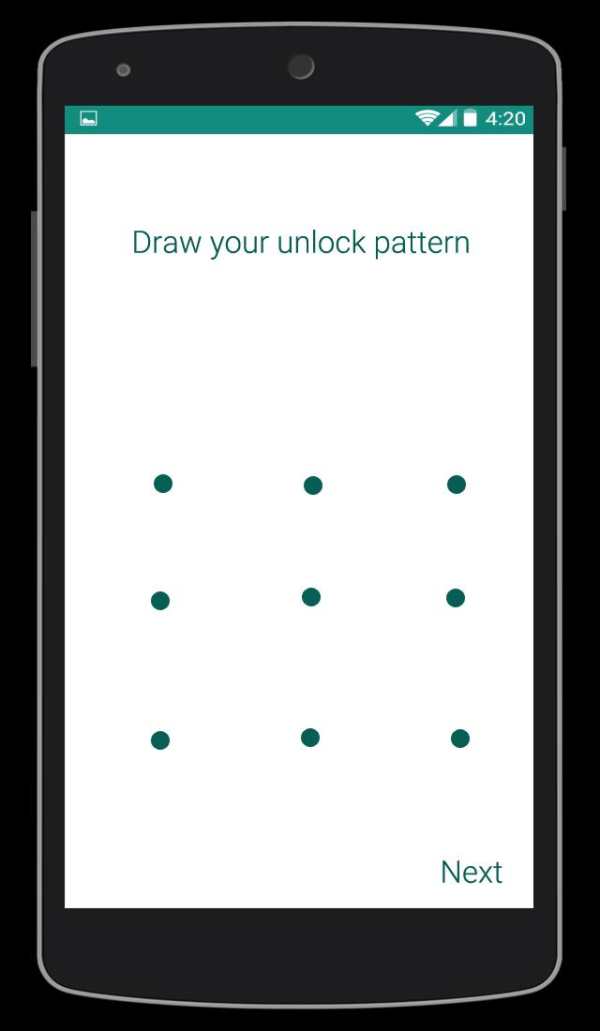
Secured with your Password.
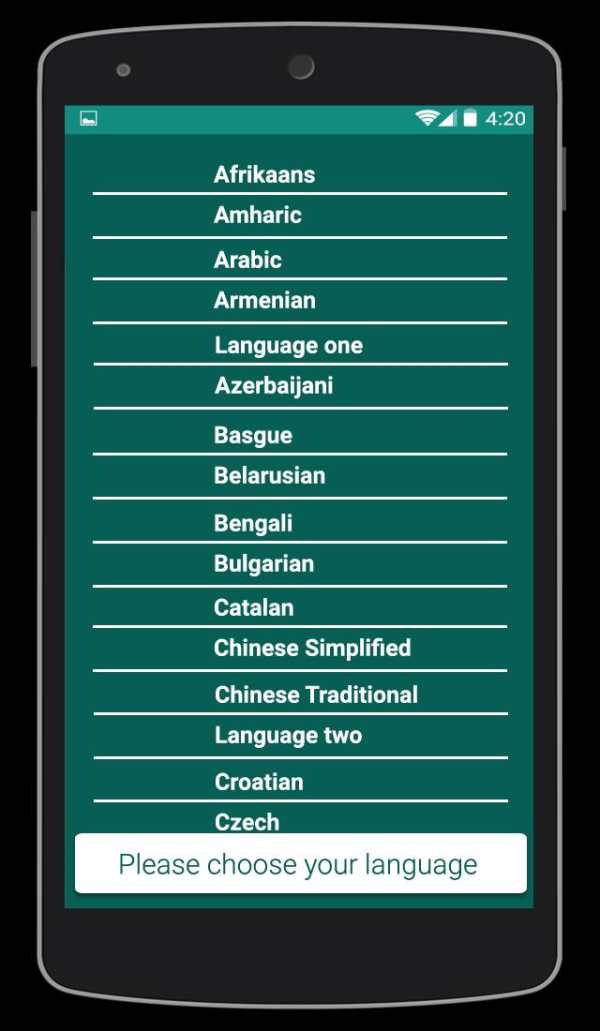
Multi Languages
Send Voices
NOTE: Whatscan Support All Android Versions and Devices.
Hint: Whatscan for whatsapp web is created by us, and it not an official WhatsApp application and not associated with WhatsApp Inc.

...

👉 For More Detail of Whatscan

#2 Whatscan

Whatscan
Rating: star 3.0 | Version: 1.4 | Size: 3.4MB
Whatscan screenshot 1 Whatscan screenshot 2 Whatscan screenshot 3

Are you an avid Whatsapp user? If you love the messaging platform and you have multiple accounts or simply want to have Whatsweb Whatsapp options, try this app. It gives tons of multiple options, no matter what are your needs related to the Facebook owned platform. This is a companion app created for Whatsapp! It enables you to have dual whatsapp or double whatsapp i.e 2 whatsapp in 1 phone.
MANAGE YOUR ACCOUNTS SMARTLY
You have one whatsapp account, where all of your contacts are stored. However, you must use two phones, one for work and one for personal use. With our app you can install the same account on the two phones. Vice versa, you have two Whatsapp accounts, one for work, other for personal use. With our app you can also put 2 whatsapp in one phone. The second whatsapp can only be added throughout our app.
SIMPLE TO USE
There are few simple steps you need to do to have two whatsapp in one phone or the same whatsapp on 2 phones. With few simple taps you can use whatsapp normally but from 2 phones or from 2 accounts. All normal functions are kept and you can easily send messages, pictures, videos etc.
DON’T WORRY ABOUT SECURITY
We will protect you as well. With our password options, the app will keep your messaging a secret. This also offers great control over children. Parents should seriously think of using this helpful Whatsapp companion app.
Whatsweb WHATSAPP
- possibility to add multiple accounts on one smartphone
- possibility to add the same account to two smartphones
- ability to add password to protect your messages and the whole account
- simple and intuitive
- light in size
- free
------------------------------------------------------------
The app guarantees great options in your everyday Whatsapp communication.
Get the app for FREE!
IMPORTANT:
Account Manager for Whatsapp is an app created by us. It is not an official WhatsApp application and in any ways it is not associated with WhatsApp Inc.
----------
HOW TO USE
----------
1. Install and Open Whatsweb on device (Phone/Tablet) you want to sync/clone your whatsapp to
2. Open whatsapp on your main phone (the account you want to clone)
- On Android: Scroll to the Chats screen -> Menu -> whatsapp Web.
- On iPhone: Click Settings -> whatsapp Web.
- On Nokia S60 and Windows Phone: Go to Menu -> whatsapp Web.
- On Nokia S40: Swipe up from bottom of screen -> whatsapp Web.
- On BlackBerry: Go to Chats -> Menu -> whatsapp Web.
- On BlackBerry 10: Swipe down from top of the screen -> whatsapp Web.
3. After clicking "whatscan", you should see a camera QR scanning screen.
4. Now scan the QR code displayed on whatsweb
5. Done! Sync complete! Now you can access the same whatsapp account on both devices!
6. Enjoy 2 whatsapp in 1 device!
Hint: Whatscan for whatsapp web is created by us, and it not an official WhatsApp application and not associated with WhatsApp Inc.

...

👉 For More Detail of Whatscan

#3 WhatScan

WhatScan
Rating: star 3.0 | Version: 1.4 | Size: 2.2MB
WhatScan screenshot 1 WhatScan screenshot 2 WhatScan screenshot 3

Whatscan Web Scanner is the advance and a simple application to open Second account in your smart mobile phone.
How to use whatscan app :
1. Open the QR Code Scanner on their App.
2. Open the Whatscan App, and scan the QR Code appears on home screen of the app.
What you can make by Whatscan Web App:
- Messages Read/answer and Send
- Profile Picture and Status Changes
- Images/Videos Downloads and Forward
- Send Images from Gallery or through the mobile phone camera
- report Files and Contacts sending
Disclaimer:
- Whatscan for whatsapp web is created by us, and it not an official WhatsApp application and not associated with WhatsApp Inc.
- This app is not official whatsapp app but this app uses Whatsapp Public API.

...

👉 For More Detail of WhatScan

#4 Whatscan

Whatscan
Rating: star 2.0 | Version: 1.5 | Size: 3.8MB
Whatscan screenshot 1 Whatscan screenshot 2 Whatscan screenshot 3

Welcome to Whatscan for Whatsapp web – the easiest and fastest app that will let you open the same whatsapp account on 2 different smartphones or tablets for Free!
Whatsweb for whatsapp allows you to run two whatsapp accounts in a single device OR You can also run the same whatsapp account on multiple devices. It is entirely up to you!
- Double Whatsapp, double the fun!
- You can have dual whatsapp in 1 device!
- You can have your whatsapp account on dual devices!
Whatsweb for Whatsapp web - Dual whatsapp Account on 1 device
Run 2 WhatsApp accounts in 1 device!
Multi Whatsapp: Multiple whatAapp account in one phone.
Sync your WhatsApp account to your mobile or tablet
With whatsweb, you can:
1. Full access:
- Have all your contacts, chats list, chat history, messages, photos and files on multiple devices.
2. Easy-to-use, Easy-to-setup.
3. Works on ALL devices!
Whatsweb for whatsapp allows you to run two whatsapp accounts in a single device OR You can also run the same whatsapp account on multiple devices. It is entirely up to you!
- Double Whatsapp, double the fun!
- You can have dual whatsapp in 1 device!
- You can have your whatsapp account on dual devices!
----------
HOW TO USE
----------
1. Install and Open Whatsweb on device (Phone/Tablet) you want to sync/clone your whatsapp to
2. Open whatsapp on your main phone (the account you want to clone)
- On Android: Scroll to the Chats screen -> Menu -> whatsapp Web.
- On iPhone: Click Settings -> whatsapp Web.
- On Nokia S60 and Windows Phone: Go to Menu -> whatsapp Web.
- On Nokia S40: Swipe up from bottom of screen -> whatsapp Web.
- On BlackBerry: Go to Chats -> Menu -> whatsapp Web.
- On BlackBerry 10: Swipe down from top of the screen -> whatsapp Web.
3. After clicking "whatscan", you should see a camera QR scanning screen.
4. Now scan the QR code displayed on whatsweb
5. Done! Sync complete! Now you can access the same whatsapp account on both devices!
6. Enjoy 2 whatsapp in 1 device!
Hint: Whatscan for whatsapp web is created by us, and it not an official WhatsApp application and not associated with WhatsApp Inc.

...

👉 For More Detail of Whatscan

#5 Whatscan 2021

Whatscan 2021
Rating: star 4.3 | Version: 1.1 | Size: 6.6MB
Whatscan 2021 screenshot 1 Whatscan 2021 screenshot 2 Whatscan 2021 screenshot 3

Whatscan for Whats Web Scan เป็นเว็บ cloneapp ที่จัดอันดับสูงสุดของโลก Whatscan 2021 เป็นตัวเลือกแชทคู่ที่ง่ายมากและใช้งานง่าย แอปสแกนเนอร์ Whatsweb ยังมีน้ำหนักเบามาก เพียงแค่ต้องเปิดแอป WhatScan 2021 และสแกนรหัส QR จากแอพอื่นและตอนนี้คุณพร้อมที่จะใช้คุณสมบัติการแชทคู่ด้วยแอป Web Clone นี้ แอป whatscan สำหรับ whatsweb แอปที่มีประโยชน์จริงๆสำหรับ whatclone ของคุณ
whatscan 2021 - แอปสแกนเว็บอะไรมีคุณสมบัติที่เป็นเอกลักษณ์และคุณไม่สามารถหาได้ในแอปพลิเคชัน Android อื่น ๆ Whatscan มีรหัสที่ดีที่สุดการทำงานที่มีประสิทธิภาพรหัส QR การสแกนที่รวดเร็วยิ่งยวดเครื่องอ่านรหัส QR Super-Duper และสแกนเนอร์เป็นต้นเป็นคุณสมบัติหลักที่สำคัญ Whatscan 2021 - แอพ Whats Web Scan เป็นแอพที่ได้รับความนิยมสูงสุดสำหรับ Whats Web Chat และ Screen Saver
เครื่องสแกนรหัส QR:
สแกนรหัส QR และถอดรหัสข้อมูล รองรับรหัส QR ทุกชนิด คุณสามารถสแกนรหัส QR ได้อย่างง่ายดายด้วยการจับภาพ มันจับโค้ดและสแกนไปยังข้อมูลที่มีอยู่อย่างรวดเร็ว ด้วยแอปสแกนเนอร์ QR และบาร์โค้ดทุกคนสามารถค้นหาราคาขายปลีกของผลิตภัณฑ์วางตลาด
เครื่องสแกนบาร์โค้ด:
การสแกนบาร์โค้ดใด ๆ และถอดรหัสบาร์โค้ดเข้าสู่ข้อมูล มันเป็นเครื่องอ่านบาร์โค้ดที่ปลอดภัยมาก ด้วยความช่วยเหลือของแอปพลิเคชันนี้คุณสามารถใช้ในการสแกนยาร้านขายของชำและราคาและบาร์โค้ดประกันคุณภาพ
Story Saver & Whatscan Cloner:
Whatscan Cloner ช่วยให้คุณจัดการบัญชีคู่ที่แตกต่างกันเป็นหลัก อุปกรณ์บนโทรศัพท์เดียว Story Saver & Dual Space ช่วยให้คุณมีบัญชีแชทคู่จากตัวเลขที่แตกต่างกันภายในอุปกรณ์เดียวเช่น Dual SIM Phone คุณสามารถจัดการอวกาศคู่ของบัญชีและทำการแชทจากทั้งสองบัญชีในเวลาเดียวกัน
คุณสมบัติของ Whatscan 2021 - การสแกนเว็บ Whats:
* สแกนรหัส QR / บาร์โค้ดและถอดรหัส และแปลพวกเขา
* แอปพลิเคชั่น Android ที่ง่ายมาก
* เครื่องสแกน QR อย่างรวดเร็วและเครื่องอ่านบาร์โค้ด * * แอพสแกนเนอร์ WhatScan สำหรับ Whatsweb
* เครื่องมืออะไรที่ดีที่สุดตามความต้องการของคุณ
* อนุญาตให้หนึ่ง ใช้งานมากกว่าหนึ่งบัญชีในอุปกรณ์เดียวในการแชทฟรี
* คุณสามารถเปิดและอ่านการแชทจาก Whatscan นี้สำหรับแอป Whatsweb ที่
* คุณสามารถเล่นซ้ำไปยังเพื่อนของคุณและรับการตอบกลับได้ฟรี * ลบข้อความแชทด้วยความช่วยเหลือของ Whats Web Scanner
แท็บวิธีใช้:
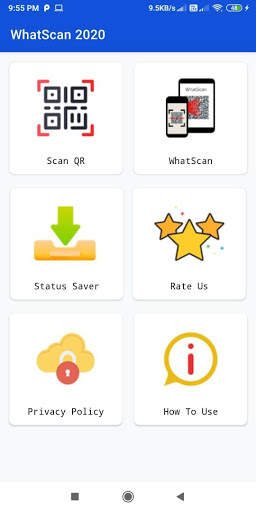
ในแท็บนี้คุณจะได้รับความช่วยเหลือและค้นหาขั้นตอนง่ายๆในการใช้ WhatScan สำหรับแอป Whatsweb
ดาวน์โหลด WhatScan สำหรับ Whatsweb - Whatscan 2021 เพลิดเพลินไปกับการแชทคู่ & หลายบัญชีในที่เดียว ที่คุณสามารถสแกนรหัส QR หรือบาร์โค้ดเพื่อใช้งานส่วนตัวหรือธุรกิจของคุณ อย่าลืมแบ่งปันกับเพื่อนและครอบครัว
เราพยายามพัฒนาแอพที่เป็นประโยชน์เสมอและความเห็นที่ดีของคุณมักจะช่วยปรับปรุง Whatscan สำหรับแอป whatsweb เสมอ ช่วยเราด้วยการแบ่งปันแอพนี้กับเพื่อนและสมาชิกในครอบครัวของคุณแอป Whatsclone นี้มีประโยชน์มากสำหรับคุณ
การปฏิเสธความรับผิด:
Whatscan 2021 สร้างขึ้นโดยเราไม่ใช่แอปพลิเคชั่นอย่างเป็นทางการของ WhatsApp หรือที่เกี่ยวข้อง ด้วย WhatsApp Inc. ชื่อ "Whatsapp" คือลิขสิทธิ์ของ WhatsApp, Inc.

...

👉 For More Detail of Whatscan 2021

Search Results

1/9

You may like

DOWNLOAD IS NOT SUPPORTED IN WEB STORE!
Use the latest version of 9Apps to download APK&OBB file of games in one click!
DOWNLOAD 9APPS