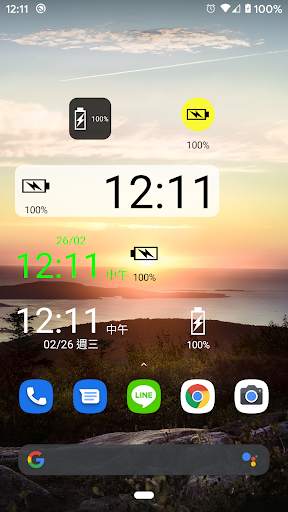
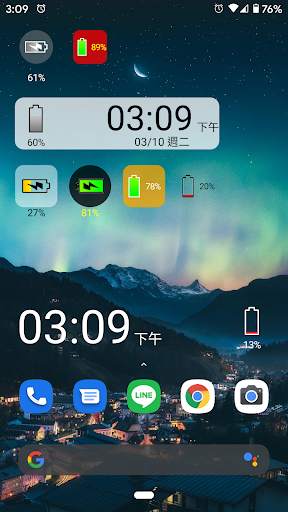
battery solo widget on 9Apps

Free download latest battery solo widget for Android here and enjoy it with your phone. Below you can download a list of top and latest apps related to battery solo widget . 9APPS is a fast, safe app store. With 9APPS, you can save a lot of time on searching and downloading apps.

#1 Battery Solo Widget

Battery Solo Widget
Rating: star 3.0 | Version: 4.1 | Size: 89.9KB
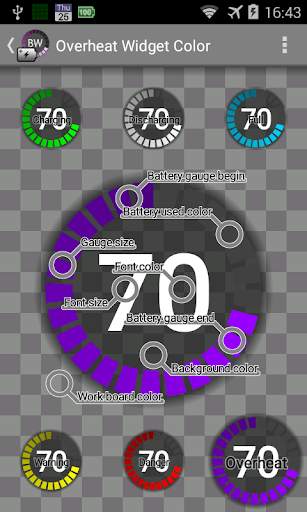
Battery Solo Widget screenshot 1 Battery Solo Widget screenshot 2 Battery Solo Widget screenshot 3

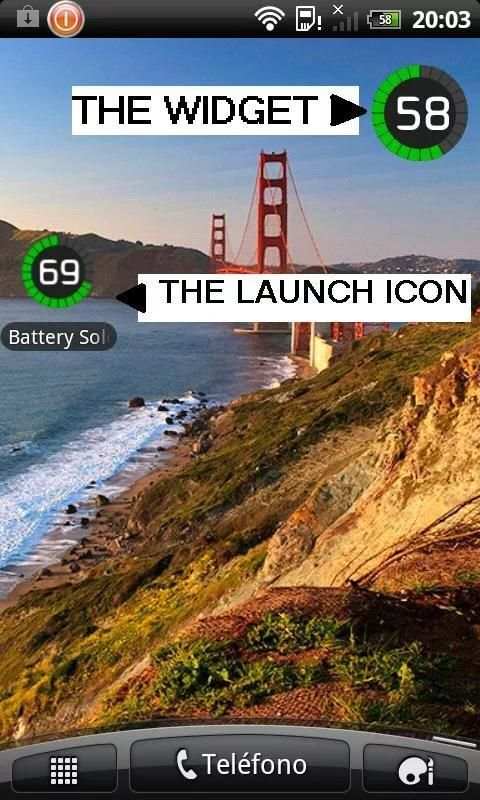
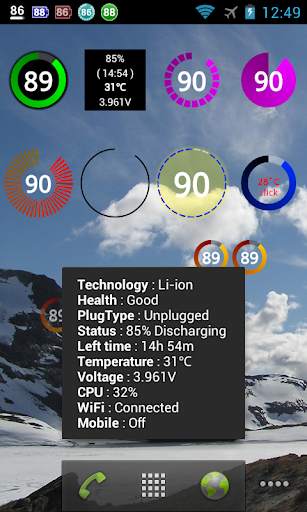
Widget, battery level indicator.
PRO VERSION AVAILABLE WITH MORE FEATURES.
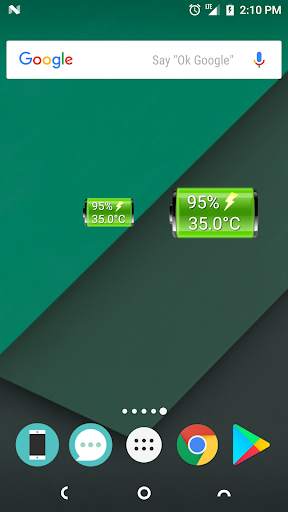
Perfectly clear, easy readable battery widget providing you quick and accurate information about power you have in your phone.
ATT: The 1x1 widget allows various sizes, check the settings of the widget! (click widget, click settings, cick blue label)
- Resizable Widget (Android 4.0 and later)
- Lightweight program (80 KB)
- Not battery drain.
- Shows accurate data: Level, Temperature, Voltage, ...
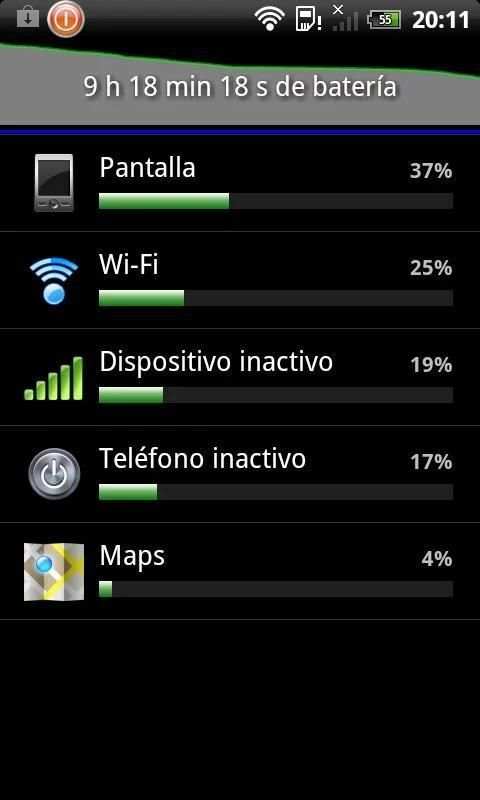
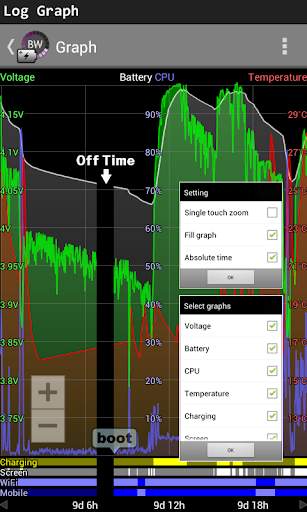
- 48 hours graph of the level and temperature of the battery.
- Prediction of battery consumption (see graph)
- Warnings: over temperature, full load, and low battery.
- Upscale 1% in some Motorola
=========================================================
ATT: Warnings (Notifications)
There are three types of notifications: full battery, low battery, over temperature.
Each notification type can be set individually. Click on the blue label and will open the configuration window.
============================================================
Users report:
- Best battery level indicator for Android.
- Great, simple, accurate. This app is the dark horse of battery status monitors.
- Big numbers and dial give all the info needed at a quick glance.
- Simple, cool, awesome.

...

👉 For More Detail of Battery Solo Widget

#2 Battery Widget

Battery Widget
Rating: star 4.3 | Version: 2.43 | Size: 3.0MB
Battery Widget screenshot 1 Battery Widget screenshot 2 Battery Widget screenshot 3

BatteryWidget shows an exact battery level on the status bar, health, temperature, voltage, CPU usage.
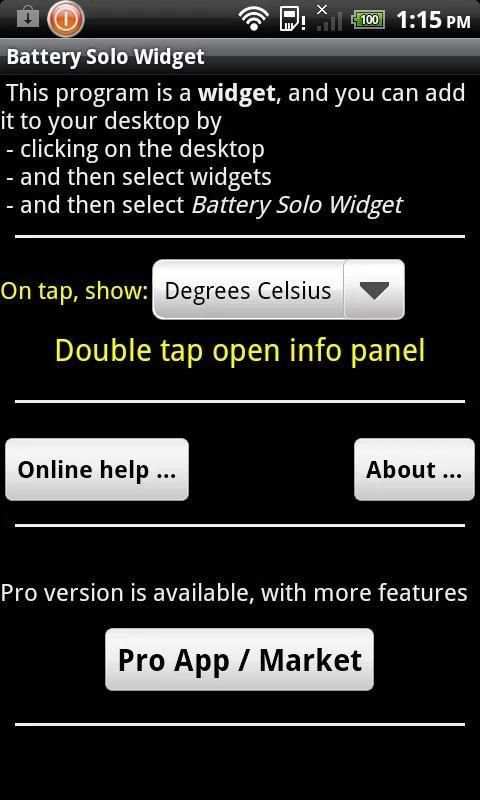
Clicking once installed widget, the widget shows the temperature and voltage.
Double-click the Setup screen appears.
English, French, Italian, Polish, Russian, Dutch, Hungarian, Spanish, Chinese support.
Feature
1. Charge, Discharge, Warning, Danger, Full charging alarm.
2. Battery status indicator on the status bar notifications.
3. 1x1, 2x2 widgets in the form of pie charts.
4. It is possible to change the color, size and position of the widget.
5. Temperature, voltage, battery life, charging, screen status logging.
Plus version only
6. Supports the additional status bar icons.
7. Widget resolution.
8. Wi-Fi, Mobile, CPU usage logging.
9. Show the estimated time for charging or discharging.
10. Overheat alarm.
11. Full charge alarm level setting.
How To install the widget:
Android 2.3 or less : Long press on any empty space on your homescreen, Click on the widget menu then click on the widget you want to install.
Android 3.0 : Click on the upper right corner of the homescreen,
Click on the widget menu then drag on the widget you want to install.
Android 4.0 or late : In the app list screen, Click on the widget menu then drag on the widget you want to install.

...

👉 For More Detail of Battery Widget

#3 Battery Widget

Battery Widget
Rating: star 3.9 | Version: 1.0.0 | Size: 39.2KB
Battery Widget screenshot 1 Battery Widget screenshot 2

Important: On Android 8.0 (API level 26) or above, the app may not works due to "Background execution limits" introduced in Oreo to improve battery life.
To overcome this, follow below steps:
(1) goto the "App info" screen
(2) then select "Battery > Battery optimization"
(3) set filter "All apps"
(4) locate and select Battery Widget
(5) select "Don't optimize", then "DONE"
(6) restart app to confirm is working
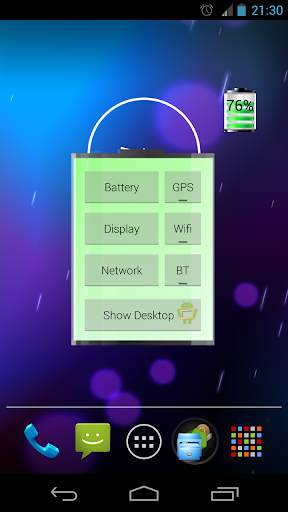
Graphical Battery Widget shows the exact battery level in 1x1 space, with shortcuts to Power-Summary/Display/Network/GPS/Wifi/BT Settings and 'Show Desktop' feature to shows your wallpaper/live-wallpaper in full screen.
Note:
This doesn't open, it is a Widget not an app.
Add on homescreen with
Menu -> Add -> Widgets -> Battery Widget or
Apps -> Widgets -> Battery Widget
Permissions:
The permissions requested by the application can be quite intimidating, they are needed for quick access to various power settings. The application does not access/transmit device location information.
The code is open source and available on github: https://github.com/HairyRobot/BatteryWidget-gyu

...

👉 For More Detail of Battery Widget

#4 Battery Widget

Battery Widget
Rating: star 4.0 | Version: 2.0.15 | Size: 102.9KB
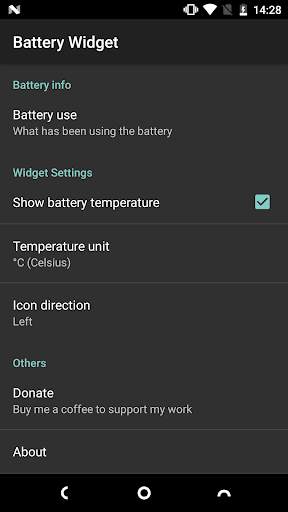
Battery Widget screenshot 1 Battery Widget screenshot 2

Một tiện ích nhẹ & đơn giản để cho bạn thấy mức độ pin và nhiệt độ.Bạn có thể nhấn vào tiện ích để nhận thêm thông tin về pin.
Các tính năng:
★ Không có quảng cáo!
★ Đơn giản & nhỏ gọn!Chỉ 90KB!
★ Kích thước tiện ích có sẵn: 1x1 và 2x1
★ Không làm cạn kiệt pin của bạn!
★ Không có quyền không cần thiết!(Sự cho phép duy nhất là mua trong ứng dụng để quyên góp.)
Cách sử dụng:
● Đây là ứng dụng tiện ích thuần túy.Nó sẽ không hiển thị trong ngăn kéo ứng dụng của bạn.
Sau đây là một cách điển hình để thêm một tiện ích vào màn hình chính của bạn:
1.Chạm và giữ bất kỳ khoảng trống nào của màn hình chính của bạn
2.Chọn "Widgets"
3.Kéo tiện ích bạn muốn đến Màn hình chính của bạn.
(Cách trên có thể thay đổi theo nhà sản xuất và trình khởi chạy nào bạn đang sử dụng.)
● Trên một số thiết bị, bạn có thể phải cho phép ứng dụng này sử dụng pin trong nềnvà không tối ưu hóa việc sử dụng pin.
Bạn có thể tìm thấy các cài đặt này trong "Cài đặt" -> "Ứng dụng & thông báo" -> "Thông tin ứng dụng" -> "Widget pin" -> "Pin".

...

👉 For More Detail of Battery Widget

#5 Battery Widget

Battery Widget
Rating: star 4.0 | Version: 1.2.200523 | Size: 533.7KB
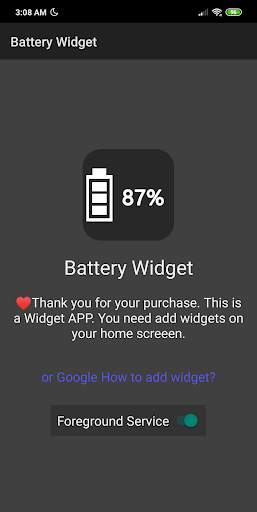
Battery Widget screenshot 1 Battery Widget screenshot 2 Battery Widget screenshot 3

Widget cấp pin
Kiểu biểu tượng
Đơn giản, thiết thực và tùy biến.
Widget có 2 loại, biểu tượng và đồng hồ.
Biểu tượng có sẵn trong hình vuông,tròn và trong suốt.
Đây là một chương trình tiện ích, vui lòng thêm tiện ích vào màn hình chính của bạn để sử dụng.
Người dùng sẽ dùng sau khi Android 6 sử dụng dịch vụ tiền cảnh để giữCác widget được cập nhật ngay lập tức.
Nếu bạn không muốn xem dịch vụ tiền cảnh xuất hiện trong trường thông báo, vui lòng nhấn và đặt thông báo và đặt thông báo không được hiển thị (các nhà cung cấp có thể hơi khác nhau).
PostScript:
Tôi kiểm tra trên Redmi Note 7. Nó hoạt động tốt với Android 9 MIUI 10.

...

👉 For More Detail of Battery Widget

Search Results

1/12

You may like

DOWNLOAD IS NOT SUPPORTED IN WEB STORE!
Use the latest version of 9Apps to download APK&OBB file of games in one click!
DOWNLOAD 9APPS