









DOWNLOAD IS NOT SUPPORTED IN WEB STORE!
Use the latest version of 9Apps to download APK&OBB file of games in one click!
DOWNLOAD 9APPS

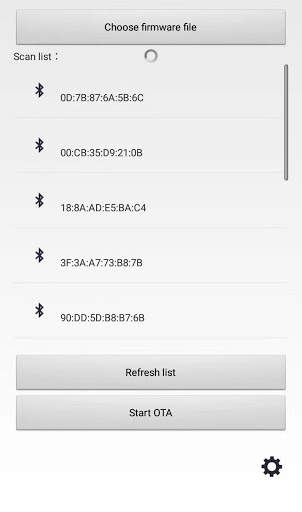
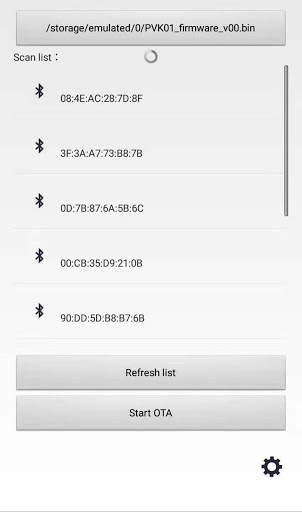
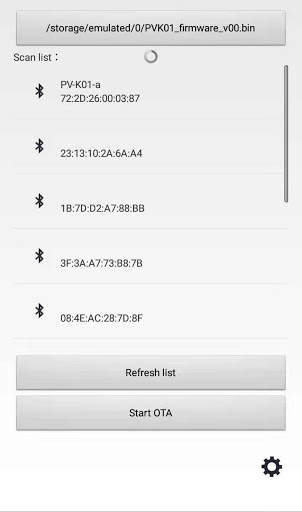
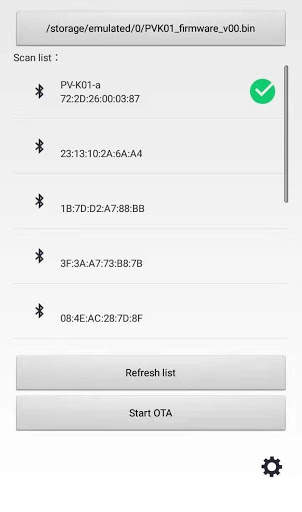
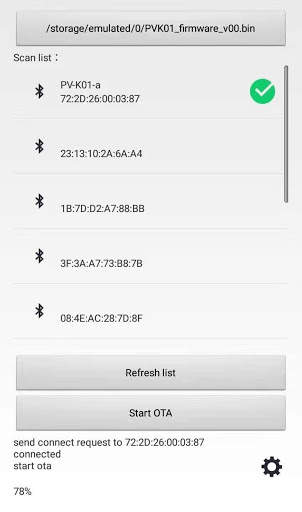
OTA app for the firmware update of the power vessel Bluetooth keyboard.
1. Download the firmware file from the Fundian homepage (www.fundian.com).
2. Save the file (* .bin) on the device where the app is installed.
3. Run the app and press the top "Choose firmware file" button to select the saved firmware file (* .bin).
4. Turn on the keyboard to make it paired.
5. Select 'PV-K01-a' from the device list.
6. Press the "Start OTA" button to proceed with the update.


