








DOWNLOAD IS NOT SUPPORTED IN WEB STORE!
Use the latest version of 9Apps to download APK&OBB file of games in one click!
DOWNLOAD 9APPS
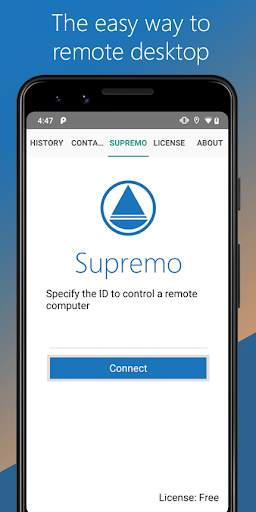
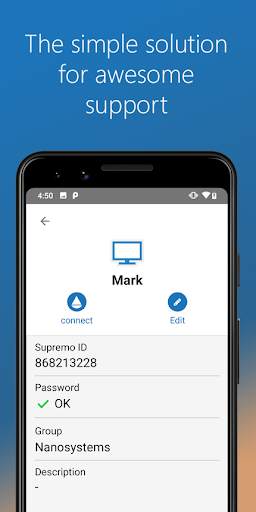
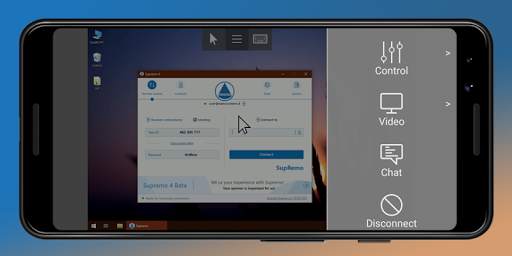
Supremo Remote Desktop is a powerful, easy and complete solution for remote desktop control and support. It allows to access a remote PC or join a Meeting in just a few seconds. Supremo is also compatible with USilio, the IT Management Console.
Download, access, control.
With Supremo Remote Desktop you can:
• Remote control PCs and servers, from your personal device
• Join Meetings
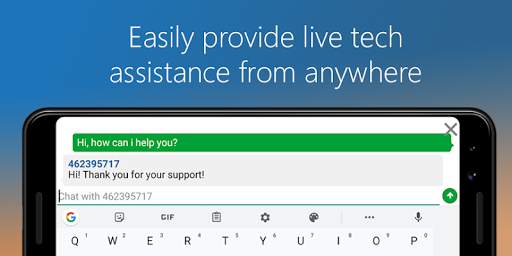
• Chat with the remote user
Features:
• Secure remote control, protected by AES 256-bit encryption
• Full mouse and keyboard support, including special keys
• Zoom and pan
• Integrated chat
• Multi-display support
• UAC-compliant
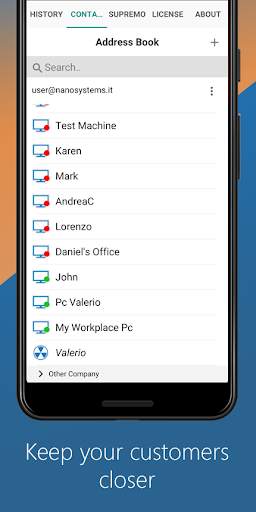
• Cloud-synced address book powered by USilio
Get started:
1. Install Supremo Remote Desktop
2. Download and launch Supremo for Windows from the PC/server you need to remote control, take note of ID and password
3. Launch Supremo Remote Desktop and specify ID and password
4. Remote control the machine!



- Is now possibile to login whith Supremo Professional account
- Bugfixes


