











DOWNLOAD IS NOT SUPPORTED IN WEB STORE!
Use the latest version of 9Apps to download APK&OBB file of games in one click!
DOWNLOAD 9APPS
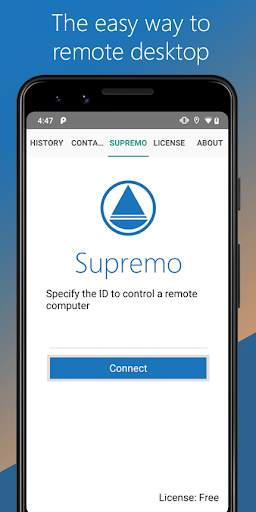
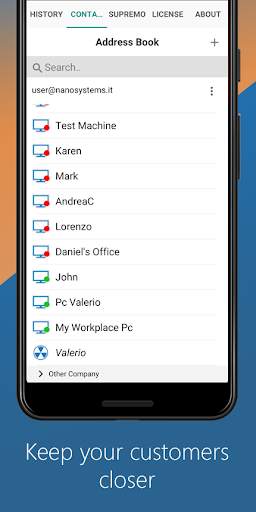
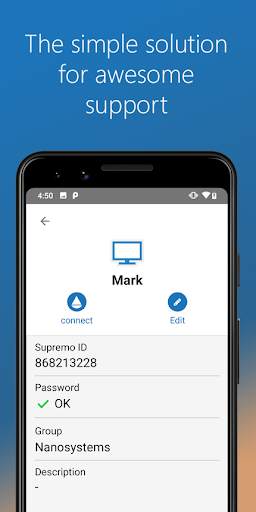
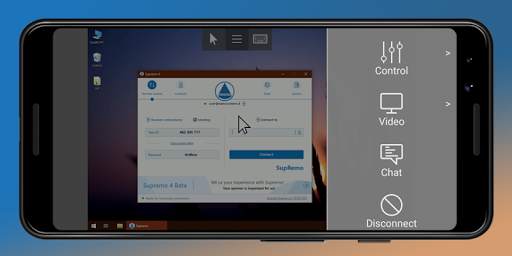
Ang Supremo Remote Desktop ay isang malakas, madali at kumpletong solusyon para sa remote na kontrol at suporta sa desktop. Pinapayagan nito na ma-access ang isang remote PC o sumali sa isang pulong sa loob lamang ng ilang segundo. Tugma din ang Supremo sa Usilio, ang IT management console.
download, access, kontrol.
may Supremo Remote Desktop Maaari kang:
• Remote control PC at server, mula sa iyong personal aparato
• Sumali sa mga pulong
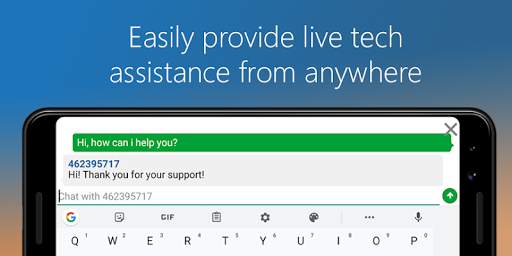
• Makipag-chat sa remote user
Mga Tampok:
• Secure remote control, protektado ng AES 256-bit encryption
• Buong suporta ng mouse at keyboard, kabilang ang Mga espesyal na key
• Mag-zoom at Pan
• Integrated Chat
• Multi-display support
• UAC-compliant
• Cloud-sync address book na pinapatakbo ng Usilio
Magsimula :
1. I-install ang Supremo Remote Desktop
2. I-download at ilunsad ang Supremo para sa Windows mula sa PC / Server na kailangan mo sa remote control, tandaan ang ID at password
3. Ilunsad ang Supremo Remote Desktop at tukuyin ang ID at password
4. Remote control ang makina!


