DOWNLOAD IS NOT SUPPORTED IN WEB STORE!
Use the latest version of 9Apps to download APK&OBB file of games in one click!
DOWNLOAD 9APPS

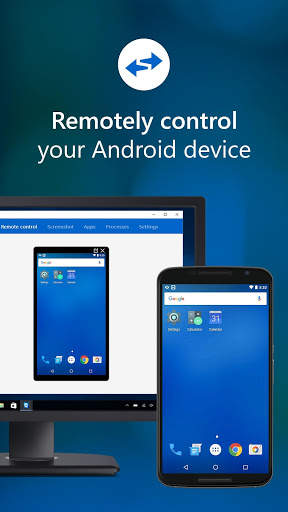
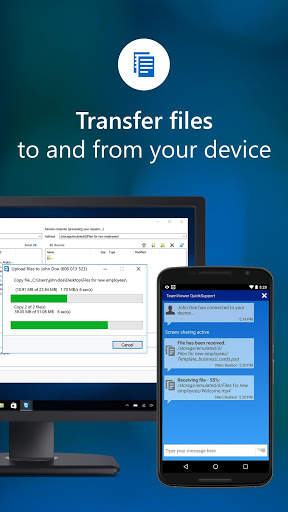
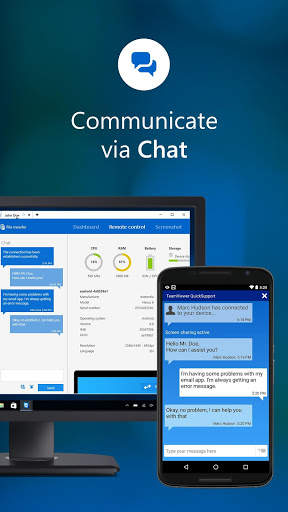
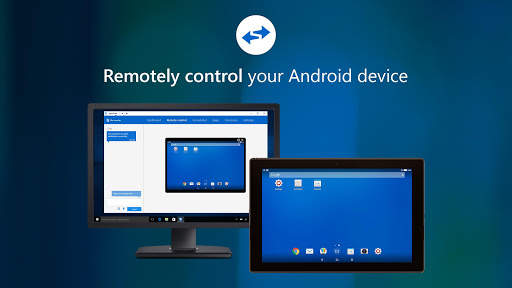
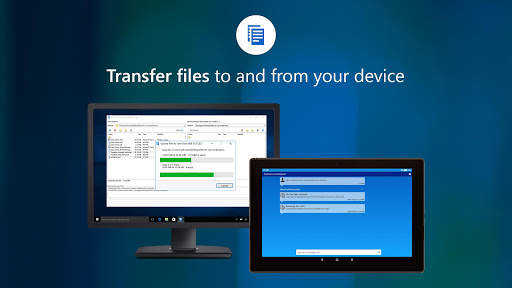
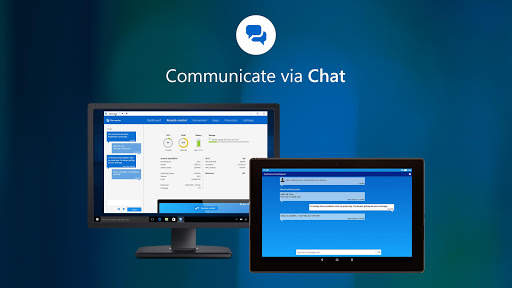
Get support for your mobile device from any Windows or Mac computer! You can now receive technical remote support for your mobile devices. Technicians have the ability to chat, transfer files back and forth, view device information, stop processes, push and pull Wi-Fi settings, and much more.
It is even possible for your device to be remotely controlled, allowing the technician to access your device as if it were in their own hands.
Features:
• Chat
• View device information
• Remote Control
• File transfer
• App list (Uninstall apps)
• Process list (Stop processes)
• Push and pull Wi-Fi settings
• View system diagnostic information
• Real-time screenshot of the device
• Store confidential information into the device clipboard
• Secured connection with 256 Bit AES Session Encoding
It has never been easier to troubleshoot devices!
Quick Guide:
1. Download and launch the app.
2. The other side, (e.g. the support technician), needs to install and start the TeamViewer full version on his/her computer (download at www.teamviewer.com).
3. Pass your ID on to your trusted technician, who is using the TeamViewer full version.