









DOWNLOAD IS NOT SUPPORTED IN WEB STORE!
Use the latest version of 9Apps to download APK&OBB file of games in one click!
DOWNLOAD 9APPS

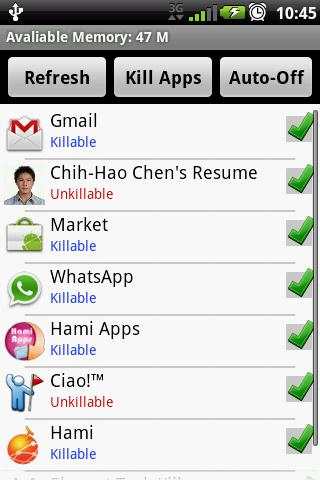
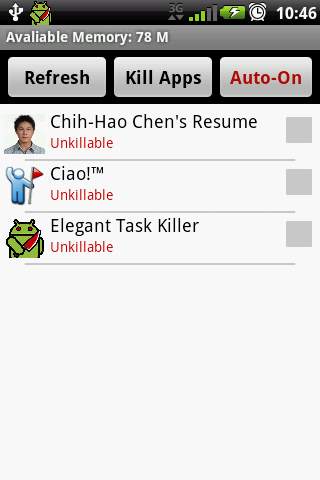
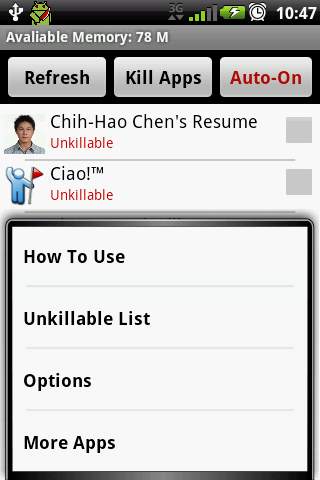
If you often feel your phone runs slowly or battery is exhausted soon, you should install Elegant Task Killer to free memories and manage your phone system’s running apps.
There are many types of task killer apps with various utilities on the app market, but them usually consume high CPU and memory resource by themselves. For this reason, we developed Elegant Task Killer, it is very efficient and only consume very low CPU and memory resource, I bet you will love it.
You can visit this website to get more information:
http://unknown0521.blogspot.com/2011/10/auto-task-killer-pro.html
The main advantages of Elegant Task Killer:
* High efficiency
* very low CPU and memory resource usage
* Speed up your phone
* Save battery
* Auto-Task Killer
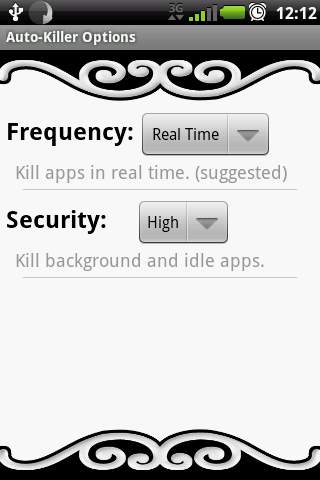
* Frequency Option (Free)
* Security Option (Free)
* Ignore list
* Easy to use
App status:
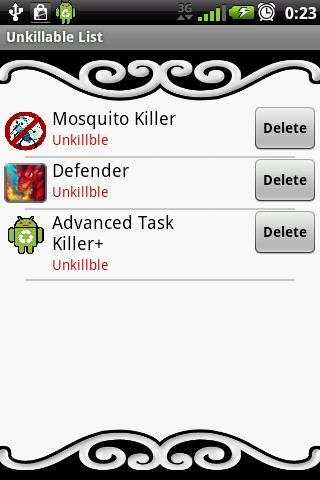
1. Killable:
The app is able to be killed by auto-task kill service.
2. Unkillable:
The app is unable to be killed by auto-task service.
How To Use:
1. Kill apps:
Select apps and click "Kill Apps" button.
2. Switch on/off auto service:
Click "Auto-On/Auto-Off" button.
3. Change app status:
Click a app of the list.
4. Refresh running apps:
Click "Refresh" button.
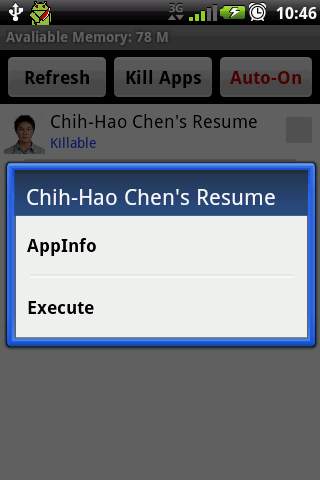
5. View app information/execute app:
Long click a app of the list.



![CHARISMA˚✩// compelling attractiveness, charm & excellent social skills [𝐬𝐮𝐛𝐥𝐢𝐦𝐢𝐧𝐚𝐥] screenshot 5](https://i.ytimg.com/vi/Q0hi5_-jub8/mqdefault.jpg)


