










DOWNLOAD IS NOT SUPPORTED IN WEB STORE!
Use the latest version of 9Apps to download APK&OBB file of games in one click!
DOWNLOAD 9APPS
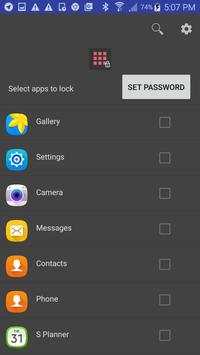
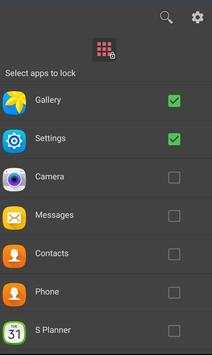
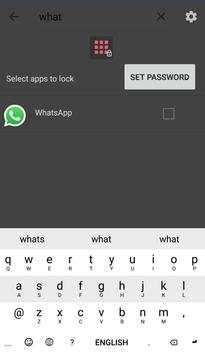
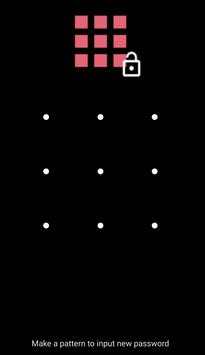
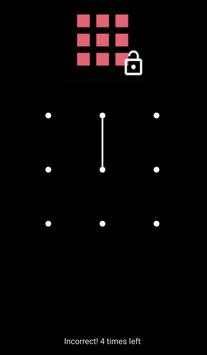
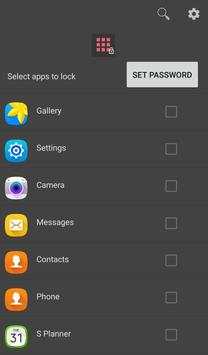
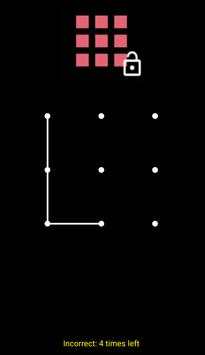
Tiny App Lock is a simple and fast to lock apps on your phone. For example, you can prevent gallery from opening by locking it with a password. When the gallery app opens, an password screen overlays on the top. The password overlay screen automatically closes if a correct pattern has been made.
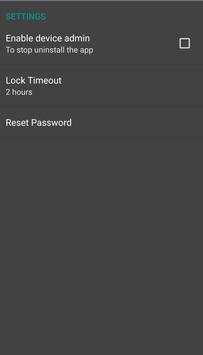
To achieve stronger security, you
enable device admin from app setting to prevent the app from uninstalling.
How to reset the password?
Go to app setting, then click on Reset Password.
What can i do if i forget password?
Uninstall the app and reinstall it from Play Store.
Tiny App Lock Features:
- Pattern to lock apps
- Easy to lock and unlock apps
- Reset password
- Small file size
Tiny App Lock Permissions:
- The Tiny App Lock requires Drawing Over Other Apps permission to display password overlay screen on top of an unauthorized app.
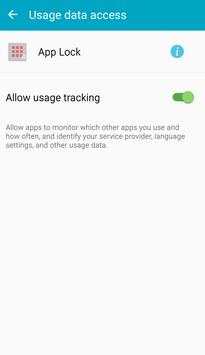
- The Usage Stats permission is also mandatory to get current running apps.
- The Device Admin permission is optional. It allows the app to prevent its uninstall. You should enable this option to achieve better protection.
- Bug fix
- Lock timeout


