










DOWNLOAD IS NOT SUPPORTED IN WEB STORE!
Use the latest version of 9Apps to download APK&OBB file of games in one click!
DOWNLOAD 9APPS

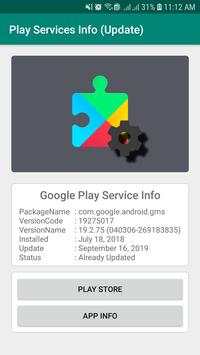
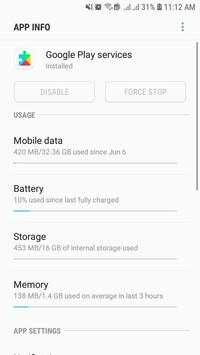
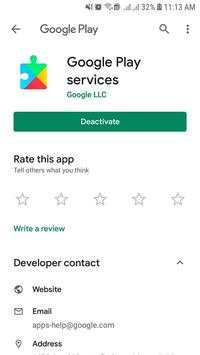
Small utility app to quickly check the status of the Google Play services. It shows the version number, installation date and date of the last update. It also provides links to the Play Store, developer release notes, and the app info dialog.
The app can be used to install or update the Google Play services.
To fix "Google Play Services has stopped" errors, try opening the app info dialog and select "clear cache". If that does not work, try the "uninstall updates" option. Then download and re-install the latest version of the Google Play services using the Play Store link.
In the new "Details" view you can also check the status of the Google Play Store, Instant Apps, Google Services Framework, and Google Account Manager.



Add new feature


