










DOWNLOAD IS NOT SUPPORTED IN WEB STORE!
Use the latest version of 9Apps to download APK&OBB file of games in one click!
DOWNLOAD 9APPS

Introduction:
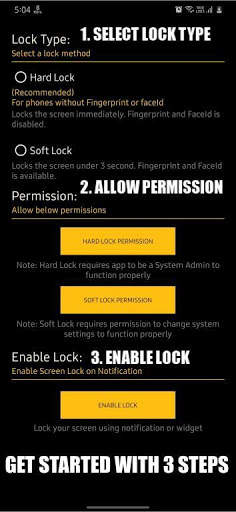
Power button tends to wear out after a few years of usage leading to an unwanted click or click not getting registered and in some cases the button does not work at all. If you face the same issue, do not worry. With an easy user interface our app provides users with two locking methods.
Hard Lock:
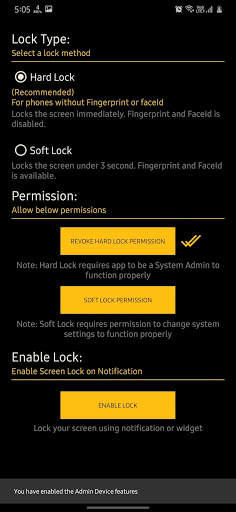
This Method is recommended for user with no Biometric (Fingerprint or FaceId unlock). Locks the device immediately without any delay. Hard Lock tends to disable biometric unlocking methods.
Permission Required:
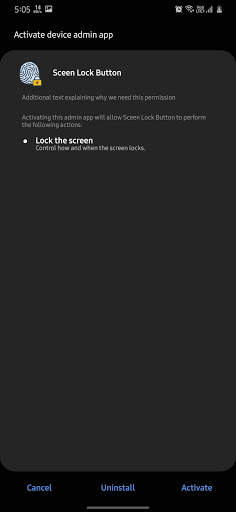
Device Administrator
Soft Lock:
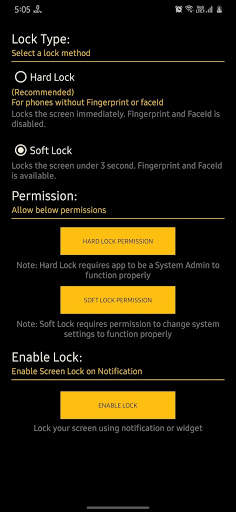
If you want to unlock your device with Biometrics (Fingerprint or FaceId unlock) it is possible with soft lock.
Permission Required:
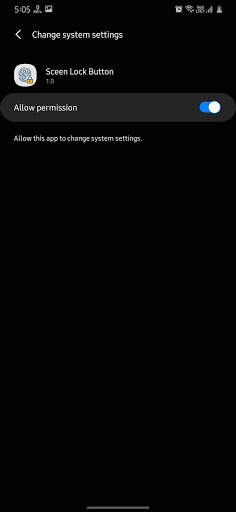
System Settings
Functionality:
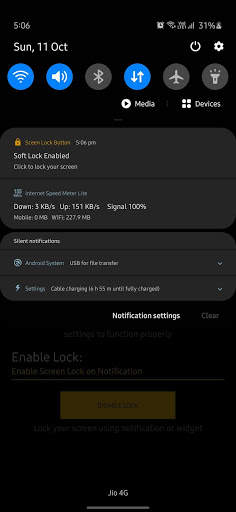
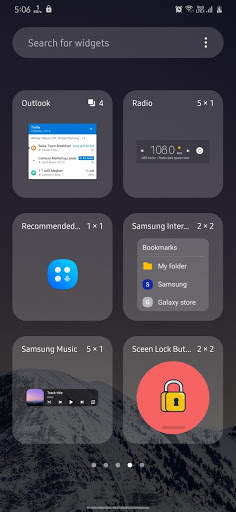
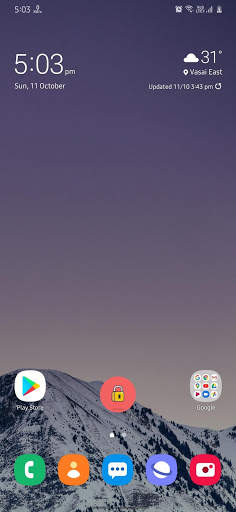
When Screen Lock is enabled a notification service will be turned on, user can click on this notification to lock his screen from any app. An addition widget is also available which could be used to lock the device.
How to start:
1. Select a Lock mode you want to enable.
2. Allow the permission for the selected Lock type.
3. Click on Enable Lock to turn on the notification.
4. Check notification panel for Screen Lock notification.
Thank you for trying our app. Your feedback is appreciated.


