













DOWNLOAD IS NOT SUPPORTED IN WEB STORE!
Use the latest version of 9Apps to download APK&OBB file of games in one click!
DOWNLOAD 9APPS
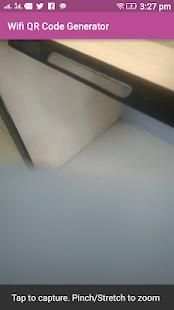
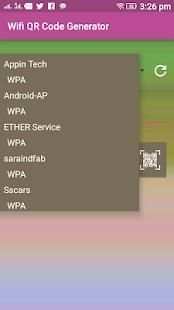
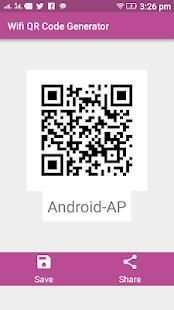
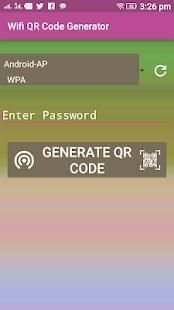
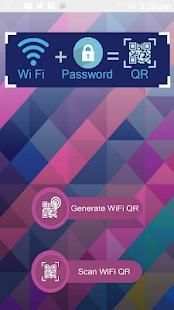
Allows you to generate a QR code for your Wifi network. Beautiful design, i
Just generate, scan, and connect! Couldn't be easier! If you're rooted, a QR code will be generated as soon as you open the app, or simply select a network and a QR code will be created!
Steps:
1) Select a network Android remembered or you saved.
2) Show another person the QR or save/send it, using email, Dropbox, printing it, etc.
or
1) Enter your network name (SSID)
2) Enter your network password (if you have one)
3) Select your network security type (WPA, WEP, or Open)
4) Show another person the QR or save/send it, using email, Dropbox, printing it, etc.
This is by far the easiest and most convenient way to connect to a Wifi network.
Now any one of the almost 500 million people with Barcode Scanner app can scan it and instantly connect to a network. Since Barcode Scanner is one of the more widely used QR code readers, the person scanning doesn't need to download anything special to connect your network.
You can save any network you create, then remake the QR code whenever you need it as well.


