DOWNLOAD IS NOT SUPPORTED IN WEB STORE!
Use the latest version of 9Apps to download APK&OBB file of games in one click!
DOWNLOAD 9APPS
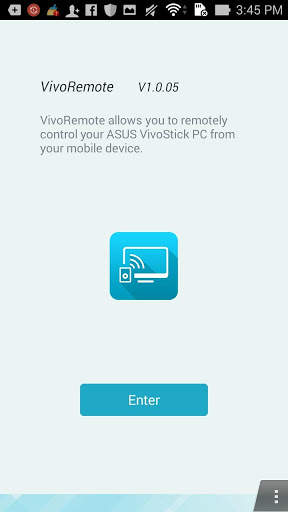
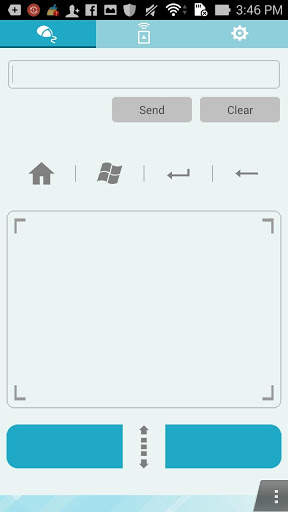
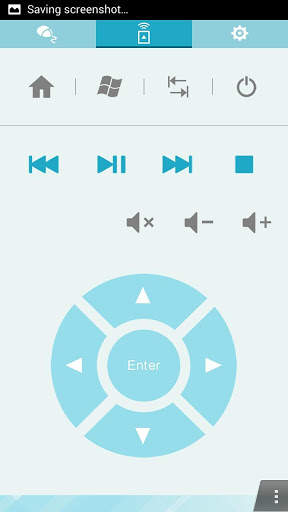
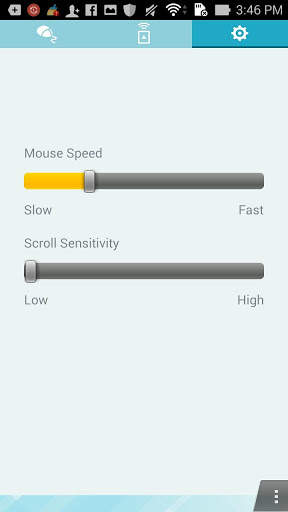
ASUS VivoRemote allows you to turn your mobile devices into a remote control for your VivoStick PC via Wi-Fi. With the intuitive user interface. you can enjoy a collection of various control options, it’s easy and relaxing.
Features:
1. Remote keyboard & mouse
2. Hot keys
ASUS Launcher Shortcut –Home
Windows start menu
TAB
Remote wake on wan
3. Local media and voice control
4. ASUS Launcher Shortcut – customize your way by adding as much shortcuts of files or EXE file as you like.
Note:
1. Ensure to install VivoRemote Center software on ASUS VivoStick PC.
2. Ensure to install VivoRemote on your smart devices.
3. Ensure to set up the Wi-Fi connection for your PC and smart devices.