









DOWNLOAD IS NOT SUPPORTED IN WEB STORE!
Use the latest version of 9Apps to download APK&OBB file of games in one click!
DOWNLOAD 9APPS

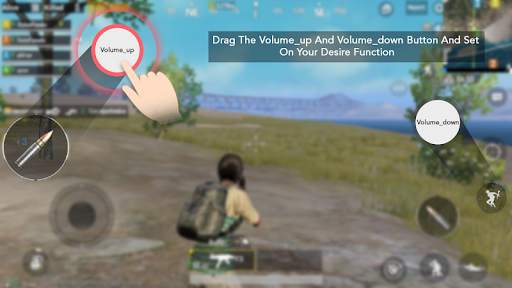
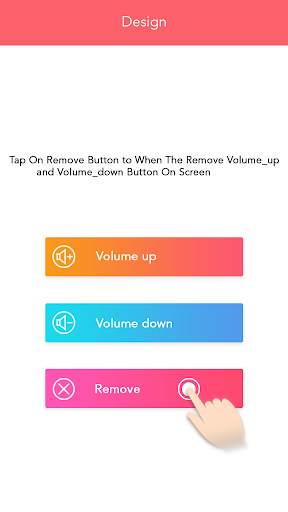
Play Android Games with Volume Up & Down buttons.
No root or activator is required !!
Gaming Controller supports all game & app with automation with the help of volume up & down key .
Control your game with volume up & down key
== How to Use ==
1) Open the app
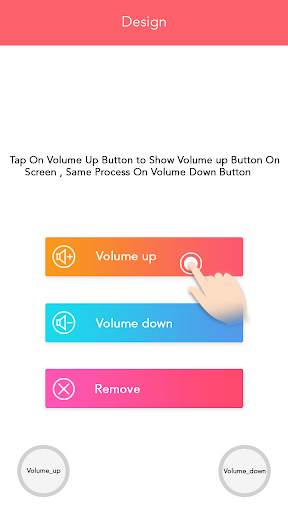
2) Press Volume up button to add volume UP botton
3) Now you will see two buttons on your screen
4) Set size & opacity of the button
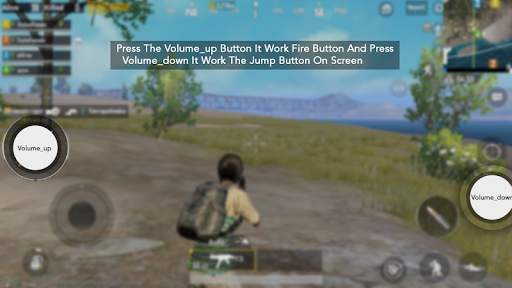
5) Now open your game & place these two button on your desired game button.
6) Control click with these two buttons by pressing volume up & down key.


- Minor Bug Fixed.


