










DOWNLOAD IS NOT SUPPORTED IN WEB STORE!
Use the latest version of 9Apps to download APK&OBB file of games in one click!
DOWNLOAD 9APPS

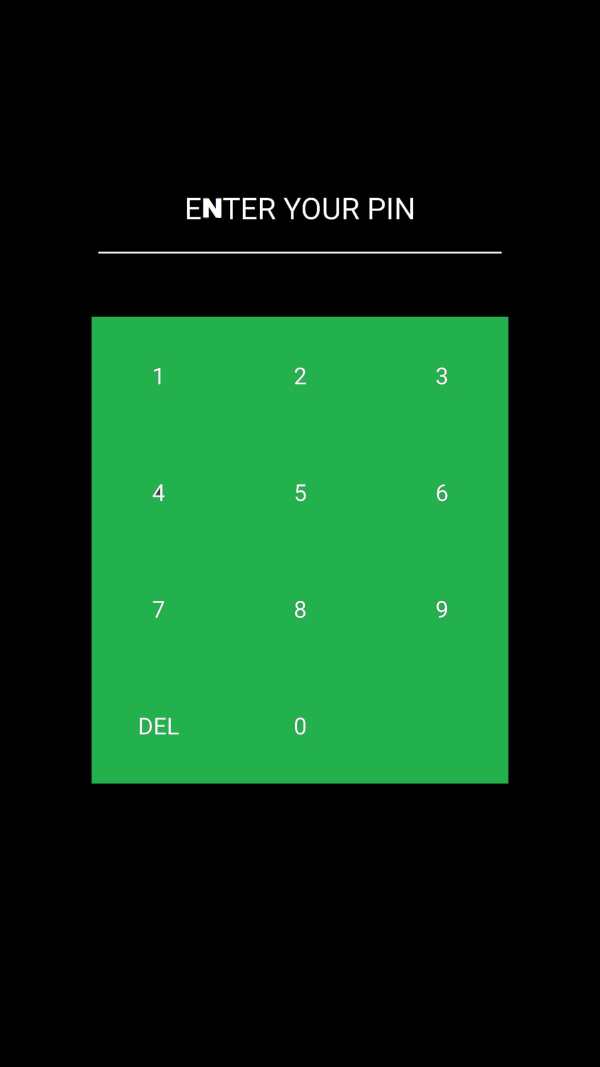
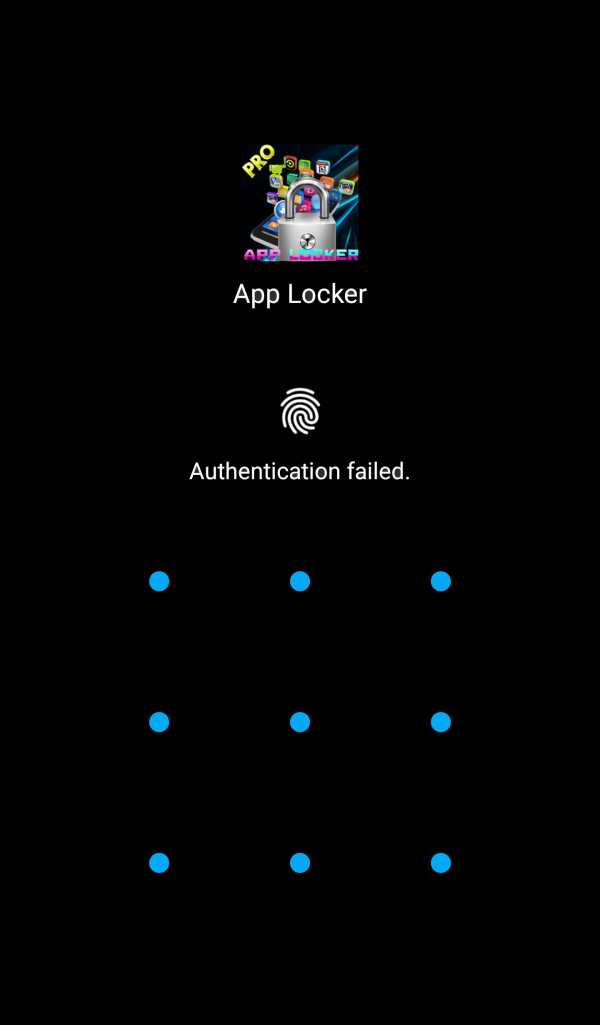
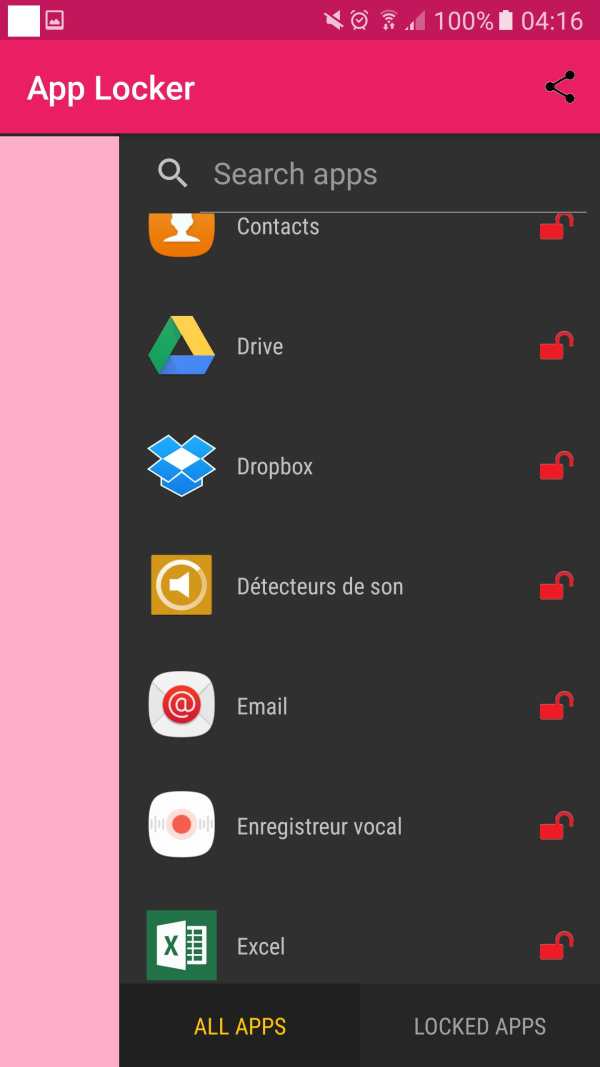
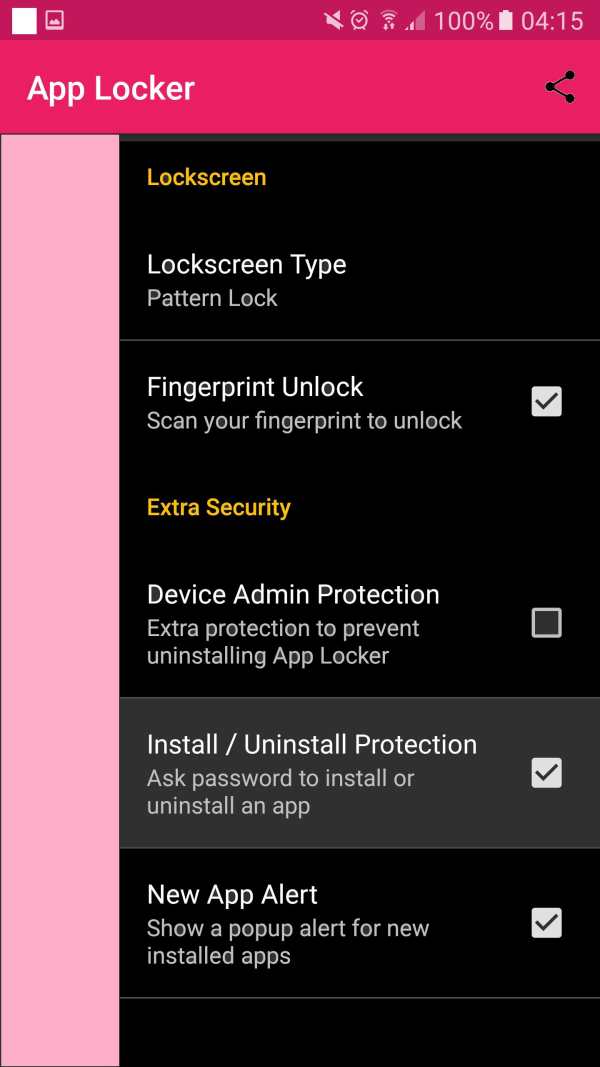
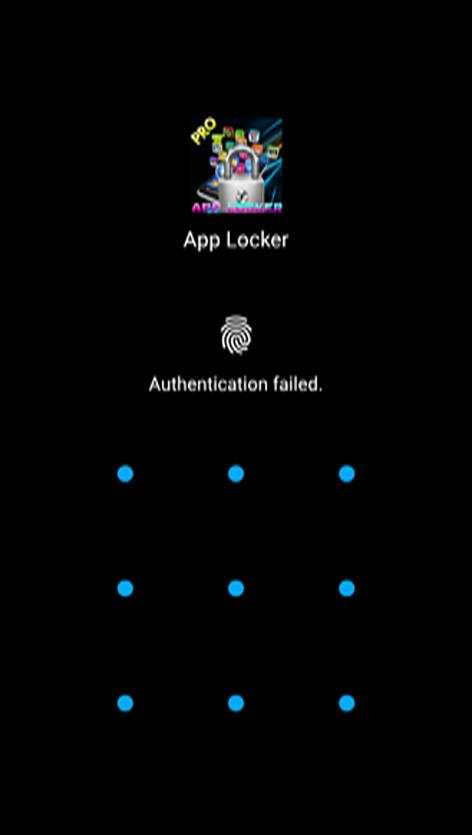
We all know the moment of discomfort when handing a phone to friends or family, only to see them suddenly start opening applications that are personal to you or have sensitive information. That's why we built a secure and easy-to-use application locker with PIN, pattern or fingerprint password protection, so you can hand your phone to other people without worrying that they will stumble into the wrong application or screen.
App lock pro can lock SMS, Contacts, Gmail, Facebook, Gallery, Market, Settings, Calls and any application you choose, with abundant options, protecting your privacy.
The selected photos are no longer in the gallery. Their access is locked using an intuitive keyboard. Only you can view your hidden shots. App Lock
2017 protects your privacy.
Do not worry more about your children can change the phone settings, pay for games, mess up again!
⭐️⭐️⭐️ Protect your Privacy. The best free App Lock with Fingerprint support⭐️⭐️⭐️
Keep your privacy by locking apps like WhatsApp, Facebook, Gallery or anything you want.
⭐️ Now lock your apps with fingerprint scanner support! ⭐️
A must have personal security app to secure your privacy.
? Lock your apps with a "secure" but "easy to unlock" pattern.
? Now wirh fingerprint support!.
? The lightest AppLock on Google Play Store which does not consume RAM, battery and other system resources like others!
? Secure your messaging and social apps and make your social life really your's.
? Lock Facebook Messenger chat heads (bubbles).
? Hide your pictures by locking gallery and photo apps.
? Keep your data secure from prying eyes.
? Totally free - always free.
? Awesome Themes and Colors!
? Material designed.
? Works flawlessly even with latest versions of Android!
IMPORTANT NOTE FOR HUAWEI AND XIAOMI USERS
Huawei and Xiaomi devices have evil task killer services that interfere with the AppLock service. For our app to work, you need to add App Locker to allowed apps in those devices' security settings.
Huawei: Phone Manager App > Protected Apps > Add App Locker to the list.
Xiaomi: Services > Security > Permissions > Autostart, find App Locker and enable autostart.
With AppLock, you can
☆ Block your confidential information - lock applications with confidential data: photos, videos (gallery), short messages (SMS or MMS) and call logs
☆ Lock your applications - SNS applications (Facebook, WhatsApp, Twitter)
☆ Block incoming calls
☆ Block the system toggle - between Wi-Fi and Bluetooth
☆ Lock settings - system settings, install / uninstall applications to protect your phone from unwanted manipulation of other people or your children
☆ Block merchant sites - games and merchant sites to prevent your children from adding games or making purchases without your knowledge
- free ,applock the best application locker in the world free lock locker prank mp3,mp4,the download for free transform
find hack wifi record picture facebook,wathsap,messenger ,kalash happy in the play store bird game free hacker fllapy the boos speed truck finde me in this my care gps free
//
this is key word for seach



This app uses the Device Administrator permission


