
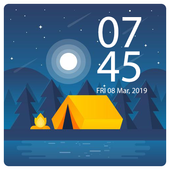
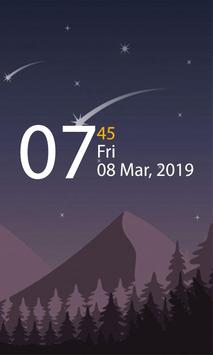
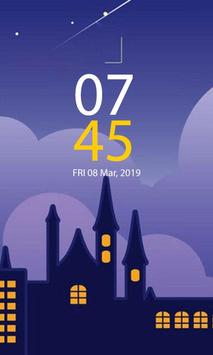

Always on Display | Edge Lighting will provide you with information about your notifications, clock, date, current weather, with edge lighting and much more right on your screen without having to touch your phone or tablet!
*
How to use this App (Always on Screen - AMOLED):
1. Open Always on Display-AMOLED, start service
3. To wake up your phone, double tap on screen
4. To turn off screen just press power button
5. The user can on or off service.
Option Always on Display- AMOLED & Watch Black Wallpapers
1- while charging and discharging
2- while only charging
3- while only discharging
*Features:
• Always On Screen
• Auto-rotate feature
• Edge Lighting with custom colors and styles
• Very easy to use.
• Display clock on lock screen.
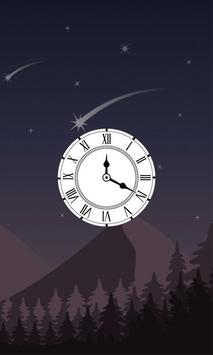
• Collection of both analog and digital clock.
• Show notification information with clock.
• Custom clock with photo.
• Write and display memo text on screen.
• Easy change the color of memo text and clock.
• Easily change font, size and color.
• Display battery level.
• S8 Clock Style
• Display battery percentage level.
• Automatic rules preserve battery using predefined rules
• Turn face to mobile and know what time is it
• Enable/Disable showing notifications on lock screen.
• Change clock style ( Digital, Analog )
• Can be used as a night clock
• You can select the color of the text
• Always on screen on (double tap will turn screen the on).

![Get Samsung's 'Always On' Display on Almost Any Android Device [How-To] screenshot 2](https://i.ytimg.com/vi/6tsQs3Eq9JY/mqdefault.jpg)


9Apps 4.9













