Video Crop is very useful to crop your favorite video like an image.
Video Cropping is not easy before Video Crop.
You can crop your video by selecting the video view portion and also cut a video by selecting part of that video by using our Video Crop.
Video Crop is a tool for cropping the videos in a moments.
Video Crop gives the best HD quality of your video after cropping.
Video Crop takes some time to crop the video because it crops the each frame of the video with HD clarity of your video.
You can minimize the video crop when it process for cropping and your can do another things that you want.
*Features & Use of Video Crop:
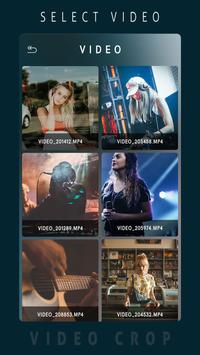
-> Select the Video from Video Grid
-> You can crop any format of the video
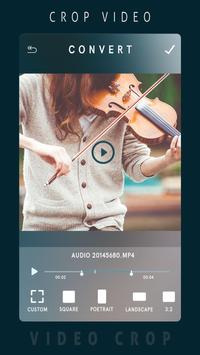
-> Set the portion that you want to crop by using your finger or by default crop selector
-> Set the part of the video that you want to cut and crop by setting range of the video
-> You can play selected portion of the video
-> Click on Done button to start cropping your video
-> Wait some to complete the cropping process or you can minimize app by pressing home button till cropping process continues
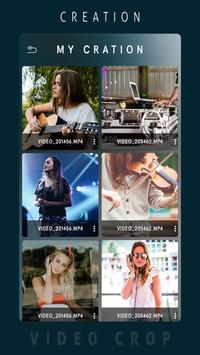
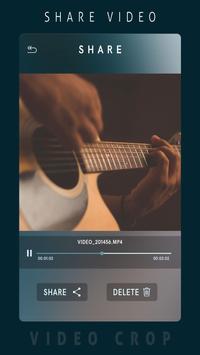
-> After video crop you can play that video here and you can share video with your friends or in social media.
Note: Don’t give negative reviews before discussing the issue. So, please mail us if you have a problem.
Any Problem?? Suggestions??
Please mail us on: photoseditor2017@gmail.com
Thank you for using Video Crop app.
* Some Minor Bug Fixed!
* Performance Improved!


9Apps 4.9