



Splynx is a leading billing and management software for ISPs. We reinvest into Research and Development to improve our technology and to ensure it is always up to date with what is currently on the market (as well as what is to come). Our experience means that we truly understand the requirements and innovations needed for high-end ISPs.
We have developed Customer Portal application to help modern providers show the best customer service.
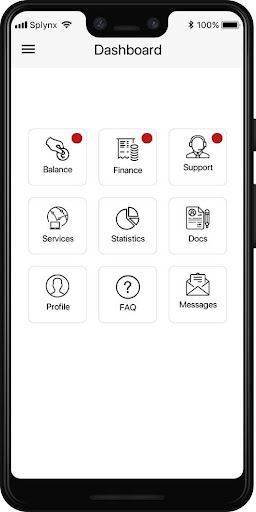
Application allows customers the following:
Profile management and documents
* Change user information
* Review uploaded documents
* Change account password
* Review F.A.Q
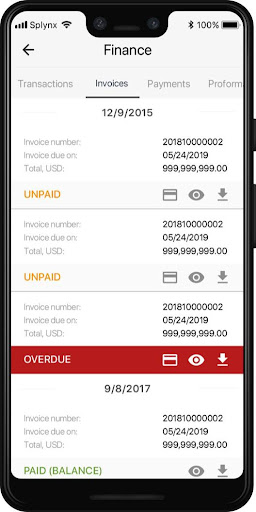
Finance management
*Check balance, invoices, all transactions and payments
* Pay for the services online using a Credit Card
* Credit Card management.
- Setup a recurring payment subscription using their credit card or a payment gateway account
- Remove saved cards or bank accounts
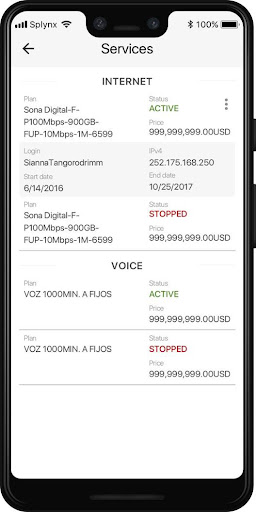
Services
* Change services and tariff plans
* Change password to the service
Statistics
* Check the Internet usage or VoIP services statistics
Support
* Create/close or check the status of a support ticket and further communicate with support representative in the app interface.
· Fixed a bug where any types of payments, as well as payments gateway, did not work



9Apps 4.9















