kitkat screen recorder on 9Apps

Free download latest kitkat screen recorder for Android here and enjoy it with your phone. Below you can download a list of top and latest apps related to kitkat screen recorder . 9APPS is a fast, safe app store. With 9APPS, you can save a lot of time on searching and downloading apps.

#1 KitKat Screen Recorder

KitKat Screen Recorder
Rating: star 3.0 | Version: 1.3.0 | Size: 145.1KB
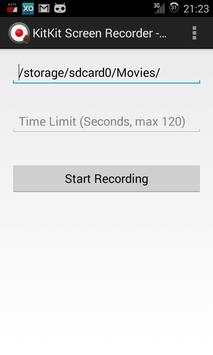
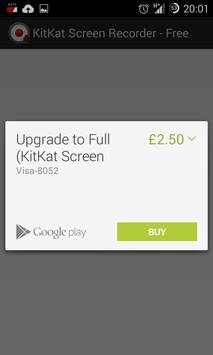
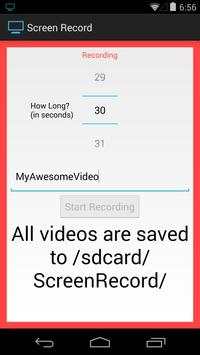
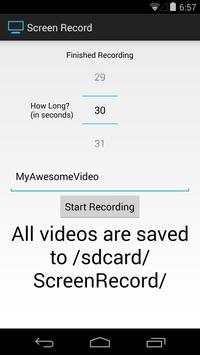
KitKat Screen Recorder screenshot 1 KitKat Screen Recorder screenshot 2

This app provides a user interface for the native screen recording system introduced in Android KitKat (version 4.4).
This app will allow you to easily harness that system.
This app is shareware - the free version downloaded here can be upgraded to the full version via an in app purchase. The free version can only specify the filepath parameter. There is no time limit imposed by the app.
The full version can have a length of up to 3 minutes (maximum allowed by native method) and has access to all parameters.
This app is likely to require root access on devices. Root access is requested on app start - it is highly recommended that you allow root access, as this app probably won't work without it (the file will be 0 bytes in size).
When specifying the file path, the extension should be .mp4.
Voluntary translations requested! If you want to translate this app into your language, please contact me :)

...

👉 For More Detail of KitKat Screen Recorder

#2 Screen recorder for Kitkat

Screen recorder for Kitkat
Rating: star 3.0 | Version: 1.4 | Size: 6.9MB
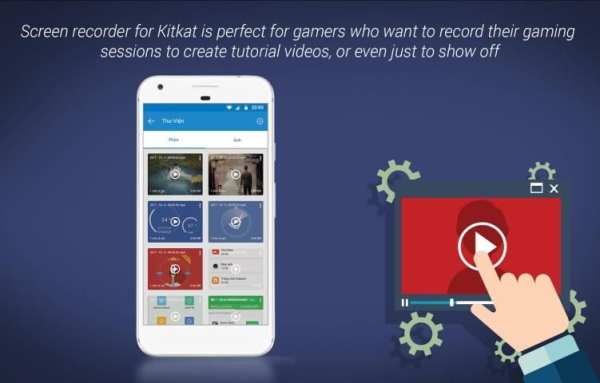
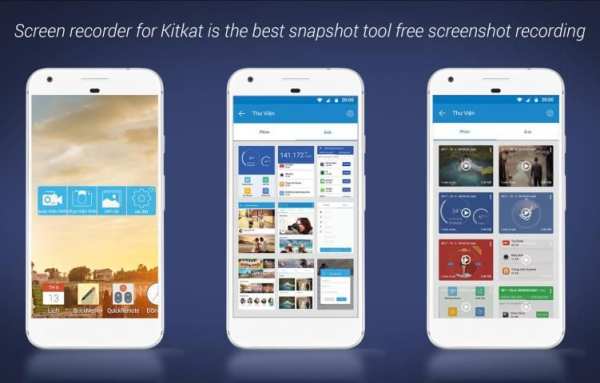
Screen recorder for Kitkat screenshot 1 Screen recorder for Kitkat screenshot 2 Screen recorder for Kitkat screenshot 3

Taking a screenshot or screen recorder on Kikat is easy. Latest version implement a new way to take screenshot to improve compatibility with kitkat..
this app support in the latest version of the android as screen recorder for android kitkat 4.4.2 and screen recorder for android kitkat 4.4.4.
Use the easiest screenshot app to not only take snapshots but also view, edit or share them directly
Features
✔ Clean interface and simple.
✔ Positive Capture Editor.
✔ All screen capture modes are supported – choose.
✔ Easy to Share via youtobe, facebook…
Screen recorder for Kitkat is perfect for gamers who want to record their gaming sessions to create tutorial videos, or even just to show off. An app developer will find our screen recorder app very useful to create an app video for their apps
Give us good rating if you like the app.

...

👉 For More Detail of Screen recorder for Kitkat

#3 Screen Recorder for KitKat

Screen Recorder for KitKat
Rating: star 3.0 | Version: 1.03 | Size: 511.3KB
Screen Recorder for KitKat screenshot 1 Screen Recorder for KitKat screenshot 2 Screen Recorder for KitKat screenshot 3

••••••••••••••••••••[Root Required]••••••••••••••••••••
Recording your android device screen on Android 4.4 (KitKat) which supported screen recording. but you need to run shell command from PC to record your device screen.
When you use this application, say goodbye for PC. This application will execute screen recording command by itself.
• Grant root access for this application
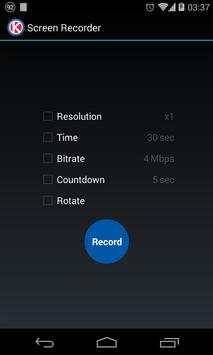
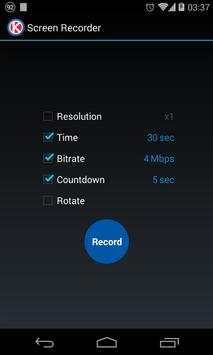
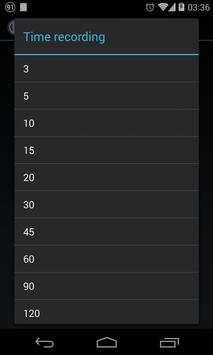
• Choose video resolution, recording time, bitrate and coundown timer
• Tap "Record" button
• Notification will show recording status
• Do anything on your device which you want to record
• Sound and vibrate when start recording and recording has finished
How to recording on landscape/portrait
• Rotate this app tolandscape for recording landscape app and portrait for protrait app
• Don't start recording on portrait and change it to landscape (landscape to portrait too!)
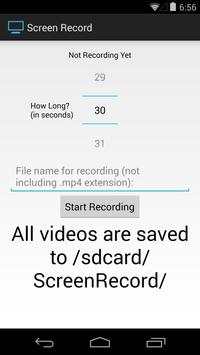
Your recorded video will be in /sdcard/ScreenRecorder/
** For force stop recording, i has some problem about this code. I will add this function if i found solution **

...

👉 For More Detail of Screen Recorder for KitKat

#4 Screen Record (for KitKat )

Screen Record (for KitKat )
Rating: star 3.0 | Version: 1.0 | Size: 243.8KB
Screen Record (for KitKat ) screenshot 1 Screen Record (for KitKat ) screenshot 2 Screen Record (for KitKat ) screenshot 3

ROOT REQUIRED.
Finally!
A solution to record your screen has come in KitKat!
This is perfect for developers who need to record videos for the Play Store, taking and showing bug reports, and everyone who just wants a simple solution for screen recording.
In the free version, there is 2 minute time limit.
If you like the app, please upgrade to the paid version which ups the time limit to 10 minutes.

...

👉 For More Detail of Screen Record (for KitKat )

#5 Recorder - Screen Recorder

Recorder - Screen Recorder
Rating: star 4.0 | Version: 2.9.21 | Size: 107.1MB
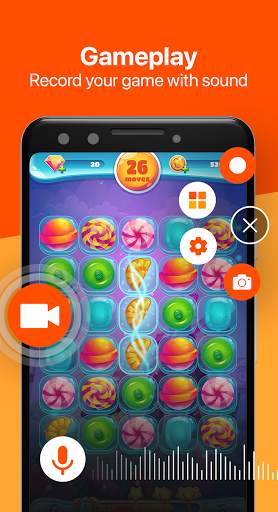
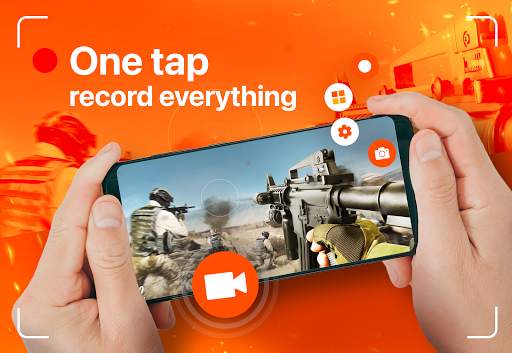
Recorder - Screen Recorder screenshot 1 Recorder - Screen Recorder screenshot 2 Recorder - Screen Recorder screenshot 3

Không Watermark
Không cần Root
Không thu phí sử dụng
Ứng dụng screen recorder được sử dụng như một công cụ đắc lực giúp mọi người tạo ra những video từ việc quay lại màn hình điện thoại. Không quá phức tạp, chỉ bằng vài nút bấm và có thể quay và tạo video rồi.
Screen Recorder rất được các youtuber mới sử dụng trong việc tạo video, giúp họ xây dựng video nhanh, tốt và tiện lợi hơn. Sau khi quay xong các youtuber có thể add nhạc và cắt ghép video ngay trên ứng dụng eRecorder.
Hơn nữa, ứng dụng Video Recorder rất được ưa chuộng sử dụng để làm video hướng dẫn. video hướng dẫn học tập, video hướng dẫn sử dụng ứng dụng,video hướng dẫn chơi game, mọi thứ đều thật tuyệt và dễ dàng.
Công cụ nổi bật của Screen Recorder:
● Screen Recorder có âm thanh.
● Chụp ảnh màn hình.
● Video Editor: cắt video và thêm nhạc.
● Record Gameplay.
● Nút tiện ích.
● Screen Recorder với Facecame.
● Brush.
Tính năng nổi bật của Video Recorder:
● Full HD video: 240p to 1080p, 60FPS, 12Mbps.
● Không watermark
● Countdown timer.
● Tạm dừng và tiếp tục dễ dàng.
● Chế độ xoay màn hình.
● Ẩn nút ghi hình khi đang ghi.
● Ghi âm thanh internal và external
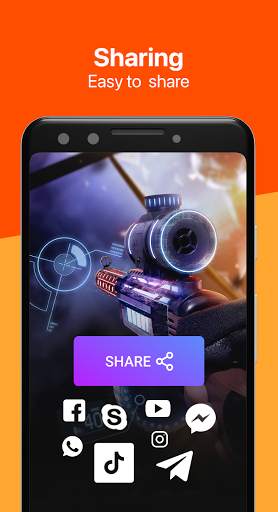
● Chia sẻ video lên Youtube, Facebook, Twitter, Instagram,...
Một số câu hỏi thường gặp:
1. Tại sao tôi không thể ghi được âm thanh hệ thống? (Âm thanh game, âm thanh bên trong)
●Google không cung cấp API để ghi âm thanh nội bộ trên Android 9 trở xuống nhưng eRecorder có một giải pháp, cho phép người dùng ghi âm thanh qua micrô. Tuy nhiên, Android 10 trở lên hoàn toàn có thể ghi ÂM THANH NỘI BỘ.
2. Tại sao tôi chỉ nhận được video với màn hình đen khi cố gắng ghi lại 1 bộ phim?
●Khi quay phim trên các ứng dụng giải trí này (Netflix, Telly, OSN Play…), bạn chỉ có thể nhận được video màn hình đen.
Đó là do vấn đề bản quyền của các ứng dụng giải trí này đã khiến người dùng không thể quay phim màn hình để bảo vệ nội dung của mình.3
3. Tại sao ghi hình bị dừng trong khi đang ghi hình?
Dừng đột ngột có thể do một số lý do:
● Trình ghi màn hình là một tác vụ nặng nề và cần nhiều tài nguyên. Do đó, đôi khi hệ thống của bạn phải giết eRecorder cho thiết bị ghi để tiết kiệm bộ nhớ, pin và các tài nguyên khác cho các ứng dụng ưu tiên cao hơn.
● Dịch vụ ghi âm chạy ở chế độ nền và có mức ưu tiên thấp hơn các ứng dụng khác chạy nền trước.

...

👉 For More Detail of Recorder - Screen Recorder

Search Results

1/20

You may like

DOWNLOAD IS NOT SUPPORTED IN WEB STORE!
Use the latest version of 9Apps to download APK&OBB file of games in one click!
DOWNLOAD 9APPS