kitkat screen recorder on 9Apps

Free download latest kitkat screen recorder for Android here and enjoy it with your phone. Below you can download a list of top and latest apps related to kitkat screen recorder . 9APPS is a fast, safe app store. With 9APPS, you can save a lot of time on searching and downloading apps.

#1 KitKat Screen Recorder

KitKat Screen Recorder
Rating: star 3.0 | Version: 1.3.0 | Size: 145.1KB
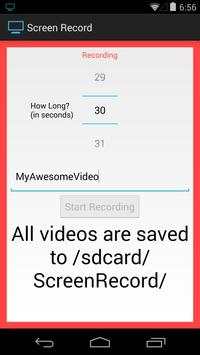
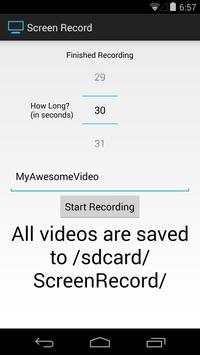
KitKat Screen Recorder screenshot 1 KitKat Screen Recorder screenshot 2

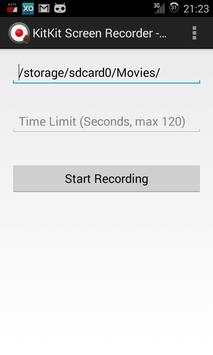
This app provides a user interface for the native screen recording system introduced in Android KitKat (version 4.4).
This app will allow you to easily harness that system.
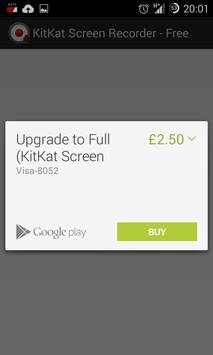
This app is shareware - the free version downloaded here can be upgraded to the full version via an in app purchase. The free version can only specify the filepath parameter. There is no time limit imposed by the app.
The full version can have a length of up to 3 minutes (maximum allowed by native method) and has access to all parameters.
This app is likely to require root access on devices. Root access is requested on app start - it is highly recommended that you allow root access, as this app probably won't work without it (the file will be 0 bytes in size).
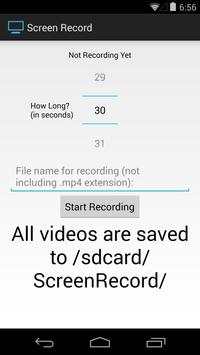
When specifying the file path, the extension should be .mp4.
Voluntary translations requested! If you want to translate this app into your language, please contact me :)

...

👉 For More Detail of KitKat Screen Recorder

#2 Screen recorder for Kitkat

Screen recorder for Kitkat
Rating: star 3.0 | Version: 1.4 | Size: 6.9MB
Screen recorder for Kitkat screenshot 1 Screen recorder for Kitkat screenshot 2 Screen recorder for Kitkat screenshot 3

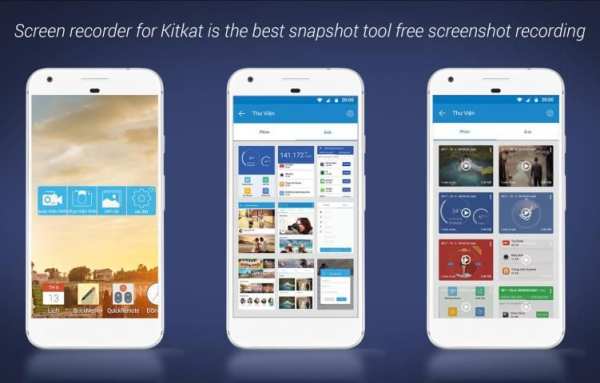
Taking a screenshot or screen recorder on Kikat is easy. Latest version implement a new way to take screenshot to improve compatibility with kitkat..
this app support in the latest version of the android as screen recorder for android kitkat 4.4.2 and screen recorder for android kitkat 4.4.4.
Use the easiest screenshot app to not only take snapshots but also view, edit or share them directly
Features
✔ Clean interface and simple.
✔ Positive Capture Editor.
✔ All screen capture modes are supported – choose.
✔ Easy to Share via youtobe, facebook…
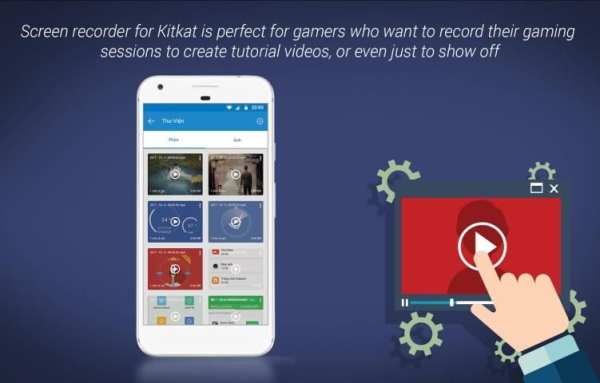
Screen recorder for Kitkat is perfect for gamers who want to record their gaming sessions to create tutorial videos, or even just to show off. An app developer will find our screen recorder app very useful to create an app video for their apps
Give us good rating if you like the app.

...

👉 For More Detail of Screen recorder for Kitkat

#3 Screen Recorder for KitKat

Screen Recorder for KitKat
Rating: star 3.0 | Version: 1.03 | Size: 511.3KB
Screen Recorder for KitKat screenshot 1 Screen Recorder for KitKat screenshot 2 Screen Recorder for KitKat screenshot 3

••••••••••••••••••••[Root Required]••••••••••••••••••••
Recording your android device screen on Android 4.4 (KitKat) which supported screen recording. but you need to run shell command from PC to record your device screen.
When you use this application, say goodbye for PC. This application will execute screen recording command by itself.
• Grant root access for this application
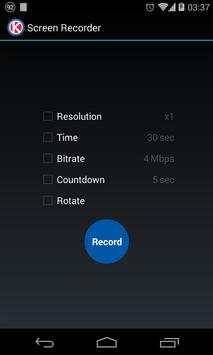
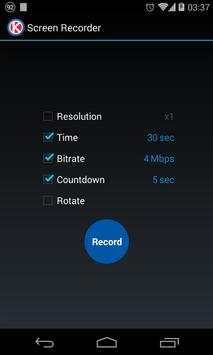
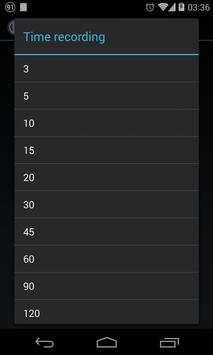
• Choose video resolution, recording time, bitrate and coundown timer
• Tap "Record" button
• Notification will show recording status
• Do anything on your device which you want to record
• Sound and vibrate when start recording and recording has finished
How to recording on landscape/portrait
• Rotate this app tolandscape for recording landscape app and portrait for protrait app
• Don't start recording on portrait and change it to landscape (landscape to portrait too!)
Your recorded video will be in /sdcard/ScreenRecorder/
** For force stop recording, i has some problem about this code. I will add this function if i found solution **

...

👉 For More Detail of Screen Recorder for KitKat

#4 Screen Record (for KitKat )

Screen Record (for KitKat )
Rating: star 3.0 | Version: 1.0 | Size: 243.8KB
Screen Record (for KitKat ) screenshot 1 Screen Record (for KitKat ) screenshot 2 Screen Record (for KitKat ) screenshot 3

ROOT REQUIRED.
Finally!
A solution to record your screen has come in KitKat!
This is perfect for developers who need to record videos for the Play Store, taking and showing bug reports, and everyone who just wants a simple solution for screen recording.
In the free version, there is 2 minute time limit.
If you like the app, please upgrade to the paid version which ups the time limit to 10 minutes.

...

👉 For More Detail of Screen Record (for KitKat )

#5 Gravador De Tela - Recorder

Gravador De Tela - Recorder
Rating: star 4.0 | Version: 2.9.21 | Size: 107.1MB
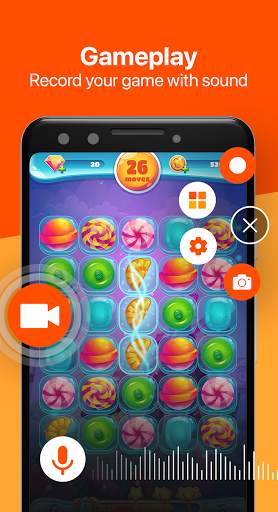
Gravador De Tela - Recorder screenshot 1 Gravador De Tela - Recorder screenshot 2 Gravador De Tela - Recorder screenshot 3

Gravador de tela - Uma ferramenta indispensável para o seu dispositivo. Este aplicativo ajuda você a gravar de maneira estável e suave. Screen Recorder não tem limite de tempo para gravação e nenhuma marca d'água. Com apenas um botão, você pode gravar videogames, filmes ou transmissões ao vivo de pessoas famosas. Nunca perca momentos importantes quando você possui o Screen Recorder - eRecorder.
🎥 PRINCIPAIS RECURSOS DO eRECORDER:
1. Gravador de vídeo sem limite.
2. Capture a tela para tirar uma captura de tela clara.
3. Suporte a gravação de vídeo para o jogo.
4. Grave vídeo com áudio interno e micro áudio.
5. Exporte vídeo Full HD com configurações personalizadas: 240p a 1080p, 60FPS, 12Mbps.
6. Editor de vídeo após a tela de gravação: aparar, cortar e adicionar música.
7. Sem marca d'água e sem necessidade de raiz.
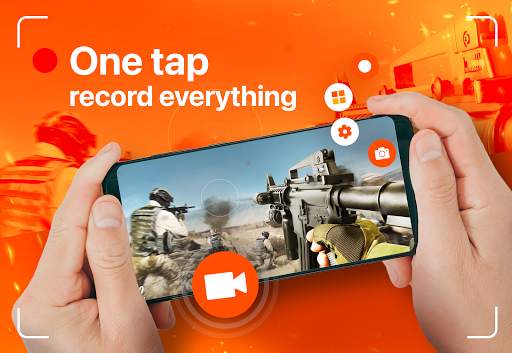
8. Janela flutuante: Apenas um toque para gravar vídeo.
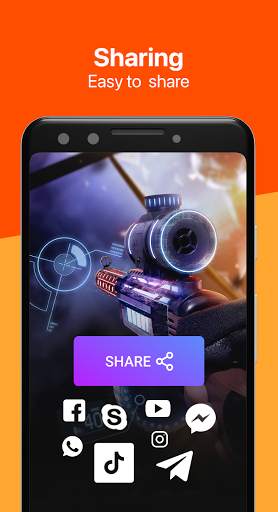
9. Compartilhe vídeos no Facebook, Instagram e Twitter,...
📱Exportar vídeos em Full HD:
Você pode produzir vídeos de altíssima qualidade e suportar gravações de jogos muito boas, como 60 FPS, 1080p e 12Mbps. Além disso, você pode personalizar a qualidade desejada: Taxa de Fram (20 FPS -> 60 FPS), Taxa de bits (1 Mpbs -> 12 Mpbs), Qualidade (240p -> 1080p).
🔴Janela flutuante:
Esta é uma janela de widget que está sempre na tela do seu telefone (se você quiser). Com esse recurso, o Screen Recorder deixa você sempre pronto para gravar, tirar fotos, ajustar configurações, pausar/parar a gravação,...
Não há nada melhor do que um pequeno botão com recursos tão grandes.
🎮Gravador de jogos sem limite de tempo:
Este gravador de tela - eRecorder também é um gravador de jogos conveniente e uma ferramenta de captura de tela. Ele ajuda você a capturar a tela, gravar a tela e gravar o vídeo do jogo sem limite de tempo de gravação.
Com gravações de 60 FPS e FHD, tudo no jogo é suave, sem travamentos e atrasos.
📣Gravador de tela com áudio:
Nenhum vídeo pode ser bom sem som. Durante a gravação, o Video Recorder gravará sua voz ou o som do seu jogo da maneira mais clara.
🎬Editor de vídeo após a gravação:
O conjunto de ferramentas de edição de vídeo inclui aparar vídeo, cortar vídeo e adicionar música. Todas essas são ferramentas populares e ótimas para tornar seus vídeos perfeitos antes de serem enviados para o TikTok, Youtube,...
🎥OUTROS DESTAQUES:
1. Face Camera: mostre a câmera frontal para gravar seu rosto.
2. Desenhe na tela: desenhe na tela enquanto grava o vídeo.
3. Oculte o botão Janela Flutuante durante a gravação.
4. Contagem regressiva para iniciar a gravação: 3s, 5s, 10s.
5. Instruções para mostrar o toque ao tocar na tela do telefone.
Obrigado por baixar o Gravador de tela - Gravador de vídeo. E se você quiser obter apoio e compartilhar suas ideias com mais amigos ou tiver algum feedback:
Envie-nos um e-mail para: screenrecorder@app.ecomobile.vn

...

👉 For More Detail of Gravador De Tela - Recorder

Search Results

1/20

You may like

DOWNLOAD IS NOT SUPPORTED IN WEB STORE!
Use the latest version of 9Apps to download APK&OBB file of games in one click!
DOWNLOAD 9APPS