back button apk on 9Apps

Free download latest back button apk for Android here and enjoy it with your phone. Below you can download a list of top and latest apps related to back button apk . 9APPS is a fast, safe app store. With 9APPS, you can save a lot of time on searching and downloading apps.

#1 Back Button

Back Button
Rating: star 3.9 | Version: 2.1.11 | Size: 4.7MB
Back Button screenshot 1 Back Button screenshot 2 Back Button screenshot 3

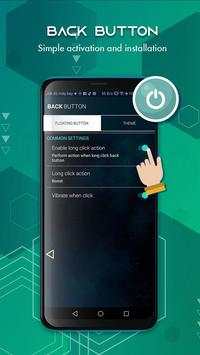
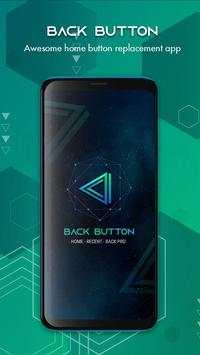
Back Button help you limit the use of physical keys
Back Button help you easily return to the previous screen or double-click to return to the Home screen.
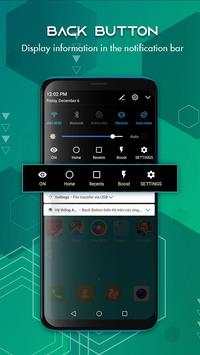
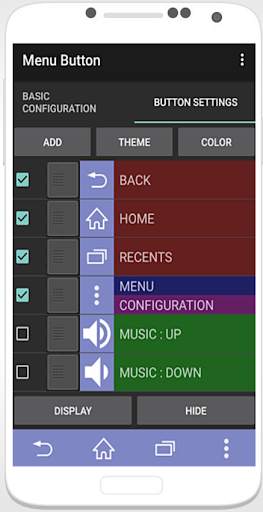
It can simulate the system button like back button, home button and recent button. it can also let you pull down the notification bar quickly.
Main Features of Back Button :
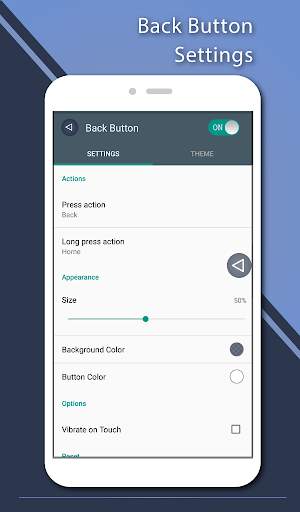
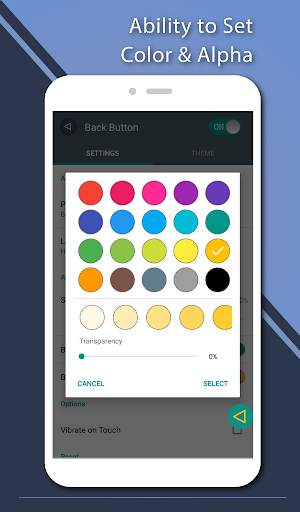
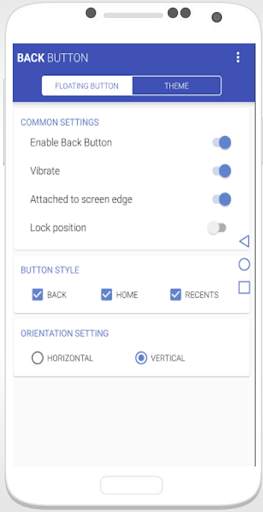
 Ability to change color of background and icon
 Ability to change icon of Back Button easily with many pretty theme
 Easily display functions in the notification bar: Home, Recents, Settings
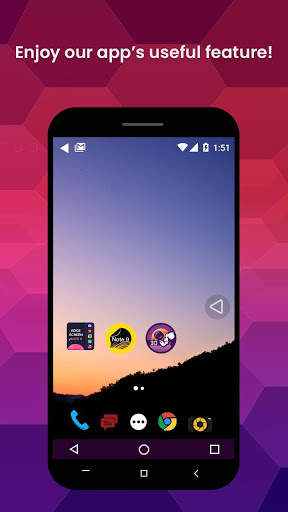
 You can move the button to anywhere on screen
 Gesture Setting for Floating Button (One click, Double click and Long click)
 On off vibrate when click
 Change theme back button
Note: In order to use it, please turn ON "Back Button" service from "setting -> Accessibility Option."
*Back button uses Accessibility Services.
Accessibility service is to use the functions of "Back button", "Home button", "Resents button" and "Notification bar", and it will not be used elsewhere.
Thank you for use Back Button. Download and rate 5 star for Back Button - Home, Recent ,Back Pro support to developer.

...

👉 For More Detail of Back Button

#2 Back Button - Anywhere

Back Button - Anywhere
Rating: star 4.2 | Version: 2.0.5 | Size: 7.4MB
Back Button - Anywhere screenshot 1 Back Button - Anywhere screenshot 2 Back Button - Anywhere screenshot 3

"Geri Düğmesi - Her Yerde", arızalı ve bozuk bir geri düğmesinin yerini alabilen kolay bir dokunmatik araçtır.
Hızlı, pürüzsüz ve tamamen ÜCRETSİZ.
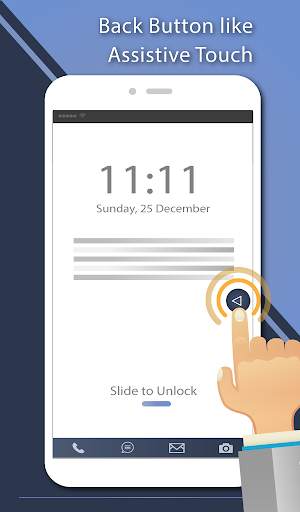
Bu uygulama, harika geri düğmesi yapmak için çeşitli özellikler, temalar ve renkler sağlar. Yardımcı dokunuş gibi bir düğmeye basmak veya uzun basmak kolaydır. Ayrıca düğmeyi ekranda herhangi bir yere sürükleyebilirsiniz.
◄◄ Temel Özellikler ◄◄
- Arka plan ve simgenin rengini değiştirme yeteneği
- Geri Düğmesinin simgesini birçok güzel ile kolayca değiştirme yeteneği tema
- Düğmeyi ekranda herhangi bir yere taşıyabilirsiniz
- Kayan Düğme için Hareket Ayarı (Tek tıklama, Çift tıklama ve Uzun tıklama)
- Dokunarak titreşimi ayarlama yeteneği
- Dikey ve yatay support
- Çeşitli tema desteği
◄◄ Basma ve uzun basma eylemleri için destek komutu ◄◄
- Geri
- Ana Sayfa
- Son Çağrılar
- Kilit ekranı (Cihaz gerektirir) Yönetici aktivasyonu)
- Wi-Fi'yi açma / kapatma
- Güç menüsü
- Bölünmüş ekran
- Kamerayı başlat
- Ses kontrolünü aç
- Sesli komut
- Web arama
- Bildirim panelini aç / kapat
- Hızlı ayar panelini aç / kapat
- Çeviriciyi başlat
- Web tarayıcısını başlat
- Ayarları başlat
- Bu uygulamayı başlat
- cihazınız
Bu uygulama Erişilebilirlik hizmetlerini kullanır.
Sık sorulan sıra stions:
Bu uygulama nasıl kaldırılır?
- Kilit ekranı işlevini kullanıyorsanız, Cihaz Yönetimi'ni açmanız gerekir. Bu uygulamayı kaldırmak istiyorsanız, lütfen uygulamayı açın ve ayara gidin. Bu uygulamayı kolayca kaldırmanıza yardımcı olacak bir kaldırma menüsü olacaktır.

...

👉 For More Detail of Back Button - Anywhere

#3 Back Button - Back Home Center

Back Button - Back Home Center
Rating: star 4.0 | Version: 4.4.3 | Size: 4.8MB
Back Button - Back Home Center screenshot 1 Back Button - Back Home Center screenshot 2 Back Button - Back Home Center screenshot 3

Telefon ekranı veya ekran boyutu sekme veya tablet gibi çok büyük olduğunda, geri düğmesi yardımcı dokunuşu bu kişiler için kullanışlıdır.
Geri Düğmesi - Geri Ana Sayfa Merkezi kontrolü ve yardımcı dokunma, kullanıcının geri tuşu işlevini daha kolay kullanmasını sağlar.
Geri Düğmesi - Geri Ana Sayfa Merkezi Kontrol ve yardımcı dokunma, özellikle Android için tasarlanmış yardımcı ve sistem yöneticisi bir araçtır. Ekranınızda herhangi bir yere taşıyabileceğiniz kayan bir düğmedir. Hızlı, küçük, pürüzsüz ve kullanımı kolaydır. En çok kullanılan Android sistemi anahtarlarını ve tüm yüklü uygulamalarınızı içerir. Şu anda kullanımda olan uygulamadan çıkmadan cihazınızı kontrol edebilir veya favori uygulamanızı kolayca açabilirsiniz.
Tüm işlevlere, Phone X yardımcı dokunuş gibi tek bir dokunuşla hızlı bir şekilde erişilebilir. Ekranınızda yüzmeye devam eder ve hızlı, kolay, kullanışlı ve özelleştirilebilir. Çok çeşitli şık tema stilleri mevcuttur.
Geri Düğmesi - Geri Ana Sayfa Kontrol Merkezi ve yardımcı dokunma, harika bir geri düğmesi oluşturmak için çeşitli özellikler, temalar ve renkler sağlar. Yardımcı dokunuş gibi bir düğmeye basmak veya uzun basmak kolaydır. Düğmeyi ekranda herhangi bir yere de sürükleyebilirsiniz.
Geri Düğmesinin birçok özelliği - Geri Ana Sayfa Kontrol Merkezi ve Yardımcı Dokunma
- Arka plan ve simgenin rengini değiştirme yeteneği
- Birçok güzel tema ile Geri Düğmesinin simgesini kolayca değiştirebilme
- Düğmeyi ekranda herhangi bir yere taşıyabilirsiniz
- Kayan Düğme için Hareket Ayarı (Tek tıklama, Çift tıklama ve Uzun tıklama)
- dokunulduğunda titreşimi ayarlama
- Dikey ve yatay destek
- Çeşitli tema desteği
Nasıl kullanılır..Geri Düğmesi - Ana Sayfaya Geri Dön düğmesi Merkezi Kontrolü?
- Uygulamayı açın, istenirse izinleri etkinleştirin
- Konumu, boyutu ayarlayın ...
- "Ayarlar-Erişilebilirlik" düğmesini tıklayın
- "Geri Düğmesi - Geri Ana Sayfa düğmesi Merkez Kontrolü" nü bulun ve etkinleştirin
Bu Geri Düğmesi - Geri Ana Merkez Yardımcı Dokunma uygulamasını indirdiğiniz için teşekkür ederiz. Bu geri düğmesi renkli uygulamayı beğendiyseniz, beş yıldızlı derecelendirmeyi unutmayın ve arkadaşınız için uygulamayı paylaşın bu uygulamayı indirin!

...

👉 For More Detail of Back Button - Back Home Center

#4 Back Button 2021 - Button, Recent ,Back Lite
Back Button 2021 - Button, Recent ,Back Lite
Rating: star 3.9 | Version: 44 | Size: 2.3MB
Back Button 2021 - Button, Recent ,Back Lite screenshot 1 Back Button 2021 - Button, Recent ,Back Lite screenshot 2 Back Button 2021 - Button, Recent ,Back Lite screenshot 3

Navigation control bar offers the back button, home button and recents button along with an added button to move the navigation bar animation to the area of screen where you want it. You can also navigation bar changer root and navigation bar color changer. This bottom navigation bar to easily use it. The navigation bottom is back button for touch mobile and custom navigation bar - navbar customize. The home back button app is most popular app in play store. The home back button key is navbar animation most popular. The home button and back button lock of control navigation bar. This is simple control navigation bar and simple navigation control of navigation bar background. It use simple control defense is one type of touch control. This custom navigation bar is soft key of this application. We can also change the arrow keys of bottom bar. This is all the controls of a navigation bar app. The custom navigation bar is use to disable soft key of quick navigation. The navigation app is bottom bar of your mobile
Back Button help you limit the use of physical keys
Back Button help you easily return to the previous screen or double-click to return to the Home screen.
It can simulate the system button like back button, home button and recent button. it can also let you pull down the notification bar quickly.
Main Features of Back Button :
 Ability to change color of background and icon
 Ability to change icon of Back Button easily with many pretty theme
 Easily display functions in the notification bar: Home, Recents, Settings
 You can move the button to anywhere on screen
 Gesture Setting for Floating Button (One click, Double click and Long click)
 On off vibrate when click
 Change theme back button
Features:
- Add custom buttons to your navigation bar.
- Customizable navbar layout.
- Have choice to enable and disable BG color.
- You have the option to increase and decrease size/space of navigation bar button.
- Add space among emojis and size of emojis.
- also set gif in Navigation Bar.
- Tasker integration for contextual navbar.
- Easy to setup.
- Simple and nice way to use.
- No root or xposed required.
Note: In order to use it, please turn ON "Back Button" service from "setting -> Accessibility Option."
*Back button uses Accessibility Services.
Accessibility service is to use the functions of "Back button", "Home button", "Resents button" and "Notification bar", and it will not be used elsewhere.
Thank you for use Back Button. Download and rate 5 star for Back Button - Home, Recent ,Back Pro support to developer.

...

👉 For More Detail of Back Button 2021 - Button, Recent ,Back Lite

#5 SoftKey - Home Back Button

SoftKey - Home Back Button
Rating: star 4.3 | Version: 11.1 | Size: 2.8MB
SoftKey - Home Back Button screenshot 1 SoftKey - Home Back Button screenshot 2 SoftKey - Home Back Button screenshot 3

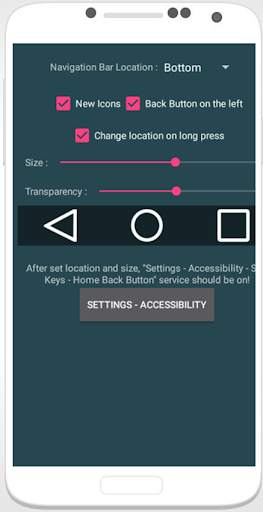
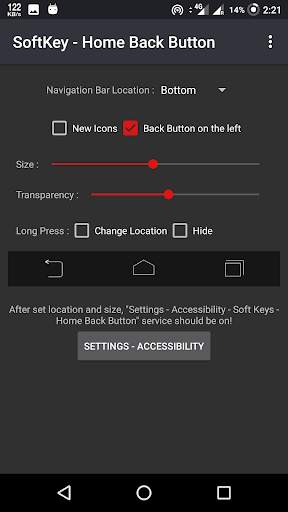
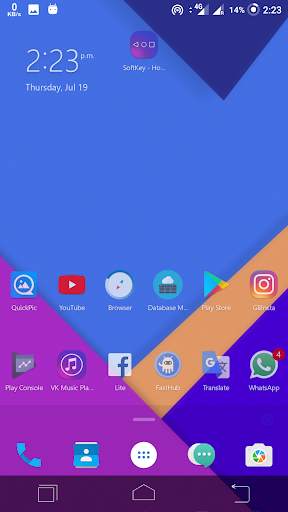
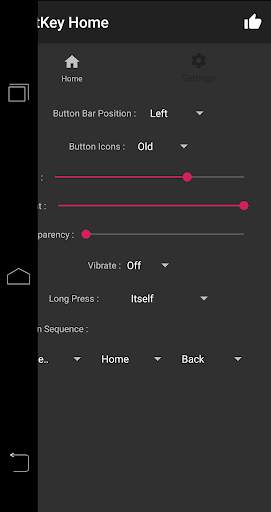
Geri düğmesinin ekran tuşu. Çalışıyorum kök gerektirmiyor.
★ Daha Güvenli— Gezinme çubuğunu otomatik gizle.
★ Daha Verimli— Gezinme çubuğunu arka plan ve düğme rengiyle değiştirme yeteneği
🎨Key Özellikler:
• Gezinme çubuğunu otomatik gizleme
• Gezinme çubuğunu göstermek / gizlemek için yukarı / aşağı kolay silinebilir
• İşlevler: Ana Sayfa, Geri, Son
• Dokunulduğunda titreşimi ayarlama yeteneği
• Gezinme çubuğunu kilitleme seçenekleri
• Gezinme çubuğunu arka plan ve düğme rengiyle değiştirme yeteneği
• Gezinme çubuğu boyutunu yüksekliği ile ayarlama yeteneği
• 2 Temalar Kullanılabilir
• Geri, ana sayfa, son düğmeler için uzun basma eylemi
Nasıl kullanılır?
• Uygulamayı açın, istenirse izinleri etkinleştirin
• Konumu, boyutu ayarlayın ...
• "Ayarlar-Erişilebilirlik" düğmesini tıklayın
• "SoftKey - Geri Ana Sayfa Düğmesi" ni bulun ve etkinleştirin.
Bize Ulaşın:
Facebook: https: //www.facebook.com/vimalcvs
Lütfen bize geri bildiriminizi technovimalin@gmail.com üzerinden gönderin
İşletme / tasarımcı işbirliği için lütfen iletişime geçmekten çekinmeyin
E-posta: technovimal in@gmail.com
Web sitesi: https://www.technovimal.in
Gizlilik Politikası ve Hizmet Şartları:
https://ducslecture.blogspot.com/2019/07/PrivacyPolicy .html

...

👉 For More Detail of SoftKey - Home Back Button

Search Results

1/4

You may like

DOWNLOAD IS NOT SUPPORTED IN WEB STORE!
Use the latest version of 9Apps to download APK&OBB file of games in one click!
DOWNLOAD 9APPS