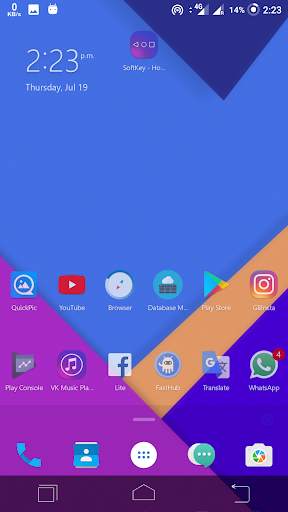
back button apk on 9Apps

Free download latest back button apk for Android here and enjoy it with your phone. Below you can download a list of top and latest apps related to back button apk . 9APPS is a fast, safe app store. With 9APPS, you can save a lot of time on searching and downloading apps.

#1 Back Button

Back Button
Rating: star 3.9 | Version: 2.1.11 | Size: 4.7MB
Back Button 1 تصوير الشاشة Back Button 2 تصوير الشاشة Back Button 3 تصوير الشاشة

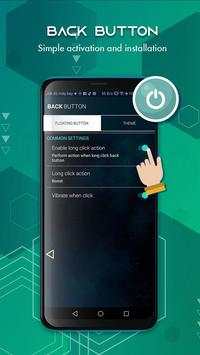
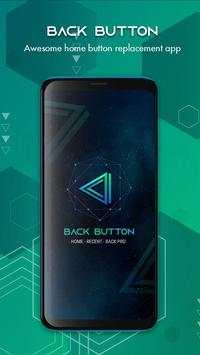
Back Button help you limit the use of physical keys
Back Button help you easily return to the previous screen or double-click to return to the Home screen.
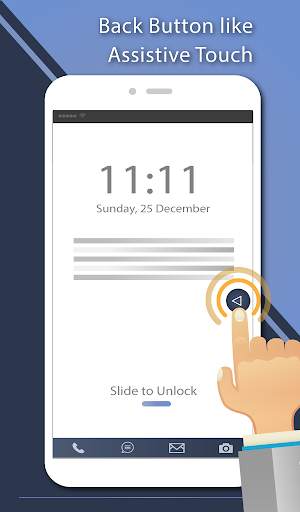
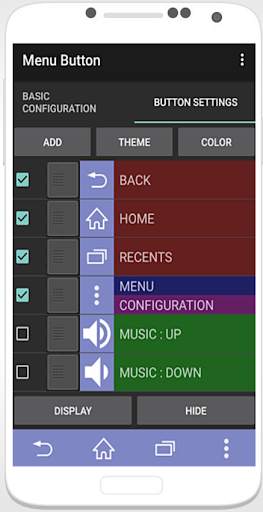
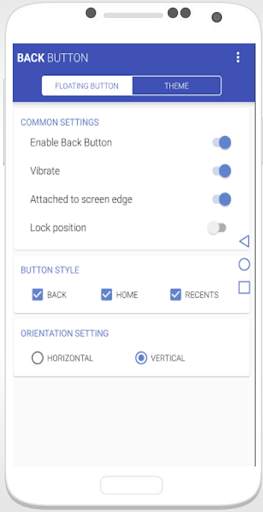
It can simulate the system button like back button, home button and recent button. it can also let you pull down the notification bar quickly.
Main Features of Back Button :
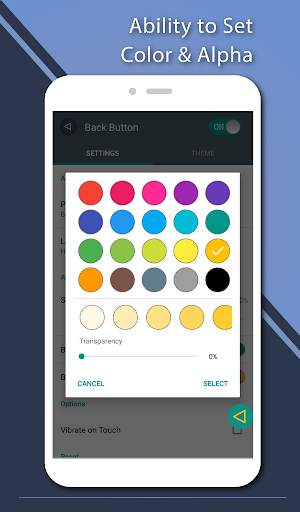
 Ability to change color of background and icon
 Ability to change icon of Back Button easily with many pretty theme
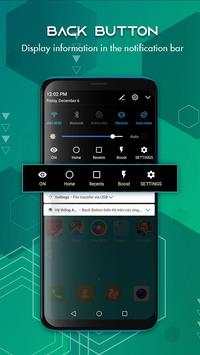
 Easily display functions in the notification bar: Home, Recents, Settings
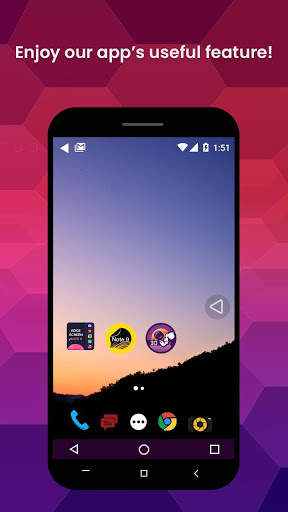
 You can move the button to anywhere on screen
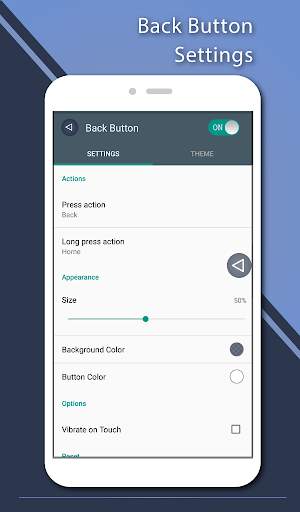
 Gesture Setting for Floating Button (One click, Double click and Long click)
 On off vibrate when click
 Change theme back button
Note: In order to use it, please turn ON "Back Button" service from "setting -> Accessibility Option."
*Back button uses Accessibility Services.
Accessibility service is to use the functions of "Back button", "Home button", "Resents button" and "Notification bar", and it will not be used elsewhere.
Thank you for use Back Button. Download and rate 5 star for Back Button - Home, Recent ,Back Pro support to developer.

...

👉 For More Detail of Back Button

#2 Back Button - Anywhere

Back Button - Anywhere
Rating: star 4.2 | Version: 2.0.5 | Size: 7.4MB
Back Button - Anywhere 1 تصوير الشاشة Back Button - Anywhere 2 تصوير الشاشة Back Button - Anywhere 3 تصوير الشاشة

"Back Button - Anywhere" هي أداة سهلة اللمس يمكنها استبدال زر الرجوع الفاشل والمكسور.
إنه سريع وسلس ومجاني تمامًا.
يوفر هذا التطبيق العديد من الميزات والسمات والألوان لإنشاء زر رجوع رائع. من السهل الضغط أو الضغط لفترة طويلة على زر مثل اللمس المساعد. يمكنك أيضًا سحب الزر إلى أي مكان على الشاشة.
الميزات الرئيسية ◄◄
- القدرة على تغيير لون الخلفية والرمز
- القدرة على تغيير رمز زر الرجوع بسهولة مع العديد من السمة
- يمكنك تحريك الزر إلى أي مكان على الشاشة
- إعداد الإيماءات للزر العائم (نقرة واحدة ، نقرة مزدوجة ونقرة طويلة)
- القدرة على ضبط الاهتزاز عند اللمس
- عمودي وأفقي support
- دعم العديد من السمات
◄◄ دعم الأمر لإجراءات الضغط والضغط لفترة طويلة ◄◄
- رجوع
- الصفحة الرئيسية
- الأخيرة
- قفل الشاشة (يتطلب الجهاز تنشيط المسؤول)
- تبديل تشغيل / إيقاف Wi-Fi
- قائمة الطاقة
- تقسيم الشاشة
- تشغيل الكاميرا
- فتح التحكم في مستوى الصوت
- الأمر الصوتي
- الويب بحث
- تبديل لوحة الإشعارات
- تبديل لوحة الإعداد السريع
- تشغيل Dialer
- تشغيل متصفح الويب
- إعدادات التشغيل
- تشغيل هذا التطبيق
- تشغيل أي تطبيق على جهازك
يستخدم هذا التطبيق خدمات إمكانية الوصول.
قائمة الأسئلة المتداولة stions:
كيفية إلغاء تثبيت هذا التطبيق؟
- إذا كنت تستخدم وظيفة قفل الشاشة ، فإنها تتطلب تشغيل إدارة الجهاز. إذا كنت ترغب في إلغاء تثبيت هذا التطبيق ، يرجى فتح التطبيق والانتقال إلى الإعداد. ستكون هناك قائمة إلغاء التثبيت لمساعدتك في إزالة تثبيت هذا التطبيق بسهولة.

...

👉 For More Detail of Back Button - Anywhere

#3 Back Button - Back Home Center

Back Button - Back Home Center
Rating: star 4.0 | Version: 4.4.3 | Size: 4.8MB
Back Button - Back Home Center 1 تصوير الشاشة Back Button - Back Home Center 2 تصوير الشاشة Back Button - Back Home Center 3 تصوير الشاشة

عندما يكون حجم شاشة الهاتف أو الشاشة كبيرًا جدًا مثل علامة التبويب أو الجهاز اللوحي ، فإن اللمس المساعد للزر الخلفي مفيد لهؤلاء الأشخاص.
زر الرجوع - الرجوع إلى الصفحة الرئيسية في مركز التحكم واللمس المساعد يتيحان للمستخدم استخدام وظيفة المفتاح الخلفي بسهولة أكبر.
Back Button - Back Home Center Control & Assistant touch عبارة عن أداة مساعدة ومدير نظام مصممة خصيصًا لنظام Android. إنه زر عائم يمكنك تحريكه في أي مكان على شاشتك. إنه سريع وصغير وسلس وسهل الاستخدام. يحتوي على مفاتيح نظام Android الأكثر استخدامًا وجميع التطبيقات المثبتة. يمكنك التحكم في جهازك أو فتح تطبيقك المفضل بسهولة دون الخروج من التطبيق قيد الاستخدام حاليًا.
يمكن الوصول إلى جميع الوظائف بسرعة بلمسة واحدة فقط مثل Phone X المساعد. يبقى عائمًا على شاشتك وهو سريع وسهل ومريح وقابل للتخصيص. مع مجموعة كبيرة ومتنوعة من أنماط السمات الأنيقة المتاحة.
زر الرجوع - مركز التحكم في الصفحة الرئيسية واللمس المساعد يوفران العديد من الميزات والسمات والألوان لعمل زر رجوع رائع. من السهل الضغط أو الضغط لفترة طويلة على زر مثل اللمس المساعد. يمكنك أيضًا سحب الزر إلى أي مكان على الشاشة.
العديد من ميزات زر الرجوع - مركز التحكم في الصفحة الرئيسية واللمس المساعد
- القدرة على تغيير لون الخلفية والرمز
- القدرة على تغيير رمز زر الرجوع بسهولة مع العديد من السمات الجميلة
- يمكنك نقل الزر إلى أي مكان على الشاشة
- إعداد الإيماءات للزر العائم (نقرة واحدة ، نقرة مزدوجة ونقرة طويلة)
- القدرة على ضبط الاهتزاز عند اللمس
- الدعم الرأسي والأفقي
- دعم العديد من السمات
كيفية استخدام .. زر الرجوع - زر الرجوع إلى الصفحة الرئيسية التحكم في المركز؟
- افتح التطبيق ، وقم بتمكين الأذونات إذا طُلب منك ذلك
- تعيين الموقع والحجم ...
- انقر فوق الزر "Settings-Accessibility"
- ابحث عن "Back Button - Back Home button Center Control" وقم بتمكينه
شكرًا لك على تنزيل زر الرجوع هذا - تطبيق Back Home Center Assistive Touch. إذا كنت تحب تطبيق لون زر الرجوع هذا ، فلا تنس تقييم التطبيق بخمس نجوم ومشاركة التطبيق مع صديقك ، فقم بتنزيل هذا التطبيق!

...

👉 For More Detail of Back Button - Back Home Center

#4 Back Button 2021 - Button, Recent ,Back Lite
Back Button 2021 - Button, Recent ,Back Lite
Rating: star 3.9 | Version: 44 | Size: 2.3MB
Back Button 2021 - Button, Recent ,Back Lite 1 تصوير الشاشة Back Button 2021 - Button, Recent ,Back Lite 2 تصوير الشاشة Back Button 2021 - Button, Recent ,Back Lite 3 تصوير الشاشة

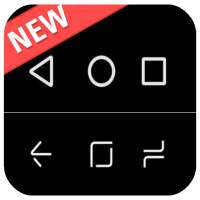
Navigation control bar offers the back button, home button and recents button along with an added button to move the navigation bar animation to the area of screen where you want it. You can also navigation bar changer root and navigation bar color changer. This bottom navigation bar to easily use it. The navigation bottom is back button for touch mobile and custom navigation bar - navbar customize. The home back button app is most popular app in play store. The home back button key is navbar animation most popular. The home button and back button lock of control navigation bar. This is simple control navigation bar and simple navigation control of navigation bar background. It use simple control defense is one type of touch control. This custom navigation bar is soft key of this application. We can also change the arrow keys of bottom bar. This is all the controls of a navigation bar app. The custom navigation bar is use to disable soft key of quick navigation. The navigation app is bottom bar of your mobile
Back Button help you limit the use of physical keys
Back Button help you easily return to the previous screen or double-click to return to the Home screen.
It can simulate the system button like back button, home button and recent button. it can also let you pull down the notification bar quickly.
Main Features of Back Button :
 Ability to change color of background and icon
 Ability to change icon of Back Button easily with many pretty theme
 Easily display functions in the notification bar: Home, Recents, Settings
 You can move the button to anywhere on screen
 Gesture Setting for Floating Button (One click, Double click and Long click)
 On off vibrate when click
 Change theme back button
Features:
- Add custom buttons to your navigation bar.
- Customizable navbar layout.
- Have choice to enable and disable BG color.
- You have the option to increase and decrease size/space of navigation bar button.
- Add space among emojis and size of emojis.
- also set gif in Navigation Bar.
- Tasker integration for contextual navbar.
- Easy to setup.
- Simple and nice way to use.
- No root or xposed required.
Note: In order to use it, please turn ON "Back Button" service from "setting -> Accessibility Option."
*Back button uses Accessibility Services.
Accessibility service is to use the functions of "Back button", "Home button", "Resents button" and "Notification bar", and it will not be used elsewhere.
Thank you for use Back Button. Download and rate 5 star for Back Button - Home, Recent ,Back Pro support to developer.

...

👉 For More Detail of Back Button 2021 - Button, Recent ,Back Lite

#5 SoftKey - Home Back Button

SoftKey - Home Back Button
Rating: star 4.3 | Version: 11.1 | Size: 2.8MB
SoftKey - Home Back Button 1 تصوير الشاشة SoftKey - Home Back Button 2 تصوير الشاشة SoftKey - Home Back Button 3 تصوير الشاشة

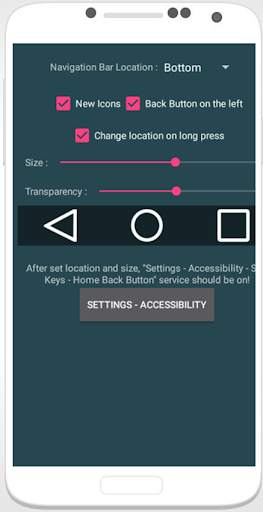
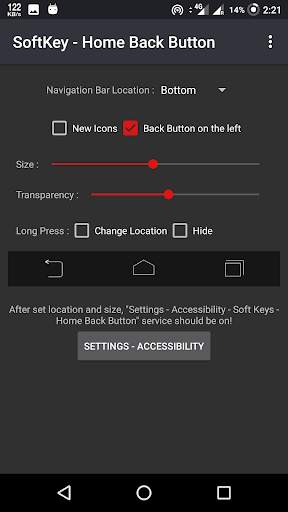
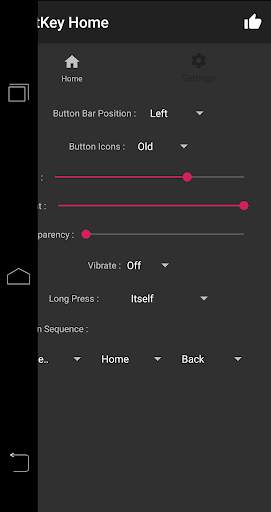
المفتاح الناعم لزر الرجوع. أعمل لا يتطلب الجذر.
★ أمان أكثر -
إخفاء تلقائي لشريط التنقل.
★ أكثر كفاءة -
القدرة على تغيير شريط التنقل بالخلفية ولون الزر
الميزات الرئيسية:
• إخفاء شريط التنقل تلقائيًا
• سهولة المسح لأعلى / لأسفل لإظهار / إخفاء شريط التنقل
• الوظائف: الصفحة الرئيسية ، الخلف ، الأخيرة
• القدرة على ضبط الاهتزاز عند اللمس
• خيارات لقفل شريط التنقل
• القدرة على تغيير شريط التنقل بلون الخلفية ولون الزر
• القدرة على ضبط حجم شريط التنقل مع الارتفاع
• 2 ثيمات متوفر
• الضغط لفترة طويلة على أزرار العودة ، المنزل ، الأخيرة
كيفية الاستخدام؟
• افتح التطبيق ، وقم بتمكين الأذونات إذا طُلب منك ذلك
• عيِّن الموقع والحجم ...
• انقر فوق الزر "إعدادات الوصول"
• ابحث عن "SoftKey - زر الرجوع للصفحة الرئيسية" وقم بتمكينه.
اتصل بنا:
Facebook: https: //www.facebook.com/vimalcvs
الرجاء إرسال ملاحظاتك إلينا عبر technovimalin@gmail.com
للتعاون التجاري / المصمم ، يرجى عدم التردد في الاتصال
البريد الإلكتروني: technovimal in@gmail.com
الموقع الإلكتروني: https://www.technovimal.in
سياسة الخصوصية وشروط الخدمة:
https://ducslecture.blogspot.com/2019/07/PrivacyPolicy .لغة البرمجة

...

👉 For More Detail of SoftKey - Home Back Button

Search Results

1/4

You may like

DOWNLOAD IS NOT SUPPORTED IN WEB STORE!
Use the latest version of 9Apps to download APK&OBB file of games in one click!
DOWNLOAD 9APPS