shake to lock on 9Apps

Free download latest shake to lock for Android here and enjoy it with your phone. Below you can download a list of top and latest apps related to shake to lock . 9APPS is a fast, safe app store. With 9APPS, you can save a lot of time on searching and downloading apps.

#1 Shake To Lock

Shake To Lock
Rating: star 3.0 | Version: 7.2 | Size: 2.8MB
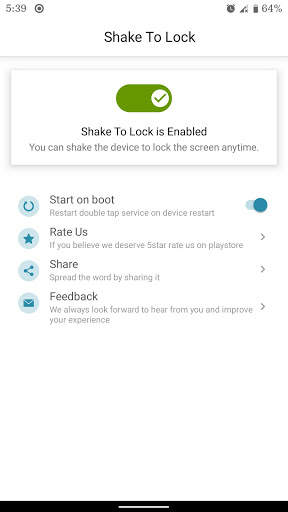
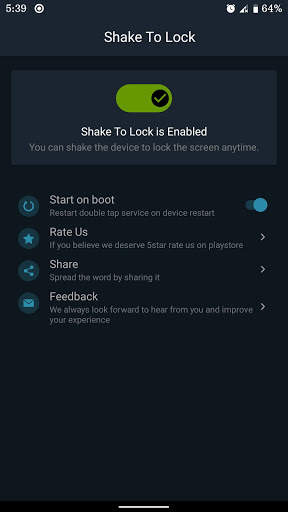
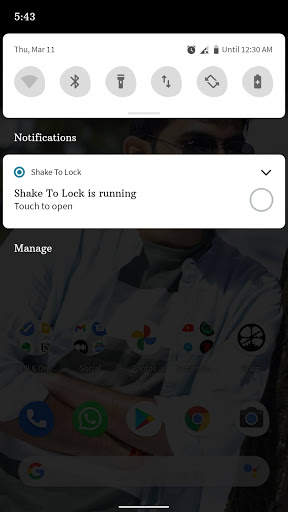
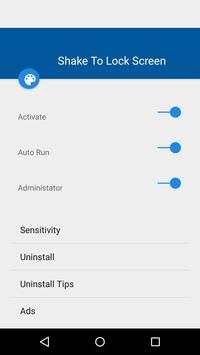
Shake To Lock screenshot 1 Shake To Lock screenshot 2 Shake To Lock screenshot 3

The Complete User Interface is changed for Material Design.
Why
Still using the lock button to lock the screen..
Install And have a fun In locking the scree...
The people are asking change so install this app ...
Features:-
* Super App for professions and students.
* Lock button not working then istall this app.
* Shake the mobile to predetermined length to lock the screen.
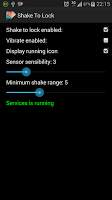
* Sensitivity can be controlled by You.
* A super UI.
* A 4.2 Jelly Bean Switch is Implemented.
Rate it..
If u Have any bugs please mail me before giving comment .. i'll fix it for You.
## Cannot uninstall this app?
1. Open “Settings“ in Home;
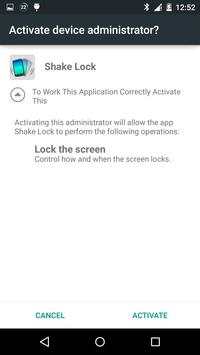
2. Select “Location & Security -> Select device administrators“;
3. Unchecked permission of Shake to lock ;
4. REMOVE Shake to lock normally;

...

👉 For More Detail of Shake To Lock

#2 Shake To Lock

Shake To Lock
Rating: star 3.0 | Version: 1.0 | Size: 596.5KB
Shake To Lock screenshot 1 Shake To Lock screenshot 2

Lock screen more easily. You can lock the screen by shaking the phone. This application is very simple and lightweight. With this application, you do not need to press the power button to lock the screen. Just install the application and activate it. Device admin (this only allows the lock screen, nothing else) then select the suitable sensitivity and applications are ready for use. Now you can shake the device to lock the screen.
Guide
- Adjust sensitivity suitable for your device
- Shake the phone to the left or right to turn off the screen.
Keywords: lock off, screen off

...

👉 For More Detail of Shake To Lock

#3 Shake to Lock/Unlock

Shake to Lock/Unlock
Rating: star 3.4 | Version: 1.2 | Size: 1.3MB
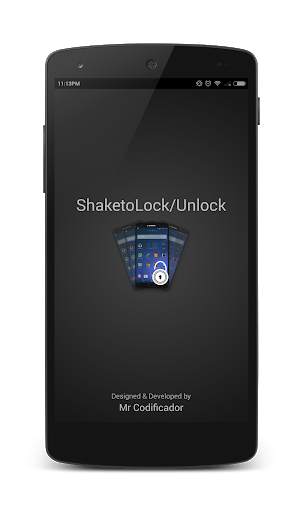
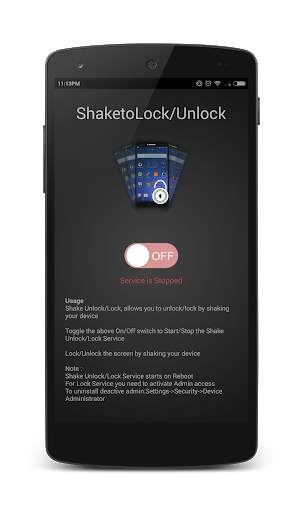
Shake to Lock/Unlock screenshot 1 Shake to Lock/Unlock screenshot 2 Shake to Lock/Unlock screenshot 3

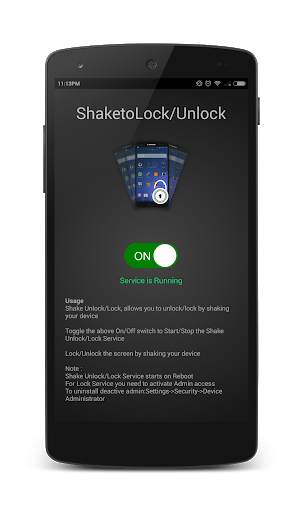
Shake Unlock/Lock, allows you to unlock/lock by shaking your device.
-
Toggle the above On/Off switch to Start/Stop the Shake Unlock/Lock Service.
-
Lock/Unlock the screen by shaking your device
Note :
Shake Unlock/Lock Service starts on Reboot
For Lock Service you need to activate Admin access
To uninstall deactive admin:Settings->Security->Device Administrator
----------------------------------------------------------
Any suggestions/bugs/features please post in comments or drop a mail : mailcodificador@gmail.com

...

👉 For More Detail of Shake to Lock/Unlock

#4 shake Unlock - Shake To Unlock & Shake To Lock

shake Unlock - Shake To Unlock & Shake To Lock
Rating: star 4.4 | Version: 1.0 | Size: 6.1MB
shake Unlock - Shake To Unlock & Shake To Lock screenshot 1 shake Unlock - Shake To Unlock & Shake To Lock screenshot 2 shake Unlock - Shake To Unlock & Shake To Lock screenshot 3

💯The best SHAKE TO UNLOCK application for android
Shake Unlock is one useful app, help you
easy to unlock and lock screen with shake style
.We call it
“Magic Unlock”
! Shake to unlock is allow you shake device to unlock screen . You can
shake to lock screen
. Shake to unlock use your phone's Accelerometer to capture the movement of your phone.
📣Unlock screen
: You can enable/disable function shake to unlock screen .
📣Pocket mode
: Use proximity sensor to prevent wake while your phone inside pocket,bag.
📣Lock screen
: You can enable/disable this function to lock screen by shake.
📣 Shake to Unlock Features 📣
★ Shake to Unlock , You can shake your phone to unlock device


★ Shake to lock screen , You can shake your phone to lock the device. 

★ Pocket mode : Use proximity sensor to prevent wake while your phone inside pocket,bag

★ Option landscape : disable lock screen when your device is in landscape mode.
★ Option vibrate Notifies device lock screen or unlock screen.

★ Option excluded apps prevent locking if one of these apps in foreground.
📣 To Uninstall
 
Please click on icon on the top actionbar to uninstall.
📣 How to use

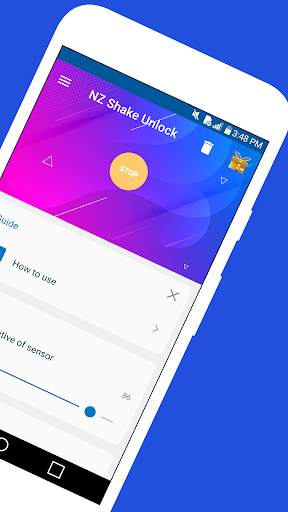
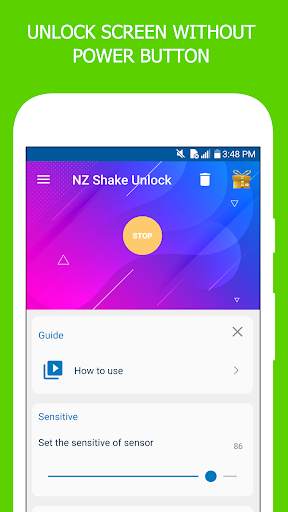
★ To enable the app, press the “START” button.  The button will turn off Yellow button after enabling it.

★ You’re now ready to unlock your device’s screen by shake your device.

★ Turn your device’s screen off simply by shake your device when screen off .  This feature is not enabled by default.
Click on Lockscreen row You will then be asked to add the app as the device administrator in order to enable the feature.  Simply enable it and you’re ready to use it.


📣 Required Permissions
:

★ WAKE_LOCK to turn on the screen

★ USES_POLICY_FORCE_LOCK to lock the device

★ RECEIVE_BOOT_COMPLETED to automatically startup on boot if selected

★ READ_PHONE_STATE to suspend NZ Wave Unlock while on a call


★That’s pretty much it!  Now, be aware using your proximity sensor to turn your phone’s screen on/off★

...

👉 For More Detail of shake Unlock - Shake To Unlock & Shake To Lock

#5 Shake To Lock and Unlock

Shake To Lock and Unlock
Rating: star 3.0 | Version: 1.0 | Size: 1.6MB
Shake To Lock and Unlock screenshot 1 Shake To Lock and Unlock screenshot 2 Shake To Lock and Unlock screenshot 3

Iling upang i-lock at i-unlock ang app ay nagbibigay sa iyo ng kakayahang umangkop upang i-lock ang iyong device kapag kalugin mo ang mobile. Magkalog upang i-lock at i-unlock ang binabawasan ang paggamit ng pindutan ng kapangyarihan. Gamit ang iling upang i-lock at i-unlock ang app maaari mong i-lock ang screen nang hindi pinindot ang anumang mga pindutan ng hardware.
Magkalog upang i-lock at i-unlock ay napakadaling gamitin. Gamitin ang shake upang i-lock ang tampok upang i-lock ang iyong aparato para sa pinakamahusay na pagganap. Subukan ito, kung kailangan mo ng anumang bagong pag-andar, nag-click kami upang idagdag ang iyong paboritong pag-andar. Mas masaya kami na marinig mula sa iyo.
Magkalog upang i-lock at i-unlock ang mga tampok:
★ Iling upang i-lock ang screen, maaari mong kalugin ang iyong telepono upang i-lock ang aparato.
★ Pagpipilian upang i-restart ang double tap lock service sa pag-reboot ng system.
★ Madilim na mode Suporta.
Higit pang paparating na, mangyaring sumulat sa amin kung may isang bagay na kailangan mo ay nawawala sa iling upang i-lock at i-unlock ang application.
Paano gamitin ang iling upang i-lock at i-unlock ang
upang paganahin ang iling sa I-lock at i-unlock ang serbisyo Pindutin ang pindutan ng switch sa tuktok ng home screen.
Pagkatapos ay payagan ang lahat ng mga ipinag-uutos na pahintulot tulad ng Accessibility / Device Administration batay sa bersyon ng Android.
Sa sandaling pinapayagan mo ang mga pahintulot at paganahin ang pag-iling upang i-lock at i-unlock ang serbisyo, iling lang ang iyong device at screen ay mai-lock.
Paalala
1. Magkalog upang i-lock at i-unlock ang paggamit ng access sa access upang i-lock ang iyong device. Kung ang bersyon ng Android ay mas malaki kaysa sa Android P.
2. Magkalog upang i-lock at i-unlock ang paggamit ng administrasyon ng paggamit ng aparato upang i-lock ang iyong device sa itaas Android KitKat.
3. Humingi din kami ng mga pahintulot tulad ng auto start batay sa uri ng device upang gawin Sure shake to lock and unlock service ay laging magagamit sa mga gumagamit.
Hindi namin ginagamit ang alinman sa pahintulot sa itaas upang ma-access ang iyong personal na data ngunit ang mga pahintulot na iyon ay kinakailangan para magtrabaho ang app.

...

👉 For More Detail of Shake To Lock and Unlock

Search Results

1/20

You may like

DOWNLOAD IS NOT SUPPORTED IN WEB STORE!
Use the latest version of 9Apps to download APK&OBB file of games in one click!
DOWNLOAD 9APPS