












DOWNLOAD IS NOT SUPPORTED IN WEB STORE!
Use the latest version of 9Apps to download APK&OBB file of games in one click!
DOWNLOAD 9APPS
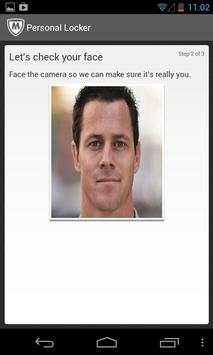
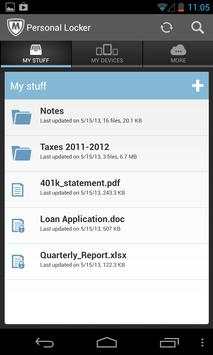
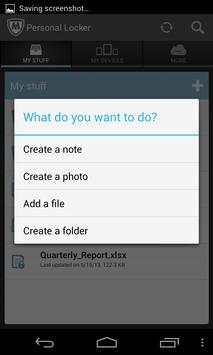
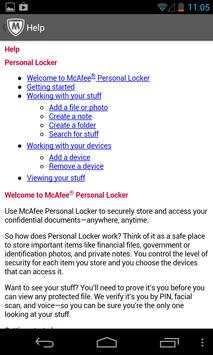
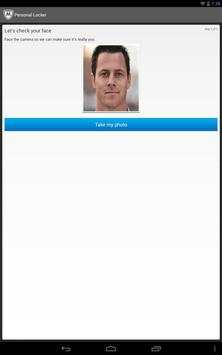
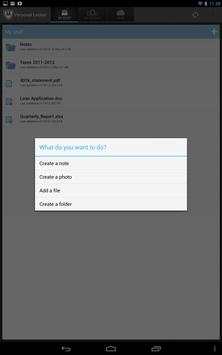
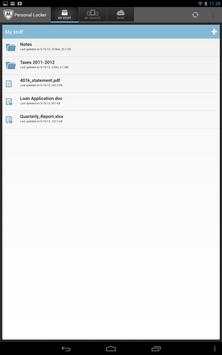
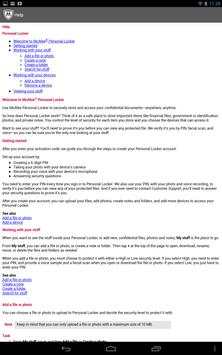
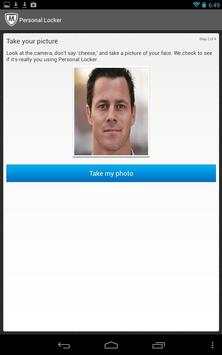
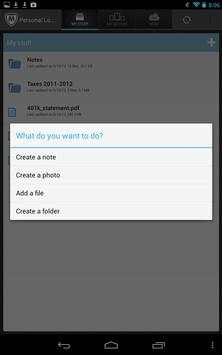
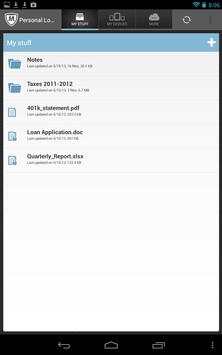
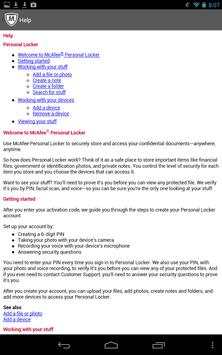
Secure sensitive documents using face verification with McAfee Personal Locker.
NOTE: This product is only for users who have already downloaded and purchased McAfee LiveSafe service. If you’re interested, please visit home.mcafee.com/LiveSafe.
Why you should use it
• Safely, store sensitive documents; accessed only with your face
• Simply, access your McAfee Personal Locker from all your devices
• Securely, protect your identity and data
How it Works
• Get started by retrieving your activation code from your McAfee My Account at home.mcafee.com
• Install McAfee Personal Locker on your iOS, Android, and Win8 devices
• Save sensitive documents to your McAfee Personal Locker account
• To access your documents, McAfee Personal Locker will need to verify your face
What McAfee Personal Locker supports
• This version supports Android 2.3 or higher
Developer’s website
http://service.mcafee.com
• New Delegate Option
• New Welcome Tour
• Improved App Boot Up Performance
• Removed PIN during log in


