










डाउनलोड वेब स्टोर में समर्थित नहीं है!
एक क्लिक में एपीके एंड ओबीबी फाइलें डाउनलोड करने के लिए 9Apps के नवीनतम संस्करण का प्रयोग करें
DOWNLOAD 9APPS

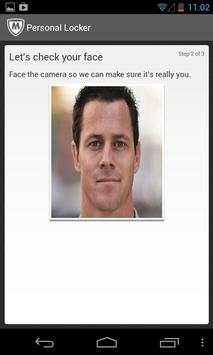
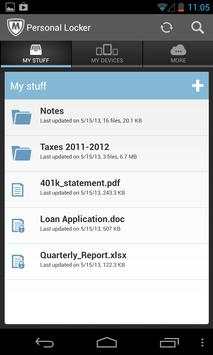
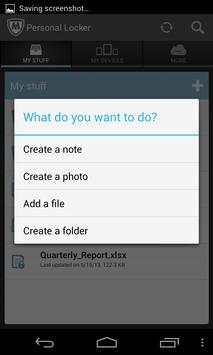
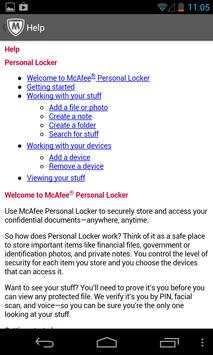
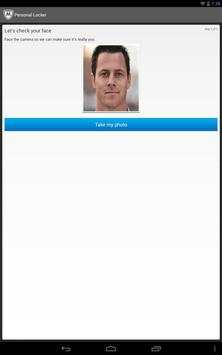
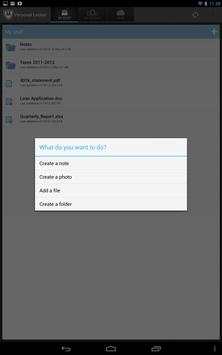
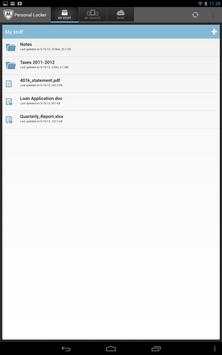
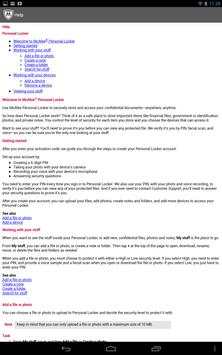
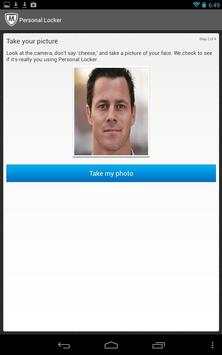
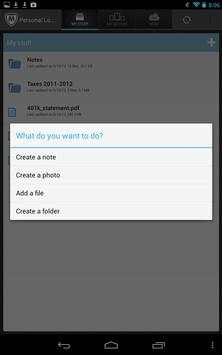
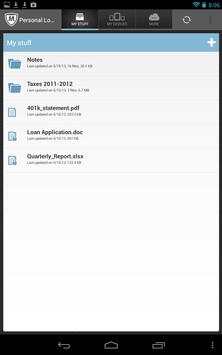
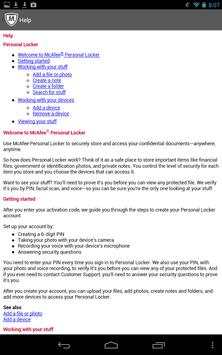
Secure sensitive documents using face verification with McAfee Personal Locker.
NOTE: This product is only for users who have already downloaded and purchased McAfee LiveSafe service. If you’re interested, please visit home.mcafee.com/LiveSafe.
Why you should use it
• Safely, store sensitive documents; accessed only with your face
• Simply, access your McAfee Personal Locker from all your devices
• Securely, protect your identity and data
How it Works
• Get started by retrieving your activation code from your McAfee My Account at home.mcafee.com
• Install McAfee Personal Locker on your iOS, Android, and Win8 devices
• Save sensitive documents to your McAfee Personal Locker account
• To access your documents, McAfee Personal Locker will need to verify your face
What McAfee Personal Locker supports
• This version supports Android 2.3 or higher
Developer’s website
http://service.mcafee.com




![How To Delete PC App Store McAfee Pop up? [ Easy Tutorial ] screenshot 5](https://i.ytimg.com/vi/37XwRQ-ca6o/mqdefault.jpg)
• New Delegate Option
• New Welcome Tour
• Improved App Boot Up Performance
• Removed PIN during log in


