one touch call recorder on 9Apps

Free download latest one touch call recorder for Android here and enjoy it with your phone. Below you can download a list of top and latest apps related to one touch call recorder . 9APPS is a fast, safe app store. With 9APPS, you can save a lot of time on searching and downloading apps.

#1 One Touch Call Recorder

One Touch Call Recorder
Rating: star 3.0 | Version: 1.2 | Size: 4.7MB
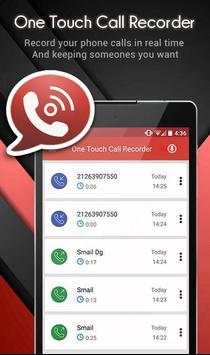
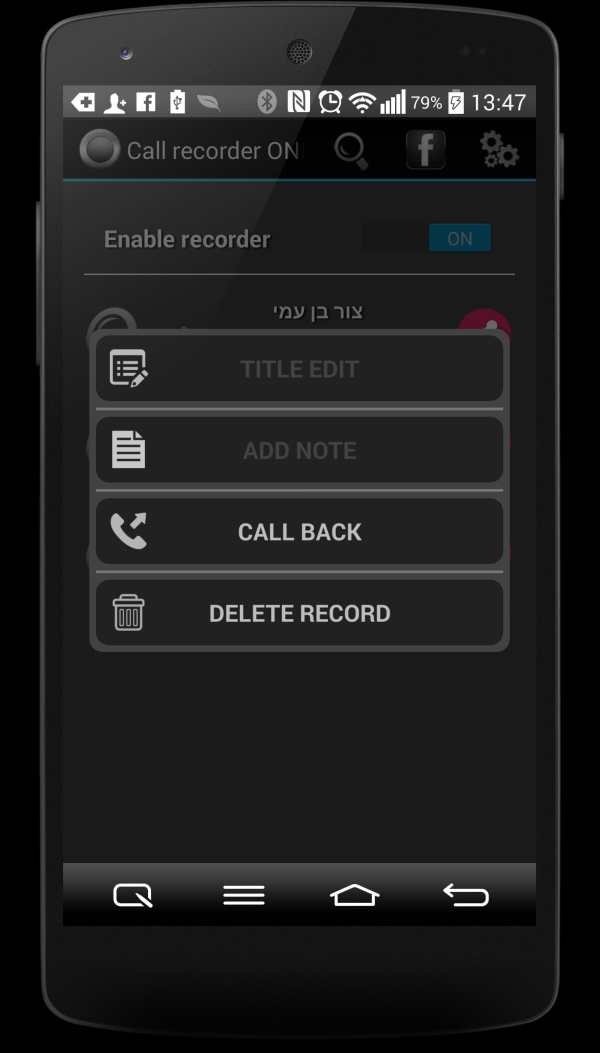
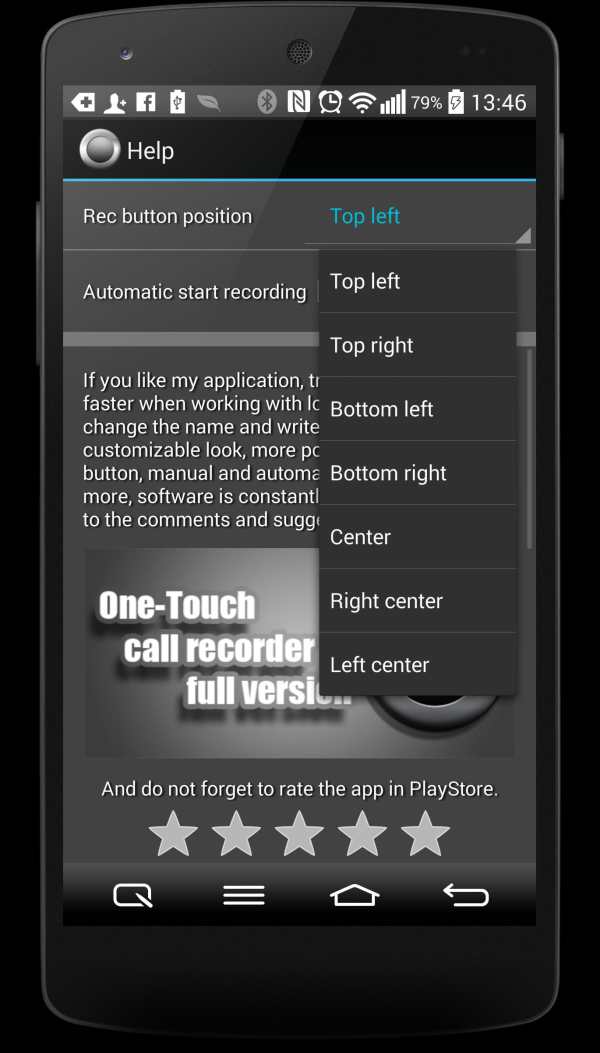
One Touch Call Recorder screenshot 1 One Touch Call Recorder screenshot 2 One Touch Call Recorder screenshot 3

Are
you tired of asking yourself how to record phone calls, you can’t remember what was said during your calls, You are looking for an effective and hidden call recorder to recording a phone call, You are looking for a call recording applicatiin with clear voice…
Stop tired, you have come across to the best call recorder app, One Touch Call Recorder !
One Touch Call Recorder is the best automatic call recorder application totally free for automatic recording a phone call in real time with just one touch, and keeping only the recorded calls you want.
Unlike another call recorder and
similar applications, with One Touch Call Recorder your private recording phone calls are totally secured.
☆ Features of One Touch Call Recorder ☎️
► Auto recording during your phone call (Incoming / Outgoing).
► Save your call recording in multiple formats to your SD card.
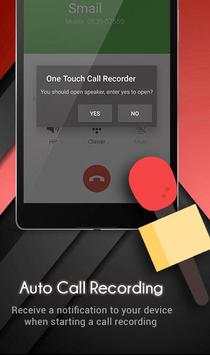
► Receive a notification to your device when starting a automatic call recording.
► Play back, or Share your call recording via e-mail, any cloud storage, messengers, bluetooth, etc…
► Organize your recordings call. You can sort them by hour, by name or by date. And add the important ones
to favorite.
► Easily delete call records you no longer need with just one touch
► It’s free, and supports all models of Android phones version 2.0 and above.
☆ How to use One Touch Call Recorder ☎️
1. Open One Touch Call Recorder,
recording a phone call works in the background for smooth use of the app.
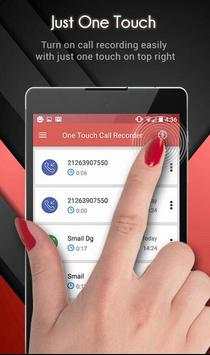
2. Turn on call recording with just one touch on the top right.
3. Make or receive a call and it will begin automatically recording your phone call.
4. Open One Touch Call Recorder app to access the list of previously recorded calls for listen or edit them.
5. If you liked One Touch Call Recorder app let us a five star
* Leave call One Touch Call Recorder running in the background to increase productivity and get better results.

...

👉 For More Detail of One Touch Call Recorder

#2 Call Recorder One Touch

Call Recorder One Touch
Rating: star 3.0 | Version: 4.6 | Size: 1.2MB
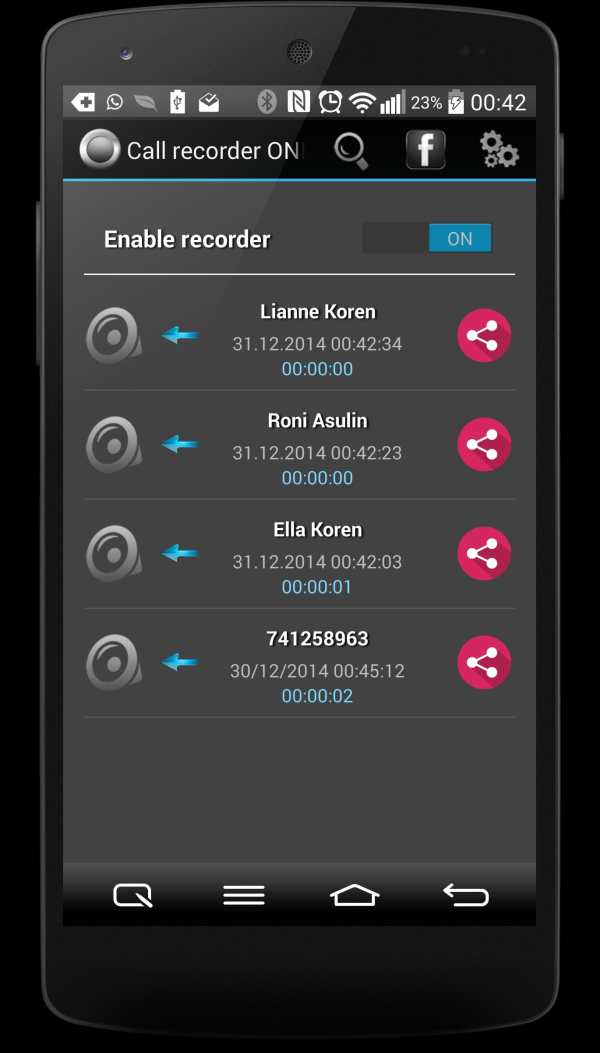
Call Recorder One Touch screenshot 1 Call Recorder One Touch screenshot 2 Call Recorder One Touch screenshot 3

* * * IMPORTANT !!!
Not all devices support call recording without ROOT, because call recording is illegal in some countries for example (Motorola, Nexus, HTC One...).
This limitation does not depend on the application and is not a bug in the program. Please do not put a bad score for the fact that your phone does not support this feature!
One touch recorder allows you to decide what phone call you want to record, no auto recording mode that recording all calls and taking up storage space !!!
You want to record the conversation? Just click on the record button when you want and that's it.
Without unnecessary settings.
Facebook page of application - https://www.facebook.com/onetouchcallrecorder/
Regarding bugs and other issues, please contact directly to my gmail address - shos.dima@gmail.com
* New Android 6 in Samsung Sony users - please change the audio source to MIC in app settings.

...

👉 For More Detail of Call Recorder One Touch

#3 One Touch Video Recorder

One Touch Video Recorder
Rating: star 3.0 | Version: 5.2 | Size: 2.1MB
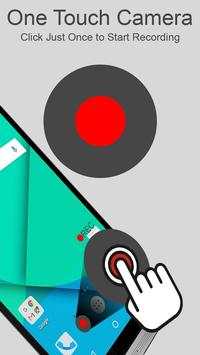
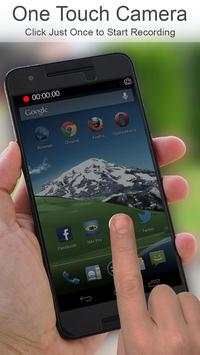
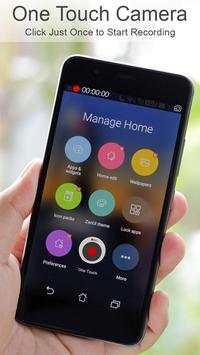
One Touch Video Recorder screenshot 1 One Touch Video Recorder screenshot 2 One Touch Video Recorder screenshot 3

One Touch Video Recorder - When all you want is to record video quickly!
Never miss a moment. No lag, no delay. Record highest-quality video supported on your phone. This is a clean no-nonsense video recorder.
Free version has all features and is ad supported. If you like this app, consider buying the ad-free One Touch Video Recorder Pro.
Features:
1. Recording starts instantly. On most phones in less than a second. Shows on the screen how long it took from click to start of recording.
2. Record from back camera
3. One touch recording. It cannot get any simpler than this. Start video recording either by tapping the icon or by long press of the Search button (on supported devices)
4. High quality recording
5. Compatible and extensively tested on all versions of Android
Uses:
1. Record videos quickly in fast action situations
2. Record videos of kids and children
Known bugs:
1. No known bugs.
Email us on
feedback@zeronoiseapps.com
with feedback and feature requests. We are committed to top notch customer experience and will respond quickly to feedback and feature requests. If you like our app, please take a minute to rate it on Google Play market.
One Touch Video Recorder is developed and distributed by Zero Noise Apps. All rights reserved. This app, One Touch Video Recorder, is licensed, not sold. By downloading the app, you accept our EULA available on our website at
http://zeronoiseapps.com
. App is licensed for individual, private use only. For use by companies, please contact us for corporate license information. Please visit us on
http://zeronoiseapps.com
.

...

👉 For More Detail of One Touch Video Recorder

#4 One Touch Video Recorder

One Touch Video Recorder
Rating: star 3.0 | Version: 1.0 | Size: 1.4MB
One Touch Video Recorder screenshot 1 One Touch Video Recorder screenshot 2

With this small utility in you can take a video time immediately injustement than pass by the camera and have to choose the video mode has faster saving of time to take a video more Quickly
With this utility you can take a video instantly rather than going through the camera and select the video mode for faster time-saving to take a video soon

...

👉 For More Detail of One Touch Video Recorder

#5 One Touch Video Camera Recorder

One Touch Video Camera Recorder
Rating: star 3.0 | Version: 1.0 | Size: 2.9MB
One Touch Video Camera Recorder screenshot 1 One Touch Video Camera Recorder screenshot 2 One Touch Video Camera Recorder screenshot 3

Place thumb on screen to record video
One Touch Video Camera Recorder
is a new and simple application which is best for making HD videos, Now you can convert any smart phone camera to Professional Video Camera.
One Touch Video Camera Recorder Features :
One Touch Video Recording Application can be used as a professional video making.
This Application uses to make video by using
Image Processing
, improve the pixel quality and enhance the color.
It uses 100% of smart-phone CPU to improve pixel quality.
It is compatible with every smart-phone which have built-in camera.
Our professional Application uses full software and hardware support to give you better results for cinematography.
All videos store in gallery.
Attention!
This application works best on every smart-phone which have camera.
If you want increase video quality
buy our premium version.
Do give us your positive feedback atbushnellinc@gmail.com.
Thank you!

...

👉 For More Detail of One Touch Video Camera Recorder

Search Results

1/1

You may like

DOWNLOAD IS NOT SUPPORTED IN WEB STORE!
Use the latest version of 9Apps to download APK&OBB file of games in one click!
DOWNLOAD 9APPS