offline photo editor on 9Apps

Free download latest offline photo editor for Android here and enjoy it with your phone. Below you can download a list of top and latest apps related to offline photo editor . 9APPS is a fast, safe app store. With 9APPS, you can save a lot of time on searching and downloading apps.

#1 Photo Editor

Photo Editor
Rating: star 4.3 | Version: 9.9 | Size: 7.2MB
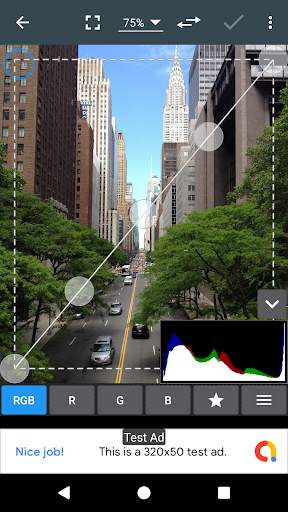
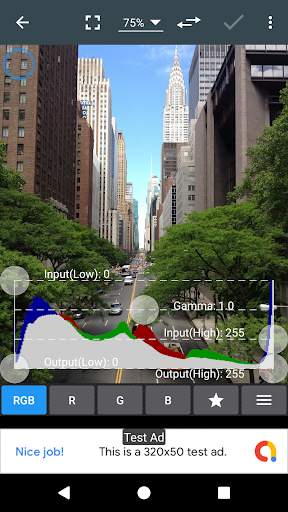
Photo Editor screenshot 1 Photo Editor screenshot 2 Photo Editor screenshot 3

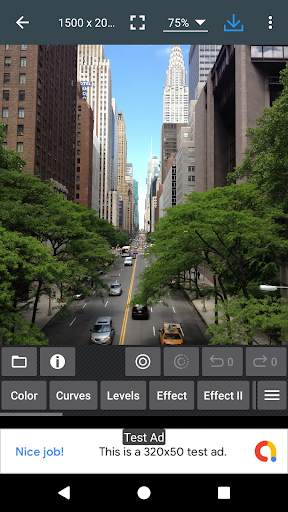
If you have some knowledge of photography, you can do a lot with Photo Editor.
Now use Photo Editor to edit photos on your mobile phone just like you would on a PC.
Features
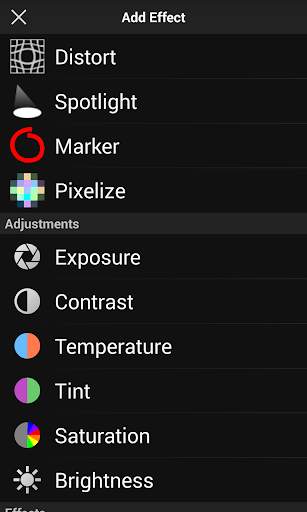
* Color : exposure, brightness, contrast, saturation, temperature, tint and hue
* Curves & Levels : fine-tuning of colors
* Effects : gamma correction, auto contrast, auto tone, vibrance, blur, sharpen, oil paint, sketch, black & white high contrast, sepia, and more
* Adding text, images or shapes
* Frame, Denoise, Drawing, Pixel, Clone, Cut Out
* Rotation, Straighten, Crop, Resize
* Corrections : perspective, lens, red-eye, white balance and backlight
* Easily edit with the touch and pinch-to-zoom interface
* Save images in JPEG, PNG, GIF, WebP and PDF
* View, edit, or delete Metadata (EXIF, IPTC, XMP)
* Save your final result to your gallery, as wallpaper, or on your SD card
* Share photos with e-mail, SNS and more
* Batch, Crop(Puzzle), Compress to ZIP, Create PDF, Animated GIF
* Webpage Capture, Video Capture, PDF Capture
* Compare Photos, SVG Rasterizer
* Ad-free option is available (Settings > Purchase Items)
*** Links
Website: https://www.iudesk.com
Tutorials: https://www.iudesk.com/photoeditor/tutorial
*** PHOTO EDITOR IS NOT SPYWARE/VIRUS!!!
Photo Editor does not contain virus or malicious code.
https://www.iudesk.com/photoeditor/security

...

👉 For More Detail of Photo Editor

#2 Pixlr – Photo Editor

Pixlr – Photo Editor
Rating: star 3.6 | Version: 3.4.66 | Size: 40.4MB
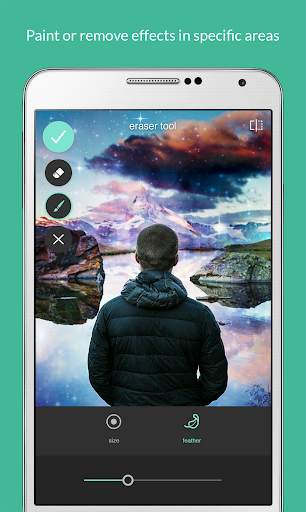
Pixlr – Photo Editor screenshot 1 Pixlr – Photo Editor screenshot 2 Pixlr – Photo Editor screenshot 3

Unleash your creativity with Pixlr (formerly Pixlr Express) – a free and easy photo editor.
No account creation required, just download and start editing.
Capture any moment and edit with over 2 million combinations of FREE effects, overlays, and filters.
Share your photos seamlessly with friends or followers through email, Instagram, Facebook, Twitter, or any social network.
Follow us on Instagram (@pixlr) for daily inspiration, tips, and tricks to make cool photo edits.
Show us your awesome edits, #madewithpixlr for a chance to be featured on our feed!
Features:
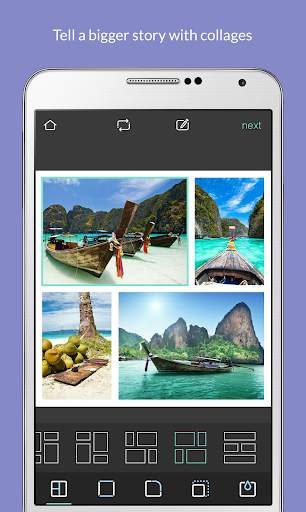
• Create photo collages easily with a variety of preset collages, grid style, customized ratio, and background.
• Instantly adjust the color of your photo in one easy click using Auto Fix.
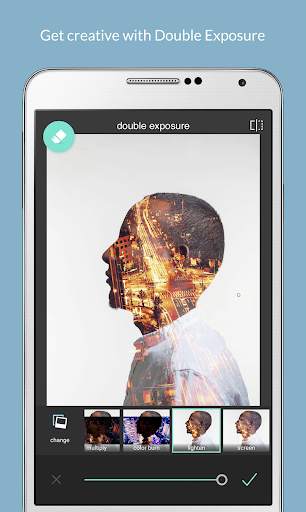
• Use Double Exposure to create an array of effects easily with layers and adjustable transparency.
• Create cool photo effects using Stylize (pencil sketch, poster, watercolor and more).
• Effortlessly remove blemishes, red-eye, smoothen skin, or whiten teeth with simple tools.
• Bring out the color with Color Splash effect or add impact with Focal Blur.
• Choose from a range of effect packs to give your image the look and feel you want.
• Adjust the tone of the photo with overlays – amplify the tone, cool it down, or add surreal shades.
• Easily add text to your photos with a variety of fonts to choose from.
• Finish off your editing process with the right border - pick a style that suits you.
• Keep things fresh with our growing release of additional effects, overlays, and border packs.
• Keep track of your favorite effects and overlays with the Favorites button.
• Crop and resize images quickly and easily before saving.
We love hearing your ideas and feedback.
Follow us on Instagram (@pixlr), Twitter (@pixlr) or Facebook (/Pixlr).
For support or bug reporting, please reach out to us at info@pixlr.com.

...

👉 For More Detail of Pixlr – Photo Editor

#3 PicSay - Photo Editor

PicSay - Photo Editor
Rating: star 4.2 | Version: 1.6.0.1 | Size: 1.8MB
PicSay - Photo Editor screenshot 1 PicSay - Photo Editor screenshot 2 PicSay - Photo Editor screenshot 3

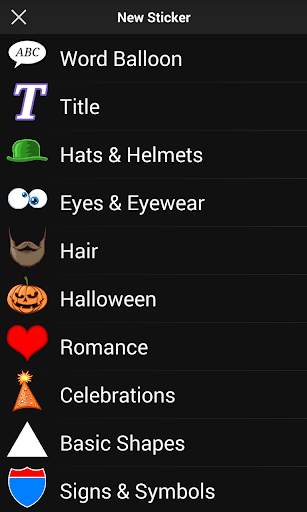
The fun award winning photo editor. Color-correct your pictures and add word balloons, titles, graphics, and effects like distortion. All in a fun, intuitive, and easy-to-use interface.
This is the free Lite edition, buy PicSay Pro and get a host of extra tools, special effects, styles, stickers, and much more.
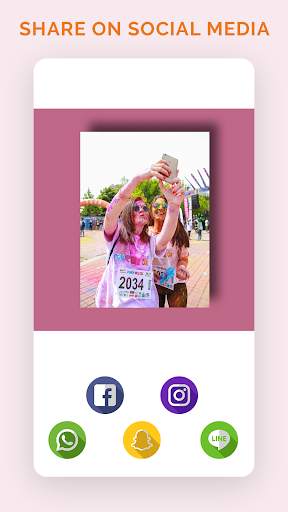
Edit and quickly share using WhatsApp, Facebook, Instagram, or any other service you have installed on your device.

...

👉 For More Detail of PicSay - Photo Editor

#4 Offline Photo Frame Editor

Offline Photo Frame Editor
Rating: star 4.3 | Version: 2.1.1 | Size: 15.4MB
Offline Photo Frame Editor screenshot 1 Offline Photo Frame Editor screenshot 2 Offline Photo Frame Editor screenshot 3

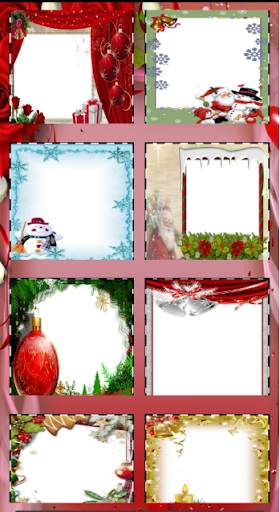
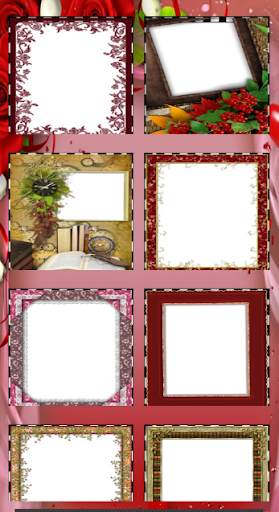
This App Using many Photo Frame Categorizes in Offline Easy to add your photo in Frame Offline
Photo Frame Categorizes
Birthday Photo Frame Editor
Christmas Photo Frame Editor
Flower and Frame Photo Frame Editor
Heart and Love Photo Frame Editor
Kid Photo Frame Editor
Simple Photo Frame Editor
Wedding Photo Frame Editor
Happy Photo Frame Editor
?COPYRIGHT INFORMATION?-QR Scanner
All app icons used in screenshots and feature graphic have gotten authorization from its company in advance. If there is any other question or advice, please feel free to contact us: @gmail.com

...

👉 For More Detail of Offline Photo Frame Editor

#5 Photo editor & photo effect - offline
Photo editor & photo effect - offline
Rating: star 4.5 | Version: 17.0 | Size: 2.2MB
Photo editor & photo effect - offline screenshot 1 Photo editor & photo effect - offline screenshot 2 Photo editor & photo effect - offline screenshot 3

View your pic like 3D.
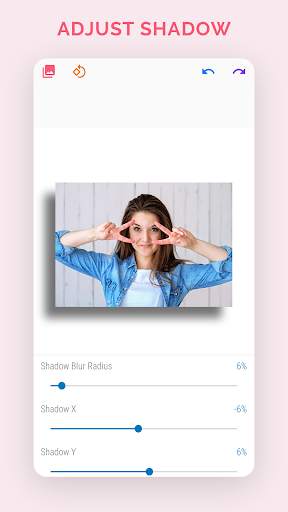
The Best photo editor app for adding shadow to your pic.
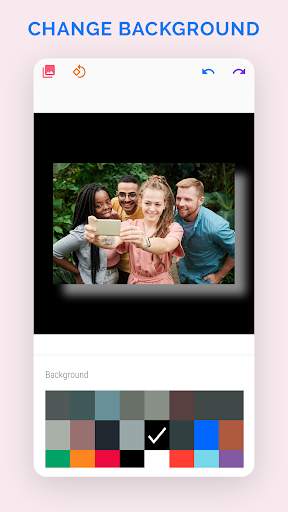
Background edit photo features:
• Easy to use with simple UI.
• Smart Auto Color Picker.
• Change Background Color.
• Extract attractive colors from photos by this photo editor app.
Shadow
• Change Your Shadow Direction using this image editor.
• Position X, Y
• Change Shadow Color
• Extract attractive colors from photos
- Rotate Your Image 90 degree and edit image shadow in few seconds.
- This photo editing software is useful to any image editing like Shadow Image,
Shadow Photo Editor, image Shadow, Photo Editor, Image shadow, etc...
Output
- HD download without reducing the quality of the original photo and get beautiful photo effects.
Hurry up and download this background photo editor.

...

👉 For More Detail of Photo editor & photo effect - offline

Search Results

1/20

You may like

DOWNLOAD IS NOT SUPPORTED IN WEB STORE!
Use the latest version of 9Apps to download APK&OBB file of games in one click!
DOWNLOAD 9APPS