link2sd plus apk on 9Apps

Free download latest link2sd plus apk for Android here and enjoy it with your phone. Below you can download a list of top and latest apps related to link2sd plus apk . 9APPS is a fast, safe app store. With 9APPS, you can save a lot of time on searching and downloading apps.

#1 Link2SD Plus (New)
Link2SD Plus (New)
Rating: star 3.5 | Version: 1.1 | Size: 84.9KB
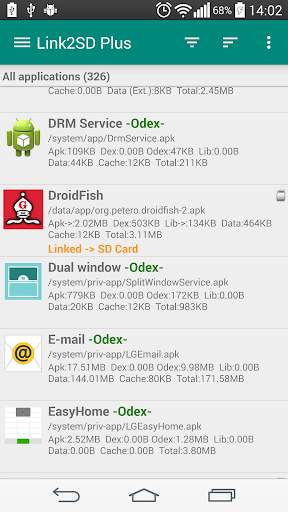
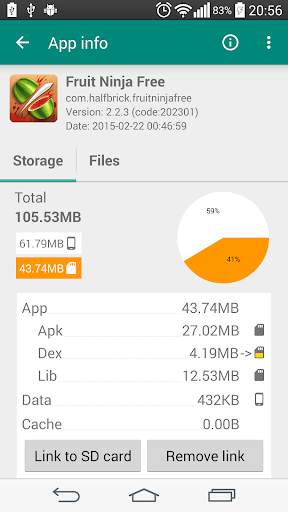
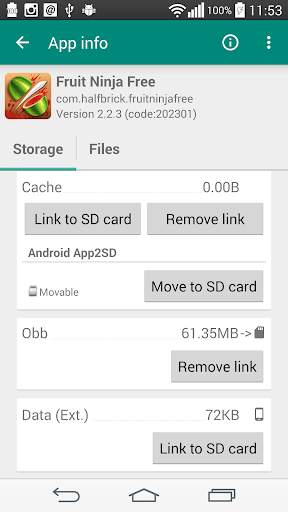
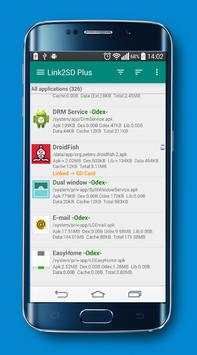
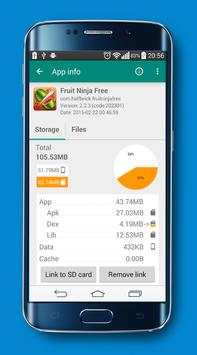
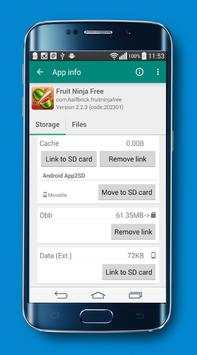
Link2SD Plus (New) screenshot 1 Link2SD Plus (New) screenshot 2 Link2SD Plus (New) screenshot 3

✚✚✚✚ Plus key for Link2SD ✚✚✚✚
This app is a license key only, requeries the Link2SD (free) app and turns it into Plus edition, removes ads and unlocks additional features. You will see "Link2SD Plus" on the title in Link2SD (free) app.
Plus features added
✔ Links internal data directory of apps to SD card
You need to use a non-FAT file system (ext2, ext3, ext4 or f2fs) on your 2nd partition. Because the FAT file system (FAT16, FAT32 or exFAT) does not support UNIX file ownership or permissions and causes a security breakdown of app's private files.
✔ Links external data and obb folders of apps and games to SD card
✔ Links dex files of the system apps to SD card
✔ Auto clear cache service
✔ Removes ads from Link2SD
**** Note for old Link2SD Plus users ****
Due to a problem with Google Play the package name of the app has changed and published as a new app.
It is the same as the old one, you can continue to use old version. You can reinstall the old version from "Play Store -> My apps -> ALL".
**** Support & Upgrades / Reinstalls ****
● Keep "Link2SD Plus" installed and do not freeze (disable) it.
● Link2SD Plus purchase is per Google account for purchases on Play Store, all upgrades and reinstalls are free.
● You can install Link2SD Plus on any device for free as long as you use the same Google account you bought it with. Note that for Google Play Store purchases if you have multiple Google accounts on the device, your "original" Google account should be selected in Play Store (side menu => top-right white arrow next to your account).
If you're getting license error
This is reported in the following cases:
● Play Store app not loaded. Please start Play Store app and wait until it fully loads start page. Play Store app can fail to load, for example, during its self-updating. Please wait until it fully loads, then start Link2SD again
● internet connection is not available/unstable or Play Store app/services are blocked from internet. It requires a network connection for the first license check. But then you can go offline for a period of time before requiring another license check. Caching is enabled for license check.
● Link2SD Plus is in fact not licensed/order is incomplete/refunded/canceled. Please open your transactions in "wallet.google.com" and check your Link2SD Plus status is "Complete"
● invalid Google account on the device. Google Play apps are bound to the Google account, if you change it, Play Store can't recognize your purchase anymore. Please re-add that Google account back to your device and/or select this account in Google Play Store app (side menu => top right arrow next to your Google account)
● too much requests from apps to Play servers for license check. Please try again later (in 10 minutes)
● (Android 2.x) background data is disabled
To resolve this issue:
1. uninstall Link2SD and Link2SD Plus then reboot
2. ensure you have internet connection on the device up and stable
3. install Link2SD and Link2SD Plus from Google Play Store app. Reinstalls to the same account are free. (Installing from the APK won't resolve the issue)
4. you may need start/wait a bit/exit Link2SD Plus a few times to reload license state.
5. if it didn't help, clear data of Google Play Store and Google Play services and reboot
If you're getting “insufficient storage available” error when installing Link2SD Plus even you have enough free space
To resolve this issue:
1. "Clear all app cache" within Link2SD
2. set "install location" to automatic within Link2SD settings and reboot
3. if it didn't help, clear data of Google Play Store and Google Play Services and reboot

...

👉 For More Detail of Link2SD Plus (New)

#2 Guide for Link2SD Plus

Guide for Link2SD Plus
Rating: star 3.0 | Version: 1.0 | Size: 11.9MB
Guide for Link2SD Plus screenshot 1 Guide for Link2SD Plus screenshot 2 Guide for Link2SD Plus screenshot 3

Link2SD Plus application of the most powerful transport applications to the memory card, easy to use and simple and highly efficient benefit a lot from him in this area, but Link2SD Plus it needs the powers to work your root.
Link2SD Features:
-scan provides you with the accumulated files on the phone option in order to accelerate and provide anointed
-doing Full management of your applications as a survey - and the change of venue - and the freezing of the application - convert it to apply the system - and directly run - re-install those who have problems - Send applications Bluetooth easy way.
-The Work of organizing and cleaning for your phone in various ways
-There Is the option of making it memorable place of installation is not foreign and internal This is our topic today and Other features are many and Ultimate.

...

👉 For More Detail of Guide for Link2SD Plus

#3 Apk Manager Plus

Apk Manager Plus
Rating: star 3.9 | Version: 1.0.1 | Size: 115.1KB
Apk Manager Plus screenshot 1 Apk Manager Plus screenshot 2 Apk Manager Plus screenshot 3

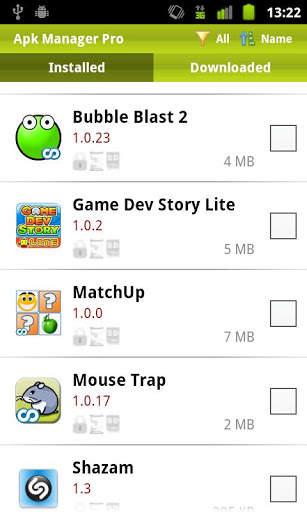
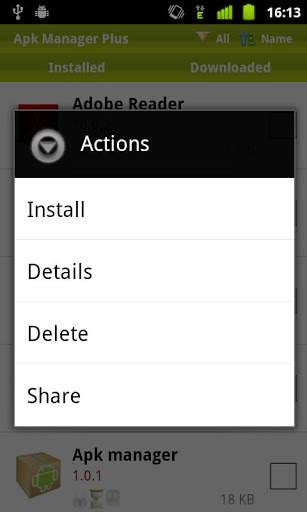
Apk Manager Plus is a ligthweight free apk installer and uninstaller.
Simple ui, no ads, no third party and sdcard support.
With this tool you can manage your apps easily and quickly.
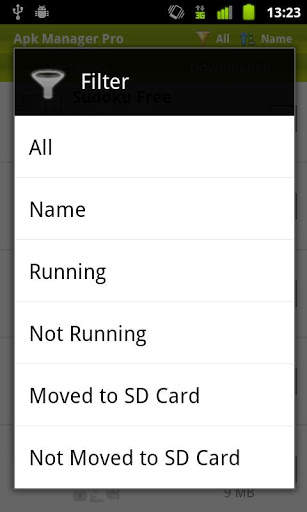
Filter, sort, delete, backup, share apk with your friends and more...

...

👉 For More Detail of Apk Manager Plus

#4 Apk Plus

Apk Plus
Rating: star 3.0 | Version: 1.0 | Size: 3.9MB
Apk Plus   screenshot 1 Apk Plus   screenshot 2 Apk Plus   screenshot 3

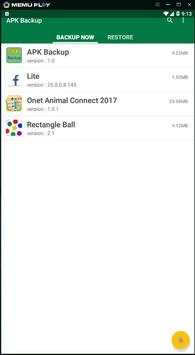
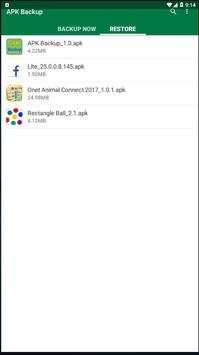
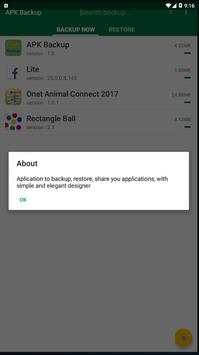
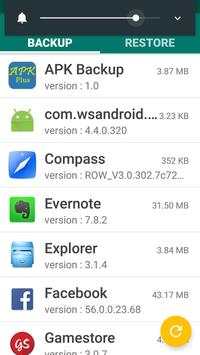
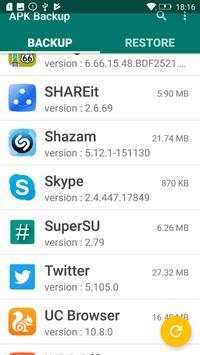
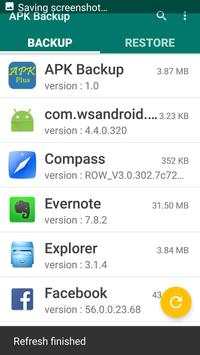
Easy app backup supporting multi versions restore & reinstall. Backup your personal data including contacts, SMS and calls. It could cloud backup to Your Phone. Please note the App Backup Restore apk
is the original apk file obtained from the official Google Play server. It DOES NOT contain any mod, cheat, crack or unlimited gold patch.

...

👉 For More Detail of Apk Plus

#5 Apk Plus

Apk Plus
Rating: star 3.0 | Version: 1.0 | Size: 3.9MB
Apk Plus screenshot 1 Apk Plus screenshot 2 Apk Plus screenshot 3

APK Extractor will extracts APK that are installed on your android device and copies them to your SD card.
★ Fast and easy to use.
★ Extracts almost all application,including system applications.
★ No ROOT access required.

...

👉 For More Detail of Apk Plus

Search Results

1/1

You may like

DOWNLOAD IS NOT SUPPORTED IN WEB STORE!
Use the latest version of 9Apps to download APK&OBB file of games in one click!
DOWNLOAD 9APPS