









DOWNLOAD IS NOT SUPPORTED IN WEB STORE!
Use the latest version of 9Apps to download APK&OBB file of games in one click!
DOWNLOAD 9APPS
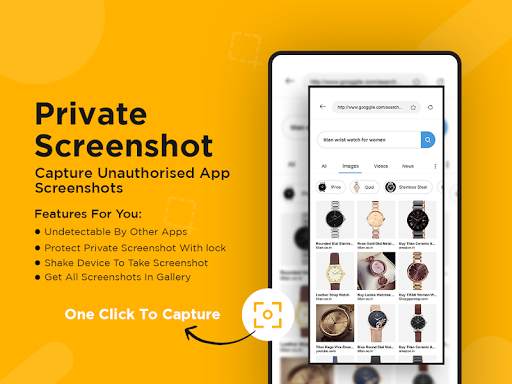
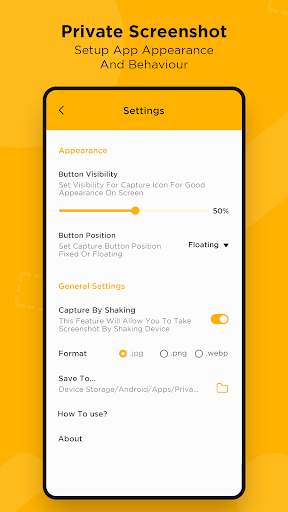
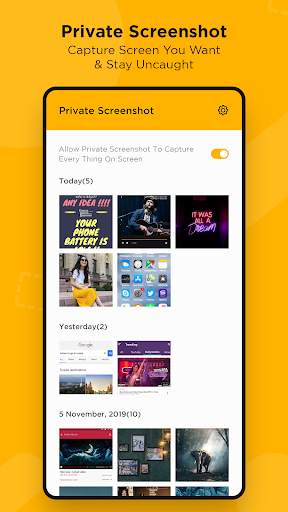
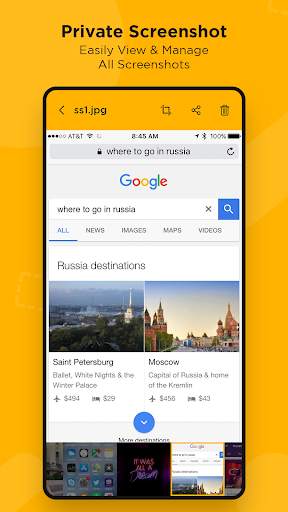
Some of the messaging apps detect screenshots you made from conversations. They notify person, you're chatting with, about the fact that you save a screenshot. Now you can save screenshots absolutely confidential.
How to take screenshots? :
- Open the app
- Provide some basic permissions to the app so that the app can take screenshots.
- Click on floating Icon. A floating icon will be created on your screen.
- Click the floating icon to start taking screenshots in burst mode.
- Click the floating icon again to stop taking screenshots.
- Review the screenshots and delete those which you don't need.
Note :
This app doesn't work with protected apps, like Netflix, Chrome incognito, Tor Browser, private Telegram chat, banking apps, etc. You will get black screen or just an error.


