









डाउनलोड वेब स्टोर में समर्थित नहीं है!
एक क्लिक में एपीके एंड ओबीबी फाइलें डाउनलोड करने के लिए 9Apps के नवीनतम संस्करण का प्रयोग करें
DOWNLOAD 9APPS
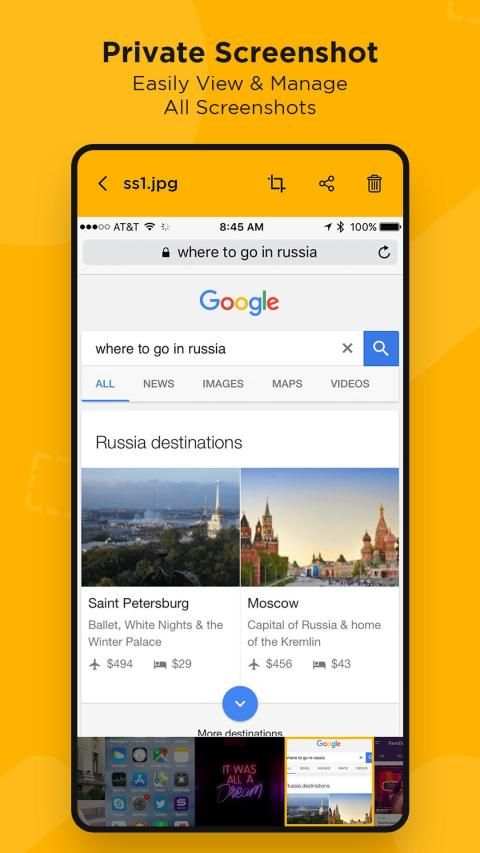
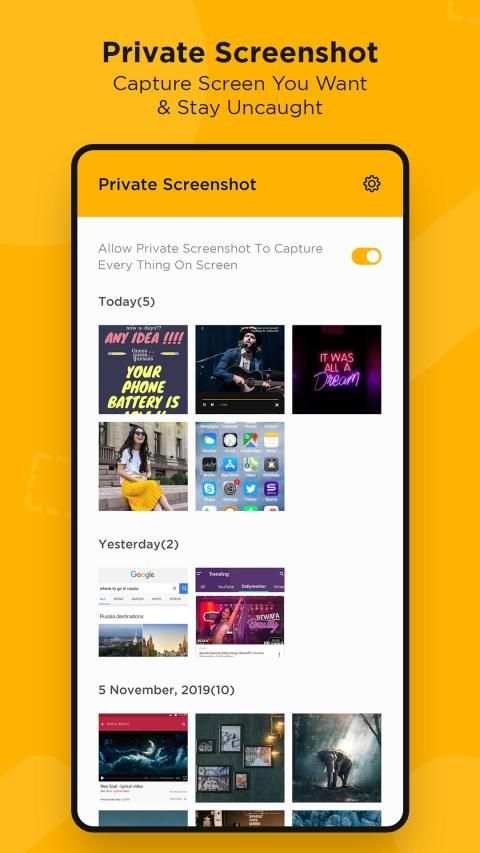
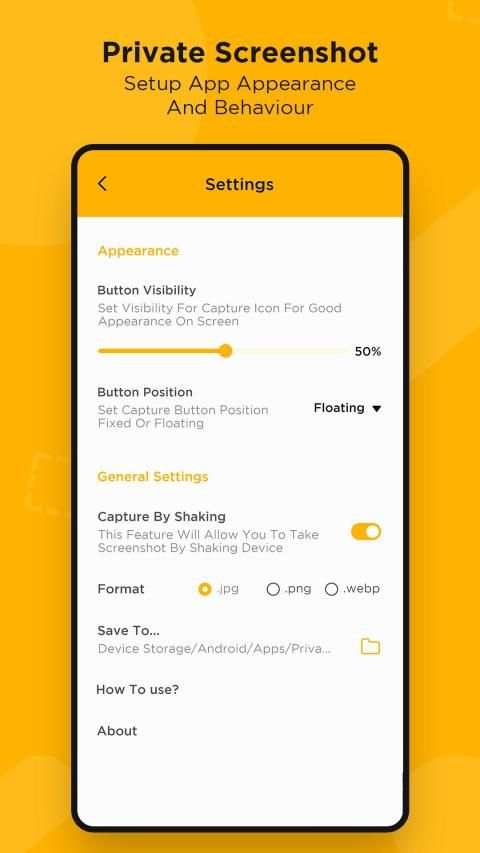
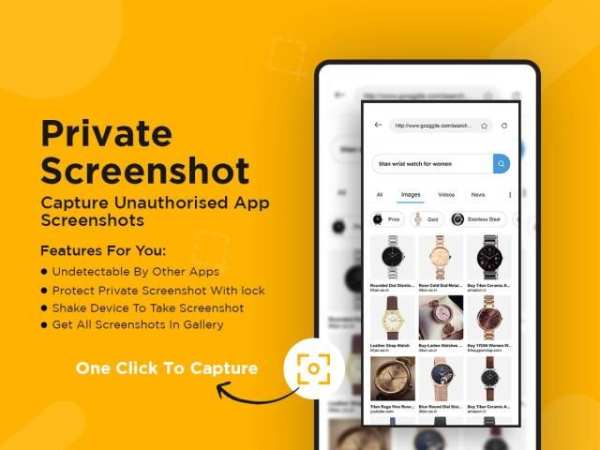
Some of the messaging apps detect screenshots you made from conversations. They notify person, you're chatting with, about the fact that you save a screenshot. Now you can save screenshots absolutely confidential.
How to take screenshots? :
- Open the app
- Provide some basic permissions to the app so that the app can take screenshots.
- Click on floating Icon. A floating icon will be created on your screen.
- Click the floating icon to start taking screenshots in burst mode.
- Click the floating icon again to stop taking screenshots.
- Review the screenshots and delete those which you don't need.
Note :
This app doesn't work with protected apps, like Netflix, Chrome incognito, Tor Browser, private Telegram chat, banking apps, etc. You will get black screen or just an error.
मैसेजिंग ऐप में से कुछ ऐसे स्क्रीनशॉट्स का पता लगाते हैं जिन्हें आपने बातचीत से बनाया है। वे उस व्यक्ति को सूचित करते हैं, जिसके साथ आप इस तथ्य के बारे में बात कर रहे हैं कि आप स्क्रीनशॉट सहेजते हैं। अब आप स्क्रीनशॉट को बिल्कुल गोपनीय बचा सकते हैं।
स्क्रीनशॉट कैसे लें? :
- ऐप खोलें
- ऐप को कुछ बेसिक परमिशन दें ताकि ऐप स्क्रीनशॉट ले सके।
- फ्लोटिंग आइकॉन पर क्लिक करें। आपकी स्क्रीन पर एक फ्लोटिंग आइकन बनाया जाएगा।
- फ़्लोटिंग मोड में स्क्रीनशॉट लेना शुरू करने के लिए फ्लोटिंग आइकन पर क्लिक करें।
- स्क्रीनशॉट लेने से रोकने के लिए फ़्लोटिंग आइकन पर फिर से क्लिक करें।
- स्क्रीनशॉट की समीक्षा करें और उन्हें हटा दें जिनकी आपको आवश्यकता नहीं है।
नोट:
यह ऐप संरक्षित ऐप्स के साथ काम नहीं करता है, जैसे कि नेटफ्लिक्स, क्रोम इंकॉग्निटो, टोर ब्राउज़र, निजी टेलीग्राम चैट, बैंकिंग ऐप आदि। आपको ब्लैक स्क्रीन या बस एक त्रुटि मिलेगी।


