











DOWNLOAD IS NOT SUPPORTED IN WEB STORE!
Use the latest version of 9Apps to download APK&OBB file of games in one click!
DOWNLOAD 9APPS

အသုံးပြုနည်း?
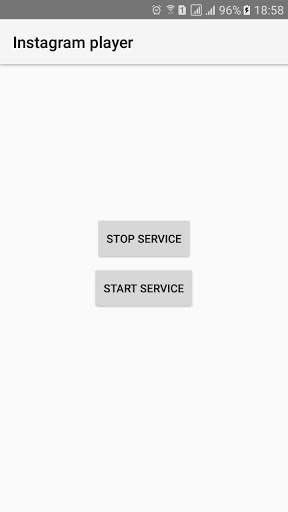
1 ။Open "Instagram Player" App
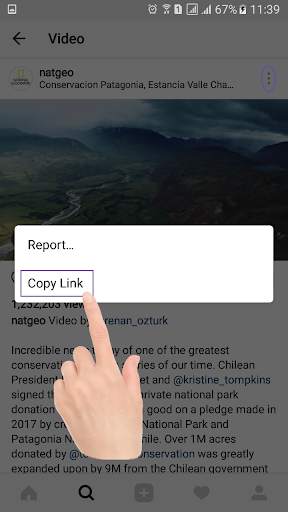
2 ။Start Service ကိုနှိပ်ပါ။"Instagram Player" App ကိုပိတ်ပါ။ 4 ။Instagram ကိုဖွင့်ပါ။ 5 ။မည်သည့်ဗွီဒီယိုရွေးစရာများမဆို နှိပ်. "Copy link" ကိုနှိပ်ပါ။
Control Instagram ဗီဒီယိုများ
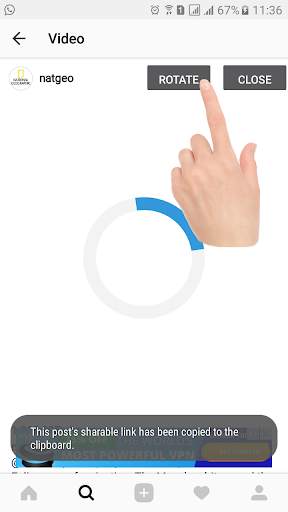
Video Turning function
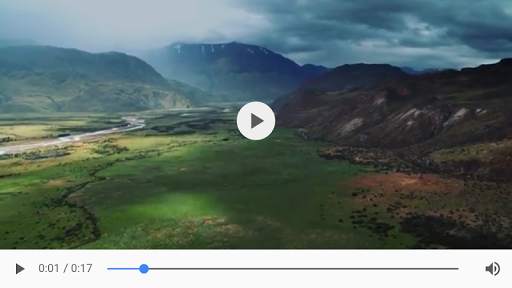
Video Pause Pausing function
How to use?
1. Click Start service
2. Close app
3. Open Instagram
4. Click any public video options then click 'Copy link' and wait 1 second for automatically open video player.
5. You can watch Instagram Video on fullscreen and you can rotate video
That's all Enjoy


