











DOWNLOAD IS NOT SUPPORTED IN WEB STORE!
Use the latest version of 9Apps to download APK&OBB file of games in one click!
DOWNLOAD 9APPS

使い方?
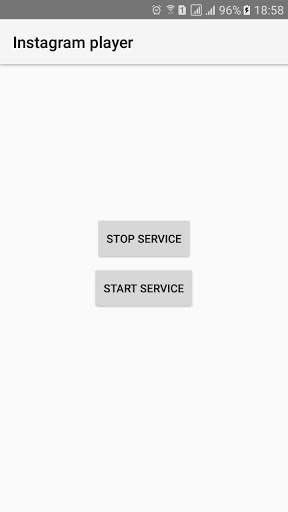
1。「Instagram Player」Appを開く
2。Start Service
3をクリックします。「Instagram Player」Appを閉じます。Instagramを開く
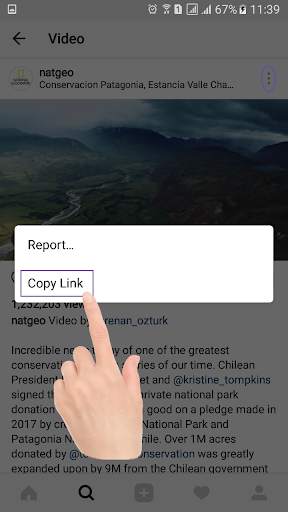
5。ビデオオプションをクリックして[コピーリンク "をクリックしてください。


How to use?
1. Click Start service
2. Close app
3. Open Instagram
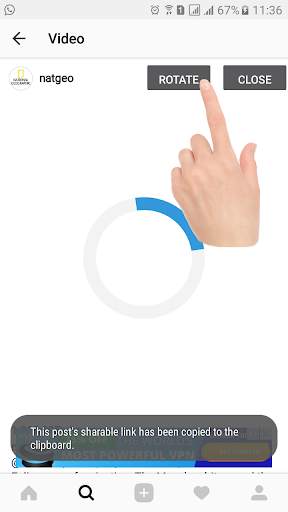
4. Click any public video options then click 'Copy link' and wait 1 second for automatically open video player.
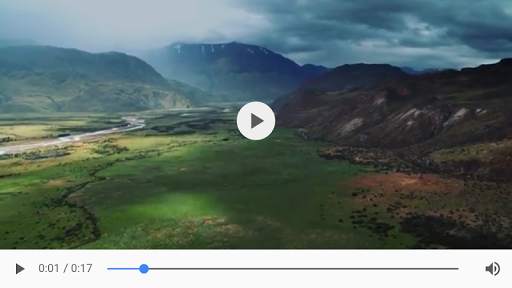
5. You can watch Instagram Video on fullscreen and you can rotate video
That's all Enjoy


