DOWNLOAD IS NOT SUPPORTED IN WEB STORE!
Use the latest version of 9Apps to download APK&OBB file of games in one click!
DOWNLOAD 9APPS
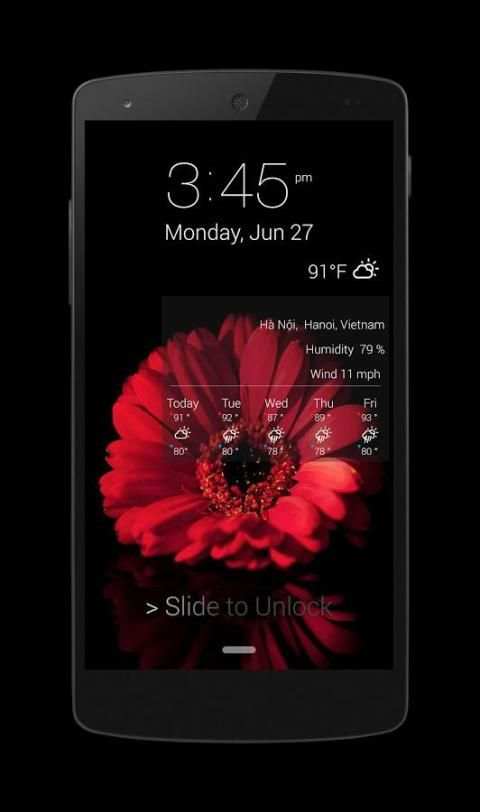
You 've known the latest OS10 with style peerage. But you do not have the means to own a phone 6or phone 7 . We will give you a great experience with OS10 style on your lock screen.
Now you install our app and enjoy the latest OS10
Lock Screen Security OS10 that measures to security your phone in the best way. Easy to manipulate with your phone from iControl Center, check notifications on the lock screen through iNoty
Features Locker Screen Security OS 10
:
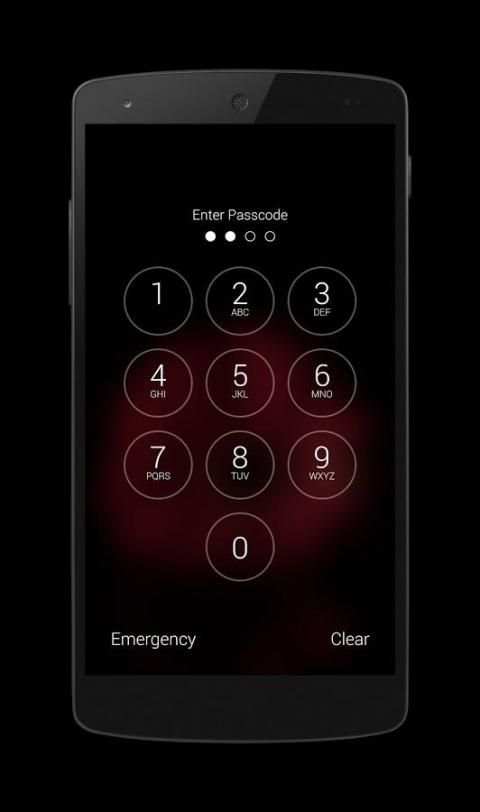
★ Locker Screen Security OS 10 security your phone with password, passcode
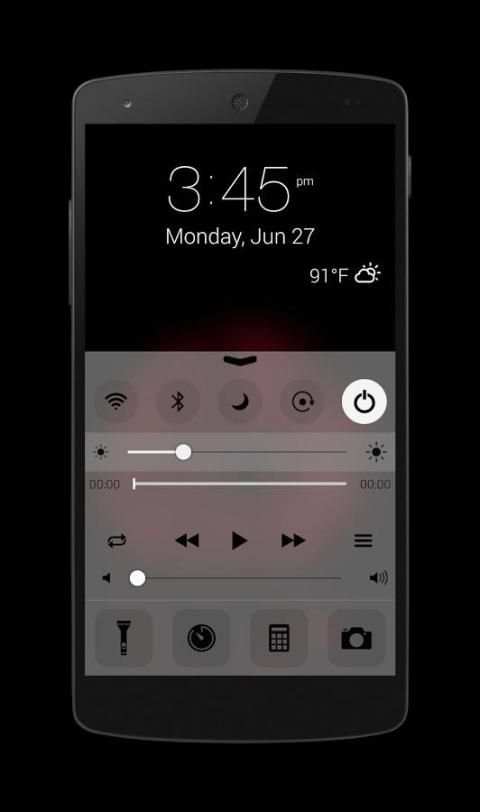
★ Control Center style OS 10, iNoty style OS 10
★ Slide to unlock
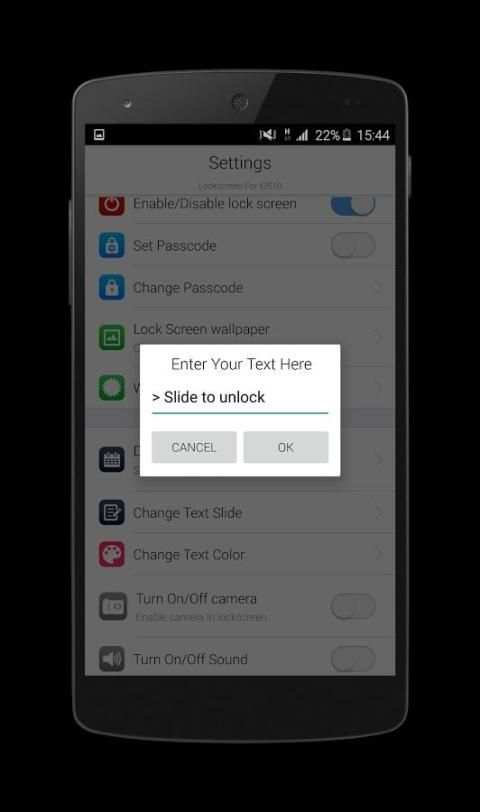
★ Change the slide to unlock text
★ Consume less memory and battery,simple, clean flat design and easy to use.
★ Set pincode or passcode easy with our application
★ Many beautiful wallpapers full HD from íOS9 wallpaper and ìOS 10 custom yourself your lock screen with style 9 completely free
★ Change text slide to unlock, example: "I love you" or "You are my sunshine" or " iLock Screen Security OS 10 is perfect and great ^^"
★ Support time format 12-Hour or 24-Hour
★ You can set your own personalized image from iGallery
★ You can fully customize your lock screen or use the our style iphonè 6, 6s and iPhonè 7
★ Enter your 4 -digit password to unlock the screen
★ You can slide to activate the iCamera
★ Read message and iNoty from Lock Screen
★ See weather style OS10, choose a city where you want to track weather
★ Working fine with Lock Screen Notification OS10
★ Tomorrow event to remind you of what to do tomorrow
★ Show carrier, signal strength and wifi signal.
★ Show battery percent, time date
★ Show miss call and message
★ Enable/Disable sound unlock
★ Enable/Disable iCamera
★ Smart Control support setting wifi, mobile data, bluetooth.
★ iControl support setting flash light, orientation
Smart Control
- Support setting for Airplane Mode
- Support Setting for Wi-FI
- Support Setting for Silent mode
- Support Setting for Data Connection
- Support Setting for Portrait Orientation Lock
- Support Setting for Screen Timeout
- Support Setting for Vibration Mode
- Support Setting for Bluetooth
- Support Setting for GPS
- Quick start to iFlashlight
- Quick start to iClock
- Quick start to iCalculator
- Quick start to iCamera
- Quick start to System settings
- Support slide to adjust the brightness
- Support select songs on iControl of iLocker
- Play music right on the screen lock with style íos 10
How to use Locker Screen Security OS 10
► Install our Locker Screen Security OS 10
► Open setting and enable iLocker
► Setting and change passcode, password
► Setting Lock Screen wallpaper style ÓS 10 or wallpaper ÓS 9
► Setting weather
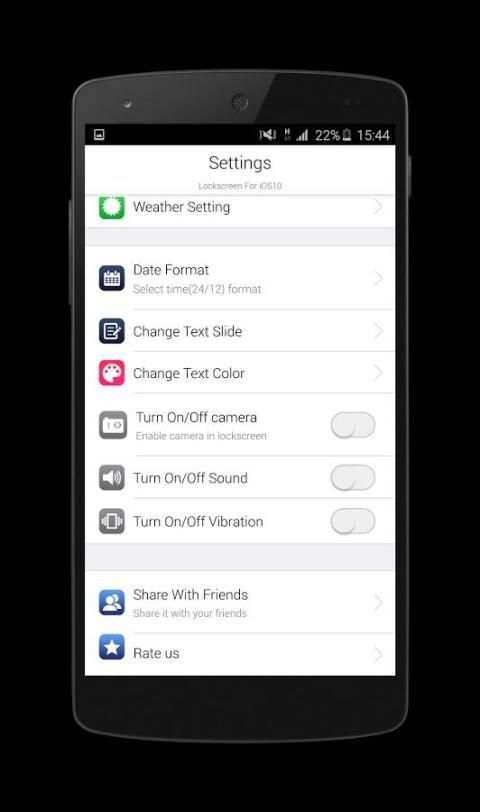
► Turn on/off iCamera, sound and vibration
► Change time format 12-hour or 24 hour
► Change text slide (default “Slide to unlock”), change text color
► Do not forget share and rate our app
Now download and enjoy this excellent app with Lock Screen ÓS 10 for íPhone 7 ! don't forget give us your comment, thanks !
![Notifications + Lock Screen Security - Samsung Galaxy S4 [How-To] screenshot 1](https://i.ytimg.com/vi/WKxszniaDVQ/mqdefault.jpg)
![Retain Swipe to Unlock Effects WITH Lock Screen Security - Samsung Galaxy S4 [How-To] screenshot 2](https://i.ytimg.com/vi/YF6W79-dFvg/mqdefault.jpg)