bittorrent remote on 9Apps

Free download latest bittorrent remote for Android here and enjoy it with your phone. Below you can download a list of top and latest apps related to bittorrent remote . 9APPS is a fast, safe app store. With 9APPS, you can save a lot of time on searching and downloading apps.

#1 BitTorrent® Remote
BitTorrent® Remote
Rating: star 3.0 | Version: 1.0.20111104 | Size: 340.9KB
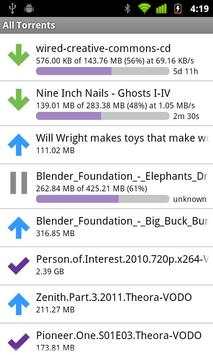
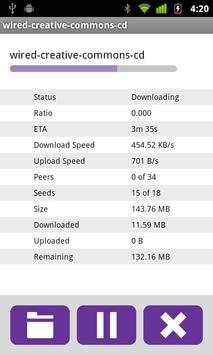
BitTorrent® Remote screenshot 1 BitTorrent® Remote screenshot 2 BitTorrent® Remote screenshot 3

Discover and download on your home computer from anywhere.
What is BitTorrent® Remote?
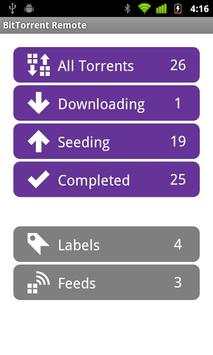
BitTorrent Remote is a simple and secure app that enables you to access BitTorrent on your home computer from anywhere. Just create an account from BitTorrent on your computer and you're done. There's no complicated network setup required.
Want to download torrents directly to your Android device?
Download BitTorrent® for Android here: http://bit.ly/1fWaXdi
Features:
Add, remove, start, stop downloads on your home computer
Check download progress
Check your RSS feeds
Automatically add torrents to your home BitTorrent client from your mobile browser
Shift completed downloads to your Android device for local playback
How do I get started?
View more detailed instructions at https://remote.bittorrent.com/signup
By downloading or using this app, you agree to the Terms of Use (http://www.bittorrent.com/legal/terms-of-use) and Privacy Policy (http://www.bittorrent.com/legal/privacy)
Support and feedback? btandroidremote@bittorrent.com

...

👉 For More Detail of BitTorrent® Remote

#2 BitTorrent®- Torrent Downloads

BitTorrent®- Torrent Downloads
Rating: star 4.5 | Version: 8.1.8 | Size: 34.5MB
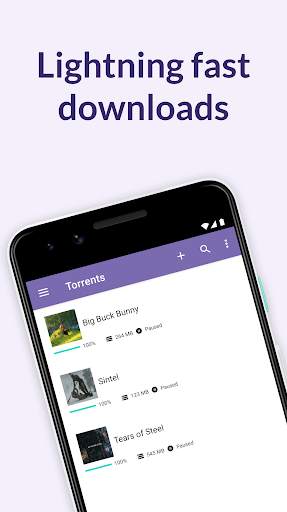
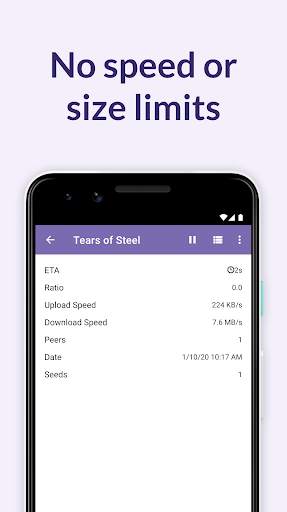
BitTorrent®- Torrent Downloads screenshot 1 BitTorrent®- Torrent Downloads screenshot 2 BitTorrent®- Torrent Downloads screenshot 3

Trova, Download (Torrent) & amp;Gioca a torrent sul telefono o sul tablet con l'app BitTorrent® ufficiale per Android.Ottieni il downloader torrent fantastico senza velocità di download o limiti di dimensioni del download.Ora scaricare torrenti sul tuo telefono è facile.
L'app BitTorrent per Android è un modo meravigliosamente semplice per scoprire, scaricare e riprodurre video/musica, ovunque.
L'app BitTorrent per Android hamigliori prestazioni, download più veloci e un'esperienza di torrenting mobile più incentrata sull'utente.
Abbiamo ascoltato il tuo feedback e aggiornato quest'ultima versione con -
✔ Design meravigliosamente leggero e pulito
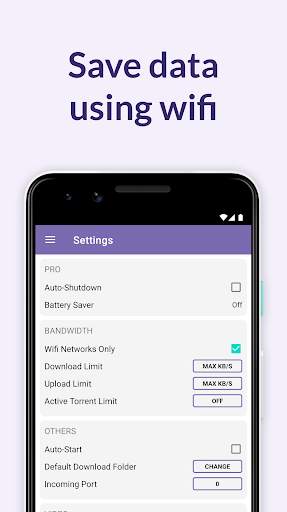
✔ Modalità Wifi -Solo ToRisparmia sui dati mobili
✔ Nessun limite di velocità e limiti di dimensioni
✔ Facile accesso ai tuoi media con librerie musicali e video integrate
✔ Seleziona file da scaricare all'interno di un torrent per ridurre al minimo l'impronta di archiviazione
✔Migliore esperienza di ascolto musicale e di visualizzazione video con musicisti integrati e video su lettori
✔ Auto-shutdown (Funzione Pro)
Altre caratteristiche:
✔ Scegli la posizione del download del file quando aggiungi un torrent
✔Scarica torrenti e collegamenti a magnete
✔ Scegli tra eliminazione solo torrent o torrents & amp;Files
✔ traduzioni in pусский, español, italiano, português do brasil
✔ Le ultime nella tecnologia di torrenting principale, continuamente aggiornati da ingegneri dedicati torrent core per massimizzare le prestazioni
✔ download di musica autorizzata e gratuita e video torrentiDai partner di contenuti di BitTorrent come Moby e Public Enemy-dall'inizio.
✔ Scaricato più di un file musicale in un torrent?Gioca tutti in una volta come playlist
✔ miglioramenti di download miglioramenti e stabilità.Ciò include la priorità canonica tra pari (riduce la lunghezza del luppolo tra te e i pari nello sciame torrent) e una gestione più rapida dei dati del collegamento magnetico
FAQ
Visita questa pagina: http://help.bittorrent.com/
Aiuto & amp;Support
Visita il forum BitTorrent all'indirizzo https://forum.bittorrent.com/forum/5-bitturrent-client/
BitTorrent
Seguici su Twitter
http://twitter.com/bittorrent
Feedback
Il tuo feedback è molto importante per noi.Si prega di inviare un'e -mail direttamente all'indirizzo btandroid@bittorrent.com se hai problemi o richieste.
-Il team mobile BitTorrent.
"Impegnato a costruire un futuro sostenibile per i contenuti".
Scaricando o utilizzando BitTorrent o UTorrent - Torrent Downloader Client, si accetta i Termini d'uso (http://www.bittorrent.com/Legal/Terms-of-use) e Privacy Information (http://www.bittorrent.com/legal/privacy)

...

👉 For More Detail of BitTorrent®- Torrent Downloads

#3 BitTorrent Now

BitTorrent Now
Rating: star 3.0 | Version: 1.1.0 | Size: 11.9MB
BitTorrent Now screenshot 1 BitTorrent Now screenshot 2 BitTorrent Now screenshot 3

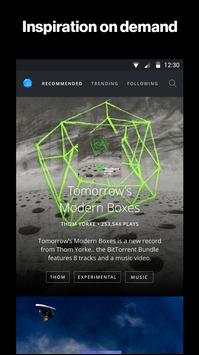
BitTorrent Now is the best place to experience music and video from the underground artists you don’t know about yet. We’re a rabbit hole of on-demand songs, stories, and more for fans looking for that next, best thing.
We built BitTorrent Now to bring awesome experiences to life. We’re dedicated to sharing the world’s original, experimental, and straight-up brave stories in a way that gives these creators a sustainable future for their art. When you see advertising, we share that revenue in a fair and transparent way with our creative community. Directly support the artists who you want to succeed.
With Now, you can:
- Experience it now or save it for later: browse and stream curated music and video recommendations from independent artists
- Check out what tracks, artists, and videos are trending within the Now community
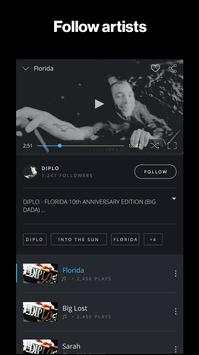
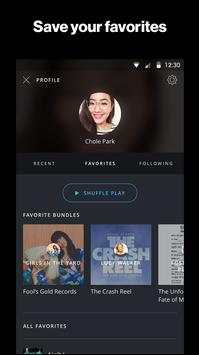
- Personalize your experience by signing in with Facebook, Google , or email to follow your favorite artists to get the scoop on their latest releases
- Explore categories by tag, genre, and more
- Share the awesome stories you’ve discovered with friends
- Uninterrupted listening with background play -- listen the way you want to

...

👉 For More Detail of BitTorrent Now

#4 BitTorrent Sync

BitTorrent Sync
Rating: star 3.0 | Version: 2.3.9 | Size: 10.6MB
BitTorrent Sync screenshot 1 BitTorrent Sync screenshot 2 BitTorrent Sync screenshot 3

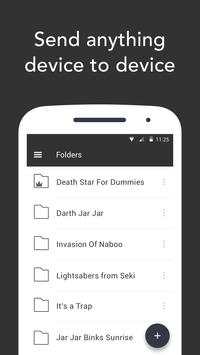
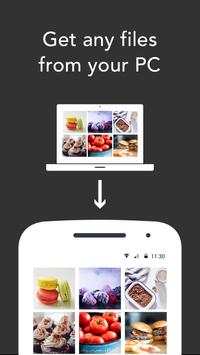
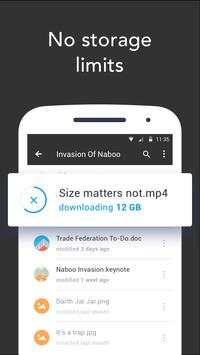
BitTorrent Sync, sviluppato da BitTorrent, ti permette di sincronizzare e condividere in modo illimitato file e cartelle su tutti i tuoi dispositivi. Sincronizza e condividi qualsiasi file! Foto, video, documenti di Word, PDF e qualsiasi altro tipo di file, di grandi o piccole dimensioni. Sync è in grado di gestire qualsiasi dimensione, senza limiti. Sincronizza tutti i gigabyte che desideri. BitTorrent Sync per Android ti consente di accedere a tutte le tue cartelle sincronizzate mentre sei in movimento!
Caratteristiche:
• Accedi a tutte le tue cartelle e file di Sync dal tuo dispositivo Android.
• Aggiungi foto, video, PDF o documenti dal tuo dispositivo Android a una qualsiasi delle tue cartelle di Sync.
• I trasferimenti di file sono crittografati e protetti da chiavi sicure.
• I tuoi dati non vengono mai archiviati su un server nel cloud.
Per ottenere le migliori prestazioni possibili ed evitare di far aumentare il costo del traffico dati durante la sincronizzazione dei dispositivi mobili, ti consigliamo di lasciare disattivata l'impostazione "Usa dati mobili".
BitTorrent Sync è un'applicazione di sincronizzazione personale dei file e non è quindi compatibile con le applicazioni di condivisione file via torrent, essendo invece più simile a Box e Dropbox.
BitTorrent Sync per Android non è compatibile con i dispositivi basati su Intel Atom ed è compatibile con le versioni desktop di BitTorrent Sync 1.1.27 e successive. Se non possiedi già questa versione, puoi scaricarla all'indirizzo: http://www.bittorrent.com/sync
Permessi:
Durante l'installazione, BitTorrent Sync chiederà i permessi necessari a cercare gli account presenti sul tuo dispositivo. Ciò è necessario per consentire l'invio di feedback e altre informazioni dall'applicazione al nostro team di sviluppatori. L'applicazione chiederà inoltre il permesso di accedere alla fotocamera per effettuare la scansione dei codici QR e alla connessione di rete e allo spazio di archiviazione per poter scaricare e memorizzare file sul telefono e sulla scheda SD. Per maggiori informazioni sui permessi richiesti puoi visitare il seguente indirizzo sul nostro sito Web: http://sync-help.bittorrent.com/customer/portal/articles/1695052-permissions-sync-requires-on-android-and-amazon-kindle
Stai cercando le risposte alle domande frequenti (FAQ) o una guida che ti aiuti a iniziare? Visita questo indirizzo: http://www.bittorrent.com/help/faq/sync
Hai bisogno di aiuto o vuoi inviare un feedback? Scrivi a syncapp@bittorrent.com oppure visita il forum di BitTorrent Sync su http://forum.bittorrent.com/forum/56-bittorrent-sync/
Clicca Mi piace su Facebook: http://www.facebook.com/bittorrent
Seguici su Twitter: http://twitter.com/bittorrentsync
Scaricando o utilizzando quest'app, accetti le Condizioni per l'utilizzo (http://www.bittorrent.com/legal/terms-of-use) e l'Informativa sulla privacy (http://www.bittorrent.com/legal/privacy).

...

👉 For More Detail of BitTorrent Sync

#5 Remote Link (PC Remote)

Remote Link (PC Remote)
Rating: star 4.1 | Version: 1.2m.4.150730_AD | Size: 8.6MB
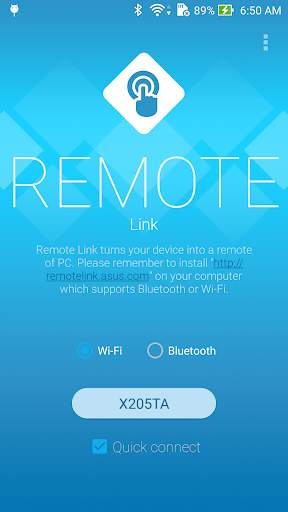
Remote Link (PC Remote) screenshot 1 Remote Link (PC Remote) screenshot 2 Remote Link (PC Remote) screenshot 3

【Remote control for your PC】
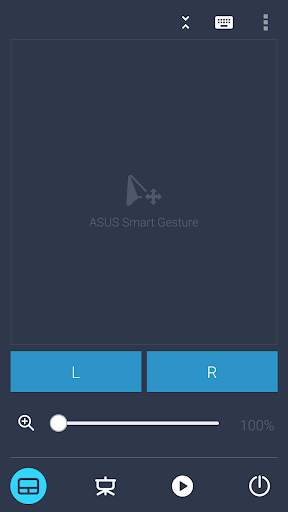
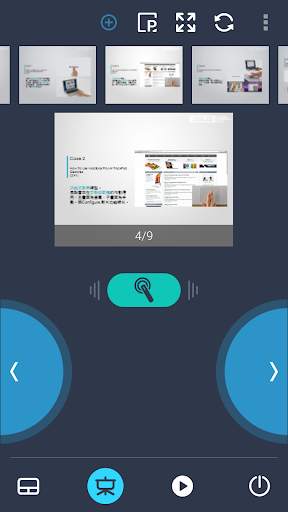
ASUS Remote Link turns your Android mobile phone or tablet into a WiFi or Bluetooth remote control for your PC. Including a touchpad remote, a keyboard remote, a presentation remote, a media remote and more.
【Touchpad with multi-touch gestures】
Touchpad remote turns your Android device into a wireless touchpad of PC which supports proper touch pad functions as well as ASUS Smart Gesture.
【Effortlessly control your slides】
In Presentation remote, it allows you to give a slick presentation. So easy! So professional!
【Sit back and enjoy music】
In Media remote, control your Windows Media Player of your PC among your finger tips.
【Android Wear】
When you connect your smartphone to your PC via WiFi or Bluetooth using ASUS Remote Link, and then connect ASUS ZenWatch to your smartphone, you can now remotely control your presentation using simple gestures on your ASUS ZenWatch.
With the ASUS Remote Link app, you can:
- Use voice commands to launch ASUS Remote Link on ZenWatch
- Swipe up or swipe down on ZenWatch to move forwards and backwards through your presentation slides.
【Notes】
- ASUS Remote Link requires a WiFi or Bluetooth connection between your PC and smartphone.
- Before using ASUS Remote Link, you must install ASUS Remote Link server on your PC. Go to http://remotelink.asus.com to download and install it on your computer.
【FAQ】
http://www.asus.com/zentalk/forum.php?mod=forumdisplay&fid=51&filter=typeid&typeid=96
【YouTube videos】
https://www.youtube.com/results?search_query=asus+%22remote+link%22

...

👉 For More Detail of Remote Link (PC Remote)

Search Results

1/20

You may like

DOWNLOAD IS NOT SUPPORTED IN WEB STORE!
Use the latest version of 9Apps to download APK&OBB file of games in one click!
DOWNLOAD 9APPS