
DOWNLOAD IS NOT SUPPORTED IN WEB STORE!
Use the latest version of 9Apps to download APK&OBB file of games in one click!
DOWNLOAD 9APPS
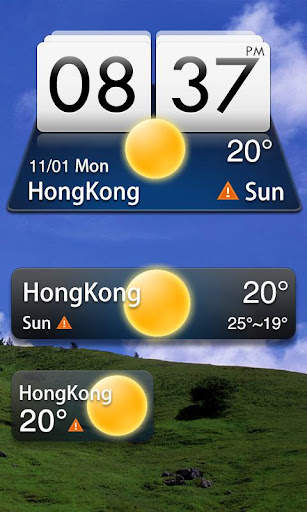
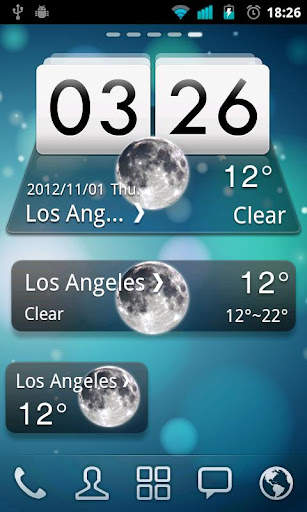
MIUI Style widget, supports 4*1, 4*2, 2*1 sizes. It delivers the most accurate weather information from anywhere at any time.
GO Weather EX
- To Be Your Best Weather Prophet Forever!
◆How to apply the theme?
1. Make sure you have installed the latest version of GO Weather EX
2. Open the GO Weather EX->Press the themes->Click the "Installed" Tab->Click the "Widget"
3. Find the theme you have installed in "Widget" and click to apply it.
4. GO to the launcher homescreen and add the goweatherex system widget
◆How to add a Systerm Widget?
1. Press “menu”- choose “add”-choose “Widgets”-Find GO Weather EX
2. Make sure you have enough space for placing the widgets


1. (Fixed)The theme can not be applied!



Facebook Lite
4.02.5MB

Candy Crush Saga
4.491.1MB

Offline Music Mp3 Player- Muso
4.535.9MB

imo beta -video calls and chat
4.394.0MB

ShopClues
3.816.4MB

Stickman Fighting
3.059.6MB

Talking Tom
3.963.0MB

Temple Run 2
4.4122.1MB

Dearmet: Video Chat, Live Talk
4.043.4MB

Quikr – Search Jobs, Mobiles,
4.120.8MB