





DOWNLOAD IS NOT SUPPORTED IN WEB STORE!
Use the latest version of 9Apps to download APK&OBB file of games in one click!
DOWNLOAD 9APPS
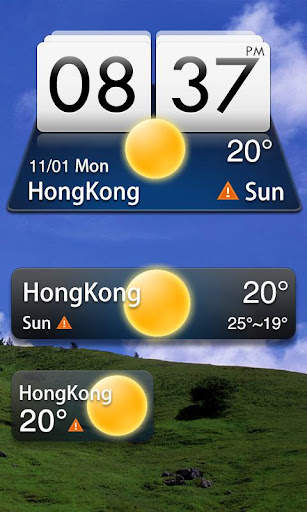
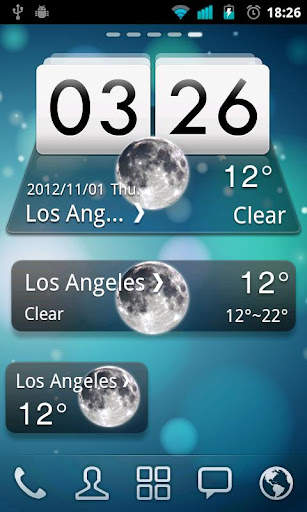
MIUI Style widget, supports 4*1, 4*2, 2*1 sizes. It delivers the most accurate weather information from anywhere at any time.
GO Weather EX
- To Be Your Best Weather Prophet Forever!
◆How to apply the theme?
1. Make sure you have installed the latest version of GO Weather EX
2. Open the GO Weather EX->Press the themes->Click the "Installed" Tab->Click the "Widget"
3. Find the theme you have installed in "Widget" and click to apply it.
4. GO to the launcher homescreen and add the goweatherex system widget
◆How to add a Systerm Widget?
1. Press “menu”- choose “add”-choose “Widgets”-Find GO Weather EX
2. Make sure you have enough space for placing the widgets





1. (Fixed)The theme can not be applied!


