

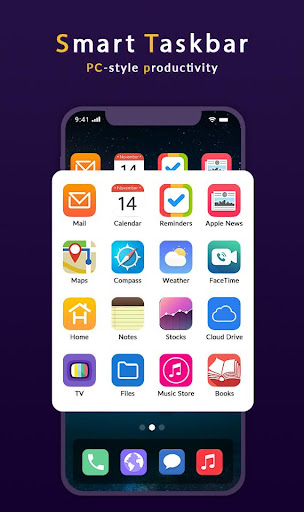
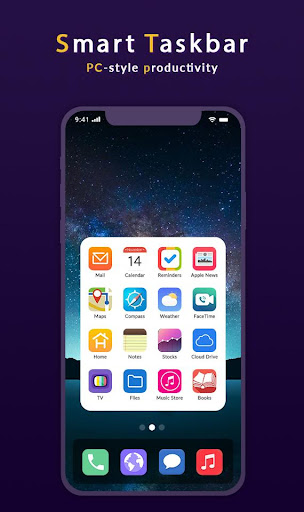
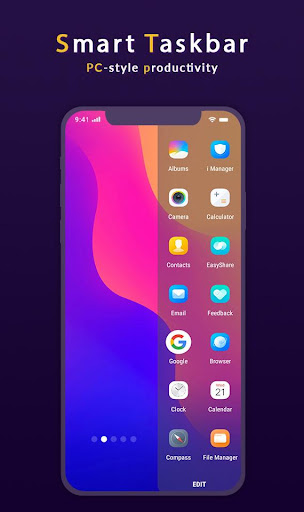
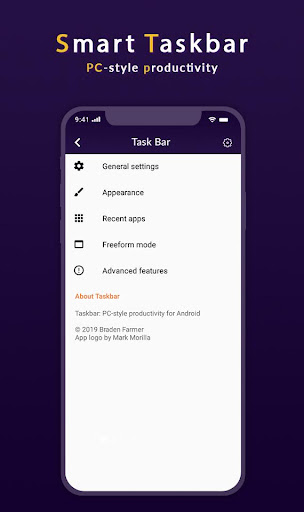
Taskbar puts a start menu and recent apps tray on top of your screen that's accessible at any time, increasing your productivity and turning your Android tablet (or phone) into a real multitasking machine]
[On devices running Android 7.0+, Taskbar can also launch apps in freeform windows for a PC-like experience! No root required! (see below for instructions)]
[Taskbar is also fully supported on Chrome OS - use Taskbar as a secondary Android app launcher on your Chromebook!]
Features:
:- Start menu - shows you all applications installed on the device, configurable as a list or as a grid........
:-Recent apps tray - shows your most recently used apps and lets you easily switch between them........
:- Collapsible and hideable - show it when you need it, hide it when you don't.......
:-Many different configuration options - customize Taskbar however you want..........
:- Pin favorite apps or block the ones you don't want to see.........
:- Designed with keyboard and mouse in mind..........
:- 100% free, open source, and no ads..........
[Enjoy This App]



9Apps 4.9














