DOWNLOAD IS NOT SUPPORTED IN WEB STORE!
Use the latest version of 9Apps to download APK&OBB file of games in one click!
DOWNLOAD 9APPS

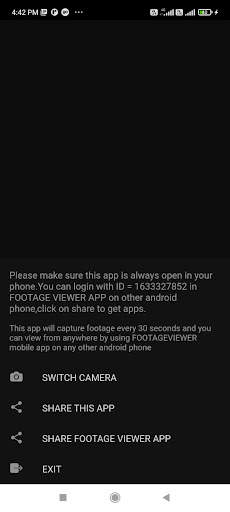
To use this app :-
So , Install this app in your android phone which you want to make as camera . Steps are following for camera app:-
1.Install CCTV CAMERA app in your android phone.
2.after installing ,open that app, an ID will generate , note down that id .
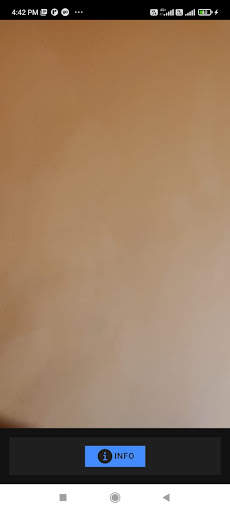
3. next after clicking OK , it will ask the permission for the camera , allow them and camera will be open , there is option to select rear and front camera .
4.make sure phone will never lock and camera is always open. It will send footage every 30 seconds
steps for viewing FOOTAGE captured by CCTV camera app are following:-
1. open https://niksviks.in/footageviewer/www on other phone or any computer
2.enter id , which you noted in CCTV camera app.
3. and click refresh button you will see the footage.
every time you click refresh , you will see updated footage .Make sure you click after 30 seconds.