











DOWNLOAD IS NOT SUPPORTED IN WEB STORE!
Use the latest version of 9Apps to download APK&OBB file of games in one click!
DOWNLOAD 9APPS
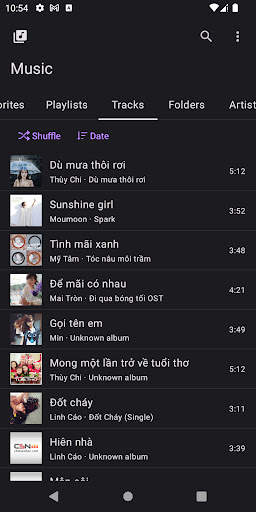

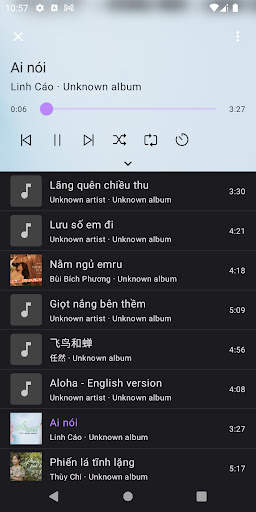
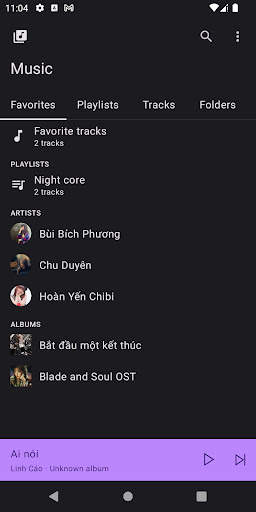
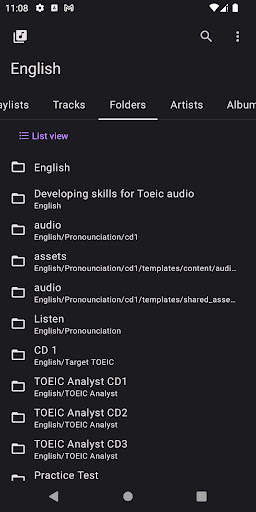
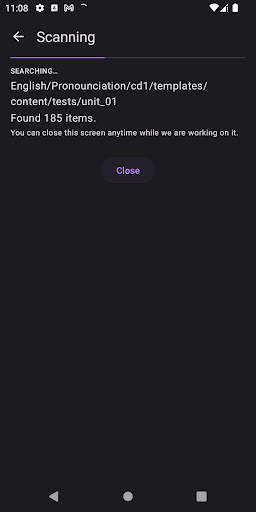
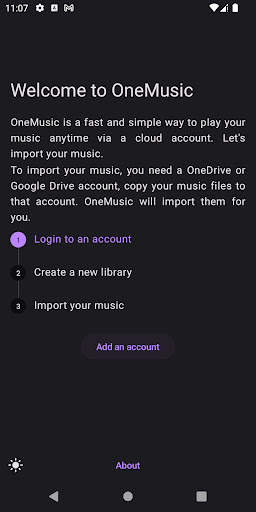
With OneMusic, you can play your music anytime and anywhere. Just copy your music files to an OneDrive or Google Drive account, log in to the account and import them by OneMusic. Your music will be available on this device.
The design of OneMusic is fast and simple.
FEATURE
Support multiple accounts and multiple libraries.
Synchronize your music automatically.
Manage music by Tracks, Favorites, Artists, Albums, Genres, Playlist and Folders. Sort music by track number, title, date added, artist or album.
Continuous mode: keep the progress of playlist or folders and then continue playing at the position last time you left. It is useful for studying English or listening Podcast. Navigate to Libraries > Pick a library > Check Continuous Mode to enable it.
Offline mode to play anytime or online mode to save internal storage.
Gapless playback and crossfade between tracks.
Set timer to stop playing music.
NOTES
OneMusic is not designed for playing local music, but if you have any ideas or concerns, please contact us.
We only support OneDrive and Google Drive accounts at this time, more accounts will be available when we have more resources.
OneMusic works without any servers, all data are only stored in this device.


