














DOWNLOAD IS NOT SUPPORTED IN WEB STORE!
Use the latest version of 9Apps to download APK&OBB file of games in one click!
DOWNLOAD 9APPS

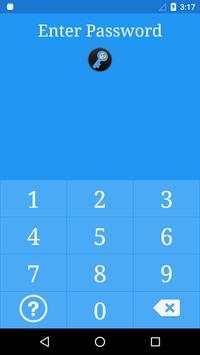
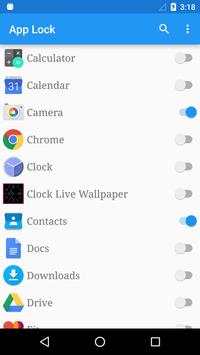
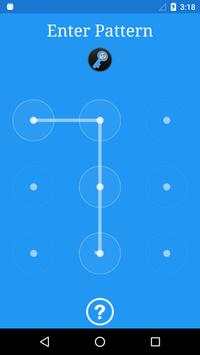
App lock is security tool which helps you to protect your phone from annoying people by locking your applications from public access,
only you will be able to unlock them again.With App lock you can lock your applications using either Password or Pattern Lock.
1) How to change password?
App Lock, click setting icon,Change Password or Pattern
2) How to stop other people uninstall App Lock?
Please enable Advanced Protection in settings of App Lock, so nobody can uninstall or kill App Lock without password.
You can disable Advanced Protection in settings
3) How to uninstall App Lock?
After you enable Advanced Protection, nobody can uninstall App Lock without password. If you want to uninstall it, open App Lock, click setting icon , tap the uninstall .
4) I forgot my password,How to find it?
Tap to help icon on Password or Pattern Lock.
If you remember security answer, you can reset your password by security answer.
Enter your security answer and Reset your password or pattern
---- Features ---
• Protects any apps using password or pattern
• Customize background, set your favorite photo
• Lock system Settings
• App Lock can be prevented from being uninstall
Fix Bug


