









DOWNLOAD IS NOT SUPPORTED IN WEB STORE!
Use the latest version of 9Apps to download APK&OBB file of games in one click!
DOWNLOAD 9APPS
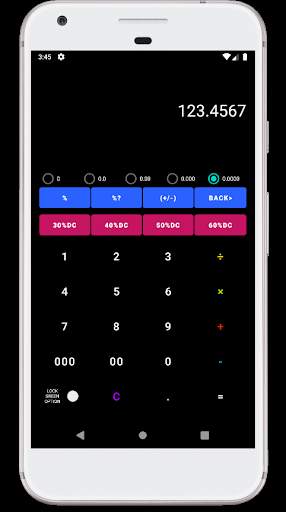
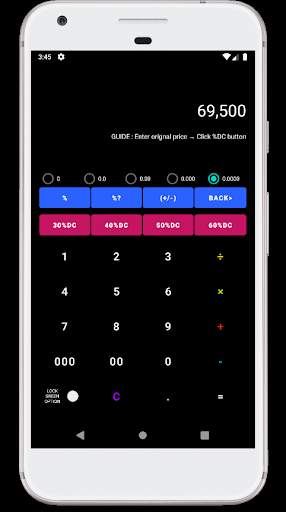
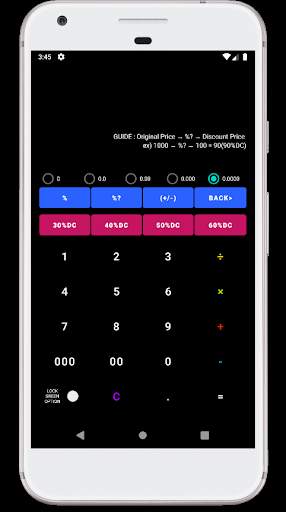
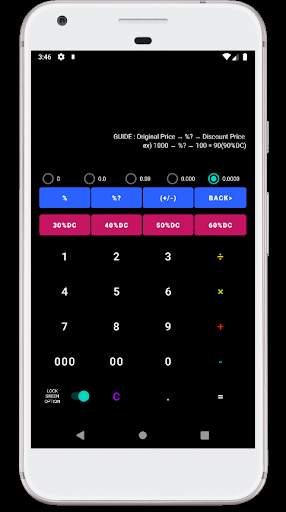
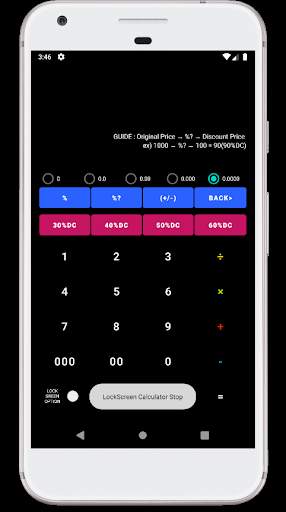
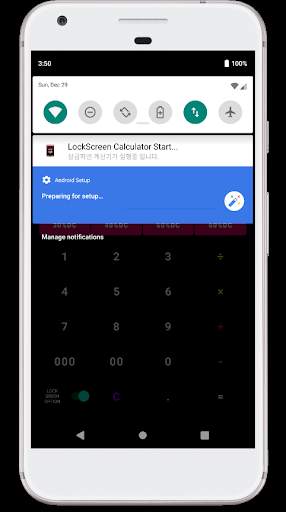
Stop using the calculator you use after you unlock your smartphone.
You can use it like a normal calculator.
You can quickly and easily calculate the price.
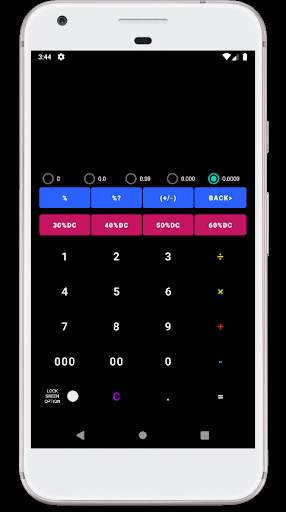
1. %? function : Calculate the discount rate against the cost. The unit is %.
2. (+/-) function : After entering the amount, press the (+/-) function key to change the sign.
3. BACK> function : You can delete numbers one by one from the back.
4. 30%DC, 40%DC.. function : After entering the amount, press the function key to display the discounted amount.
5. Decimal places function : The number of decimal places is expressed up to 4 digits.
6. LOCK SCREEN OPTION function : You can use the calculator without unlocking the lock screen.
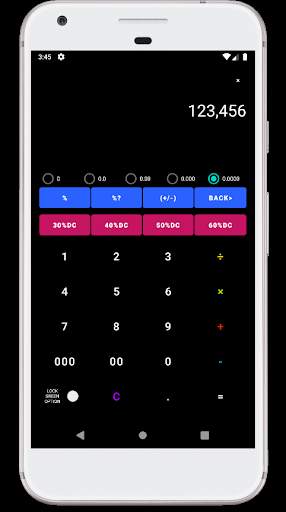
7. Pressing an operation symbol displays the operation symbol in the upper right corner.
* Please tell us what you want new function. And email me if there is an error. Thank you.


1. When entering a BACK> key, the data previously entered is not erased.
2. Button design change.


